

If you’re considering Moniterro for location tracking, you probably want one thing: reliable location updates—not a “pretty map” that freezes the moment you actually need it.
This review focuses on what matters in real use: how real-time GPS behaves, where Wi-Fi data helps (and where it doesn’t), whether history/routes are useful for routines, and how to set it up so tracking doesn’t quietly stop after a phone update.
For broader context first, see our comparison guide: Best GPS tracker apps for Android & iPhone.
Short on time? Quick verdict
- Best for: parents who want a straightforward location tracker and will keep setup/permissions stable.
- Where it helps: routine confirmation (school → practice → home) and “is the phone roughly here?” checks.
- Where it can disappoint: indoor GPS drift and delayed updates when the phone restricts background activity.
- If you want a stronger all-in-one suite: mSpy. If you want a locator-first feel: uMobix. If you want the simplest dashboard: Eyezy.
Sections: Checklist | Verdict | Comparison table | What really matters | Best for your situation | Setup tips | Reviews | Legal notes | FAQ
60-second decision checklist
- Define your goal: live location “right now,” history/routes, or boundary alerts?
- Expect indoor drift: inside buildings, pins can jump—Wi-Fi/cell positioning helps but isn’t perfect.
- Stability matters more than features: background/battery restrictions are the #1 cause of “stopped updating.”
- Use routines, not micromanagement: location history is healthier than checking the live map 20x/day.
- Keep alerts minimal: 2–4 geofences (home/school/activity) beats a noisy setup.
- Legal/ethical: use only on a device you own/manage or have explicit permission to supervise (typically a child’s phone).
Verdict: is Moniterro a good location tracker?
Moniterro can be a good fit if you want a practical location tracker and you’re willing to do the boring-but-important part: keep permissions, background activity, and connectivity stable.
Moniterro is not the best pick if you want the most robust “everything in one dashboard” experience. In that case, look at mSpy (suite approach) or uMobix (locator-first feel).
Try Moniterro Compare uMobix GPS Locator
Comparison table: Moniterro vs the alternatives parents compare
| App | Best for | Live location reliability | History/routes | Wi-Fi data use | CTA |
|---|---|---|---|---|---|
| Moniterro | Parents who want a practical tracker | Good when setup stays stable | Useful for routines | Helps indoors (not perfect) | Moniterro |
| mSpy | GPS inside a full safety suite | Strong suite-level approach | Strong (pattern tracking) | Helps indoors (not perfect) | mSpy GPS |
| uMobix | Locator-first families | Strong when permissions are right | Good enough for routines | Helps indoors (not perfect) | uMobix |
| Eyezy | Simplest daily “check the map” routine | Good for calmer use | Yes (lightweight) | Helps indoors (not perfect) | Eyezy |
What really matters with Moniterro location tracking
1) “Real-time” means “often enough,” not “every second”
Most parents don’t need second-by-second tracking. What you actually need is: when the phone changes location, the map catches up reasonably fast and doesn’t freeze for hours or days.
When updates lag, it’s usually because the device is offline, in battery saver mode, or the OS is restricting background activity—not because GPS is “broken.”
2) Wi-Fi data helps indoors, but doesn’t remove drift
Wi-Fi/cell data can improve positioning inside buildings where GPS is weak (schools, malls, apartments). But you’ll still see occasional map jumps. Use location as context, not as courtroom evidence.
3) Location history is the feature that reduces stress
Live maps make parents anxious. Location history is healthier because it confirms routines: school → practice → home looks normal; school → unknown stop is a calm conversation starter.
4) Alerts/geofences: keep it minimal
If Moniterro offers boundary-style alerts, don’t overdo it. A good setup is:
- Home (enter/leave)
- School (enter/leave)
- One activity location (optional)
Tip: use a reasonable radius to avoid false alerts from indoor drift.
Best for your situation
- You want a practical tracker and will keep setup stable: Moniterro.
- You want the strongest all-in-one parent dashboard: mSpy (suite approach).
- You want a locator-first GPS experience: uMobix GPS Cell Phone Locator.
- You want the simplest daily map checks: Eyezy GPS Tracking.
Related guides that help match the tool to the job:
- Best GPS tracker apps for Android & iPhone
- Best family phone locator apps
- Best apps to find a lost or stolen phone
Setup tips & common issues (so location doesn’t “stop updating”)
Tip 1: Fix Android battery/background restrictions first
Android phones often “optimize” background apps too aggressively. If Moniterro location starts lagging, background restrictions are the first thing to check.
Helpful internal guide: Android install workflow (reduce breakage).
Tip 2: After major updates, do a 2-minute check
OS updates can change permissions and background behavior. A quick post-update check prevents weeks of silent failure.
For iPhone workflows: Safe iPhone monitoring setup.
Tip 3: Don’t panic over small pin jumps
In large buildings, the pin can bounce. Use a wider “safe zone” radius and focus on routine-level signals.
Tip 4: Lost phone vs family tracking are different use cases
If your goal is “I lost my phone,” start here instead:
Reviews
Moniterro — Location tracking (Real-time GPS + Wi-Fi data)

Description
Moniterro is best seen as a practical location tracker for parents: confirm current location, use history to validate routines, and (if available) set a small number of alerts so you don’t constantly check the map.
Product highlights
- Real-time-ish location visibility (depends heavily on stable setup)
- Wi-Fi/cell data can help indoors (still not perfect)
- Location history for routines and patterns
What’s to like
- Good for routine confirmation (school/activities/home)
- Wi-Fi positioning helps where GPS is weak
- Works best when you keep permissions/background stable
What’s not to like
- Indoor drift can cause false “micro-moves”
- Delayed updates happen when the phone restricts background activity
- Too many alerts creates noise and frustration
PROS
- Practical parent use case
- History is genuinely useful when you focus on patterns
CONS
- Reliability depends on setup stability
- Not a perfect “real-time indoor tracker” (no app is)
If you’re using Moniterro mainly for social apps too, see related Moniterro guides:
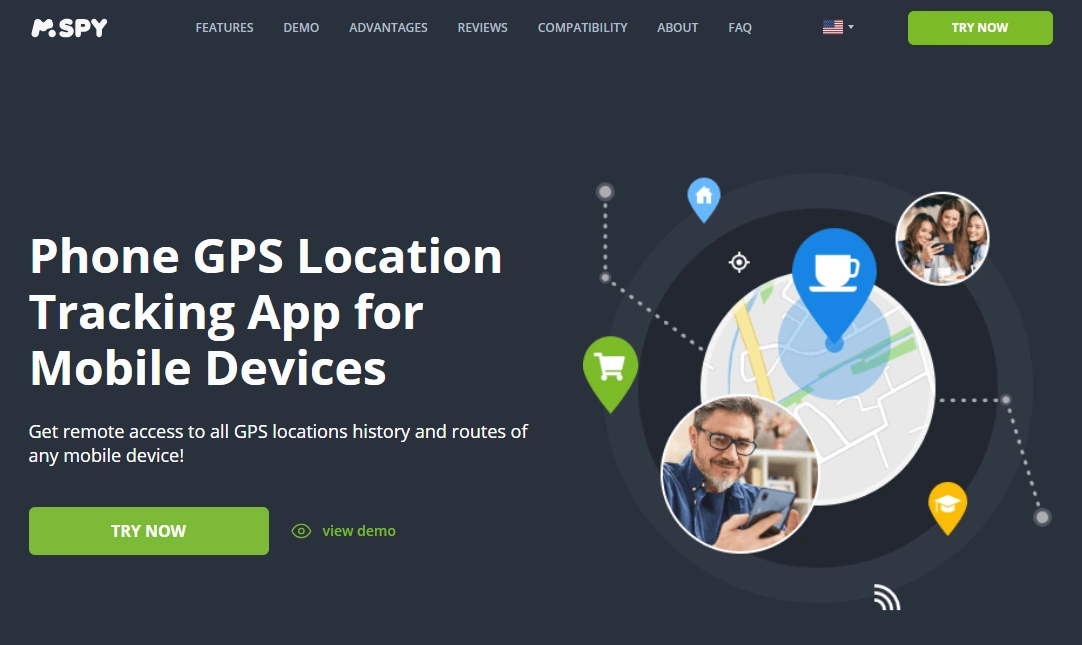
mSpy — GPS Tracking (strong suite alternative)
Description
If you want GPS tracking as part of a broader parent dashboard (not just location), mSpy is often the strongest alternative—especially for routines, routes, and low-stress alerts when configured minimally.
Product highlights
- GPS tracking inside a full monitoring suite
- Great for patterns (history/routes)
- Pairs well with a broader safety plan
What’s to like
- Best “suite” choice when GPS is only one piece
- Good for long-term family routines
What’s not to like
- More features than some parents want
- Still subject to indoor drift and offline gaps
PROS
- Strong overall dashboard
- Great for parent oversight routines
CONS
- Not the simplest “GPS-only” option
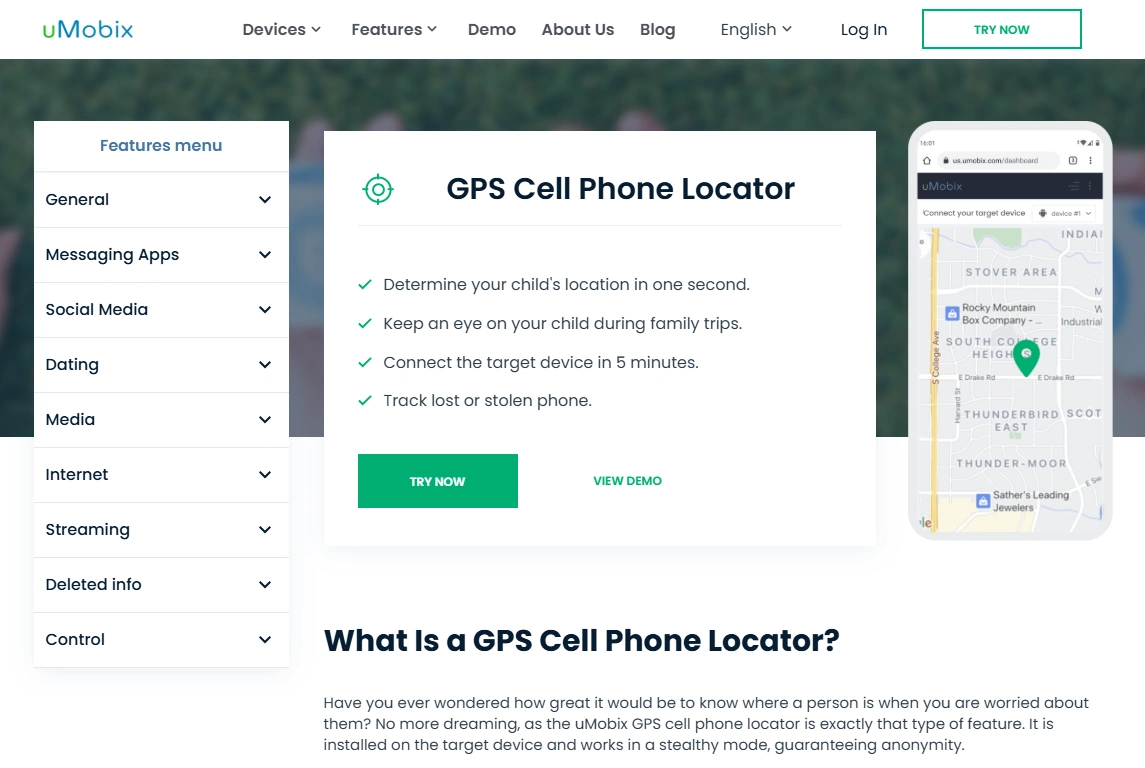
uMobix — GPS Cell Phone Locator (locator-first alternative)
Description
uMobix is a better match when you mainly want a locator-style GPS experience—simple to understand, easy to check, and focused on location visibility rather than a full suite.
Product highlights
- Locator-first positioning
- Good for routine confirmation
- Works best with stable access/permissions
What’s to like
- Very clear “phone locator” vibe
- Good alternative if Moniterro feels too broad
What’s not to like
- Still subject to OS restrictions and indoor drift
PROS
- Locator-first simplicity
CONS
- Less “suite depth” than mSpy
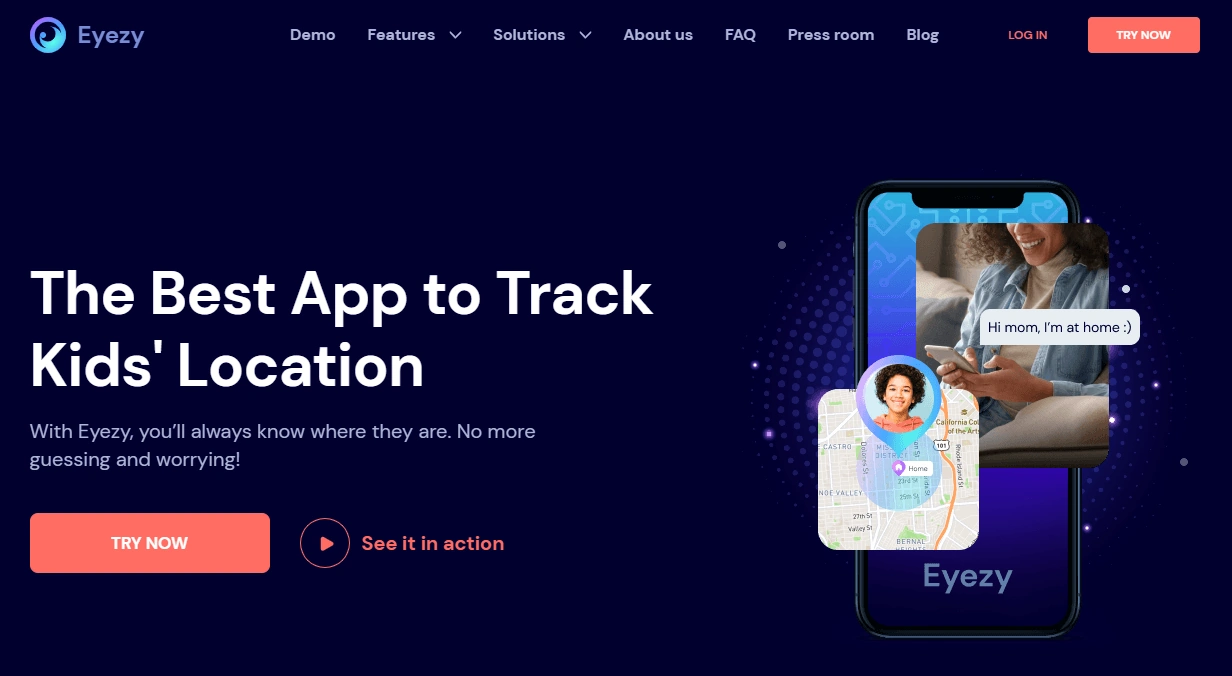
Eyezy — GPS Tracking (simplest dashboard alternative)
Description
Eyezy is a strong alternative if your priority is the simplest daily routine: open the dashboard, check the location, and move on—less overwhelm, more “signal.”
Product highlights
- Parent-friendly GPS tracking experience
- Good for calm daily check-ins
- Best with stable permissions/access
What’s to like
- Simple experience for busy parents
- Good “routine monitoring” fit
What’s not to like
- Still subject to indoor drift and background restrictions
PROS
- Least overwhelming option
CONS
- Not as deep as suite tools
Legal notes
Use location tracking only when you’re legally authorized—typically for your own device or your minor child’s device that you manage as a parent/guardian. Tracking other adults without consent may be illegal and harmful.
FAQ
Does Moniterro show real-time location?
Moniterro can show live location updates, but “real-time” depends on connectivity, permissions, and whether the phone allows stable background activity. If the device is offline or heavily restricted, updates will lag.
How does Wi-Fi data help with location tracking?
Wi-Fi/cell positioning can improve location estimates indoors where GPS is weak. It helps reduce “no signal” situations, but it won’t eliminate all drift—pins can still jump inside large buildings.
Is location history useful for parents?
Yes. Location history is often more useful than a live map because it confirms routines and patterns without encouraging constant checking.
Why does location tracking stop updating?
The most common reasons are battery/background restrictions, disabled location permissions, poor connectivity, or major OS updates. A quick post-update check helps prevent long “silent failure” periods.
What’s the best alternative to Moniterro for GPS tracking?
If you want GPS inside a full safety dashboard, mSpy is a strong alternative. If you want a locator-first experience, uMobix fits well. If you want the simplest daily dashboard, Eyezy is a great pick.