

Losing an Android phone is usually a race against time: battery drops, the device goes offline, the SIM may be swapped, and a factory reset can kill most tracking options.
This guide focuses on what works in real life: the fastest “find it now” steps, the best types of tracker apps (built-in vs third-party), and when a GPS monitoring app is actually useful (for phones you own or manage).
If you want a broader approach (Android + iPhone) or family-focused tracking, you might also like: How to Monitor a Lost or Stolen Phone and Best GPS Tracker Apps for Families.
Short on time? Quick verdict
- Best “right now” recovery (free): Use Google’s built-in Android device finding tools + secure your account immediately.
- Best for family phones (prevention): A family locator app with alerts + location history is often more helpful than “panic tracking” after the phone is gone.
- Best if you need location history + geofences (for a phone you manage): GPS monitoring apps can help if they were installed before the phone was lost.
Quick jump: 60-second checklist · Verdict · Comparison table · What really matters · Best for your situation · Setup tips & common issues · App reviews · Legal notes · FAQ
60-second decision checklist
- Was the phone already set up for finding? If yes, start there first. If not, skip to account security + carrier actions.
- Can you still access the Google account tied to the phone? If you can’t, recover it immediately (password + 2FA).
- Is the phone online (data/Wi-Fi) and location enabled? If it’s offline, prioritize steps that protect your data and prepare for when it reconnects.
- Is the phone likely nearby (home/office/car)? Use “ring/alert” actions and check recent locations before doing anything destructive.
- Do you suspect theft? Lock the device, change passwords, contact your carrier, and file a report if needed.
- Do you need prevention for next time? Set up family locator + backups + “offline finding” features today—after a loss it’s often too late.
Verdict: which option fits you
If you lost your phone today
Use built-in Android/Google recovery tools first, then secure accounts + carrier steps. Third-party apps help most when installed before the phone goes missing.
If you manage a family phone
Choose a locator/tracker with location history, alerts, and battery-friendly tracking—prevention beats panic-mode searching.
If you need extra GPS features
A GPS monitoring tool can add history, alerts, and reporting—use only for devices you own or are authorized to manage.
Optional GPS monitoring tools (for phones you own/manage):
Check mSpy GPS options Check Eyezy GPS options Check uMobix Android Tracker
Comparison table
This table mixes “built-in recovery” and “pre-installed tracking” options—because in real life you often need both mindsets.
| App / method | Best for | Strength | Limitations | Must be set up before? |
|---|---|---|---|---|
| Google/Android built-in device finding | Fast recovery + securing data | Ring/locate/lock features (when online) | Offline phone = limited; reset can end tracking | Usually yes |
| Manufacturer ecosystem (Samsung/others) | Brand-specific devices | Deep system integration | Depends on account settings + device model | Yes |
| Family locator apps | Kids/family phones | History, alerts, “last seen” patterns | Needs ongoing permissions + battery care | Yes |
| Bluetooth tag ecosystems | Phone lost nearby / in a bag | Great for “misplaced” recovery | Not a true GPS tracker by itself | Yes |
| mSpy (GPS tracking) | Managed phones + location history | GPS logging, reporting, monitoring bundle | Not a magic “find any lost phone” button | Yes |
| Eyezy (GPS tracking) | Parents wanting alerts + location | Location features + broader monitoring | Depends on setup + permissions | Yes |
| uMobix (Android tracker) | Android tracking bundle | Tracking features as part of suite | Requires prior install and access | Yes |
What really matters when trying to find a lost Android
1) Account access beats “best app”
If you can’t access the Google account tied to the phone, you’re stuck. Recover the account immediately, change passwords, and lock down your 2FA.
2) Online vs offline is everything
Most “find my phone” actions require the device to connect to the internet. If the phone is offline, your best move is to secure data and prepare for the moment it reconnects.
3) Permissions and battery settings decide reliability
Many Android phones aggressively “sleep” apps to save battery. If a tracker app isn’t excluded from battery optimization, it may stop updating location in the background.
4) After a factory reset, almost nothing survives
If someone resets the phone, third-party apps usually disappear and built-in tracking may stop (depending on device/account settings). That’s why early action matters.
For a more structured decision process, see: How to Choose the Right Android Monitoring App and (for setup best practices) How to Set Up an Android Monitoring App Safely and Legally.
Best for your situation
- I lost my phone somewhere at home: Use ring/alert actions first, then check last known location history.
- I think it’s stolen: Lock the device, change passwords, contact your carrier, and consider filing a report.
- I’m managing a kid’s phone: Use a family locator + teach a simple “lost phone routine” (ring, lock screen message, trusted contact).
- I need location history over time: Use a GPS monitoring tool only for devices you own/manage (installed beforehand).
If you’re looking specifically for family-oriented locator options, continue here: Best Family Phone Locator Apps and Best GPS Tracker Apps for Android.
Setup tips & common issues (so tracking actually works)
Allow “Always” location access (where possible)
For trackers to update in the background, they typically need continuous location permission and background activity allowed.
Exclude the tracker from battery optimization
If the phone has aggressive battery settings, tracking may stop after a few hours. Excluding the app helps keep location updates consistent.
Turn on lock screen protections
Use a strong PIN/password and enable biometrics. Even basic lock screen protection buys you time.
Don’t “wipe” too early
Remote wipe can protect data, but it also destroys your ability to ring/locate. If the phone might be nearby, try recovery steps first.
Reviews: GPS monitoring tools (for phones you own or manage)
Important: These tools are not a magical way to “track any lost phone.” They’re most useful when installed on a phone you own/manage before it goes missing—especially for family devices.
mSpy — GPS Tracking
Description
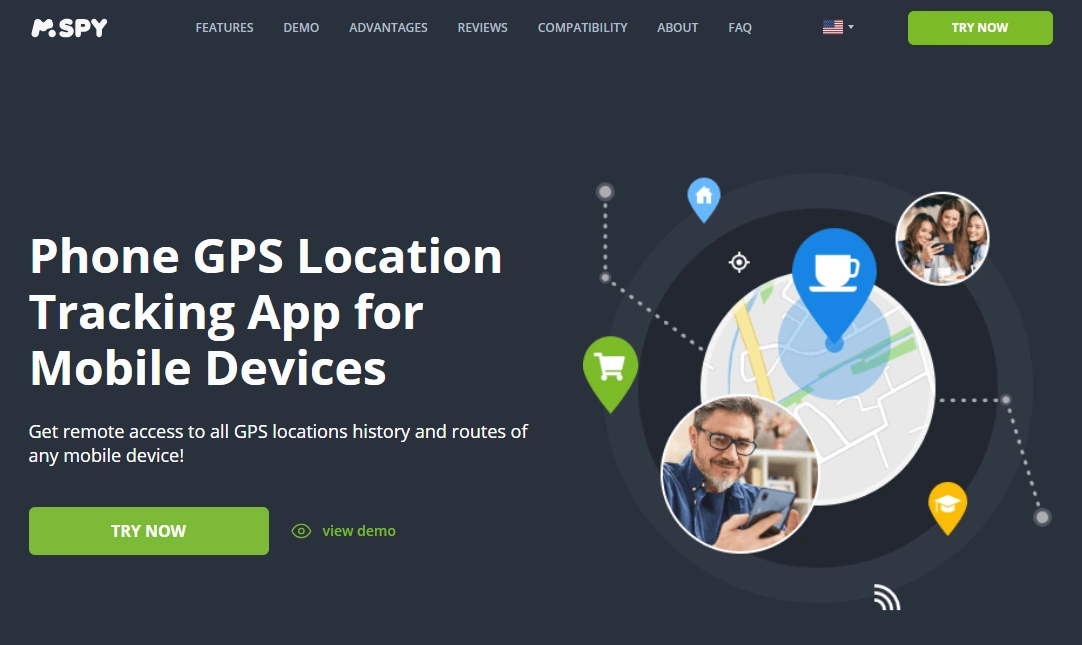
mSpy is a monitoring suite that includes GPS location features (typically location updates and history), along with other phone management/visibility tools. For “lost phone” scenarios, it’s best viewed as a prevention tool for phones you manage (kids/family/business-owned devices), not a last-minute rescue app.
Product highlights
- GPS location features as part of a broader monitoring dashboard
- Useful for ongoing oversight of a managed device
- One dashboard to check multiple data points (not just location)
What’s to like
- Good fit when you want more than just a locator
- Helps build “proof of pattern” (where the phone usually is)
- Works best when set up carefully and maintained
What’s not to like
- Not meant for random device recovery after you already lost access
- Requires prior setup on the target device (and proper permissions)
PROS
- Location tools bundled with a robust suite
- Helpful for managed family devices
CONS
- Not a substitute for built-in Android recovery tools
- Setup/permissions matter a lot for reliability
Try mSpy GPS Tracking | Read: mSpy for Android review & setup
Eyezy — GPS Tracking
Description
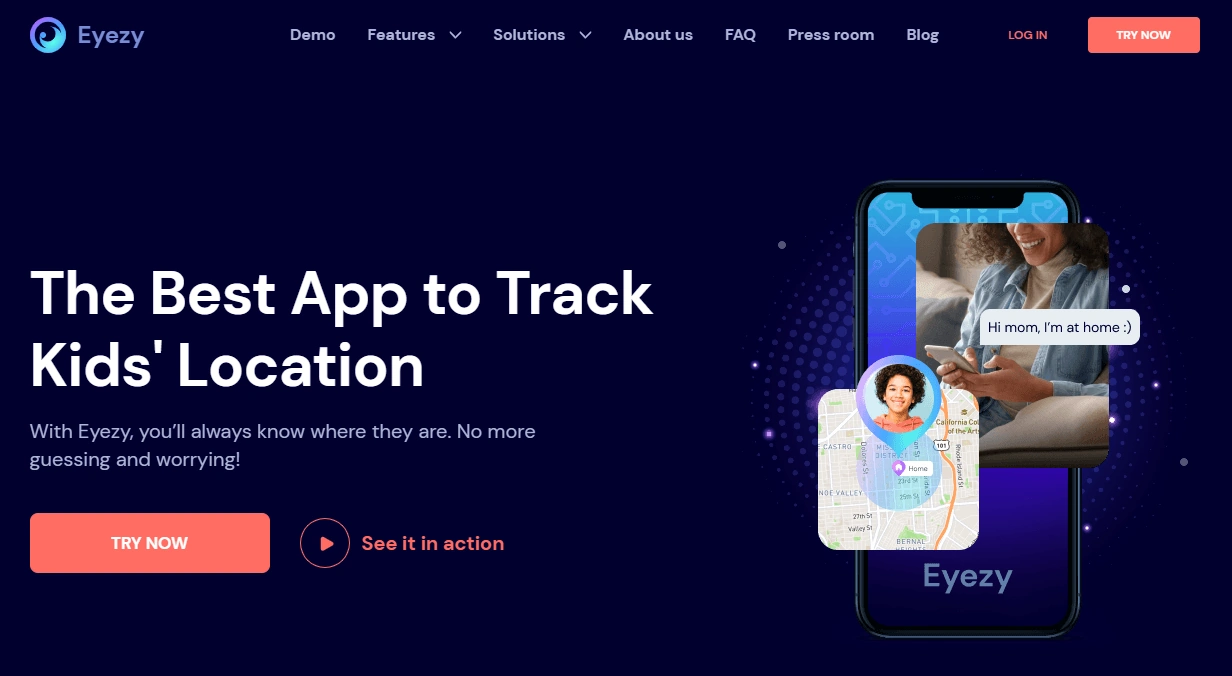
Eyezy offers GPS tracking features inside a broader monitoring product. For lost-phone use cases, it’s best when the phone belongs to a family member and the tracking was set up in advance—so you have a reliable dashboard to check last known movements.
Product highlights
- GPS location features in a single web dashboard
- Designed for ongoing visibility (not one-time recovery)
- Pairs well with a “family phone safety” routine
What’s to like
- Good for parents who want simple access to location insights
- Helpful when you want more than “ping the phone”
What’s not to like
- Still depends on permissions, battery settings, and the phone being online
- Not appropriate for tracking phones you don’t own/manage
PROS
- GPS tracking bundled with broader monitoring
- Practical for managed family devices
CONS
- Won’t magically recover a phone if it’s offline/reset
- Requires prior setup
Try Eyezy GPS Tracking | Read: Eyezy for Android review & setup
uMobix — Android Tracker
Description
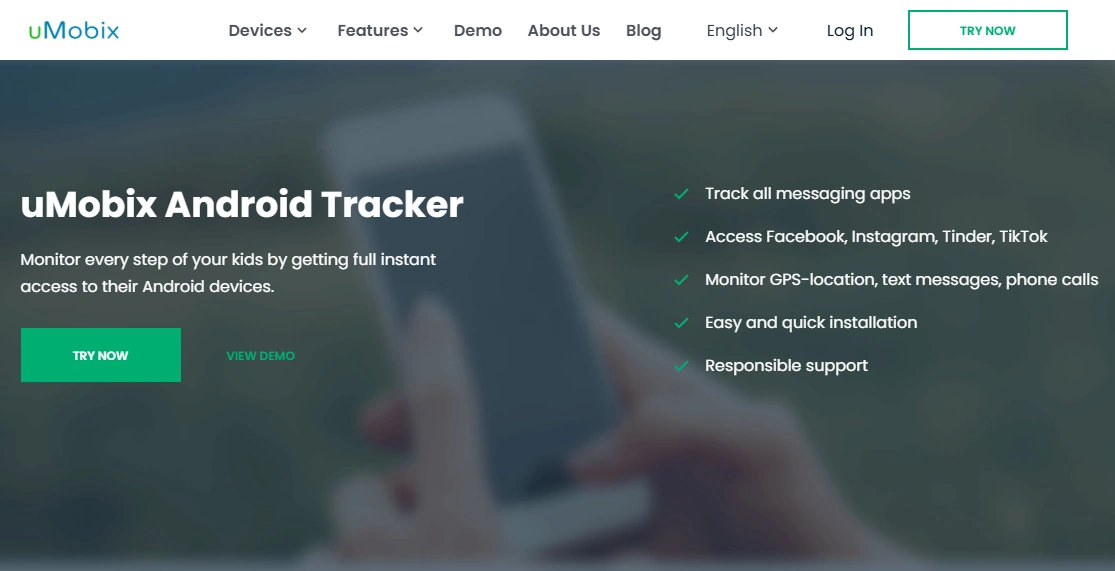
uMobix is a monitoring suite with Android tracking features. If your goal is lost phone prevention for a device you manage, uMobix can be one of the “installed ahead of time” options that helps you check location-related info from a dashboard.
Product highlights
- Android-focused tracking bundle
- Web dashboard for checking device data
- Works best with correct permissions and battery settings
What’s to like
- Designed with Android as a primary target
- Useful for ongoing device management scenarios
What’s not to like
- Not a replacement for Google’s built-in “find my device” style recovery
- You need access to set it up before the phone is lost
PROS
- Android-first positioning
- Good for “pre-installed prevention” use cases
CONS
- Reliability depends on setup and phone state (online/offline)
- Not appropriate for unauthorized tracking
Try uMobix Android Tracker | Read: uMobix for Android review & setup
Spynger — GPS Tracker
Description
Spynger is positioned around tracking features (including GPS). For a lost-phone angle, it’s most relevant when used as a pre-installed tracker on a device you own/manage—so you can check location data and patterns if the phone goes missing.
Product highlights
- GPS tracking focus
- Designed for ongoing tracking use cases
- Dashboard access for reviewing device info
What’s to like
- Simple positioning around location tracking
- Useful when you want a tracker-centric option
What’s not to like
- Still needs prior setup and permissions
- Not meant for tracking devices without authorization
PROS
- GPS-first messaging
- Can support prevention-oriented scenarios
CONS
- Doesn’t replace built-in Android recovery steps
- Phone state (offline/reset) can defeat tracking
Legal notes (read this)
Only track a phone if you own it, have explicit permission, or are the legal guardian/authorized administrator of the device (for example: a child’s phone, a company-owned device, or a family device with agreed rules).
If you’re unsure what’s allowed where you live, read: Legal Phone Tracking: What’s Allowed and What’s Not.
FAQ
What is the best app to find a lost Android phone?
In most cases, the best “first move” is Android’s built-in recovery options tied to your Google account, because they’re integrated at the system level. Third-party trackers help most when installed before the phone goes missing.
Can I track a lost Android phone if it’s turned off?
If the phone is fully off, tracking is limited. Your best steps are account security (password changes), carrier actions, and checking last known location/history when available.
Will a GPS tracker app help if the phone was factory reset?
Usually no. A factory reset typically removes third-party apps and may disrupt tracking. That’s why quick action and prevention setup matter.
Do I need a SIM card to track a lost phone?
Not necessarily. Tracking generally needs the phone to connect to the internet (Wi-Fi or mobile data). A SIM helps, but Wi-Fi alone can still enable location updates.
What should I do first if I think my phone was stolen?
Lock the device (if possible), change your Google password, secure email and banking accounts, contact your carrier to block the SIM, and consider filing a police report depending on value and circumstances.
Are “monitoring apps” legal for lost phone tracking?
They can be legal only when used for devices you own/manage or with consent (e.g., a child’s phone with parental authority). Using them to track someone else without permission can be illegal.