

Losing an iPhone is usually a 3-step sprint: (1) Find My actions (while the device is still online), (2) account + SIM security, and (3) prevention setup so the next loss is easy to solve.
This guide covers the best lost iPhone “finder” options (including what actually works in real life), plus a few tracking tools that can help only if the device was set up in advance and you’re authorized to manage it.
If you want a broader guide (Android + iPhone) or stolen-phone playbook, see: Best Apps to Find a Lost or Stolen Phone and How to Monitor a Lost or Stolen Phone You Own.
Short on time? Quick verdict
- Best (free) for most people: Apple Find My + Lost Mode + immediate Apple ID security.
- Best if you only have a phone number and need a quick lead: Try a lookup-style tool like Scannero Lost Phone (works best when expectations are realistic).
- Best for family iPhones (prevention): Set up a family locator routine + location sharing so “lost phone” becomes a 2-minute fix.
- Best if you manage the iPhone and want extra location history/reporting: a tracking suite like mSpy iPhone Tracking or Eyezy GPS Tracking (installed/authorized in advance).
Quick jump: 60-second checklist · Verdict · Comparison table · What really matters on iPhone · Best for your situation · Setup tips & common issues · Reviews · Legal notes · FAQ
60-second decision checklist
- Open Find My immediately: check the last known location and whether the iPhone is online.
- If it might be nearby: play a sound and re-check the map (don’t waste time deep-searching apps).
- Turn on Lost Mode: lock it, add a contact number/message, and reduce the chance of opportunistic access.
- Secure your Apple ID: change password, review trusted devices, and lock down 2FA.
- Protect your SIM/number: contact your carrier if theft is likely (SIM swap risk).
- Decide your line: if you suspect theft, don’t chase—document, report, and focus on data protection.
Verdict: which “finder app” approach fits you
If you lost your iPhone today
Start with Find My. If the phone is offline, shift to account security + carrier steps. Third-party tools help most when set up before loss.
If you only have a number (and need a lead)
A lookup-style tool can help you gather signals fast—just keep expectations realistic. Try:
If this is a family iPhone (prevention)
Set up location sharing + a simple routine. For related picks, see: Best Family Phone Locator Apps.
Optional tracking suites (for iPhones you own/manage): mSpy iPhone Tracking Eyezy GPS Tracking Spynger Free Tracker
Comparison table
This comparison is based on real “lost iPhone” outcomes: what helps right now vs what helps when it was installed/set up beforehand.
| Option | Best for | What it does well | Reality check | Needs pre-setup? |
|---|---|---|---|---|
| Apple Find My (built-in) | Fast recovery + Lost Mode | Last known location, play sound, lock/message | If Find My was off or Apple ID is lost, you’re limited | Yes (usually) |
| Scannero Lost Phone | Quick lead when you have a number | Fast lookup-style workflow | Not a guaranteed “pinpoint any iPhone” button | No |
| mSpy iPhone Tracking | Managed iPhones (family/business) | Tracking features + broader monitoring dashboard | Helps most if set up before loss and properly authorized | Yes |
| Eyezy GPS Tracking | Parents wanting location visibility | GPS features inside a parent-focused toolkit | Depends on setup/permissions and device being online | Yes |
| Spynger Free Tracker | Lightweight “try it” option | Simple entry point for tracking-style workflows | Still not a replacement for Find My + account security | Usually yes |
What really matters on iPhone (so you don’t waste time)
1) Find My must already be enabled
If Find My was turned off before the phone went missing, most “finder apps” won’t magically fix that. Your best move becomes: account security + carrier steps + any evidence trail you can gather.
2) Apple ID access is the true “master key”
If you can’t sign in to your Apple ID, recover it immediately. Without that, you can’t reliably use Lost Mode or manage trusted devices.
3) Offline iPhones change the game
When the phone is offline, you may only see the last known location until it reconnects. That’s normal. Don’t panic—secure accounts and wait for reconnection signals.
4) “Finder” vs “pre-installed tracking” are different categories
Find My is recovery-first. Tracking suites are prevention-first (useful for iPhones you manage, with permission). If you’re choosing a monitoring tool, see: How to Choose the Right iPhone Monitoring App and How to Set Up an iPhone Monitoring App Safely and Legally.
Best for your situation
- Lost at home / nearby: Find My → play sound → check last known location and retrace calmly (most “lost iPhones” are 20 meters away).
- Left in a taxi / public place: Enable Lost Mode with a clear callback message; don’t add personal info beyond a safe contact number.
- Stolen (you suspect theft): Lock down Apple ID + email + banking. Contact your carrier about SIM security. Consider reporting depending on the situation.
- Family iPhone that gets lost often: Add a family locator routine; also see Best GPS Tracker Apps for iPhone.
- You only have a number and need a quick lead: Try Scannero Lost Phone with realistic expectations.
Setup tips & common issues (so next time is easy)
Turn on Find My and keep Apple ID recovery clean
Make sure Find My is enabled and your Apple ID recovery info is up to date (trusted numbers/devices). This prevents the “I can’t sign in” disaster.
Use a lock screen code you won’t forget
A strong passcode helps prevent access, but don’t use something so complex you lock yourself out under stress. Practical wins.
Don’t wipe too early
Remote erase protects data, but it can also reduce your chances of recovering the device. If you think it’s nearby or retrievable, try recovery steps first.
Set expectations: theft ≠ movie chase
If you suspect theft, prioritize safety and documentation over confrontation. Your time is often better spent securing accounts than “hunting” the phone.
If you want a step-by-step that combines recovery + monitoring options, read: How to Monitor a Lost or Stolen Phone Using mSpy or Scannero.
Reviews (tools people actually use for “lost iPhone” scenarios)
Important: These tools are not for illegal spying. Use them only for devices you own/manage or have explicit permission to track.
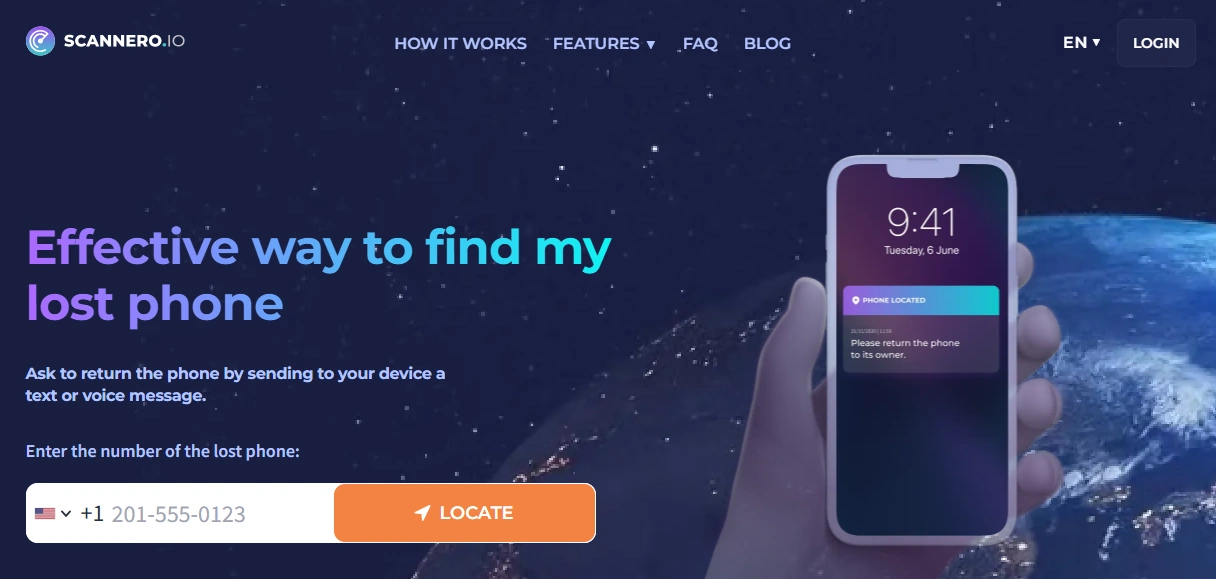
Scannero — Lost Phone
Description
Scannero is positioned as a quick “lost phone” workflow. The best way to use it is as a lead generator when you have limited info (like a number) and need to move fast—while still doing the basics (Find My + account security).
Product highlights
- Fast setup and simple workflow
- Useful when you need a quick signal and don’t have Find My access
- Works across Android & iPhone scenarios
What’s to like
- Good “Plan B” when Find My isn’t accessible
- Quick to try when time matters
What’s not to like
- Not guaranteed to pinpoint any iPhone in all situations
- Doesn’t replace Apple ID security steps
PROS
- Fast and simple to attempt
- Useful for gathering leads
CONS
- Results depend on real-world conditions
- Not a substitute for Find My
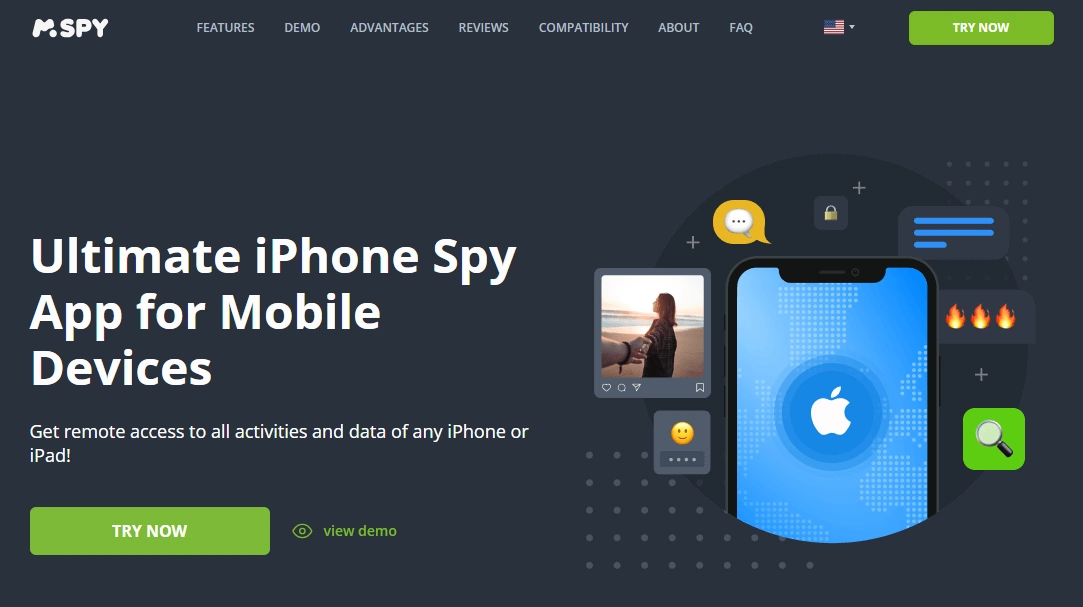
mSpy — iPhone Tracking
Description
mSpy is a monitoring suite that includes iPhone tracking features as part of a bigger dashboard. For “lost iPhone” use cases, it’s strongest when the iPhone is a managed device (family or business-owned) and the setup is done ahead of time.
Product highlights
- iPhone tracking features within a broader monitoring suite
- Useful for ongoing oversight of a device you manage
- Good for prevention routines (last known patterns, check-ins)
What’s to like
- More than “just a map pin”
- Works well when you want a single dashboard for multiple signals
What’s not to like
- Not a magic “find any lost iPhone instantly” tool
- Reliability depends on proper setup and authorization
PROS
- Robust suite for managed devices
- Good prevention value for families
CONS
- Requires prior setup and continued access
- Doesn’t replace Find My
Try mSpy iPhone Tracking | Setup guide (safe & legal)
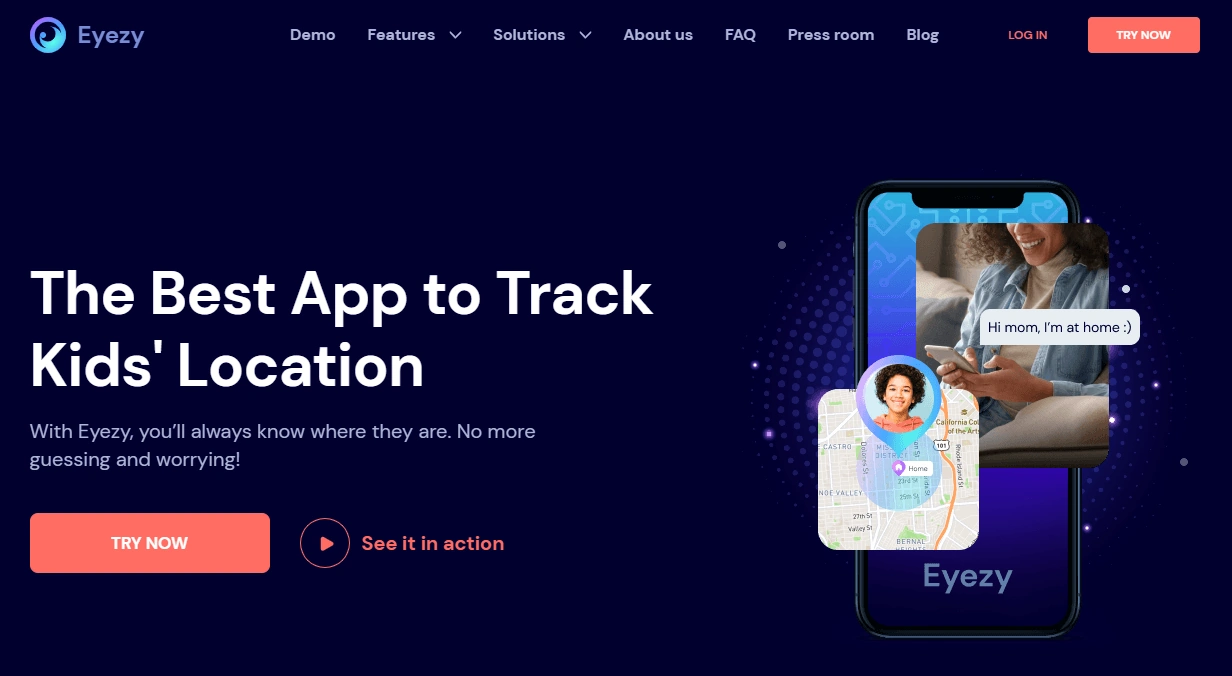
Eyezy — GPS Tracking
Description
Eyezy offers GPS tracking inside a broader monitoring toolkit. For lost iPhone prevention, it makes most sense when you’re a parent/guardian (or otherwise authorized) and you want ongoing location visibility.
Product highlights
- GPS tracking as part of a monitoring dashboard
- Designed for ongoing use (not one-time recovery)
- Pairs well with family safety routines
What’s to like
- Practical for parents who want a single place to check location signals
- Useful as a prevention layer alongside Find My
What’s not to like
- Still depends on setup/permissions and device state (online/offline)
- Not for tracking devices without authorization
PROS
- GPS tracking + broader toolkit
- Good fit for managed family devices
CONS
- Not a replacement for Find My
- Requires prior setup
Try Eyezy GPS Tracking | More iPhone GPS tracker options
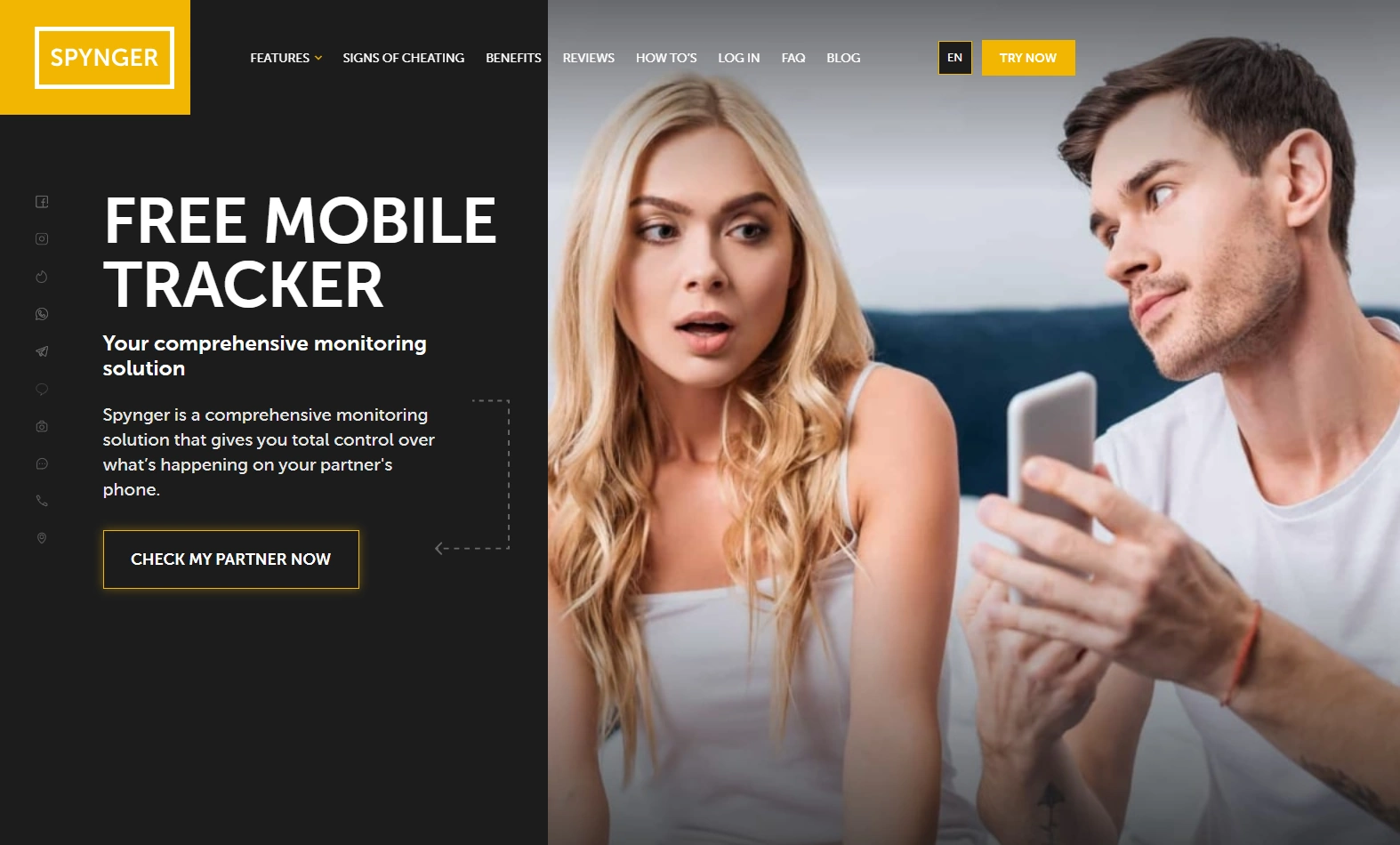
Spynger — Free Tracker
Description
Spynger’s “Free Tracker” angle appeals to people who want to try a tracking-style workflow quickly. For lost iPhone scenarios, treat it as a supplemental option—not the primary recovery plan.
Product highlights
- Simple “try it” positioning
- Tracking-style workflow
- Works as a secondary layer in prevention setups
What’s to like
- Low-friction to test
- Can complement broader tracking approaches (authorized use only)
What’s not to like
- Doesn’t beat Find My for true iPhone recovery
- Not suitable for unauthorized tracking
PROS
- Easy entry point
- Useful as a supplemental option
CONS
- Not a guaranteed “lost iPhone finder” solution
- Pre-setup typically matters
Legal notes
Only track an iPhone if you own it, have explicit permission, or you’re the legal guardian/authorized administrator (for example: a child’s phone or a company-owned device).
If you’re unsure what’s allowed, read: Legal Phone Tracking: What’s Allowed and What’s Not.
FAQ
What is the best app to find a lost iPhone?
For most people, Apple’s built-in Find My is the best option because it’s integrated into iOS. Third-party tools are mainly useful as prevention or supplemental lead-gathering options.
Can I find my iPhone if it’s offline or turned off?
If it’s offline, you’ll often see only the last known location until it reconnects. If it’s fully powered off, tracking is limited—focus on Apple ID security and carrier steps.
What should I do first if I think my iPhone was stolen?
Enable Lost Mode (if available), change your Apple ID password, secure your email/banking accounts, and contact your carrier about SIM security. Prioritize safety over confrontation.
Are “lost phone finder” tools guaranteed to work?
No. Real-world results depend on device state (online/offline), account access, and whether the phone was set up properly before it went missing.
When do iPhone tracking apps actually help?
They help most when the iPhone is a managed device (family/business) and the tracking setup was done in advance with proper authorization.
Is it legal to use tracking/monitoring apps on an iPhone?
It can be legal only when used on devices you own/manage or with explicit permission. Unauthorized tracking can be illegal.