

When people say “real-time location tracking,” they usually mean one of two things:
- Live map updates that refresh often enough to trust during a pickup, commute, or emergency.
- Routine confirmation (history + alerts) so you don’t have to check the map all day.
This guide shows how parents use mSpy location tracking in real life: set it up correctly, improve reliability, and avoid the “it stopped updating” problem that happens when permissions or background settings are wrong.
Important: use location tracking only when you’re legally authorized (typically your minor child’s phone that you own/manage as a parent/guardian). If you’re not sure what’s allowed, read: Legal phone monitoring: what’s allowed and what’s not.
Short on time? Quick verdict
- Fastest path: set up mSpy → confirm permissions → test live map → enable 2–4 geofences → verify after updates.
- Best “real-time” setup: don’t chase second-by-second updates; use alerts + history for reliability.
- Top reason location fails: battery/background restrictions (Android) or permission changes after updates (iPhone).
- If you want simpler GPS-only tracking: consider uMobix GPS locator.
Quick jump: 60-second checklist · Verdict · Step-by-step · Accuracy tips · Troubleshooting · Alternatives · Legal notes · FAQ
60-second decision checklist
- Are you allowed to track this device? Parent/guardian on a child’s phone you manage = the clean use case.
- What do you mean by “real-time”? Live map updates vs routine confirmation via history/alerts.
- Android vs iPhone: Android usually needs battery/background tweaks; iPhone needs permission stability after updates.
- Set expectations: indoors, pins drift. Focus on patterns and geofences, not perfect indoor precision.
- Use fewer alerts: 2–4 geofences beats 20 false notifications.
- Test after updates: a 2-minute check prevents weeks of silent failure.
Verdict: is mSpy good for “real-time” location tracking?
Yes—if you set it up for reliability. Parents get the best results when they treat “real-time” as “fresh enough updates” plus geofences and history, not as a second-by-second surveillance feed.
If you only want a GPS locator without a bigger monitoring suite, uMobix can be a simpler choice: uMobix GPS Cell Phone Locator.
Try mSpy Compare GPS tracker apps
How to use mSpy for real-time location tracking (step-by-step)
Step 1: Choose the right tracking mode (live map vs history vs alerts)
Before setup, decide your goal:
- Live map: “Where is the phone right now?” (needs stable background permissions)
- History/routes: “Where has the phone been?” (best for routine parenting)
- Geofences/alerts: “Tell me when they leave/arrive” (best to reduce constant checking)
Step 2: Install and connect the device (use stable workflows)
Use a stable setup approach so location doesn’t break later:
- Android guide: How to install on Android without detection (stability workflow)
- iPhone guide: How to set up iPhone monitoring safely and legally
Real-life tip: many “mSpy location not updating” problems come from rushing setup and skipping permission checks. The boring checks save you hours later.
Step 3: Verify Location Services & permissions
On the monitored phone, confirm:
- Location Services are enabled
- Location permission is allowed for the required components
- Background activity is not restricted (especially on Android)
- Wi-Fi/cellular is on (offline phones can’t update)
Step 4: Test live map updates (don’t skip this)
Do a quick test:
- Open the mSpy dashboard map
- Move the phone to a different location (even a short drive/walk)
- Confirm the map updates within a reasonable timeframe
If it doesn’t update: jump to the troubleshooting section below — it’s almost always permissions/background restrictions.
Step 5: Turn on location history (routes) for routine confidence
History is what makes tracking useful day-to-day. It helps confirm the routine without hovering over the live map.
Deep dive: mSpy GPS tracking review (routes + geofences).
Step 6: Set 2–4 geofences (alerts) to reduce “map checking”
Best practice setup:
- Home (enter/leave)
- School (enter/leave)
- One activity location (optional)
Choose a realistic radius. Too tight creates false alerts due to GPS drift, especially indoors.
Step 7: Create a “post-update check” habit
After major Android/iOS updates, do a 2-minute check:
- Is Location Services still enabled?
- Are permissions unchanged?
- Did battery saver re-enable restrictions?
- Does the map still update?
Accuracy tips (what parents should expect)
1) Indoor accuracy will drift sometimes
In schools, malls, and apartment buildings, the phone often relies more on Wi-Fi and cell positioning. A pin that moves slightly is normal.
2) Use geofences with a wider radius
Wider radiuses reduce false alerts. You want reliable “arrived/left” signals, not constant noise.
3) History beats live map for day-to-day parenting
Live maps can make you anxious. History gives you calm, useful proof of routine.
Troubleshooting: “mSpy location not updating” (most common fixes)
Fix 1: Disable aggressive battery optimization (Android)
If the phone is optimizing background activity, GPS updates will lag. This is the most common reason tracking “works for a week and then stops.”
Fix 2: Check permissions after OS updates
After updates, permissions can change. Re-check location permission and background activity settings.
Fix 3: Confirm connectivity
No connection = no updates. If the phone is offline or in airplane mode, the dashboard can’t refresh location.
Fix 4: Don’t treat drift as failure
If the pin “jumps” inside large buildings, that’s drift. Use a wider geofence radius and rely on history patterns.
Alternatives (if mSpy isn’t the right tool)
- GPS locator-first: uMobix GPS Cell Phone Locator
- Simple daily dashboard: Eyezy GPS Tracking
- Lighter GPS option: Spynger GPS Tracker
- Kid-first prevention & boundaries: Bark
- Phone number request/lookup style: Scannero
And if your goal is lost phone recovery rather than monitoring routines:
- Best apps to find a lost or stolen phone
- Best lost phone trackers for Android
- Best lost iPhone finder apps
Reviews
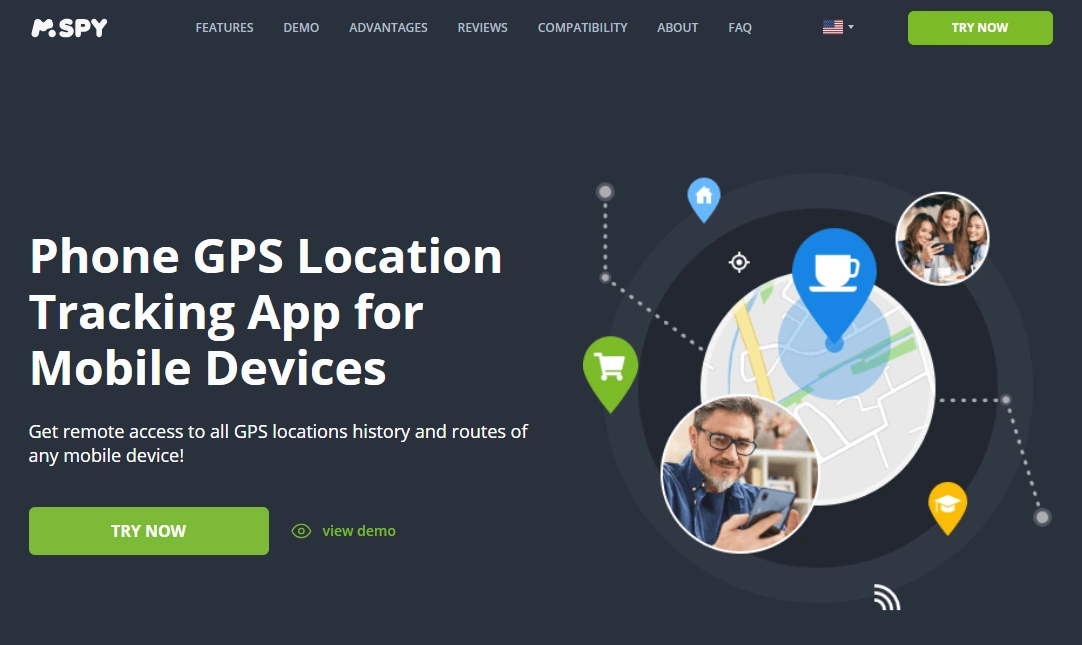
mSpy — Location tracking (Live map, history & alerts)
Description
mSpy’s GPS tracking works best when you use it like a parent: verify live map reliability, lean on history for routines, and use a small number of geofences so you’re notified when something changes.
Product highlights
- Live location visibility (when background settings allow it)
- Location history / routes (best for routine confirmation)
- Geofence-style alerts (best with minimal setup)
What’s to like
- Good balance of live checks + routine tools (history/alerts)
- Fits well inside a broader parent dashboard
- Alerts reduce constant map checking
What’s not to like
- Indoor drift can cause false “micro-moves”
- Android background restrictions can delay updates if not configured
- Requires quick post-update checks to avoid silent failure
PROS
- Strong all-around parent GPS tool
- History + geofences make it practical
CONS
- Not a “GPS-only” minimal tool
- Setup stability matters a lot
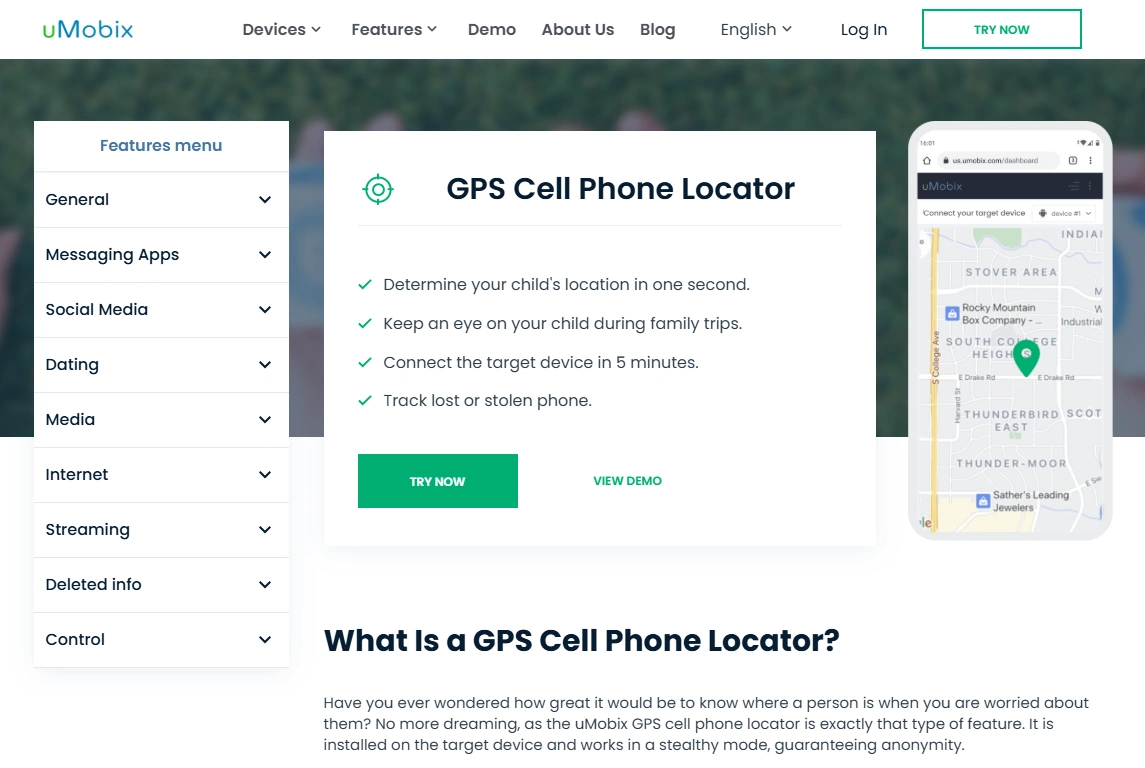
uMobix — GPS Cell Phone Locator (simpler alternative)
Description
If your main goal is just location checks (not a full suite), uMobix is a locator-first alternative that many families find easier to keep as a simple routine.
Product highlights
- Locator-first GPS experience
- Good for routine checks
- Best with stable permissions/access
What’s to like
- Simple “where is the phone?” vibe
- Good alternative if mSpy feels too big
What’s not to like
- Still affected by indoor drift
- Requires device access/setup
PROS
- Locator-first simplicity
CONS
- Less suite depth than mSpy
Legal notes
Use mSpy only in legal, ethical scenarios: typically monitoring your minor child’s device you own/manage as a parent/guardian. Tracking adults without consent can be illegal and harmful.
Read before using any monitoring tool: Legal phone tracking: what’s allowed and what’s not.
FAQ
Can mSpy track location in real time?
mSpy can show frequent location updates, but “real time” depends on connectivity, permissions, and background settings. For the best experience, combine live checks with location history and geofence alerts.
Why is mSpy location not updating?
The most common causes are Android battery/background restrictions, disabled location permissions, poor connectivity, or permission changes after OS updates.
Is mSpy GPS accurate indoors?
Indoors, GPS can drift and rely more on Wi-Fi/cell positioning. Small pin jumps are normal inside large buildings. Use wider geofence radiuses to reduce false alerts.
What’s better: live map or location history?
For day-to-day parenting, location history is often better because it confirms routines without encouraging constant checking. Use live map when you actually need “right now” context.
What’s the best alternative if I only want GPS tracking?
If you want a locator-first tool, uMobix is a strong alternative. If you want a simpler daily dashboard, Eyezy is a good pick.