

mSpy’s GPS tracking is one of those features that sounds simple (“show me the location”), but in real life it’s about reliability: does it update on time, can you trust the pin, and do you get helpful alerts without killing the battery?
In this review, we’ll break down what mSpy’s GPS location tracking is actually good at: routes (location history), geofences, and alerts—plus the common “it stopped updating” issues and how parents avoid them.
Note: GPS tracking should be used only when you’re legally authorized—typically supervising a minor’s device you own/manage as a parent/guardian. For the rules that matter, read: Legal phone monitoring: what’s allowed and what’s not.
Short on time? Quick verdict
- Best for: parents who want GPS tracking + broader safety monitoring in one dashboard.
- Standout features: route history + geofence-style alerts (when setup is stable).
- Biggest limitation: indoor accuracy drift + update gaps when the phone restricts background activity.
- Best alternatives: uMobix (locator-first), Eyezy (simpler dashboard), Bark (prevention-first), Spynger (lighter option).
Quick jump: 60-second checklist · Verdict · Comparison table · What really matters · Best for your situation · Setup tips · Reviews · Legal notes · FAQ
60-second decision checklist
- Goal: do you need “right now” location, route history, or geofence alerts?
- Platform reality: Android is usually easier to keep stable; iPhone depends more on workflow and updates.
- Accuracy expectations: indoor pins can drift—use GPS for big-picture locations, not centimeter precision.
- Battery plan: frequent updates = more battery use; choose alerts that matter.
- Stability: background restrictions and app updates are the #1 reason GPS “stops working.”
- Legal/ethical: only track a device you own/manage or have explicit permission to supervise (usually a child’s phone).
Verdict: is mSpy GPS tracking worth it?
mSpy GPS Tracking is worth it if you want more than a basic “find my phone” map pin. Where it shines is combining:
- location visibility (where the phone is)
- route history (where it has been)
- geofence-style alerts (get notified when a boundary is crossed)
If you only want a simple locator and nothing else, uMobix often fits better. If you want the safest, prevention-first approach for younger kids, Bark is usually the healthiest long-term play.
Get mSpy GPS Tracking Compare uMobix GPS Locator
Comparison table: mSpy vs the GPS alternatives parents compare
| App | Best for | Route history | Geofences/alerts | Parent experience | CTA |
|---|---|---|---|---|---|
| mSpy | GPS + broader safety monitoring | Yes (location history focus) | Yes (useful when stable) | Best “suite” dashboard | mSpy GPS |
| uMobix | Locator-first families | Varies by setup | Varies by setup | Straightforward “locator” feel | uMobix GPS |
| Eyezy | Simple daily map checks | Yes (lightweight) | Yes (signal-style) | Most parent-friendly UI | Eyezy GPS |
| Spynger | Lightweight alternative | Basic | Basic | Good “simple” backup pick | Spynger GPS |
| Bark | Kid-first safety + boundaries | Not the main focus | Safety-first approach | Best for prevention | Bark |
What really matters in mSpy GPS tracking (routes, geofences, alerts)
1) Routes / location history (the “pattern” feature)
For parents, route history is often more useful than a single pin on a map. A “where have you been?” timeline helps you spot:
- unexpected detours after school
- frequent stops that don’t match the routine
- “I was at a friend’s” claims that don’t line up
Just remember: indoor signals and poor reception can create jumps—focus on patterns, not micro-movements.
2) Geofences (the “tell me when…” feature)
Geofences are where GPS tracking becomes low-stress: instead of constantly checking the map, you get notified when the phone enters/leaves a defined area (home, school, practice).
Pro tip: pick realistic radiuses. Too small = false alerts (GPS drift). Too big = not useful.
3) Alerts (reduce checking, increase signal)
The best alert setup is minimal: 2–4 key boundaries (home, school, one activity). Too many alerts creates noise and you stop trusting the system.
4) Android vs iPhone reliability
- Android: most “stops updating” issues come from battery/background restrictions. Fix those and GPS becomes much more reliable.
- iPhone: reliability tends to change after major iOS updates or access changes—do quick post-update checks.
Useful internal guides that prevent 80% of frustration:
Best for your situation
- Teen + you want a full safety dashboard: mSpy GPS Tracking.
- You only want a locator-style GPS tool: uMobix GPS Cell Phone Locator.
- You want the simplest daily map routine: Eyezy GPS Tracking.
- You want a lighter alternative: Spynger GPS Tracker.
- You want child-first prevention + boundaries: Bark parental control (and optionally Bark Watch).
If your core goal is lost phone recovery, also see:
- Best apps to find a lost or stolen phone
- Best lost phone tracker apps for Android
- Best lost iPhone finder apps
- Best family phone locator apps
Setup tips & common issues (so GPS doesn’t “stop working”)
Tip 1: Fix background/battery restrictions (Android)
If GPS updates are delayed or missing on Android, the culprit is often battery optimization restricting background activity. A stable background setup matters more than any “feature list.”
Tip 2: Keep Location Services and connectivity consistent
Location accuracy drops when the phone is in low-power mode, has poor signal, or Location Services are restricted. For best results: keep Wi-Fi/cellular on and avoid aggressive power-saving settings.
Tip 3: Use geofences to reduce “map checking”
Parents burn out when they check the map 20 times a day. Set 2–4 boundaries and let alerts do the work.
Tip 4: After updates, do a 2-minute check
Major OS updates and Messenger/social app updates often change permissions or background behavior. The best habit is a quick post-update verification.
Reviews
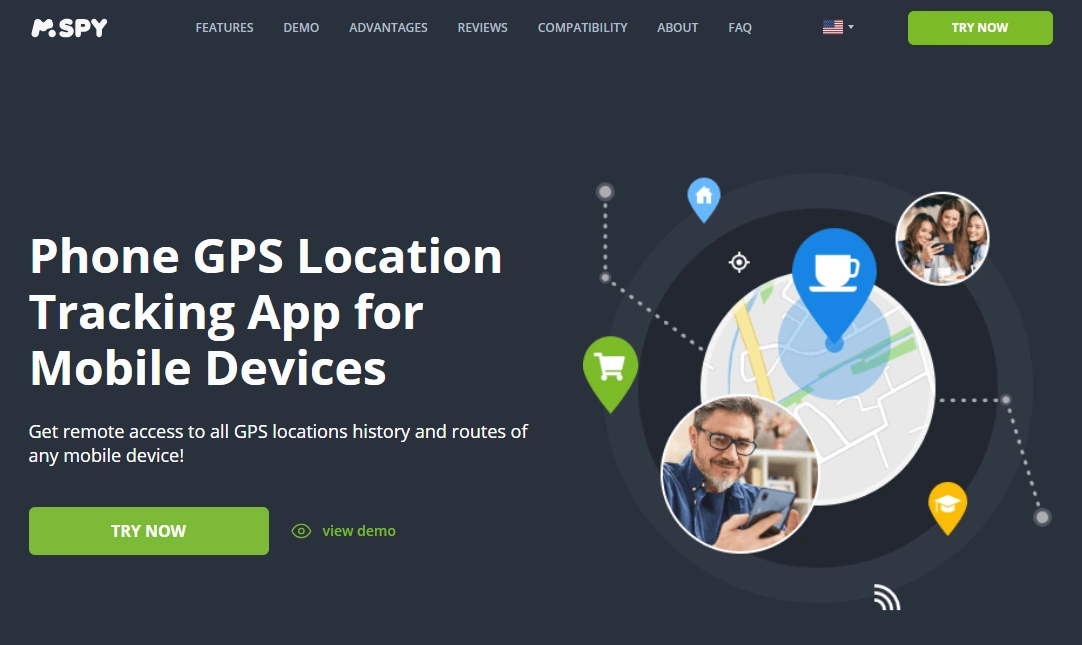
mSpy — GPS Tracking (Routes, Geofences & Alerts)
Description
mSpy’s GPS tracking is strongest when you use it as a low-stress system: route history for patterns and geofence alerts for “tell me when something changes.” It’s a great fit if you want GPS inside a broader parent dashboard.
Product highlights
- Location visibility + route history (pattern-based parenting)
- Geofence-style alerts (reduce constant checking)
- Best as part of a broader family safety setup
What’s to like
- Great “suite” option if you want more than GPS
- Alerts can reduce stress when configured minimally
- Route history helps validate routines without micromanaging
What’s not to like
- Indoor accuracy drift can create false “micro-moves”
- Android background restrictions can break updates if not configured
- Like all GPS tools, it’s not magic when the phone is offline
PROS
- Best overall pick if you want GPS + other monitoring in one place
- Strong for routines, routes, and boundary alerts
CONS
- More features than “GPS-only” families need
- Requires quick maintenance after major updates
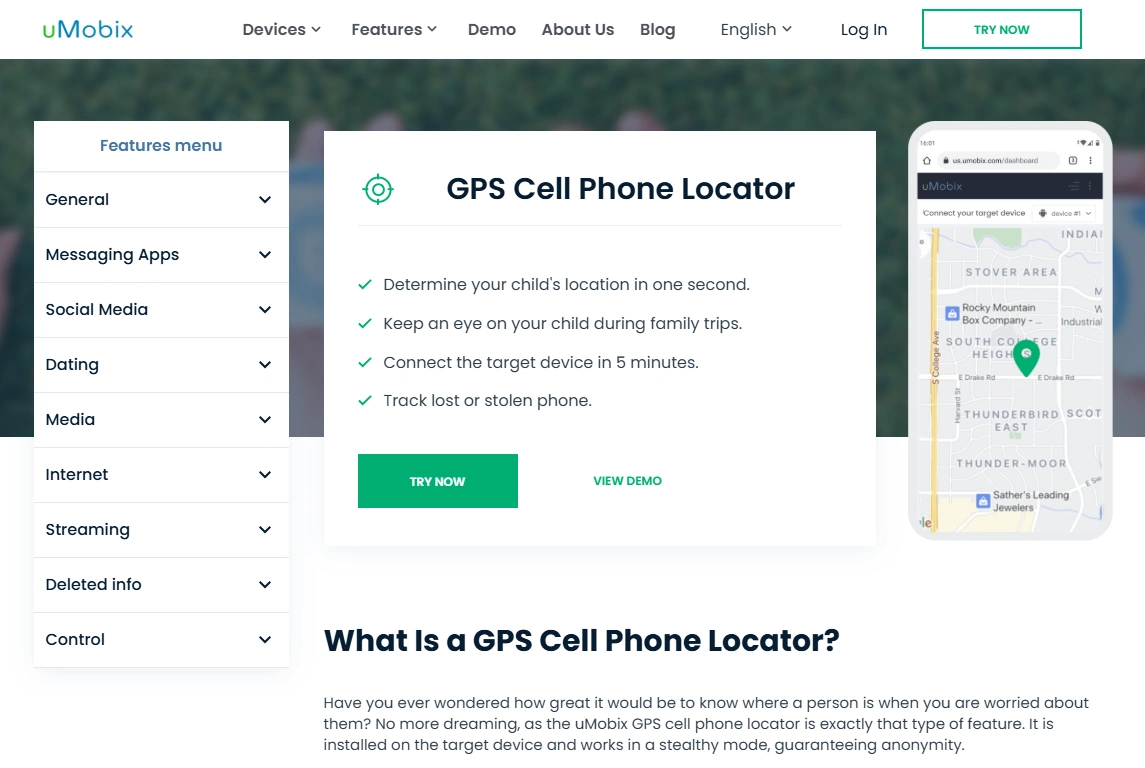
uMobix — GPS Cell Phone Locator (locator-first alternative)
Description
uMobix is a better match when your goal is simple: a locator-style GPS experience without building a full “monitoring suite.”
Product highlights
- Locator-first positioning
- Good fit for families who mainly want location checks
- Works best when device access and permissions stay stable
What’s to like
- Great “GPS-first” alternative to mSpy
- Simple to understand and use
What’s not to like
- Still subject to OS restrictions and update issues
- Not a full parental-control ecosystem by itself
PROS
- Locator-first simplicity
- Strong alternative when GPS is the main need
CONS
- Less “suite” depth than mSpy
- Accuracy still varies indoors (normal GPS limitation)
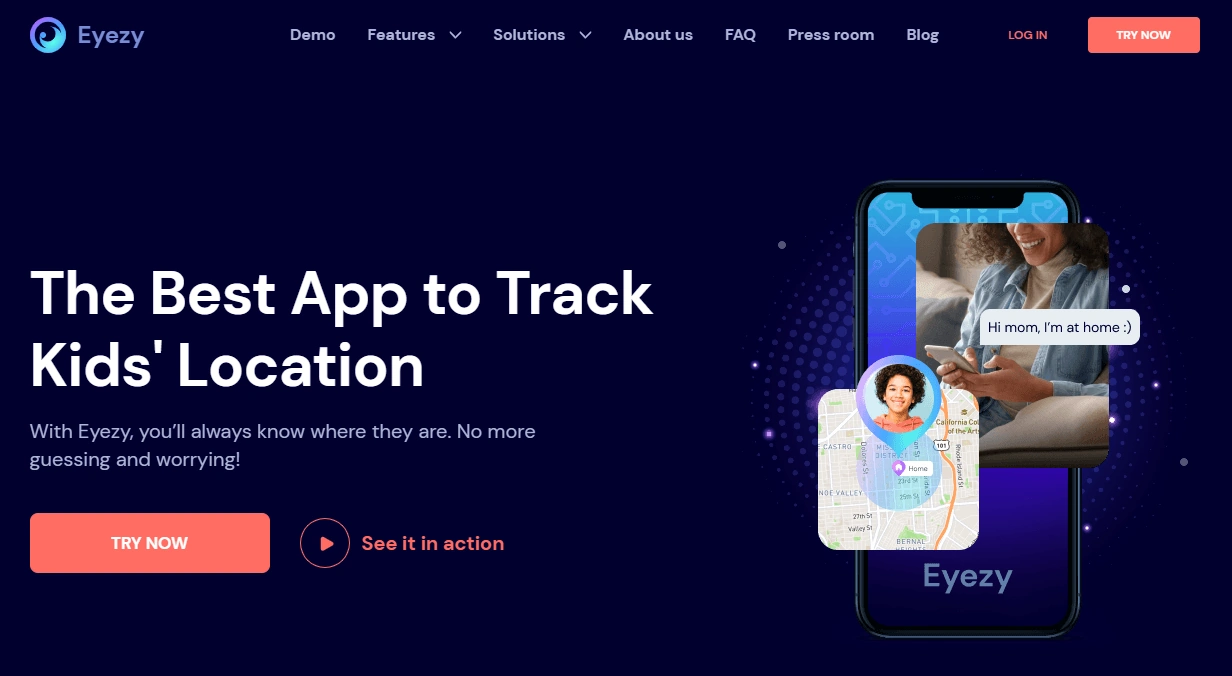
Eyezy — GPS Tracking (simpler dashboard alternative)
Description
Eyezy is a strong pick if you want GPS tracking that feels easy to check daily—less overwhelming, more “signal” and routine.
Product highlights
- Parent-friendly GPS tracking experience
- Great for calm daily check-ins
- Works best with stable access and quick post-update checks
What’s to like
- Clean, parent-friendly experience
- Good “routine monitoring” vibe
What’s not to like
- Not a deep “suite” like mSpy
- Indoor drift still happens (GPS reality)
PROS
- Easiest daily dashboard feel
- Good for low-stress oversight
CONS
- Less coverage if you want many features in one place
- May require maintenance after updates
Spynger — GPS Tracker (lighter alternative)
Description
Spynger is a decent lighter option if you want basic GPS tracking without going all-in on a bigger suite. It’s best as a simpler alternative—still relying on stable setup for consistent updates.
Product highlights
- Basic GPS tracker focus
- Good “lighter” alternative
- Works best with stable device access
What’s to like
- Simple alternative pick
- Good for basic location visibility
What’s not to like
- More variability depending on setup
- Not as feature-rich as suite options
PROS
- Lightweight alternative
- Easy to start with
CONS
- Stability can vary
- Not ideal if you want route/alert depth
Bark — parental control (safest kid-first approach)

Description
Bark is best if your main goal is prevention and boundaries—especially for younger kids. It’s less about “deep tracking” and more about safer habits and parent-friendly controls.
Product highlights
- Prevention-first parental control
- Great for family rules and routines
- Pairs well with safer location-sharing approaches
What’s to like
- Safest long-term family vibe
- Good for reducing conflict and building habits
What’s not to like
- Not positioned as a GPS-only tracker
- Parents wanting route/geofence depth may prefer suite tools
PROS
- Great for prevention and boundaries
- Parent-friendly approach
CONS
- Not a “GPS-first” tool
- Different goal than route/geofence-heavy tracking
Legal notes
Use GPS tracking only when you’re legally authorized—typically for your own device or a minor child’s device you manage as a parent/guardian. Tracking other adults without consent may be illegal and harmful.
- Legal phone monitoring: what’s allowed and what’s not
- Best GPS tracker apps for Android & iPhone
- Best monitoring apps for Android & iPhone
FAQ
Does mSpy show real-time GPS location?
mSpy can show device location updates, but “real-time” depends on connectivity, permissions, and background restrictions. For the best experience, focus on stability and use alerts/geofences to reduce constant map checking.
Does mSpy track routes and location history?
Yes—route history is one of the most practical parts of mSpy GPS tracking for parents because it helps you spot patterns and routines rather than obsess over a single map pin.
How accurate is mSpy GPS tracking?
Outdoors, GPS is usually more accurate. Indoors, location can drift because the phone relies more on Wi-Fi and cell towers. Use GPS for big-picture location confidence, not perfect indoor precision.
Why does GPS tracking stop updating?
The most common reasons are Android battery/background restrictions, disabled location permissions, poor connectivity, or major OS updates. A quick post-update check prevents most issues.
What’s the best alternative to mSpy for GPS tracking?
If you want a locator-first tool, uMobix is a strong pick. If you want a simpler daily dashboard, Eyezy fits well. If you want child-first prevention and boundaries, Bark is the safest approach.