

Keylogger apps record keystrokes (what’s typed) on a device. They’re often marketed to parents who manage a child’s phone, or to organizations monitoring company-owned devices. They can also be misused—so this guide is strictly written for consent-first, legal use on devices you own/manage.
Important: Use monitoring tools only on a phone you own/manage (for example, your child’s device) and only within applicable laws. Start here: Legal Phone Tracking: What’s Allowed and What’s Not.
Short on time? Best keylogger picks (Android + iPhone)
- Best overall (Android): mSpy Keylogger
- Best overall (iPhone): Eyezy Keylogger iPhone
- Best “typed text” focus (Android): uMobix Keylogger
- Good all-round alternative: Spynger Android Keylogger (Android) / Spynger Keylogger iPhone
- Simple option to consider: Moniterro Keylogger
Jump to: What a keylogger is (and isn’t) · Android vs iPhone: what’s realistic · How to choose the right keylogger app · Which app is best for your situation? · Top keylogger apps (reviews) · FAQ
What a keylogger is (and isn’t)
A keylogger records typed input (keystrokes). In a family context, parents often use this feature to spot risk signals (search queries, repeated terms, unknown accounts) without constantly reading private conversations.
What keyloggers can be useful for
- Spotting risky searches (self-harm terms, adult content queries, “how to hide apps”, etc.)
- Understanding behavior patterns (late-night activity + search history)
- Supporting time-limited safety interventions (bullying/grooming concerns)
What keyloggers are often NOT good at
- “Reading everything” on iPhone (iOS restrictions can limit what’s possible)
- Magically bypassing encryption inside secure apps
- Working reliably with zero access (most setups require at least one-time device access)
If you want a privacy-first parenting approach (recommended), read: How to Monitor Kids’ Phones Without Invading Their Privacy.
Android vs iPhone keyloggers: what’s realistic
Android (usually more straightforward)
Android devices generally offer more flexibility for monitoring setups. If your main goal is seeing typed text and search behavior, Android tends to be the easier platform to work with.
iPhone (more setup-dependent)
On iPhone, “keylogger” expectations are often inflated. iOS has tighter privacy/security restrictions, so what you can capture may be more limited and more dependent on the method used. Always verify what you actually see in the dashboard after setup.
Safe setup guides:
How to choose the right keylogger app (without getting scammed)
1) Start with your real goal
- Need boundaries + routines? Start with Screen Time / Family Link and add monitoring only if needed.
- Need safety signals? Look for keyword alerts + browsing/search visibility.
- Need typed text visibility? Focus on Android-first options and validate iPhone expectations carefully.
2) Look for “family-safe” features
- Keyword alerts (risk terms)
- Browser/search visibility (often higher value than “reading chats”)
- Clear dashboards (so you don’t start micromanaging)
- Time-limited monitoring mindset (step-down plan)
3) Avoid the two big mistakes
- Expecting iPhone = Android (it rarely is)
- Using keylogging as the “default” instead of a targeted, time-limited tool
If you want a broader overview of what monitoring tools can and can’t do, read: Monitoring App Features Explained: What You Can (and Can’t) Monitor.
Keylogger “use it responsibly” checklist
- Consent & ownership: use only on a device you own/manage (e.g., your child’s phone).
- Minimum necessary: start with patterns (screen time + searches) before reading content.
- Time limit: if you escalate monitoring, set a 14–30 day window and a step-down plan.
- Combine with boundaries: Screen Time / Family Link bedtime + homework blocks prevent most issues.
- Verify reality: iPhone “keylogger” results vary—confirm what you actually see after setup.
Which app is best for your situation?
For parents who want “just enough” monitoring
Start with routines and boundaries (bedtime + homework focus). If you still need typed-text signals, consider an Android-friendly keylogger setup.
- Guide: How to Limit Screen Time on Kids’ Phones Automatically
- Android pick: uMobix Keylogger Review
For higher-concern periods (time-limited monitoring)
If there’s a clear ongoing risk (bullying, grooming attempts, sextortion threats), a stronger tool can be appropriate for a short window (e.g., 14–30 days) with a step-down plan.
- Android pick: mSpy Keylogger Review
- Also see: How to Use mSpy Keylogger on Android and iPhone
If you’re on iPhone and only need safer boundaries
Many families don’t need “keylogging” on iPhone at all. You can often solve the real problem with Screen Time limits and app restrictions first—then add monitoring only if needed.
- Start here: Monitor Kids’ Phones Without Invading Privacy
- iPhone-oriented option: Eyezy Keylogger Review
Top keylogger apps for Android and iPhone (reviews)
| App | Best for | Platforms | Learn more |
|---|---|---|---|
| mSpy | Stronger monitoring for higher-concern periods | Android, iPhone | Read review |
| Eyezy | Parent dashboard + practical visibility | Android, iPhone | Read review |
| uMobix | Android-focused keystroke logging | Android | Read review |
| Spynger | Alternative option to compare expectations | Android, iPhone | Read review |
| Moniterro | Simpler option for basic monitoring needs | Android, iPhone | Read review |
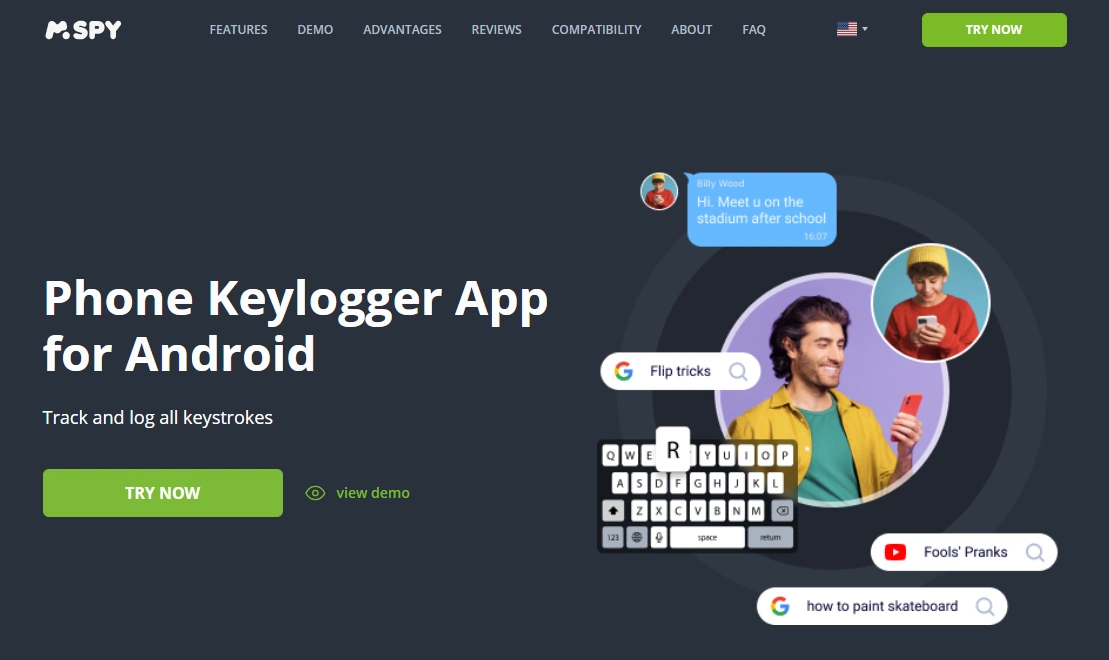
mSpy – best overall for Android (strong “higher concern” tool)
Description
mSpy is a popular monitoring suite that includes keylogger-style features on supported setups. It’s best used for a time-limited safety period—not as a forever tool.
Product Highlights
- Designed for parent-managed devices (one-time access usually required)
- Often combined with browsing/search visibility for better context
- Good fit when you need more than basic Screen Time rules
What’s to like
- Strong “all-in-one” ecosystem beyond just keylogging
- Practical dashboards that help spot patterns
- Works well as a temporary safety intervention
What’s not to like
- Easy to overuse if you don’t set boundaries
- iPhone expectations can be more limited than Android
- Not a replacement for rules + communication
PROS
- Strong option for higher-concern situations
- More than “just a keylogger” (bigger toolkit)
- Good Android-first experience
CONS
- Requires a responsible “minimum necessary” approach
- Setup/results vary by device and OS
Ready to try mSpy? Check the latest plans on the official website. Also read: mSpy Keylogger Review.
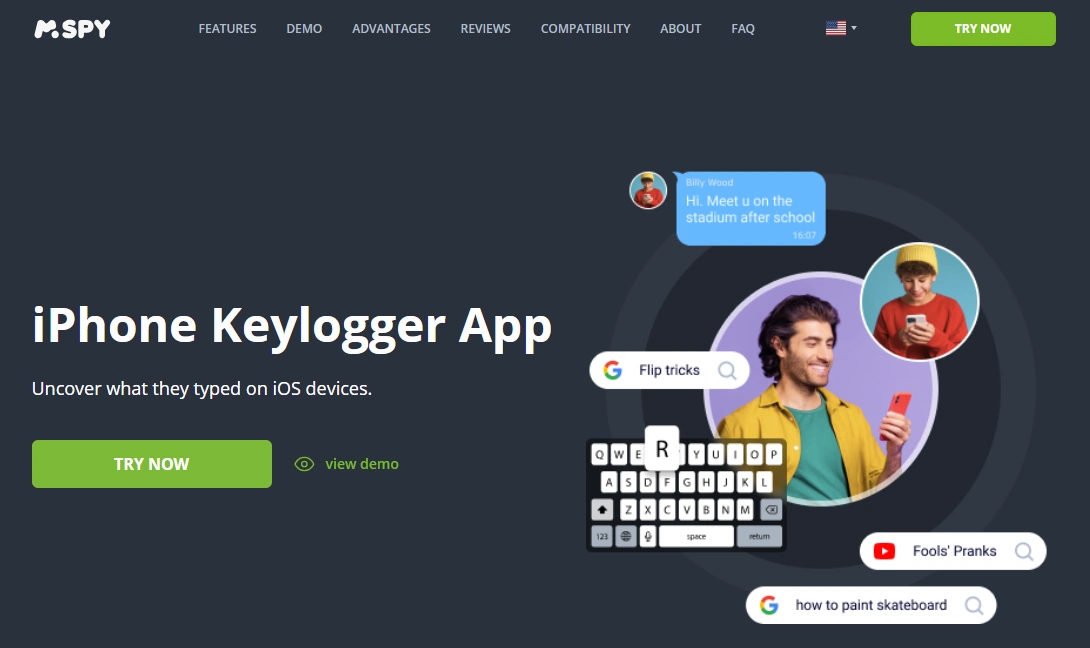
mSpy – iPhone Keylogger (verify expectations carefully)
Description
This is the iPhone-oriented keylogger offer. With iOS restrictions, treat “keylogging” as setup-dependent and confirm what’s visible on your specific device after onboarding.
Product Highlights
- iPhone-friendly setup options vary by iOS version
- Works best when combined with Screen Time boundaries
- Good for parents who need extra visibility beyond basic restrictions
What’s to like
- Clear starting point if you’re strictly on iPhone
- Pairs well with OS-level schedules
- Useful during a time-limited safety phase
What’s not to like
- iOS is more restrictive than Android (visibility can be limited)
- Don’t buy expecting “Android-style” results
- Not needed for most families if Screen Time solves the real issue
PROS
- iPhone-oriented offer
- Works best as an “extra layer” (not the foundation)
- Good for parents who want clarity fast
CONS
- More variability vs Android
- Requires careful expectation management
Ready to try mSpy for iPhone? Check the latest plans on the official website.
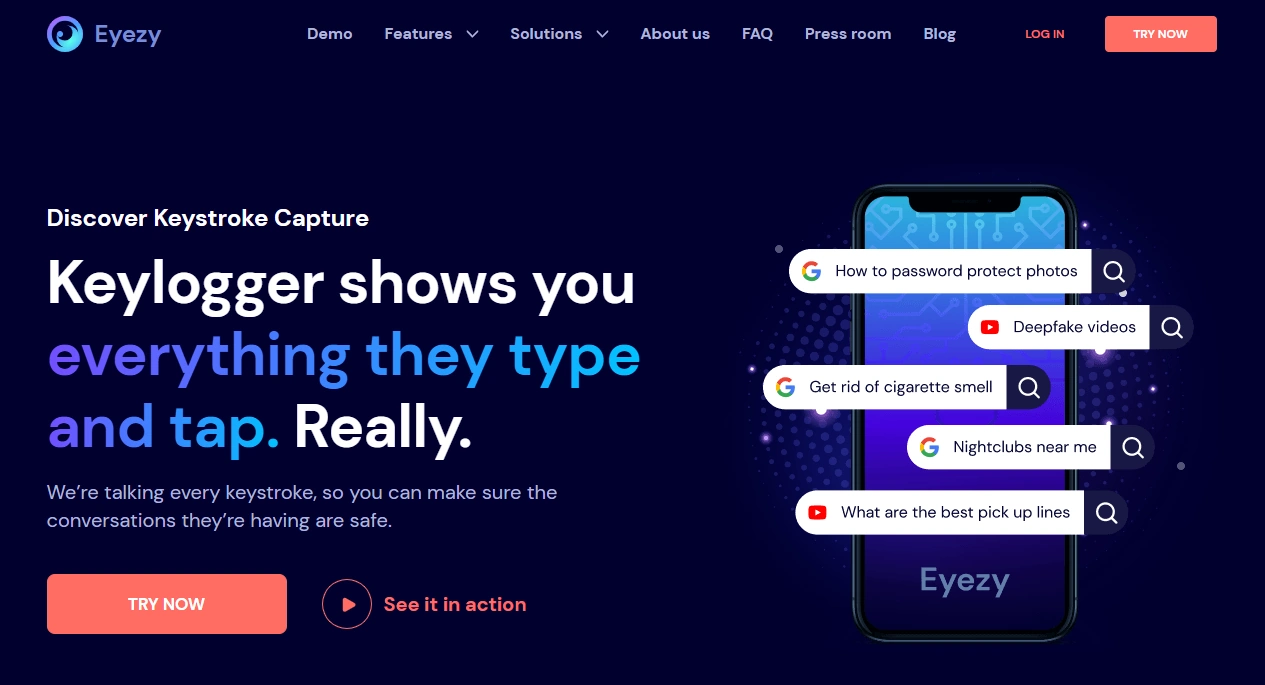
Eyezy – best dashboard-first keylogger alternative
Description
Eyezy is a parent-friendly monitoring suite that includes keylogger-style functionality on supported setups. It’s a strong option if you want a clean dashboard and practical reporting.
Product Highlights
- Dashboard-first experience (good for busy parents)
- Often used for patterns + safety signals
- Works across Android and iPhone setups (with different expectations)
What’s to like
- Simple, parent-friendly UI
- Good for monitoring patterns instead of obsessing over content
- Solid option to compare against mSpy
What’s not to like
- “Keylogger” visibility can still vary by device/OS
- Not necessary if your family only needs screen-time rules
- You still need boundaries and check-ins
PROS
- Great dashboard and reporting vibe
- Good cross-platform option
- Works well with a privacy-first approach
CONS
- Results depend on setup
- Can feel like “too much” for low-risk households
Ready to try Eyezy? Check the latest plans on the official website. Also read: Eyezy Keylogger Review.
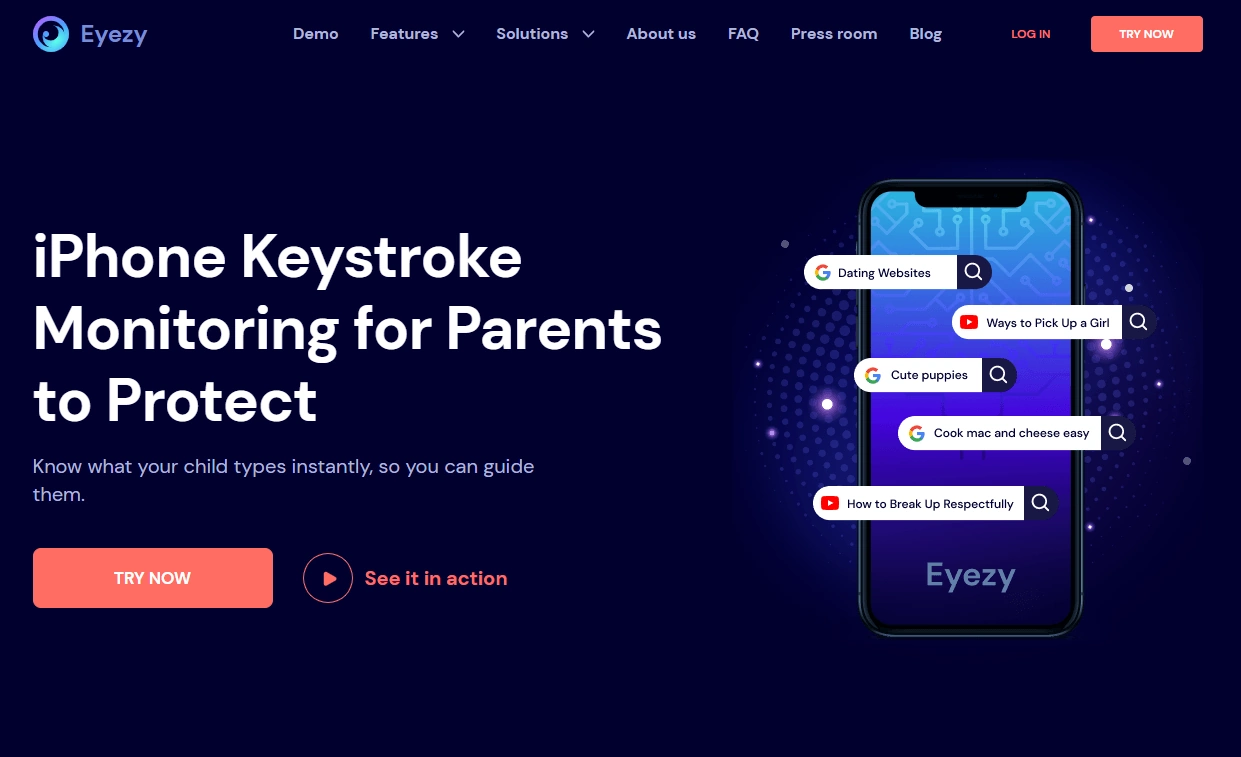
Eyezy – iPhone Keylogger (iOS-focused option)
Description
This is Eyezy’s iPhone-oriented keylogger offer. With iOS, treat the feature set as more method-dependent than Android and validate what you get after setup.
Product Highlights
- iPhone-first positioning
- Pairs best with Screen Time limits
- Useful when you need extra visibility during a risk period
What’s to like
- Clear iPhone-focused starting point
- Works well for parents who want dashboards
- Good option to compare with mSpy iPhone
What’s not to like
- iOS restrictions mean “perfect keylogging” is unrealistic
- Not necessary for most families with strong Screen Time rules
PROS
- iPhone-oriented offer
- Good parent UX
- Solid “extra layer” approach
CONS
- Variability across devices
- Requires careful expectation setting
Ready to try Eyezy for iPhone? Check the latest plans on the official website.
uMobix – best Android-first keylogger focus
Description
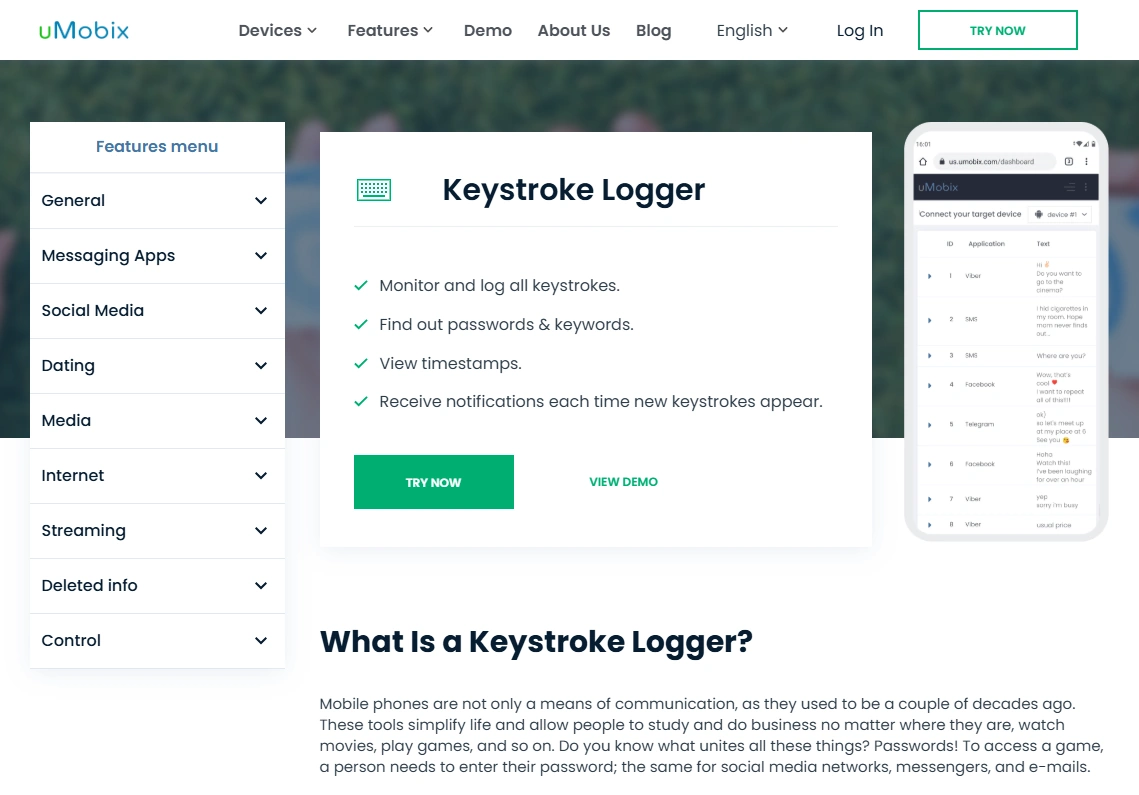
uMobix is best known as an Android-friendly monitoring tool, and its keylogger positioning is often a strong fit when your goal is typed-text visibility on a parent-managed device.
Product Highlights
- Android-focused experience
- Useful for typed-text signals + search behavior context
- Good fit if you want keylogging without overcomplicating choices
What’s to like
- Strong Android focus (often where keylogging matters most)
- Good for pattern-based monitoring
- Pairs well with Family Link schedules
What’s not to like
- Not ideal if your household is iPhone-only
- Still requires healthy boundaries to avoid “over-monitoring”
PROS
- Great Android keylogger candidate
- Practical for parents
- Good for time-limited safety checks
CONS
- Android-first positioning
- Setup/results vary by device
Ready to try uMobix? Check the latest plans on the official website. Also read: uMobix Keylogger Review.
Spynger – alternative to compare (Android + iPhone offers)
Description
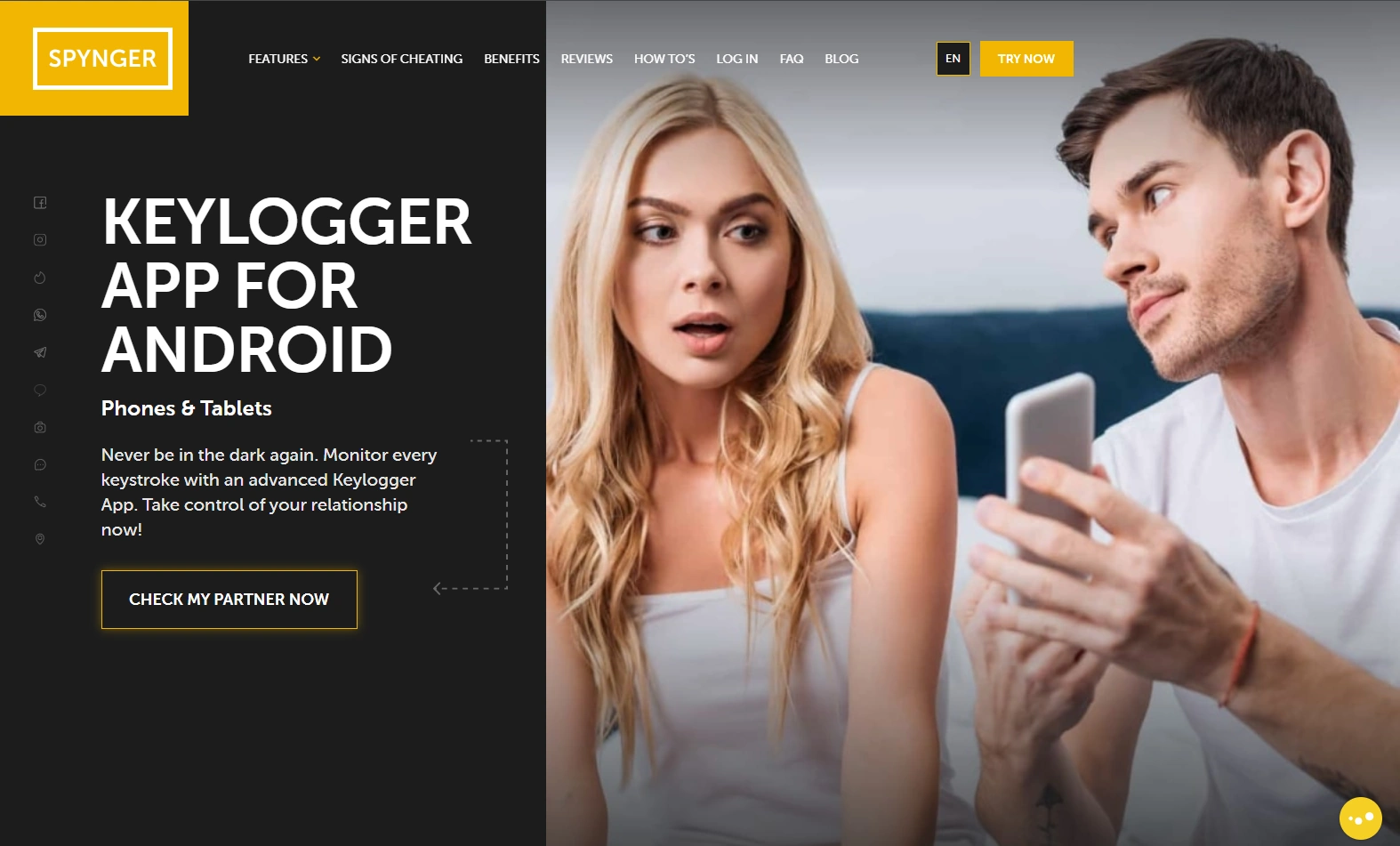
Spynger is worth considering if you want an alternative option to compare pricing, dashboards, and setup expectations—especially if you’re evaluating multiple tools side-by-side.
Product Highlights
- Separate Android and iPhone keylogger offers
- Good “comparison candidate” against the top picks
- Useful when you want a second opinion tool
What’s to like
- Alternative option if mSpy/Eyezy aren’t a fit
- Has both Android and iPhone positioning
- Good for cross-checking expectations
What’s not to like
- iPhone capabilities still vary by method
- Not necessary if you only need Screen Time / Family Link rules
PROS
- Solid comparison option
- Android + iPhone offers available
- Good for short-term safety checks
CONS
- Expectation management needed on iPhone
- Not the “lightest” option for low-risk households
Ready to try Spynger? Check the latest plans on the official website: Android · iPhone. Also read: Spynger Keylogger Review.
Moniterro – simpler option to consider
Description
Moniterro is a simpler alternative to compare if you want basic monitoring and don’t want to overthink your setup. As always, focus on a privacy-first approach.
Product Highlights
- Simple starting point for basic monitoring needs
- Often used as a “compare option” in buying decisions
- Works best when combined with OS-level boundaries
What’s to like
- Simple offer to test
- Good for parents who want clarity fast
- Pairs well with Screen Time / Family Link
What’s not to like
- Not ideal if you need a very advanced toolkit
- As with others, results vary by device and setup
PROS
- Simple and accessible
- Good comparison option
- Works as an “extra layer”
CONS
- May be too light for severe, ongoing risk cases
- Still requires healthy boundaries and transparency
Ready to try Moniterro? Check the latest plans on the official website. Also read: Moniterro Keylogger Review.
FAQ
Are keylogger apps legal for parents?
It depends on your location and whether you own/manage the device (for example, your child’s phone). Start with: Legal Phone Tracking: What’s Allowed and What’s Not.
Do keylogger apps work better on Android or iPhone?
Usually Android. iPhone monitoring is more restricted and setup-dependent, so “Android-style” keylogging expectations on iPhone are often unrealistic.
Can a keylogger read WhatsApp, Snapchat, or iMessage?
Not reliably in the way most people imagine. Messaging apps are designed with privacy protections and disappearing/encrypted content. Treat “read everything” claims cautiously and verify what you actually see after setup.
Do keyloggers require root or jailbreak?
Most mainstream parent monitoring solutions try to avoid requiring root/jailbreak, but capabilities still vary by device and method. Always follow the official setup steps for your device.
Will a keylogger drain battery or slow the phone?
It can, depending on the device, OS version, and how many features you enable. If performance matters, use the “minimum necessary” approach and avoid turning on every module.
What’s the least invasive alternative to a keylogger?
For most families: OS-level Screen Time / Family Link boundaries, install approvals, and predictable check-ins. Start here: How to Monitor Kids’ Phones Without Invading Their Privacy.
1 Comment