

“Keylogger” is one of the most overhyped features in the monitoring app space. Landing pages often imply you’ll see every keystroke, in every app, instantly. Reality is more boring (and more useful): accuracy depends on the device, OS limits, permissions, and whether the phone allows the monitoring service to keep running.
This Spynger keylogger review is a practical “hype vs reality” breakdown: what Spynger typically captures well, what it commonly misses, and how to decide if it’s the right tool for your situation.
If you’re still exploring options, start with our full roundup of the best keylogger apps for Android and iPhone.
Short on time? Quick verdict
- Best-case Spynger keylogger experience: Android, with correct permissions and battery settings.
- If your target is iPhone: set expectations — modern iOS limits “true keylogging” in many apps. Use a broader monitoring approach.
- If you want the most consistent keystroke coverage: compare Spynger against mSpy, uMobix, and top Android keylogger apps.
Quick jump: 60-sec checklist · Verdict · Comparison table · Hype vs reality · Best for your situation · Setup & issues · Reviews · Legal notes · FAQ
Check Spynger Keylogger (Android) · Check Spynger Keylogger (iPhone)
60-second decision checklist
- Is it Android or iPhone? Android usually offers more practical keylogging. iPhone is more restricted on modern iOS.
- What do you mean by “accurate”? Decide what matters: (a) coverage across apps, (b) minimal gaps, (c) speed, or (d) context (which app + when).
- Can you set it up properly? If you can’t complete permissions/battery settings, expect missing logs.
- Do you need a keylogger at all? Many parents get better results from screen time + app monitoring than chasing “perfect” keystrokes.
- Ethics: Only monitor a device you own/manage (e.g., your child’s phone) or with clear consent.
Verdict: is Spynger keylogger worth it?
Spynger can be worth it if you’re monitoring an Android device you own/manage and you want keystroke-style visibility as part of a wider monitoring toolbox.
Spynger may disappoint if you expect “everything typed in every app” on iPhone. On modern iOS, keylogger claims are often constrained by OS-level protections — so “keylogger” can behave more like limited text capture + synced data rather than full keystroke logging.
Spynger vs keylogger alternatives (daily-use reality)
This table is written for “real life”: background limits, missing logs, and modern iOS restrictions — not marketing bullet points.
| App | Best on | Accuracy in daily use | Common weak spot | Best for |
|---|---|---|---|---|
| Spynger | Android (strongest), iPhone (limited) | Good on Android when permissions + battery settings are correct | iPhone expectations on modern iOS | Parents who want typed-text visibility + other monitoring signals |
| mSpy | Android | Strong Android keylogger contender with stable setup | OEM battery restrictions can cause gaps | Android-focused keylogging with lots of guides |
| uMobix | Android | Often fast logs when background isn’t restricted | Battery optimization can delay or drop logs | People who value speed (Android) |
| Eyezy | Android (strongest), iPhone (limited) | Good Android daily-use accuracy when configured properly | iOS constraints + “secure fields” | All-in-one monitoring with keylogger as one signal |
Hype vs reality: what Spynger keylogger usually captures (and what it doesn’t)
Reality #1: “Accuracy” is not one thing
When people say a keylogger is “accurate,” they might mean:
- Coverage: does it capture text in the apps you care about?
- Continuity: are there gaps when the phone sleeps or goes into low-power mode?
- Speed: do logs appear quickly, or only after long sync delays?
- Context: can you tell where/when the text was typed, or is it just a raw stream?
Spynger can score well on Android when setup is right. If setup is sloppy, you’ll get “random” missing logs and delays — which looks like “bad accuracy.”
Reality #2: iPhone keylogging is rarely “full keylogging” on modern iOS
On iPhone, OS-level restrictions often prevent classic Android-style keystroke capture in many apps. This is why iPhone reviews can feel inconsistent: different iOS versions + different methods lead to different outcomes.
If iPhone is your main target, compare expectations with best iPhone keylogger apps and follow a safe setup approach in this iPhone monitoring guide.
Reality #3: secure input fields and some apps won’t behave like normal typing
Many apps use secure text fields (especially for passwords and sensitive inputs). In those cases, you should expect missing or masked entries. If a tool claims it captures everything everywhere, treat that as marketing, not physics.
Best for your situation
- You manage a child’s Android phone and want typed-text visibility: Spynger is a reasonable pick if you can do permissions and battery settings properly.
- You mainly need “what’s going on” (apps, behavior, risk signals): don’t over-focus on keylogs. A broader monitoring approach can be more reliable than chasing perfect keystrokes.
- You’re iPhone-first: treat “keylogger” as a potentially limited feature. Compare iOS-focused options and prioritize safe setup.
- You want to pick the best option quickly: use the keylogger apps comparison guide and narrow down by platform first.
Setup tips & common issues (without the fluff)
Most “Spynger is inaccurate” complaints come from predictable setup and OS issues, not the idea of Spynger itself.
Android: how to reduce gaps
- Grant required permissions fully (especially the ones that affect logging and background activity).
- Disable aggressive battery optimization for the monitoring service (otherwise you’ll see gaps when the phone sleeps).
- Test in real apps you care about for a full day (not just 5 minutes) to confirm stability.
- Use a proper install process that prioritizes stability and permissions. See this Android install guide (focused on common mistakes and reliability).
iPhone: what to do instead of expecting “perfect keylogging”
- Set expectations early: modern iOS often limits classic keylogging.
- Use supporting signals: app activity, screen time patterns, and other monitoring features can be more consistent.
- Follow a safety-first setup: iPhone monitoring setup guide.
Fast troubleshooting checklist
- Missing chunks of logs: usually Android background/battery restrictions.
- Long delays: device offline, power-saving mode, or sync throttling.
- No logs in certain apps: app/keyboard differences or secure input fields.
Reviews: Spynger and the closest alternatives
Spynger
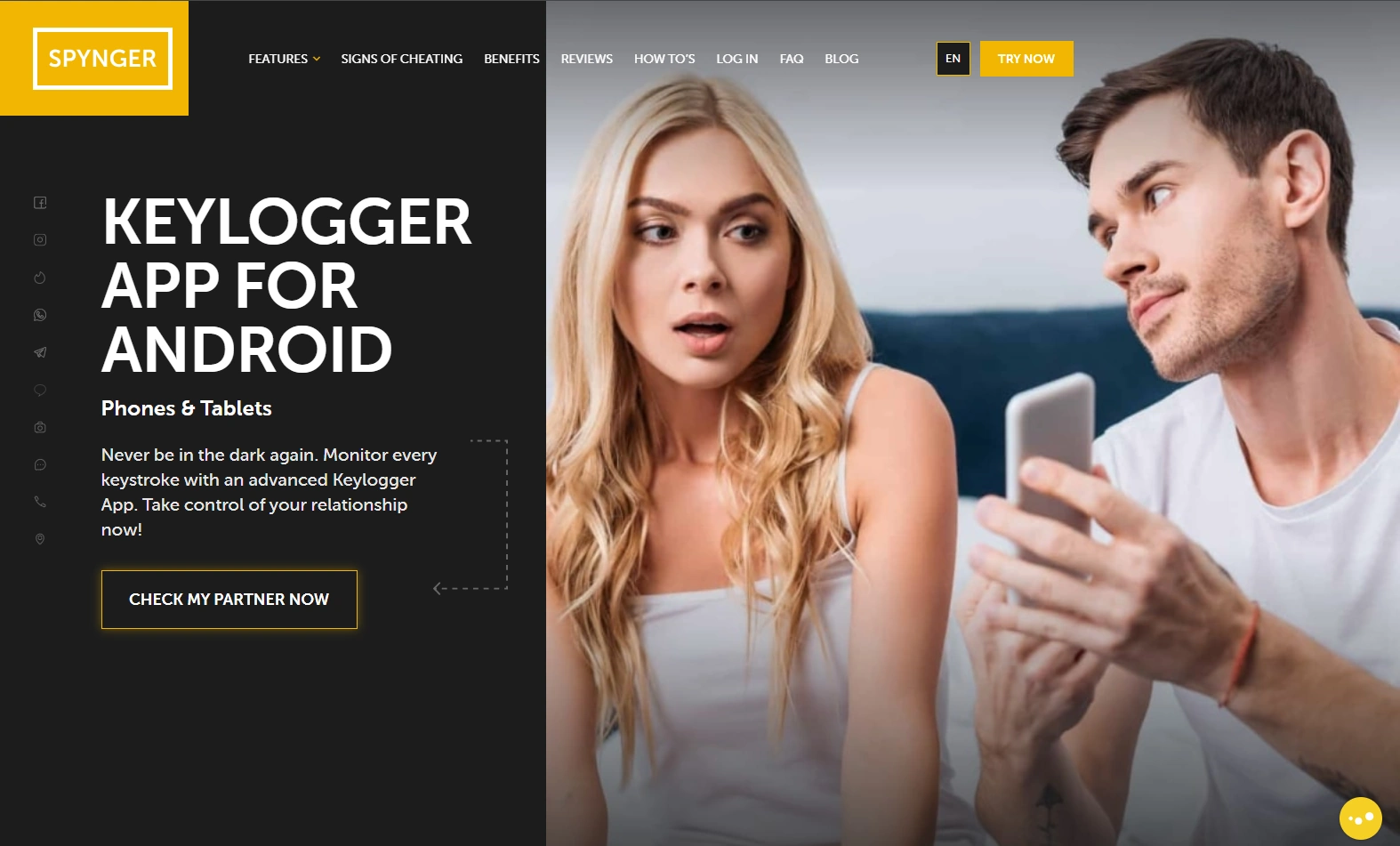
Description
Spynger is positioned as a monitoring suite with a keylogger feature. The most realistic way to evaluate it is by platform: Android is where you can get the closest “keylogger-like” daily-use experience; iPhone is where expectations need to be more conservative.
Product highlights
- Android keylogger-focused offering
- iPhone keylogger page available (with modern iOS limitations in mind)
- Works best when treated as one signal inside a broader monitoring setup
What’s to like
- Practical keylogger experience on Android when configured correctly
- Useful for pattern spotting (what was typed + when) rather than “spy-movie” expectations
- Good choice if you want a single tool instead of stacking multiple apps
What’s not to like
- iPhone “keylogger” reality can feel underwhelming on modern iOS
- Android battery optimization can create gaps if not configured
- Some inputs (secure fields) may never be fully visible
PROS
- Strongest on Android
- Good if you evaluate it realistically
- Helpful as part of a broader monitoring approach
CONS
- Not “perfect keylogging everywhere” (especially iPhone)
- Setup quality heavily impacts results
- Background limits can reduce continuity
Try it here: Spynger Keylogger (Android) · Spynger Keylogger (iPhone)
Eyezy (alternative)
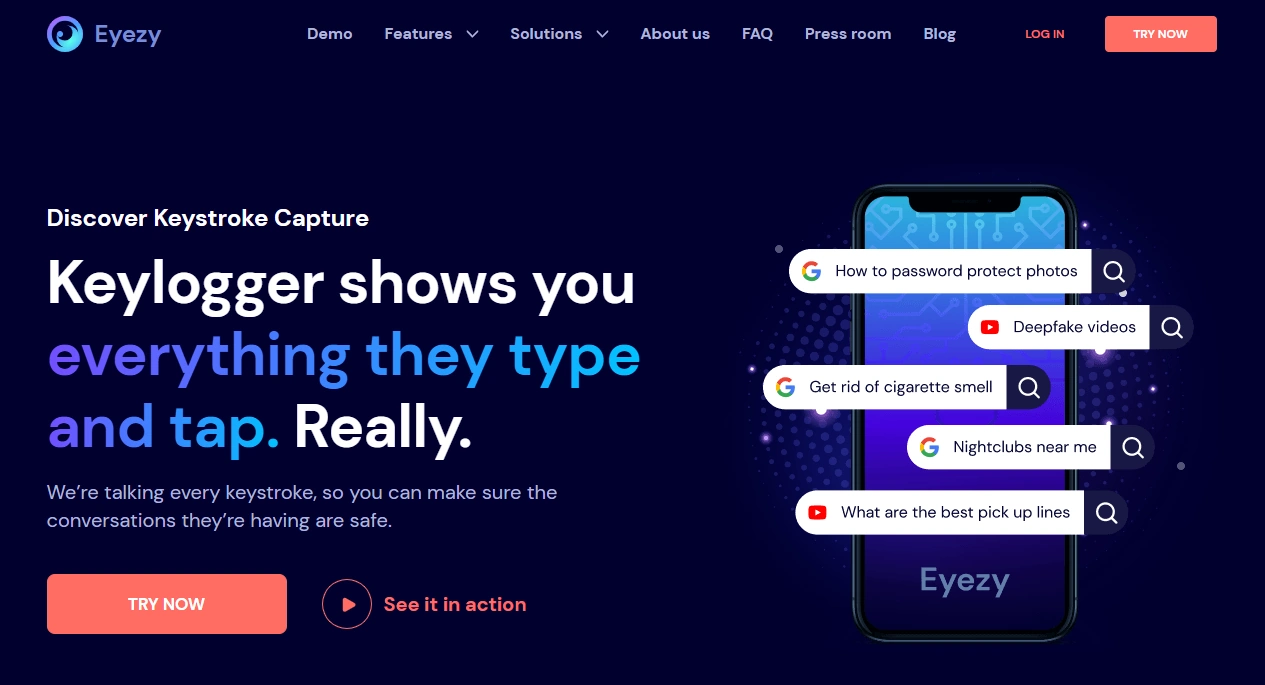
Description
Eyezy is often chosen by people who want an all-in-one monitoring suite where keylogging is just one part of the toolkit. In daily use, it’s typically strongest on Android.
Product highlights
- All-in-one monitoring suite with keylogger-style feature
- Good Android performance when configured properly
- Useful “backup signals” when keylogs have gaps
What’s to like
- Good Android daily-use experience
- Great if you don’t want to rely on keylogs alone
- Easy to compare vs Spynger on Android
What’s not to like
- iOS limitations still apply
- Background restrictions can cause missing logs if not configured
PROS
- Strong Android value
- Broader monitoring features
- Good for “parental control” style oversight
CONS
- Not ideal for iPhone users expecting full keylogging
- Setup matters a lot
Check Eyezy: official website.
mSpy (alternative)
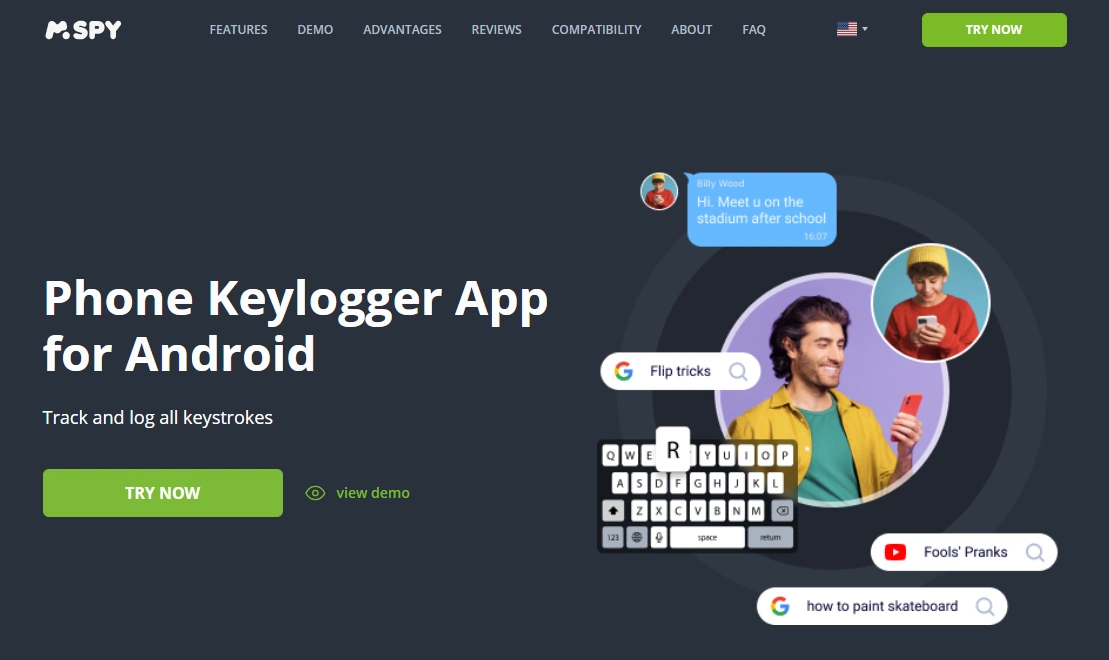
Description
mSpy is a classic competitor in the monitoring space and a common comparison for Android keylogging. If you want more background, see our mSpy keylogger review.
Product highlights
- Android-friendly keylogger positioning
- Strong option when permissions/battery settings are stable
- Good choice for Android-first buyers
What’s to like
- Strong Android contender
- Lots of user-facing guides and comparisons available
- Clear “keylogger-first” angle
What’s not to like
- Not the best match for iPhone-first expectations
- Background restrictions can still cause gaps
PROS
- Reliable Android positioning
- Good educational ecosystem
- Practical daily use when configured well
CONS
- Setup-sensitive
- Not “everything everywhere”
Check mSpy: official website.
uMobix (alternative)
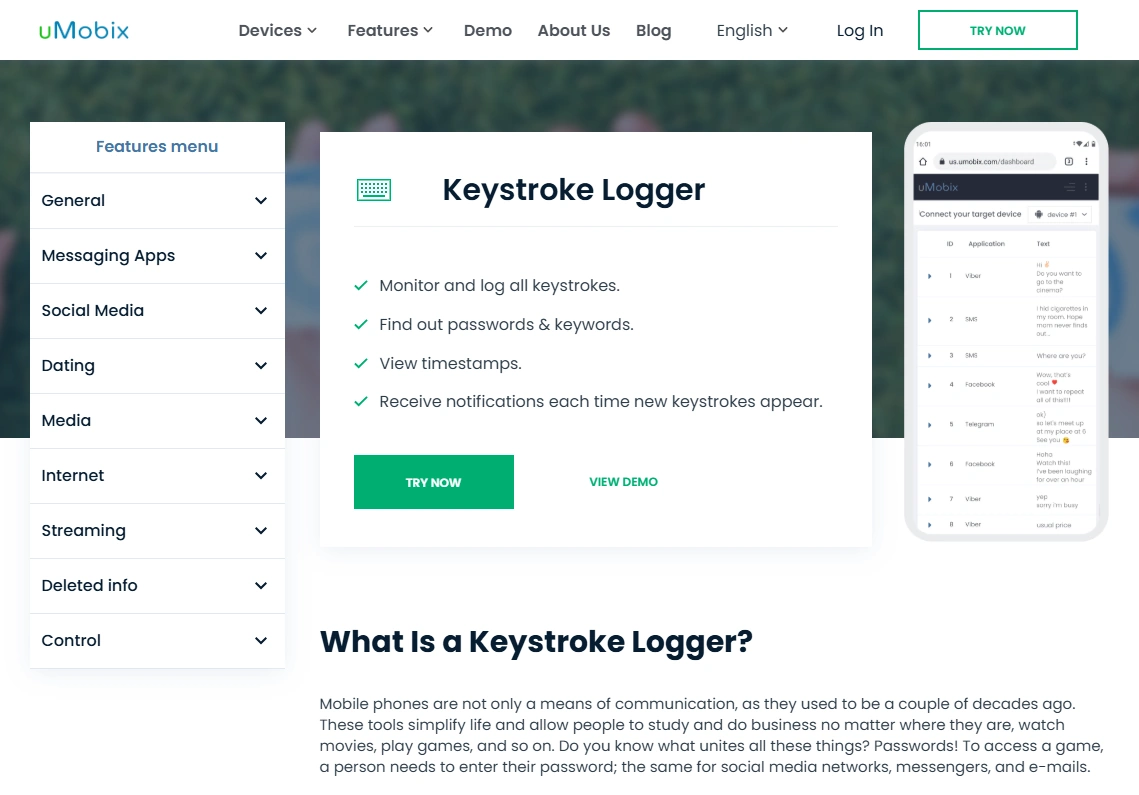
Description
uMobix is another Android-focused option, often chosen when people care about speed and frequent updates. For a deeper look, see uMobix keylogger review.
Product highlights
- Android keylogger offering
- Often quick log visibility when background isn’t restricted
- Good to compare vs Spynger for Android buyers
What’s to like
- Strong Android contender
- Good fit if you value speed (with stable setup)
- Easy to evaluate side-by-side
What’s not to like
- Battery optimization can still cause gaps/delays
- Not ideal for iPhone-first needs
PROS
- Android-first value
- Often fast updates
- Strong competitor in keylogger comparisons
CONS
- Background restrictions can impact continuity
- Not a magic solution for iOS limitations
Check uMobix: official website.
Legal notes (important)
Use monitoring tools only on devices you own, devices you manage (for example, a minor child’s phone under your care), or when you have clear consent. Laws vary by country and situation, and secretly monitoring other adults or devices you don’t own can be illegal.
If you want a practical overview of what’s generally allowed, read legal phone tracking: what’s allowed and what’s not.
FAQ
Is Spynger keylogger actually accurate?
On Android, Spynger can be accurate in daily use when permissions and battery/background settings are configured correctly. On iPhone, expectations should be more conservative due to modern iOS restrictions.
Why do keylogs sometimes have missing entries?
The most common causes are Android battery optimization stopping background services, incomplete permissions, sync delays, and secure input fields that apps use to protect sensitive text.
Does Spynger keylogger work on iPhone?
Spynger has an iPhone keylogger page, but modern iOS limits classic keystroke capture in many apps. Treat iPhone “keylogger” as potentially limited and use broader monitoring signals.
How fast do Spynger keylogs show up?
It varies. With stable background behavior and good connectivity, logs can appear quickly. Power-saving modes, poor signal, or background restrictions can create delays.
Will Spynger capture passwords?
Many apps use secure fields specifically to prevent password capture, so you should expect masking or missing data there. Keyloggers should not be used for account access.
What’s better than Spynger for keylogging?
For Android-focused comparisons, check best Android keylogger apps. Two close alternatives often compared for Android keylogging are mSpy and uMobix.
Is using a keylogger legal for parents?
It depends on your country and context. Monitoring a device you own/manage for a minor child can be lawful, but secretly monitoring other adults (or devices you don’t own) can be illegal. When in doubt, get local legal advice.