

Spynger WhatsApp Monitoring gets hyped as a “WhatsApp monitoring app” that can show chats, calls, and media. The reality is more simple: Spynger can be useful if you’re monitoring a device you legitimately manage (like a child’s phone) and you set it up correctly — but it’s not a magic shortcut around WhatsApp encryption.
In this review, I’ll keep it practical: what Spynger WhatsApp can realistically do, what typically disappoints people, and when you should choose a different tool (mSpy, Eyezy, or uMobix).
If you want the broad overview first, start here: The Best Parental Control & Phone Monitoring Apps.
Short on time? Quick verdict
- Best for: discreet WhatsApp monitoring on a device you clearly manage (family device / policy-covered device)
- Hype vs reality: works best with stable setup; don’t expect “instant access” without proper permissions/sync
- Android vs iPhone: Android is usually more flexible; iPhone is more restricted and often sync-dependent
- Want a safer all-rounder? mSpy WhatsApp Monitoring
- Want the simplest parent routine? Eyezy WhatsApp
- Want a WhatsApp-first offer? uMobix WhatsApp Monitoring
Quick jump: Verdict · Comparison · What really matters · Best for your situation · Setup tips · Reviews · Legal notes · FAQ
60-second decision checklist
- Permission: Are you monitoring a phone you own or have explicit permission to manage (for example, your minor child’s phone)?
- Access: Can you get one-time access to complete setup properly?
- Platform: Is it Android (usually more flexible) or iPhone (more restricted and often sync-dependent)?
- Expectation check: Are you okay with “monitoring as a routine” instead of “instant real-time hacks”?
- Goal: Is WhatsApp the main priority, or do you also need broader oversight?
- Stability: Can you keep permissions, connectivity, and device settings stable after setup?
If you want a broad comparison before you buy, use: Best WhatsApp Monitoring Apps for Android and iPhone and the bigger matrix: Top 10 Parental Control & Phone Monitoring Apps Comparison Table.
Verdict: Spynger WhatsApp — hype vs reality
Spynger is a good pick if you want discreet monitoring on a device you manage
If your situation is clear (family device, your child’s phone, or policy-covered device), Spynger can be a practical “set it up, then check in” tool. It’s often chosen by people who want monitoring that feels low-friction day-to-day rather than feature overload.
Spynger is not a good fit if you expect “instant WhatsApp access” without setup
WhatsApp is end-to-end encrypted. So Spynger isn’t a shortcut around encryption — it’s a monitoring tool that depends on what the device and platform allow after correct setup. If you want the safest all-rounder for families, many people prefer mSpy. If you want the simplest routine, Eyezy is often easier. If you want a WhatsApp-first offer, uMobix can feel more direct.
Comparison table (Spynger vs popular WhatsApp alternatives)
This table focuses on what matters in real use: platform realities, reliability, and the “best for” fit.
| App | Best for | Platforms | Setup reality | Reliability “gotcha” | CTA |
|---|---|---|---|---|---|
| Spynger | Discreet monitoring on a managed device | Android, iPhone | Medium (setup + stability is everything) | Expect iPhone limits; stability matters more than marketing promises | Check Spynger |
| mSpy | Safer all-rounder for parents | Android, iPhone | Medium | Still affected by iOS limits; Android needs battery/data tuning | Check mSpy |
| Eyezy | Simplest parent routine | Android, iPhone | Easy–Medium | Not designed for power-user expectations | Check Eyezy |
| uMobix | WhatsApp-first offer | Android, iPhone | Easy–Medium | iPhone can be sync-dependent; Android needs stable permissions | Check uMobix |
What really matters (why “hype” breaks in reality)
1) WhatsApp is encrypted, so monitoring is about the device — not “hacking”
Any tool claiming “monitor WhatsApp instantly with only a phone number” should be treated as a red flag. Realistic monitoring comes from device-based access or legitimate sync-based methods after correct setup.
2) Android vs iPhone: different monitoring ceilings
- Android: usually more flexible once you grant permissions and stop the phone from killing background activity. If you want options that avoid deeper device changes, start here: Best Android Monitoring Apps Without Root.
- iPhone: more restricted and often sync-dependent. Before buying any iPhone monitoring tool, follow a safe setup guide: How to Set Up an iPhone Monitoring App Safely and Legally.
3) “Deleted messages” are never guaranteed
If your main goal is deleted WhatsApp messages, manage your expectations. Results depend on how events are captured and what the device permits. Start with this guide: How to See Deleted Messages on WhatsApp.
4) Reliability is a stability game
Most “it stopped working” stories come from battery optimization, data restrictions, or account/security prompts. A stable setup beats feature lists every time.
Best for your situation
Spynger is best if…
- You have a clear right to monitor the phone (managed family device / policy-covered device).
- You want a discreet, low-friction day-to-day routine.
- You’re fine with realistic expectations on iPhone (more limited, often delayed).
Pick mSpy if…
- You want a safer “default” for families: WhatsApp monitoring plus broader oversight in one place.
Pick Eyezy if…
- You want the simplest, parent-friendly routine and less decision fatigue.
Pick uMobix if…
- You want a WhatsApp-first offer and a straightforward dashboard workflow.
If you’re choosing by device type, compare: Best WhatsApp Monitoring Apps for Android and Best WhatsApp Monitoring Apps for iPhone.
Setup tips + common issues
Android: the “don’t let it break after a day” checklist
- Permissions: grant all required permissions during setup (don’t skip “optional” prompts).
- Battery: disable battery optimization for WhatsApp and the monitoring app.
- Data: allow background data; avoid data saver restrictions.
- Notifications: keep WhatsApp notifications enabled if your setup depends on activity triggers.
For a practical, safety-first Android walkthrough, see: How to Install a Monitoring App on Android (Safely).
iPhone: avoid the most common confusion
- Follow a step-by-step iPhone setup flow: iPhone monitoring setup guide.
- Expect verification prompts and occasional sync delays.
- If you’re still deciding between iPhone tools, this helps: How to Choose the Right iPhone Monitoring App.
Reviews
Spynger WhatsApp
Description
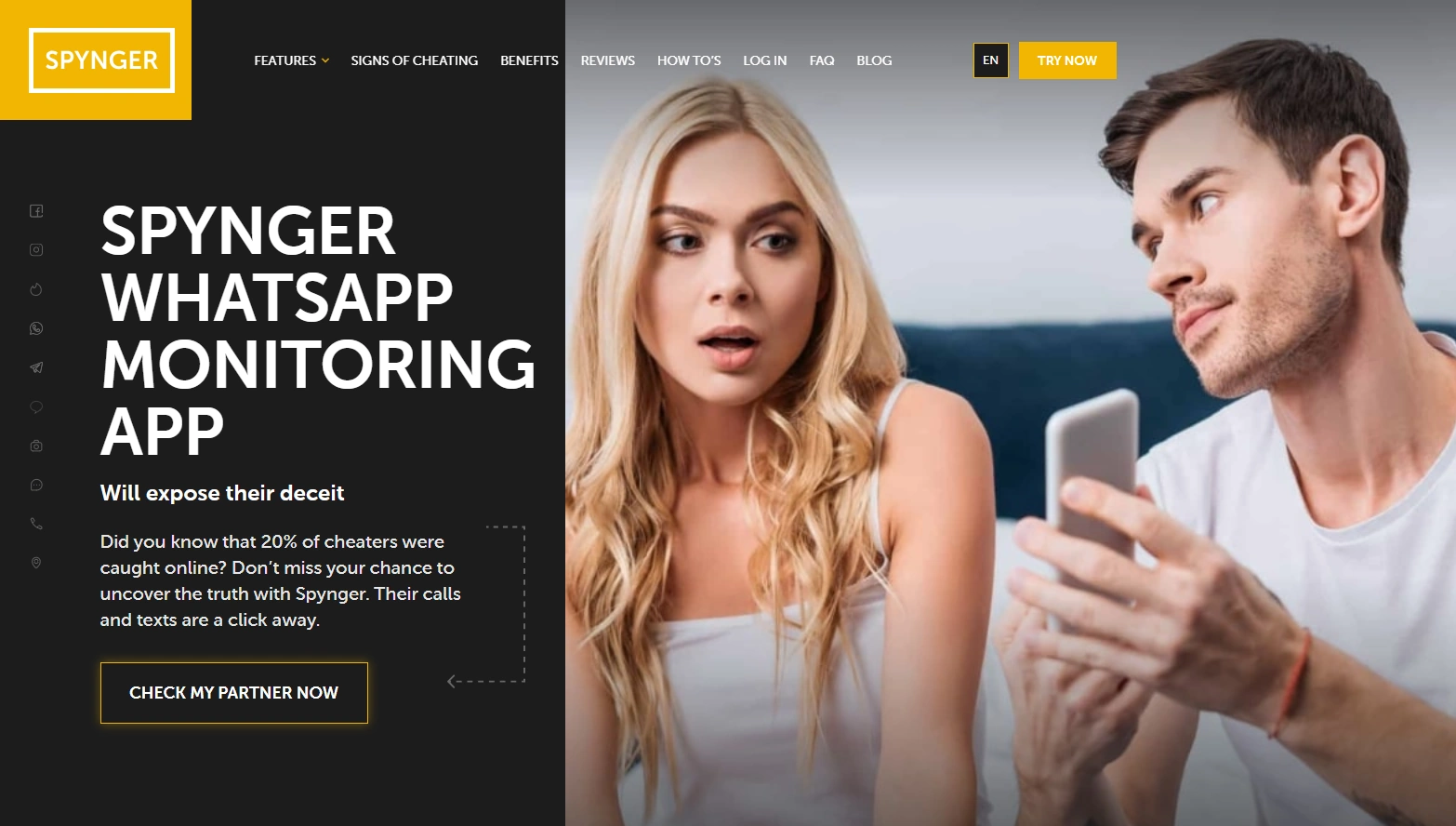
Spynger WhatsApp is best seen as a discreet monitoring tool for situations where you clearly manage the device. It can be a good “check-in routine” solution when WhatsApp is the priority and you want something that feels low-friction day-to-day.
Product highlights
- WhatsApp-focused monitoring offer
- Designed for a discreet, routine-based workflow
- Works across Android and iPhone (with different platform limits)
What’s to like
- Low-friction day-to-day feel when configured properly
- Good fit for managed-device scenarios (family device / policy-covered device)
- Clear WhatsApp focus without excessive clutter
What’s not to like
- Not a shortcut around WhatsApp encryption
- iPhone monitoring can be limited and sync-dependent
PROS
- Practical for discreet, routine-based monitoring
- Strong fit when your permission/scope is clear
- Good WhatsApp-first positioning
CONS
- Setup stability is the deciding factor
- Not ideal for “power-user / maximum depth” expectations
mSpy WhatsApp Monitoring (alternative)
Description
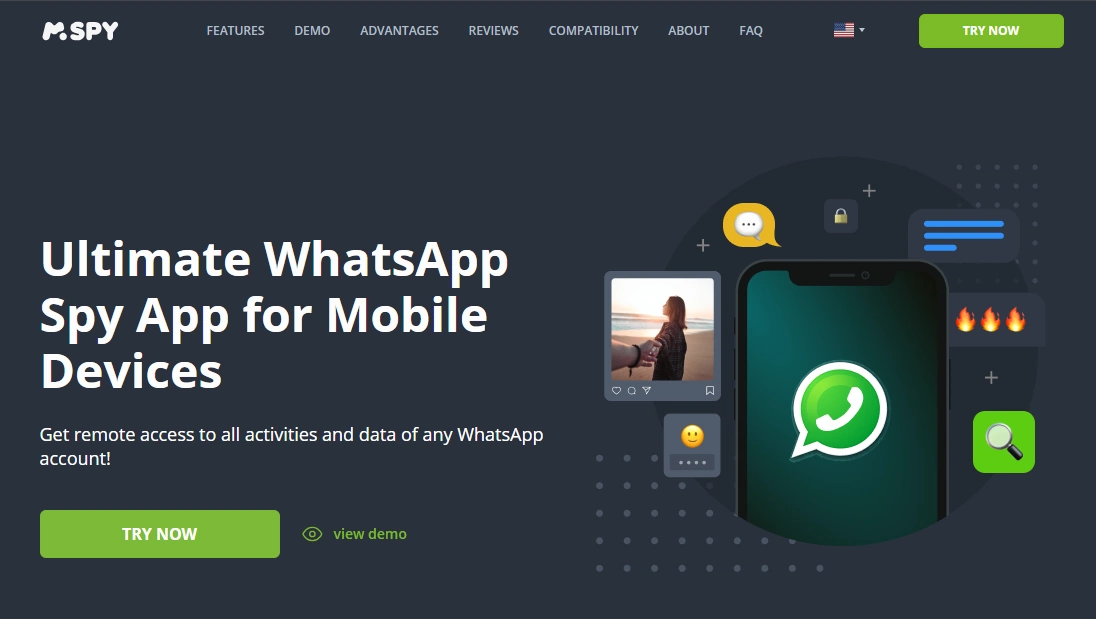
mSpy is often the safer all-rounder choice for parents who want WhatsApp monitoring plus broader context (so you’re not stuck with a WhatsApp-only tool later). It’s a strong “default pick” when you’re unsure how your needs will evolve.
Product highlights
- Balanced all-rounder approach (WhatsApp + broader oversight)
- Strong fit for family check-in routines
- Good option when WhatsApp is important but not the only concern
What’s to like
- Safer if your needs expand beyond WhatsApp
- Good long-term parent routine
What’s not to like
- Still depends on stable setup and realistic iPhone expectations
PROS
- Best all-rounder alternative
- Strong family-focused workflow
CONS
- May feel like more than you need if WhatsApp is truly your only goal
Check mSpy WhatsApp Monitoring
Eyezy WhatsApp (alternative)
Description
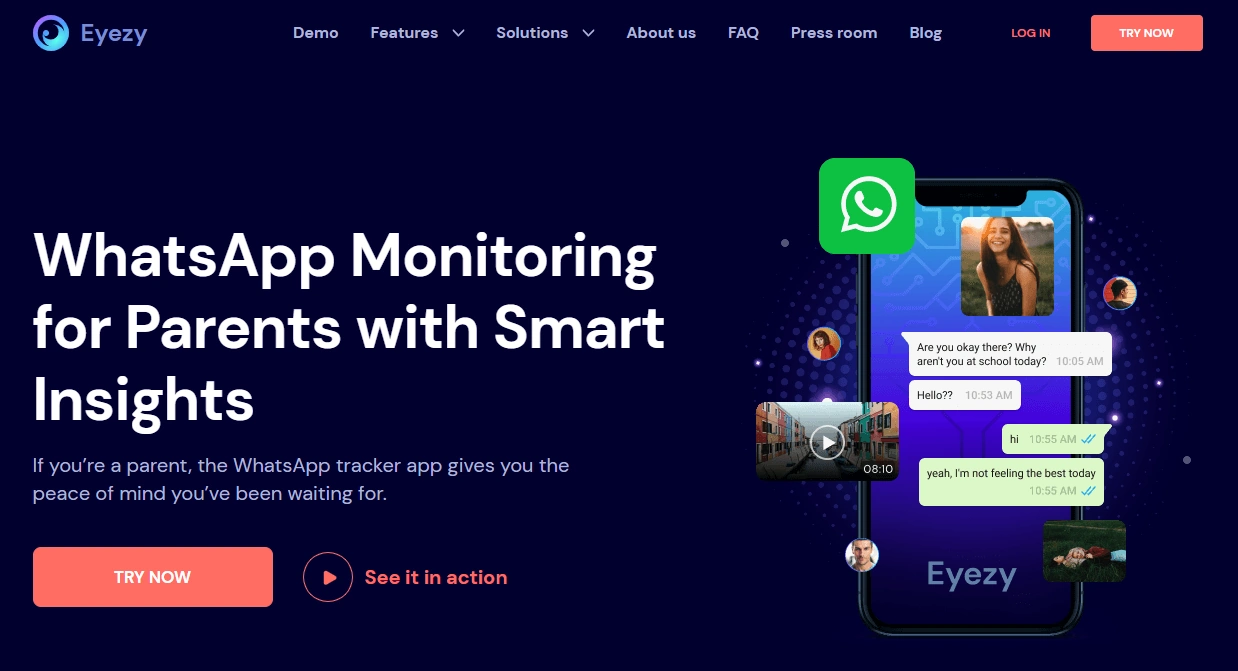
Eyezy is a strong alternative if you want the simplest, most parent-friendly routine. It’s built for “set it up correctly, then check in” rather than power-user complexity.
Product highlights
- Simple parent-friendly workflow
- Good fit for routine check-ins
- Works across Android and iPhone (with platform limits)
What’s to like
- Lower decision fatigue
- Easy to manage weekly
What’s not to like
- Not designed for “maximum depth” expectations
PROS
- Best simple routine alternative
- Great for non-technical parents
CONS
- Less “power-user” oriented
uMobix WhatsApp Monitoring (alternative)
Description
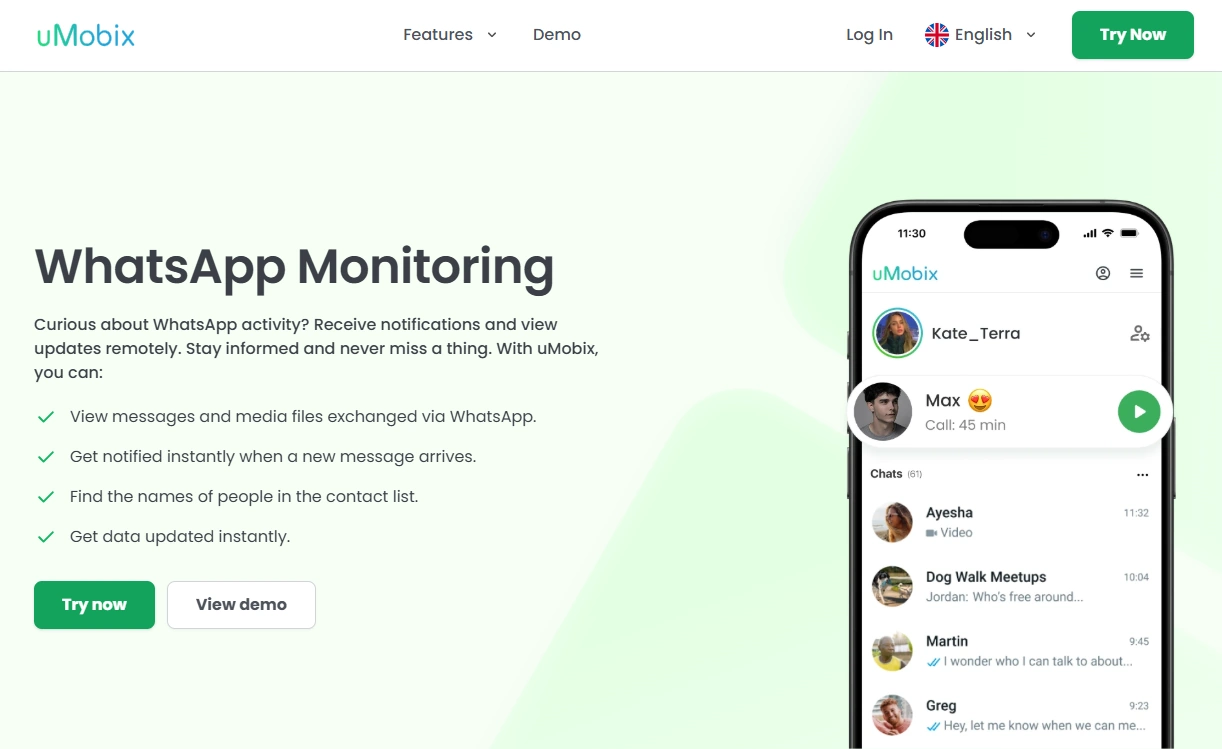
uMobix is a good alternative if you want a WhatsApp-first offer and a straightforward dashboard routine. It’s often chosen by people who want WhatsApp as the main focus without building a bigger monitoring stack immediately.
Product highlights
- WhatsApp-first monitoring positioning
- Straightforward dashboard workflow
- Good “start here” option if WhatsApp is your main priority
What’s to like
- Direct WhatsApp-first focus
- Good for testing your expectations by platform
What’s not to like
- If you later want broader oversight, an all-rounder may be a better fit
PROS
- Strong WhatsApp-first alternative
- Practical “check-in” routine
CONS
- Platform limits still apply (especially on iPhone)
Check uMobix WhatsApp Monitoring
Legal notes (please read)
Use monitoring tools legally and ethically.
- Only monitor a device you own or have explicit permission to manage (for example, your minor child’s phone).
- Rules differ by country and situation. If you’re unsure, start here: Legal Phone Monitoring for Parents.
- Monitoring without permission can be illegal and harmful. When possible, use transparency and clear family/device rules.
FAQ
Does Spynger really work for WhatsApp?
It can work when setup is done properly and you’re monitoring a device you legitimately manage. Results depend heavily on platform limitations (especially on iPhone) and keeping device settings stable.
Is Spynger better on Android or iPhone?
Android is typically more flexible once permissions and battery/data settings are configured. iPhone is more restricted and often sync-dependent, so expectations should be realistic.
Can Spynger show deleted WhatsApp messages?
Deleted-message visibility depends on how events are captured and what the device permits. Results vary by platform and configuration, and it’s never guaranteed.
Do I need physical access to the phone?
In most real setups, yes — at least once — to complete setup properly. Ongoing reliability also depends on stable permissions/sync and device settings.
What’s the best alternative to Spynger for WhatsApp monitoring?
If you want an all-rounder, mSpy is often the safer default. If you want the simplest routine, Eyezy is a strong pick. If you want a WhatsApp-first offer, uMobix is a practical alternative.
Is it legal to use Spynger for WhatsApp monitoring?
It can be legal when you monitor a device you own or have explicit permission to manage (like your minor child’s phone). Monitoring without permission may be illegal, so check local laws.