

When your phone is missing, you want one thing: a fast lead you can act on.
Scannero is popular because it sounds incredibly simple—enter a phone number and get a location. But in real life, the results depend on one big factor: whether the target phone can receive a request and interact with it (and whether you’re allowed to do this in the first place).
In this review, I’ll explain what Scannero can realistically do for finding a lost phone you own (or a device you’re authorized to manage), where it shines, where it fails, and when tools like mSpy or built-in “Find My” options are the smarter move.
Short on time? Quick verdict
- Best use: a quick “location request” style attempt when you need an immediate lead (and you’re authorized).
- Big limitation: if the phone is dead/offline/unreachable (or no interaction happens), results can be limited.
- Better long-term plan: ongoing tracking on family devices (mSpy or other parental tools) so you have history + last-known context.
Try Scannero (Lost Phone) Need a bigger overview? See the best apps to find a lost or stolen phone.
Quick jump: 60-second checklist · Verdict · Comparison table · What really matters · Best for your situation · Setup tips & common issues · Reviews · Legal notes · FAQ
60-second decision checklist
- Is this your phone (or a device you’re authorized to manage)? If not, stop and read the legal notes.
- Is the missing phone powered on? Dead/off = no live tracking from any tool.
- Can it receive messages/calls? If it’s unreachable, “phone number search” tools have less to work with.
- Do you need a quick lead or a long-term safety net? Scannero = quick attempt; ongoing monitoring = mSpy-style setup.
- Android or iPhone? Built-in recovery tools can be strong—especially if they were enabled before the phone went missing.
Verdict: is Scannero worth using to recover a lost phone?
Yes—if you need a fast, simple “location request” attempt and you’re using it on a phone you own or manage (for example, a child’s device).
No—if you expect “instant GPS” without the phone being reachable or if you want a robust recovery system. For that, you’ll want a combination of built-in tools + an always-on family tracking setup.
If you want the full ecosystem view, start here: The Best Parental Control & Phone Monitoring Apps and the comparison table.
Comparison table: Scannero vs “always-on” tracking options
This table is written for real-life recovery. If the phone is missing right now, speed matters. If you want fewer panic moments in the future, planning matters.
| Option | Best for | Strengths | Limitations | My take |
|---|---|---|---|---|
| Scannero | Quick recovery attempts | Simple workflow when you want a fast lead and you’re authorized. | If phone is dead/offline/unreachable, results can be limited. | Good “try this now” tool—not a full safety system. |
| mSpy | Ongoing tracking on devices you manage | Best as a safety net: location context + last-known history if configured in advance. | Needs setup before the phone goes missing; dead/offline phone won’t update. | Best long-term plan for families. |
| Eyezy | Simple family oversight | Parent-friendly dashboard; works well when maintained on managed devices. | Not a “recover after the fact” miracle; depends on permissions/connectivity. | Good if you want an easier interface for ongoing checks. |
| uMobix | Android-first households | Practical day-to-day monitoring when background access is stable. | Background restrictions and permission resets can create gaps. | Solid option if you mostly manage Android devices. |
What really matters for a “phone number search” recovery
1) A “phone number search” is not magic GPS
Scannero-style tools are best thought of as a recovery workflow, not a guaranteed live tracker. The missing phone needs to be reachable enough to participate in the process (and you need a lawful reason to do it).
2) The phone’s state decides the outcome
- Powered on + connected: your best chance of getting a useful lead.
- On but offline: expect delays or gaps until it reconnects.
- Dead/off: no tool can pull fresh location from a device that can’t transmit.
3) Built-in recovery tools still matter
If the missing device is Android or iPhone, built-in “find” tools can be extremely effective—if they were enabled beforehand. These guides walk you through the owner-first approach:
Best for your situation
Best if you need a quick lead right now
If you’re in “we lost the phone today” mode, Scannero can be worth trying as a fast locate attempt—especially if it’s your own device or your child’s device and the phone is still reachable.
Best if you manage family devices long-term
If you want fewer panic moments, build a safety net: use ongoing monitoring on devices you manage and keep recovery settings checked periodically. Start here: How to set up your kid’s phone so it’s easy to find if lost.
Best “owner-only” playbook
If the phone is yours and you want the cleanest, safest approach, follow: How to monitor a lost or stolen phone you own.
Best combined approach
If you want a practical mix of “try now” + “plan ahead,” read: How to monitor a lost or stolen phone using mSpy or Scannero.
Setup tips & common issues (so you don’t waste time)
- Try recovery steps quickly: the biggest enemy is battery drain after the device goes missing.
- Don’t assume precision: treat results as a lead to investigate, not courtroom-grade proof.
- Don’t rely on one tool: combine built-in “find” tools + account security + (optionally) an ongoing family tracker.
- If the device is unreachable: shift to owner-first steps (carrier/SIM actions, account security, and built-in tools).
Reviews
Scannero
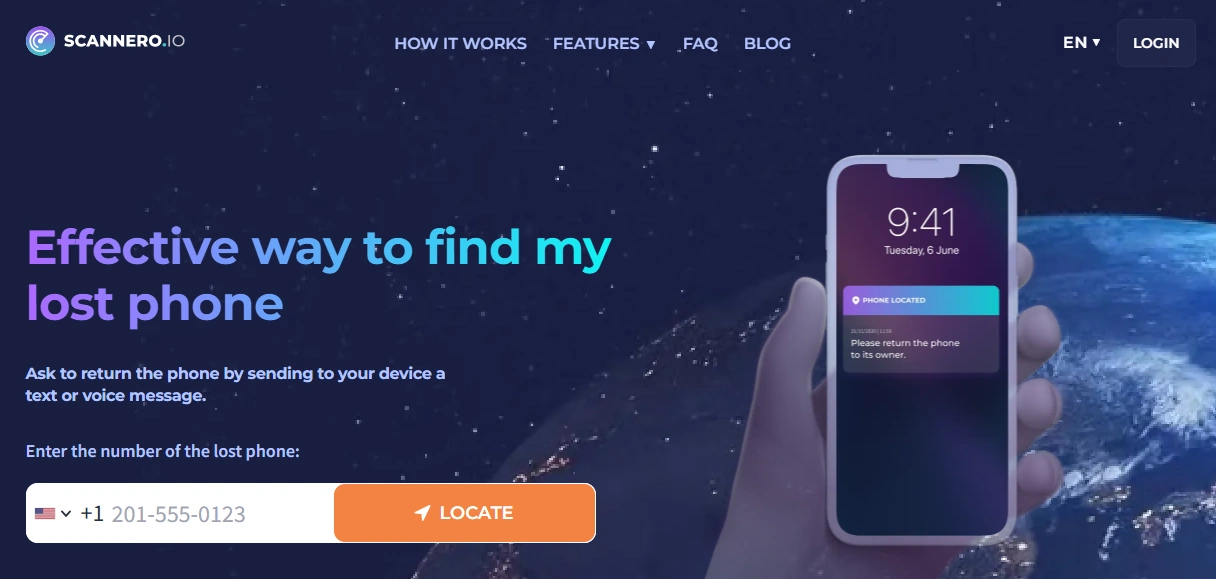
Description: Scannero is built for simple location attempts using a phone number workflow. For lost phone recovery, it’s most useful when you need a quick lead and the device is still reachable enough to respond.
Product highlights:
- Fast “try now” recovery-style workflow
- Works best when the missing phone is powered on and reachable
- Good complement to owner-first recovery steps
What’s to like:
- Simple and quick to attempt when time matters
- Doesn’t require you to pre-install a full monitoring suite for a one-off attempt
- Helpful as an extra recovery angle alongside built-in tools
What’s not to like:
- If the phone is dead/offline/unreachable, results can be limited
- Not a full “family safety net” with ongoing history unless you plan broader tracking
PROS:
- Quick recovery attempt
- Simple workflow
- Useful as a complementary option
CONS:
- Depends on device reachability and real-world conditions
- Not a guaranteed live GPS tracker
Start Scannero trial Go straight to Lost Phone
mSpy
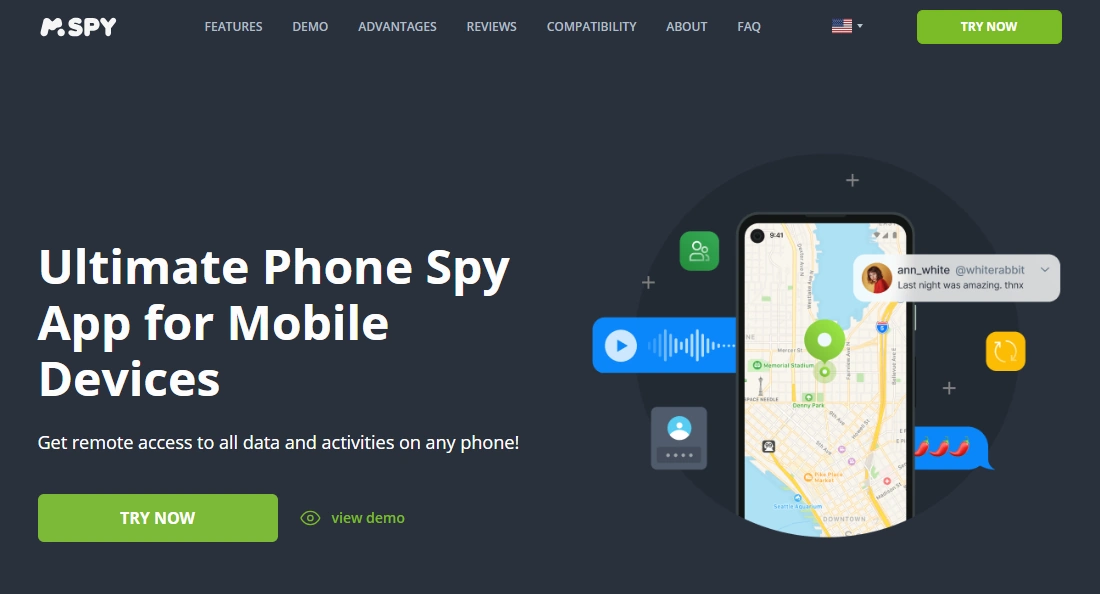
Description: mSpy is best viewed as a long-term safety net for devices you manage (your own devices, your child’s device, or a shared family phone). For lost phone recovery, its biggest advantage is context: last-known location and history—if it’s set up before the phone goes missing.
Product highlights:
- Best for ongoing family device oversight
- Useful when you want location context and continuity
- Pairs well with owner-first recovery playbooks
What’s to like:
- Excellent “plan ahead” approach for families
- More useful than one-off attempts when you need history and routine tracking
What’s not to like:
- Needs setup before the phone goes missing
- Dead/offline phones won’t provide new updates
PROS:
- Strong long-term tracking value
- Good for families managing kids’ devices
CONS:
- Not a “recover after the fact” miracle
uMobix
Description: uMobix is a practical monitoring option that often performs best in Android-first households. For lost phone scenarios, it’s most useful when it’s already configured on the device you manage, so you have location context when something goes missing.
Product highlights:
- Android-first practicality
- Good everyday monitoring flow when permissions remain stable
What’s to like:
- Solid option if most devices in your family are Android
- Good for ongoing oversight routines
What’s not to like:
- Background restrictions and permission resets can create gaps
PROS:
- Strong Android value
- Useful as a family monitoring layer
CONS:
- Same reality: no power/internet = no location updates

Eyezy
Description: Eyezy is a parent-friendly monitoring option with a clean dashboard. For lost phone recovery, it makes the most sense as part of an ongoing family oversight setup—so you have location context if a device disappears.
Product highlights:
- Beginner-friendly interface
- Good for routine family checks
What’s to like:
- Simple for non-technical parents
- Works well when maintained on devices you manage
What’s not to like:
- Not a one-off miracle if tracking wasn’t set up beforehand
PROS:
- Easy interface
- Good for parents who want simplicity
CONS:
- Depends on permissions and connectivity like every tracking method

Legal notes (read before you try anything)
Location tracking can be illegal and a serious privacy violation if you don’t have permission or lawful authority. Use Scannero (and any monitoring tools) only for phones you own, your child’s devices, or devices you’re clearly authorized to manage.
FAQ
Can Scannero find a lost phone using only a phone number?
It can sometimes provide a useful lead, but it’s not guaranteed “instant GPS.” Results depend on whether the phone is reachable (powered on and connected) and whether the recovery workflow can be completed lawfully.
Does Scannero work if the phone is turned off or the battery is dead?
No. A phone that’s off or dead can’t transmit location updates. In those cases, focus on owner-first recovery steps and last-known info from built-in tools.
Scannero vs mSpy: which is better for recovering a missing phone?
Scannero is better for a quick, try-now locate attempt. mSpy is better as a long-term family safety net—because it can provide last-known location context and history when it’s set up in advance.
How accurate is Scannero location in real life?
Accuracy varies by real-world conditions like connectivity and device settings. Treat any result as a lead to investigate—not guaranteed precision.
What should I do first if my phone is missing?
Act quickly while the phone still has battery: use owner-first steps and built-in tools. If you want a quick extra attempt and you’re authorized, Scannero can be worth trying as a complementary option.
Is it legal to use Scannero on someone else’s phone?
Often no—unless you have clear permission or legal authority. For most people, the safe rule is: only use it on phones you own or manage (like your child’s device).