

Losing an Android phone is stressful—but if you act in the right order, you can often find it, secure it, or prove it’s stolen within minutes.
The biggest mistake people make is jumping straight to “factory reset” or trying random apps. The best recovery rates come from: Google Find My Device, manufacturer tools (Samsung, etc.), and account security—in that order.
This guide is a practical checklist you can follow on a second device (laptop, friend’s phone, tablet) with zero tech fluff.
Short on time? Quick verdict
- Best first step (most cases): Google Find My Device (ring / locate / lock)
- If it’s a Samsung phone: try Samsung’s “Find My Mobile” too
- If Find My Device fails: use last known location + carrier + police report (IMEI) + change passwords
- If you want a backup plan for the future: set up a family GPS tracker ahead of time (see options below)
Quick jump: Do this now (steps) · 60-second decision checklist · Verdict · Comparison table · What really matters · Best for your situation · Prevention & setup tips · Tracking tools · Legal notes · FAQ
Do this now: fastest way to locate a lost Android phone
- Call the phone (or ask someone else to). If it rings, follow the sound.
- Use Find My Device from another device to locate it and make it ring.
- Lock the device and set a lock-screen message (e.g., “This phone is lost. Please call …”).
- Check the last known location and move fast (many phones go offline once the battery dies).
- If you suspect theft: contact your carrier to suspend the SIM, file a police report, and secure your accounts.
- If recovery looks impossible: remotely erase the phone (only after you’ve tried location + lock).
If you also want a broader view of tracking/monitoring tools (parents + families), see: Best GPS tracker apps for Android and Best GPS tracker apps for Android & iPhone.
60-second decision checklist
Pick the path that matches your situation:
- I’m logged into Google and the phone is probably on → use Find My Device now.
- It’s a Samsung phone → try Samsung “Find My Mobile” as well.
- The phone is offline / battery dead → use last known location + carrier + account security.
- I think it’s stolen → lock device, suspend SIM, file police report (include IMEI), change passwords.
- I want a backup plan for next time → set up a dedicated family tracker (see Tracking tools).
If you want to compare family tracking tools and capabilities, use our internal reference: Top 10 Parental Control & Phone Monitoring Apps Comparison Table.
Verdict: the best way to track a lost Android phone
Most people should start with Google Find My Device. It’s fast, free, and designed for exactly this scenario: ring, locate, lock, and (if needed) erase.
If Find My Device doesn’t work, it usually means one of these: the phone is offline, location was disabled, the Google account isn’t accessible, or the device was factory reset. At that point, your “win condition” changes from “live tracking” to “proof + protection”: last known location, SIM suspension, and account security.
If you want a backup plan for the future (especially for families), a dedicated GPS tracking solution can help—because it’s set up ahead of time and doesn’t rely on you remembering passwords in a panic.
Try a Lost Phone lookup option | See mSpy GPS Tracking | Compare Eyezy GPS Tracking
Comparison table: tracking methods (what works best and when)
| Method | Best when | What you can do | Main limitation |
|---|---|---|---|
| Google Find My Device | You’re logged into Google; phone likely online | Locate, ring, lock, show message, erase | Needs power + internet + location permissions |
| Manufacturer tool (Samsung, etc.) | Phone brand account was enabled earlier | Extra recovery options depending on brand | Only works if it was set up before loss |
| Last known location | Phone is offline/battery dead | Identify where it likely was last seen | Not live—just a clue |
| Carrier (SIM suspension) | You suspect theft or fraud risk | Stop calls/SMS usage; reduce account takeover risk | Doesn’t locate the phone reliably |
| Police report + IMEI | Stolen phone; you need official documentation | Creates a record; helps with insurance/disputes | Recovery is not guaranteed |
| Family GPS tracker (pre-installed) | You want a backup plan for next time | Ongoing location visibility (legitimate family use) | Must be set up before you lose the phone |
What really matters (why tracking fails)
Tracking a lost Android phone fails for predictable reasons. If you understand these, you’ll know whether you still have a chance:
- Battery + internet: no power or no data/Wi-Fi = no live location.
- Location settings: if location was off, you may only see the last known location (or nothing).
- Account access: if you can’t log into the Google account, you can’t control Find My Device.
- Factory reset: once reset, most tracking methods stop (this is common in theft).
- Time: the first 30–60 minutes matter most before the phone goes offline.
If your “lost phone” situation is part of a broader family safety plan, start with: The Best Parental Control & Phone Monitoring Apps and Best legal phone tracking apps.
Best for your situation
1) “I lost it at home / in the car / at a friend’s place”
Ring it first. Then use Find My Device to make it ring at full volume. Don’t erase—erasing removes your best recovery options.
2) “I lost it in public (store, taxi, gym)”
Lock it immediately with a message and callback number. Use last known location to backtrack. If it moves unexpectedly, treat it as stolen and secure accounts.
3) “I think it was stolen”
Lock it, suspend the SIM with your carrier, file a police report (include IMEI), and change passwords. Then decide whether remote erase is necessary.
4) “Find My Device isn’t working at all”
Assume the phone is offline or the account isn’t accessible. Switch from “tracking” to “containment”: secure your Google account, banking apps, email, and SIM.
5) “I want to prevent this from happening again (family plan)”
Set up a proactive GPS tracking solution for family devices. See: Best GPS tracker apps for families.
Prevention & common issues (do this before you lose it)
- Enable Find My Device and confirm it shows your phone from another device.
- Keep Location on and allow Google Location Accuracy (helps with real-world location precision).
- Set a strong lock screen (PIN/password) and enable biometric unlock.
- Turn on cloud backup so erasing the phone isn’t a disaster.
- Write down your IMEI (Settings / box / receipt) for theft reports.
- Use Family Sharing-style planning (shared location / family tracker) so you’re not improvising later.
If you ever consider using monitoring tools, read this first: Legal phone tracking: what’s allowed and what’s not.
Tracking tools (backup options for families)
These are not replacements for Find My Device—they’re best as backup plans for legitimate family use (devices you own/manage, with proper consent).
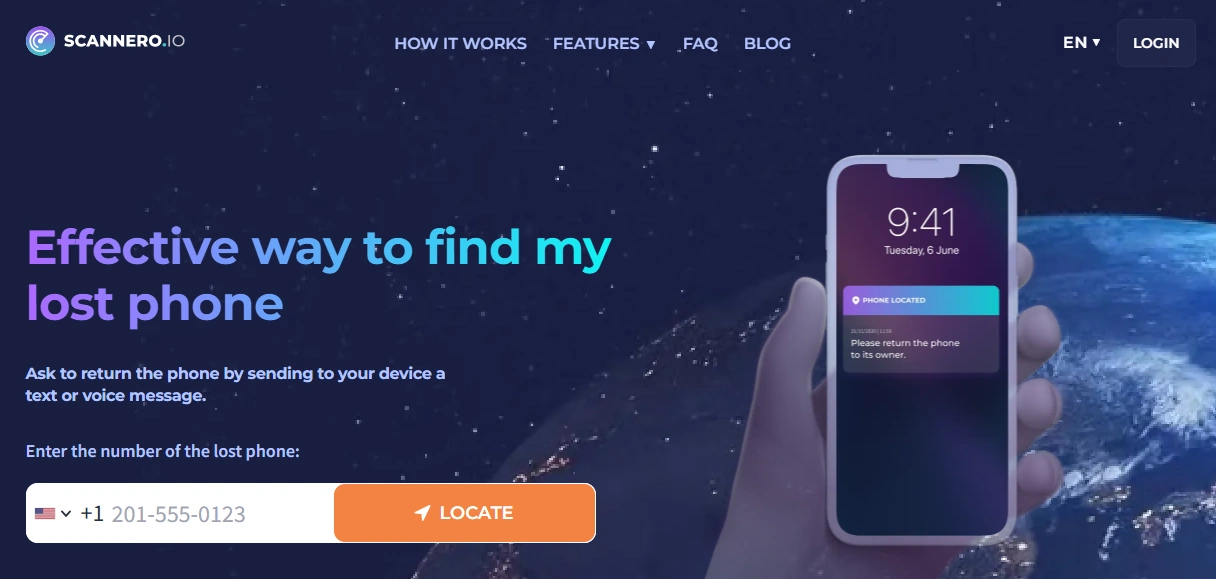
Scannero — Lost Phone
Description
Scannero’s “Lost Phone” positioning fits situations where you need an alternative lookup-style approach (for example, family scenarios where the person/device is authorized and reachable). It’s best treated as an option to try when standard tools don’t give you enough.
Product highlights
- Lost-phone oriented flow
- Useful as a fallback option when you need another path
- Best for legitimate, permission-based use
What’s to like
- Clear “lost phone” intent
- Can complement your standard recovery steps
What’s not to like
- Not a replacement for Find My Device
- Must be used responsibly and legally
PROS
- Helpful fallback path to try
- Simple “lost phone” positioning
CONS
- Results depend heavily on the situation and permissions
- Not guaranteed recovery
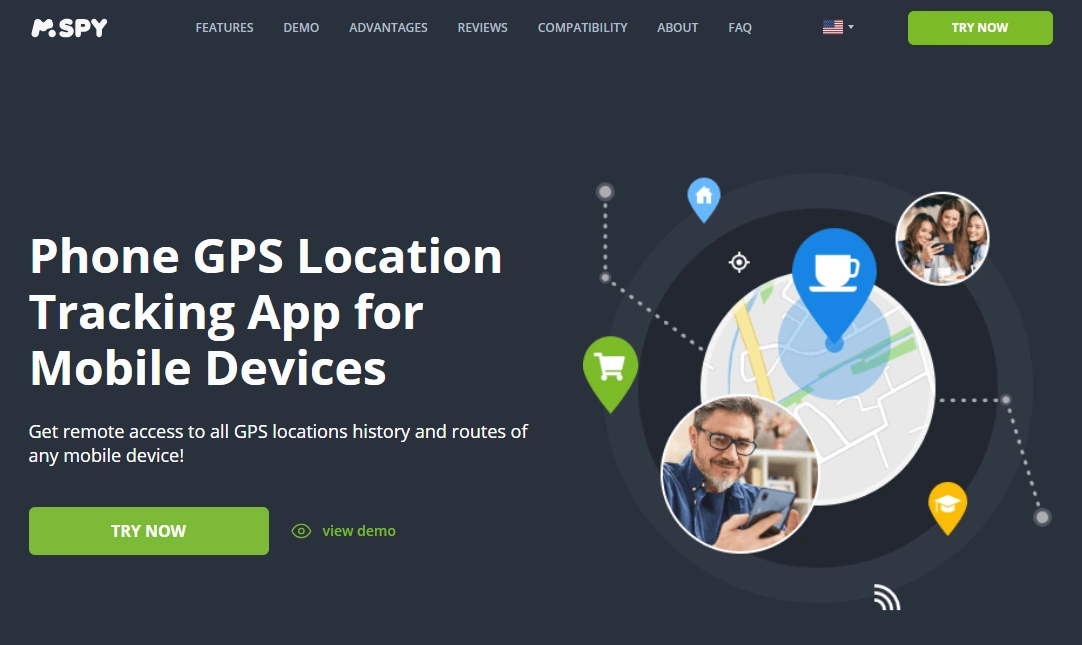
mSpy — GPS Tracking
Description
mSpy’s GPS Tracking offer is best as a proactive family tracking layer—especially if you want a clearer ongoing view of device location patterns. For a lost phone emergency, it only helps if it was set up before the phone went missing.
Product highlights
- GPS tracking-focused offer
- Useful as a family safety backup plan
- Works best with a clear household policy and legitimate device management
What’s to like
- Strong “backup tracking” option for families
- Pairs well with broader parental control planning
What’s not to like
- Not helpful if installed after the phone is already lost
- Must be used within legal/ethical boundaries
PROS
- Good GPS tracking positioning
- Works well as a proactive family plan
CONS
- Not a magic “recover any stolen phone” tool
- Requires legitimate setup and ongoing device management
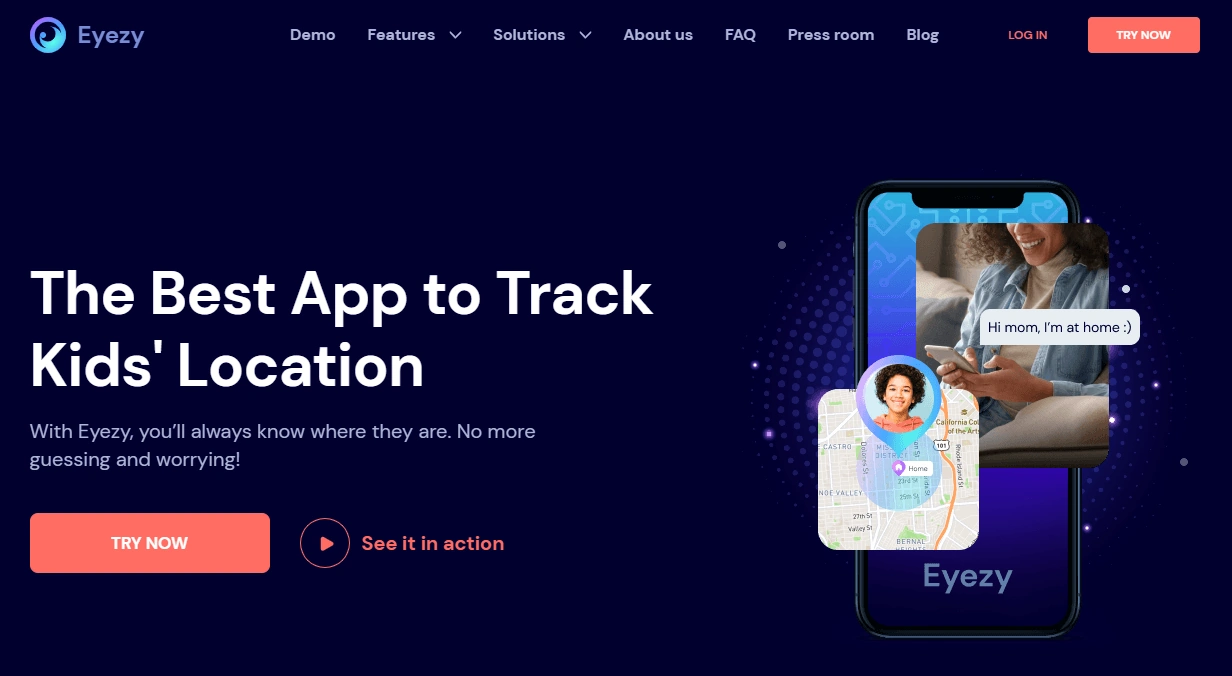
Eyezy — GPS Tracking
Description
Eyezy GPS Tracking is a strong alternative to compare with mSpy if you prefer a more “modern dashboard” feel. Like any family tracker, it’s most valuable when it’s part of your prevention plan—not something you scramble to install after the phone disappears.
Product highlights
- GPS tracking offer with a modern feel
- Good comparison option vs mSpy
- Fits family safety planning when used legitimately
What’s to like
- Great head-to-head comparison choice
- Works well as an ongoing family location layer
What’s not to like
- Not a replacement for Find My Device
- Requires correct setup and legitimate use
PROS
- Strong alternative GPS tracking option
- Good for families who want a modern interface
CONS
- Only helps if set up before loss
- Not guaranteed recovery in theft scenarios
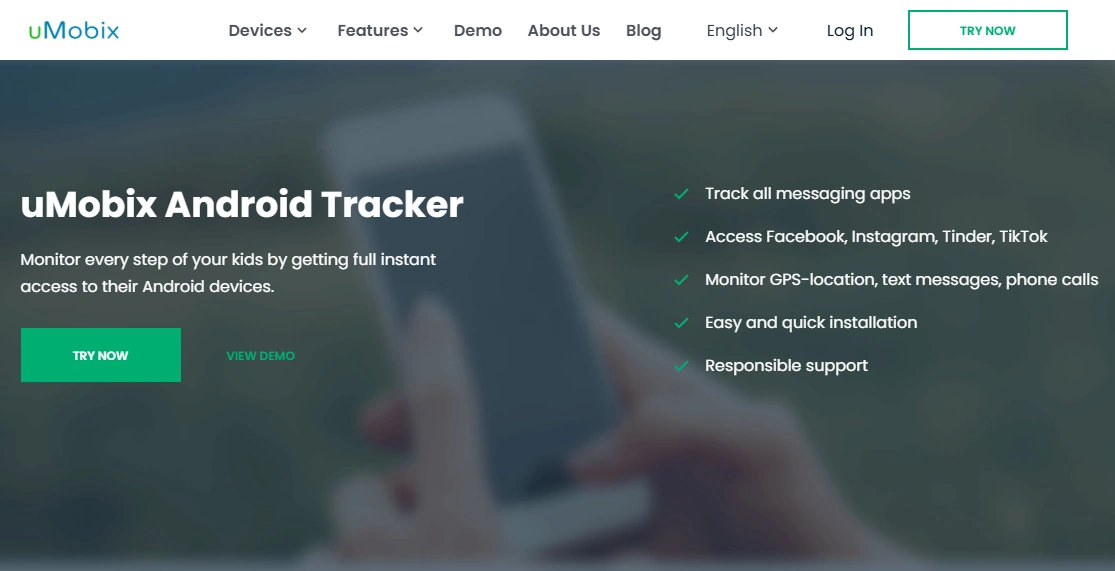
uMobix — Android Tracker
Description
uMobix Android Tracker is best when you want a more straightforward, Android-focused tracking option as part of a family plan. If your goal is “less complexity, faster start,” uMobix is a good one to consider.
Product highlights
- Android-focused tracker positioning
- Good for parents who want a simpler flow
- Useful as a prevention/backup layer
What’s to like
- Simple “Android tracker” positioning
- Good for families setting up multiple devices
What’s not to like
- Not helpful if you only install it after losing the phone
- Requires legitimate device management and permissions
PROS
- Strong “start fast” Android tracking option
- Good fit for non-technical parents
CONS
- Not a replacement for Google’s built-in recovery
- Results depend on setup and device configuration
Spynger — GPS Tracker
Description
Spynger’s GPS Tracker offer is often positioned around “discreet” tracking. For this article, treat it strictly as a legitimate family device management option—only on devices you own/manage with proper authorization.
Product highlights
- GPS tracker-focused offer
- Useful as a backup plan for families (legitimate use only)
- Best paired with clear rules to avoid misuse
What’s to like
- Clear GPS tracker intent
- Can complement a family safety plan
What’s not to like
- High misuse risk if someone crosses legal boundaries
- Not a replacement for Google Find My Device recovery steps
PROS
- GPS tracker positioning
- Works as a prevention layer when used properly
CONS
- Not suitable for unauthorized tracking
- Only helps if set up in advance
Legal & ethical notes (important)
Use tracking tools only on devices you own/manage (for example, your child’s phone under your care) and in legitimate situations. Installing tracking or monitoring software on someone else’s phone without permission may be illegal.
Before using any tracking/monitoring tools, read: Legal phone tracking: what’s allowed and what’s not.
FAQ
What is the fastest way to track a lost Android phone?
Use Google Find My Device from another device to locate it, make it ring, and lock it with a message. If the phone is offline, use last known location and secure accounts.
Can I track my lost Android phone if it’s turned off?
If it’s off or the battery is dead, you typically can’t get live location. You may still see a last known location, which helps you backtrack quickly.
What should I do if I think my Android phone was stolen?
Lock the device, suspend the SIM with your carrier, file a police report (include IMEI), and change passwords—then decide whether remote erase is necessary.
Should I erase my lost Android phone immediately?
Not usually. First try to locate and lock it. Erasing can remove your best chance to recover the phone if it’s still reachable.
Do GPS tracker apps help if I install them after I lose the phone?
Generally no—tracking tools help most when set up in advance as a family safety backup plan.
Is it legal to track someone else’s Android phone?
In many places, tracking someone else without permission is illegal. Use tracking only on devices you own/manage with proper authorization.