

Losing a phone is usually chaotic: the battery is low, the device is on silent, and you can’t remember where you last had it.
Built-in tools like “Find My” are great—but they only work if everything was set up correctly before the phone went missing. That’s where tracking apps like mSpy can help: they’re designed for ongoing device oversight, so you have a better chance of seeing location history, patterns, and last-known activity on devices you’re authorized to manage.
This review focuses on lost phone tracking on your own devices (or your child’s phone), what mSpy can realistically do, what commonly fails, and how it compares to alternatives like Scannero and a few other popular monitoring apps.
Short on time? Quick verdict
- Best fit: you want a reliable “safety net” for your own/your family’s devices before they go missing (location history + routine monitoring).
- Most common win: last-known location + movement pattern when the phone had power and data.
- Most common fail: phone is off / dead / no internet / permissions got reset → no tool can track what the device can’t transmit.
Check mSpy plans Need a broader overview? See the comparison table.
Quick jump: 60-second checklist · Verdict · Comparison table · What really matters · Best for your situation · Setup tips & common failures · Reviews · Legal notes · FAQ
60-second decision checklist
- Was tracking set up before the phone went missing? If not, your options shrink fast.
- Do you control the device legally? Own device, child’s device, or a device you’re authorized to manage.
- Android or iPhone? Android usually offers more flexibility; iPhone reliability depends heavily on consistent access/sync.
- Battery + internet reality: If the phone is off/dead/offline, location updates stop.
- Your goal: last-known location (fast), location history (useful), or ongoing family safety monitoring (best long-term).
Verdict: is mSpy good for lost phone tracking?
Yes—if you treat it as a “before it happens” safety net. mSpy is most useful when it’s already running on devices you manage, so you have location context when a phone goes missing.
No—if you’re hoping for magic recovery after the fact. If the phone is off, dead, or never had tracking configured, mSpy can’t transmit location that the device itself can’t provide.
Want a practical step-by-step approach for owners? Read: how to monitor a lost or stolen phone you own.
Comparison table: mSpy vs alternatives for finding your own device
This comparison focuses on what actually helps when a device is missing: last-known location, history, and reliability under real-world conditions.
| Option | Best for | Strengths | Weak spots | My take |
|---|---|---|---|---|
| mSpy | Ongoing family device oversight | Location context + routine monitoring on authorized devices. | If phone is dead/offline, updates stop; setup must be done beforehand. | Best “safety net” approach if you plan ahead. |
| Scannero | Fast locate attempts by number | Simple workflow for location requests; handy when you need a quick attempt. | Depends on device/user interaction and connectivity; not a full monitoring suite. | Good complement (especially for one-off locate situations). |
| uMobix | Android-first monitoring | Practical day-to-day oversight if permissions are stable. | Background restrictions and permission resets can create gaps. | Solid if you mainly manage Android devices. |
| Eyezy | Parent-friendly dashboard | Easy interface for family oversight routines. | Same reality: no tracking without power/internet/permissions. | Good for non-technical parents who want simplicity. |
| Moniterro | Basic tracking needs | Works for essentials when configured correctly. | Less depth; still dependent on stable permissions. | Fine for simpler setups and budgets. |
What really matters for lost phone tracking (real life)
1) “Last-known location” beats “live tracking” most of the time
When a phone goes missing, it usually isn’t streaming perfect live GPS. What helps most is: the last reliable location + a bit of history that shows where the phone was moving before it disappeared.
2) Battery and internet decide everything
- If the phone is off or dead, location updates stop.
- If the phone is offline, updates pause until it reconnects.
- If power saving kills background services, tracking becomes inconsistent.
3) Android vs iPhone differences
- Android: usually easier to keep permissions stable and reduce background restrictions (more consistent in practice).
- iPhone: reliability depends heavily on maintaining stable access/sync. Security prompts and updates can interrupt data flow.
If your device is already missing, these guides can help you choose the best recovery path: how to track a lost Android phone and how to track a lost iPhone.
Best for your situation
Best if you manage multiple family devices
mSpy makes the most sense when you treat it as a family safety layer: you manage your kid’s phone (or a shared family device), and if it goes missing you already have a tracking foundation in place.
Best if you need a one-off locate attempt
If you’re trying to locate a device quickly with minimal setup, a phone-number-based option can be useful as a complementary approach. Start here: Scannero lost phone finder review.
Best “plan ahead” reading list
Setup tips & common failures (so mSpy works when you need it)
Do this before the phone goes missing
- Verify location permissions and background activity settings.
- Disable aggressive battery optimization for tracking/monitoring apps.
- Test once: check that location updates appear as expected on your dashboard.
- Keep accounts stable: sudden password changes and security prompts can interrupt sync-based methods.
Common reasons tracking “stops working”
- Phone is dead/offline.
- OS update reset permissions.
- Battery saver killed background services.
- Location services were turned off.
- Network changes or security prompts interrupted access/sync (common on iPhone scenarios).
For safe setup fundamentals (and to avoid privacy/legal mistakes), see: Android safe setup guide and iPhone safe setup guide.
Reviews
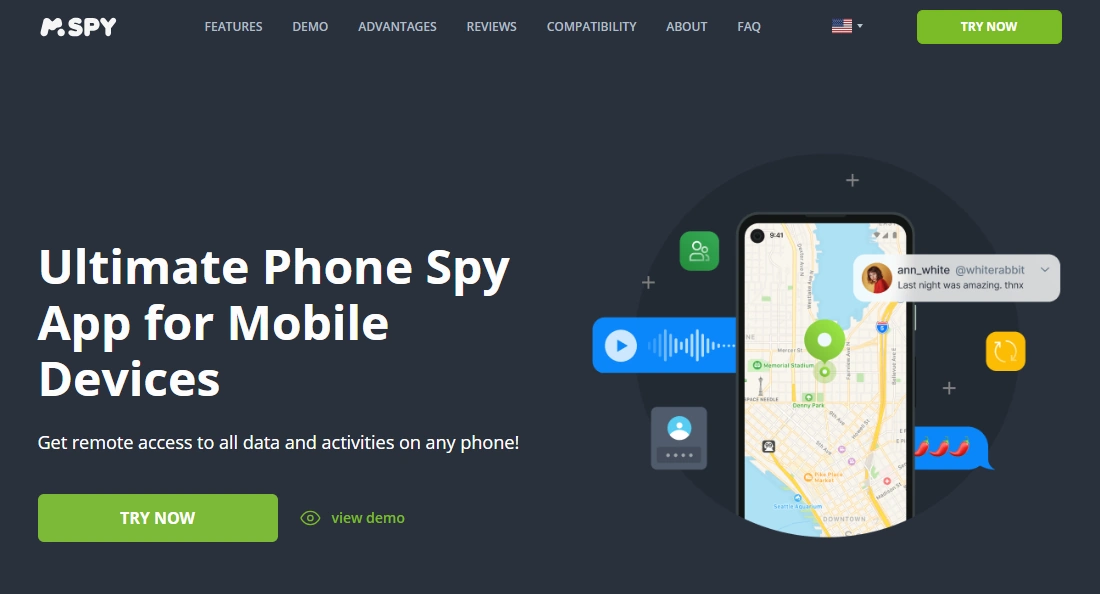
mSpy
Description: mSpy is a long-running monitoring platform often used by parents for ongoing oversight. For lost phone tracking, its value is strongest when it’s installed and configured before the device goes missing—so you have location context, history, and an existing monitoring baseline.
Product highlights:
- Designed for ongoing monitoring on authorized devices
- Useful when you need last-known location and context (not “magic recovery”)
- Works best when permissions and background access remain stable
What’s to like:
- Best as a “plan ahead” solution for your family’s devices
- More helpful than one-off tools when you want ongoing visibility
- Pairs well with practical recovery playbooks
What’s not to like:
- If the phone is dead/offline, tracking updates stop (that’s just physics)
- iPhone scenarios can become higher maintenance if access/sync gets interrupted
PROS:
- Strong long-term safety net approach
- Good fit for parents managing child devices
- Useful location context when configured properly
CONS:
- Not a “recover after the fact” miracle
- Reliability depends on permissions, power settings, and connectivity
Scannero
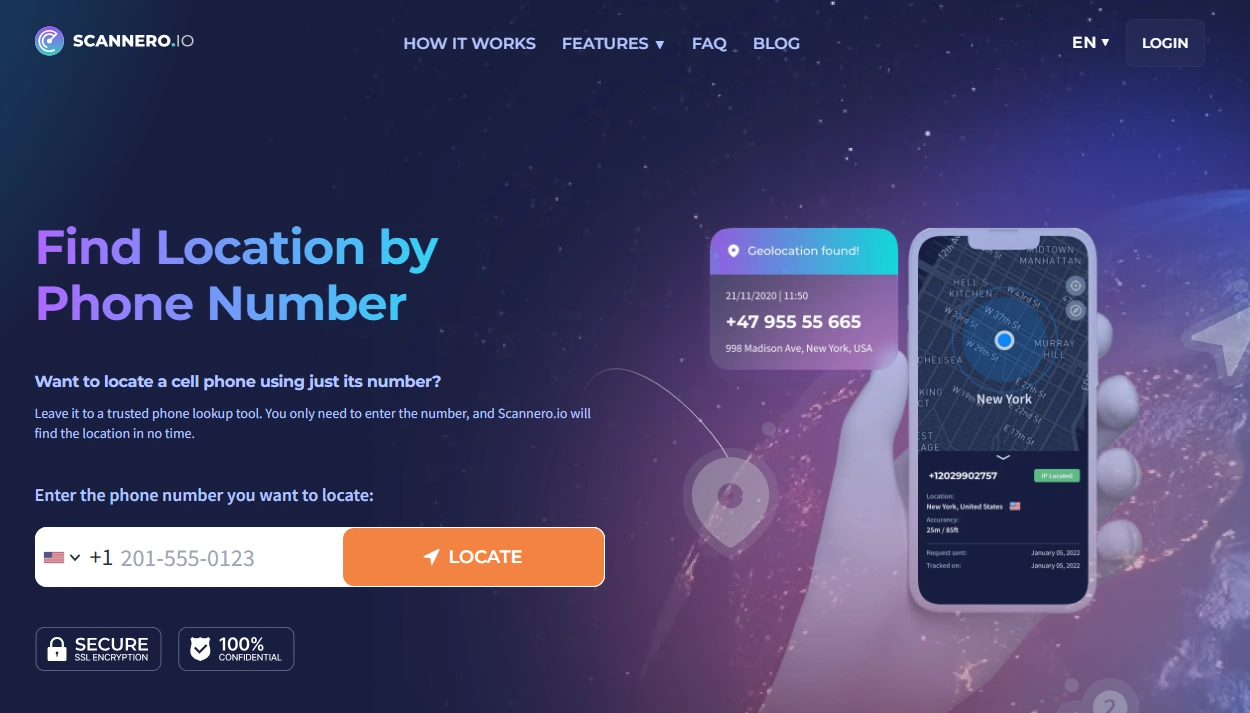
Description: Scannero is commonly used for phone-number-based locate attempts. It’s not an “always-on family monitoring suite,” but it can be useful when you want a straightforward workflow for a quick location attempt.
Product highlights:
- Phone-number-based locate workflow
- Useful as a complement to ongoing tracking tools
- Related deep dive: Scannero lost phone finder review
What’s to like:
- Simple and fast to try when time matters
- Can help when you don’t have a full monitoring setup running
What’s not to like:
- Not designed for long-term oversight and history the way monitoring platforms are
PROS:
- Quick locate attempts
- Good complementary option
CONS:
- One-off approach; not a full family safety layer
uMobix
Description: uMobix is often strongest on Android for practical everyday monitoring. For lost phone situations, it’s most useful when it’s already configured on devices you manage—so you have location context when something goes missing.
Product highlights:
- Android-first practicality
- Works best when background permissions stay stable
What’s to like:
- Good option if your household is mainly Android
- Practical day-to-day dashboard
What’s not to like:
- Background restrictions can cause gaps if not configured
PROS:
- Strong Android value
- Useful for ongoing oversight
CONS:
- Same reality: no power/internet = no updates

Eyezy
Description: Eyezy is a parent-friendly monitoring option with a clean interface. For lost phone tracking, it’s best used as part of a consistent family oversight routine—so you have location context if a device disappears.
Product highlights:
- Beginner-friendly dashboard
- Works best when configured and maintained (especially on Android)
What’s to like:
- Simple for non-technical parents
- Good “routine check” style product
What’s not to like:
- Same dependency on permissions/power/connectivity
PROS:
- Easy interface
- Good for family oversight routines
CONS:
- Not a post-loss miracle tool

Moniterro
Description: Moniterro is a simpler option for basic monitoring needs. If you want a lighter setup and you understand the limits (permissions + connectivity), it can be enough for straightforward oversight.
Product highlights:
- Basic monitoring approach
- Often enough for simple family oversight needs
What’s to like:
- Less complex for simpler use cases
What’s not to like:
- Less depth than bigger platforms
PROS:
- Good for basics
- Lower complexity
CONS:
- Still depends on stable configuration

Legal notes (important)
Tracking a phone without permission can be illegal and a serious privacy violation. Use tracking and monitoring tools only on devices you own, your child’s devices, or devices you’re clearly authorized to manage.
FAQ
Do I need to install mSpy before the phone is lost?
Yes. Lost-phone tracking works best when it’s set up in advance on devices you manage. If the phone is already missing and tracking wasn’t configured, your options are limited.
Can mSpy track a lost phone if it’s turned off?
No. If the phone is off (or the battery is dead), it can’t transmit location updates. In those cases, the best you can hope for is a last-known location from when it was last online.
Can mSpy locate a phone without internet?
Generally, no live updates. Location data typically requires the device to connect (cellular data or Wi-Fi) to send updates to a dashboard. Offline periods create gaps until the phone reconnects.
Is mSpy legal to use for a lost phone?
It can be—when used on devices you own or devices you’re authorized to manage (like your child’s phone). Unauthorized tracking of someone else’s phone can be illegal.
mSpy vs Scannero: which is better for finding a missing phone?
mSpy is better as a long-term safety net on managed devices (more context and continuity). Scannero can be useful for simpler, one-off locate attempts, especially when you want a quick workflow.
What’s the fastest way to increase your chances of recovery?
Plan ahead: keep location permissions stable, prevent battery optimization from killing tracking, and test your setup once. If the phone goes missing, act quickly while it still has battery and connectivity.