

If you used (or researched) mSpy for iPhone a while ago, you probably remember the same confusion everyone hits: “Do I need jailbreak?”, “Is iCloud enough?”, “Why are some features missing on iPhone?”, “Will it actually update?”
This review focuses on what’s changed in the current mSpy iPhone experience compared to older setups — and what to realistically expect today depending on your setup method.
If you want the full deep-dive (features + step-by-step), use this companion guide: mSpy for iPhone: full review & setup guide.
Short on time? Quick verdict
- Best fit: parents/guardians who want monitoring on an iPhone they own/manage and can set up properly.
- Most important update: the current approach is clearer about which setup method you need (and what you won’t get on iPhone without deeper access).
- Reality check: iPhone monitoring is still more “method-dependent” than Android — reliability depends on iCloud vs direct access.
Quick jump: Decision checklist · Verdict · Comparison table · What really matters on iPhone · Best for your situation · Setup tips · Review · Legal notes · FAQ
60-second decision checklist
- Do you own/manage the iPhone (child device)? If not, stop — you need consent and legal authority.
- Do you need “real-time-ish” monitoring? On iPhone, the setup method often determines how “live” updates feel.
- Is the iPhone Apple ID/2FA under your control? If not, iCloud-based methods can be painful or impossible.
- Do you want to avoid jailbreak? Look for no-jailbreak paths and accept platform limits. Related: best iPhone monitoring apps without jailbreak.
- Is your main goal safety (location, calls, basic activity)? Then method + consistency matter more than “100+ features.”
- If you’re unsure what to choose: use how to choose the right iPhone monitoring app.
Verdict: is mSpy for iPhone better now?
For most parents, mSpy is easier to understand and deploy on iPhone today than it used to be — mainly because the current experience is more “method-aware.” In other words: it’s clearer what you can do with a lighter setup vs what requires deeper device access.
That said, iPhone monitoring is still not magic. If you want the smoothest experience, the key is choosing the right setup method and keeping the Apple ID/iCloud environment stable.
Who should use mSpy for iPhone
- Parents/guardians monitoring a child’s iPhone they own/manage.
- Families who want a structured tool instead of “guesswork + random settings.”
- People who can follow a safe, legal setup process. Start here: set up an iPhone monitoring app safely and legally.
What’s new compared to older mSpy iPhone setups
The biggest “upgrade” isn’t one single feature — it’s the overall clarity and the smoother path to getting a working setup (depending on your method).
| Area | Older experience | Current experience | What it means for you |
|---|---|---|---|
| Setup guidance | Confusing expectations (what works on iPhone vs Android) | Clearer “method-based” setup paths | Less wasted time; fewer surprise limitations |
| Reliability | More “it depends” and inconsistent sync for many users | More stable when Apple ID/iCloud is configured correctly | Most issues are now setup/environment issues, not mystery bugs |
| No-jailbreak positioning | People assumed jailbreak was required for “real” monitoring | No-jailbreak paths are more mainstream (with limits) | Better for parents who want safer setup, not risky tinkering |
| Dashboard usability | Harder to find what matters, more clicks | More “parent-friendly” workflow focus | Faster daily check-ins (less time fiddling) |
If you want a broader shortlist before committing to one tool, see: top parental control apps.
What really matters on iPhone (and where people mess up)
1) iPhone monitoring is method-dependent
On iPhone, there’s usually a trade-off: the lighter the setup, the more you may depend on iCloud/Apple ID stability and the less “instant” some data feels. The deeper the access, the more consistent the data can be — but it also requires you to do setup correctly and legally.
If you’re specifically trying to avoid jailbreak, use this guide to set expectations: best iPhone monitoring apps without jailbreak.
2) Apple ID + 2FA is the #1 bottleneck
Many “it doesn’t work” complaints come from Apple ID issues: 2FA prompts you can’t approve, iCloud backups disabled, account lockouts, or the child changing settings. If you want help choosing a path that matches your reality, read: how to choose the right iPhone monitoring app.
3) “Works without Apple ID/iCloud password” claims need caution
If you don’t have the Apple ID environment under control, you’ll need a different approach. Use these comparison guides to avoid buying the wrong thing: iPhone apps without Apple ID/iCloud password and cross-platform alternatives.
4) Reliability beats feature count
Parents don’t need 100 dashboards. They need the few safety signals to work consistently: location patterns, communication visibility, and alerts that don’t require you to babysit the app daily.
Best for your situation
Best if you want iPhone monitoring with minimal risk
Choose a no-jailbreak path and focus on doing it correctly (Apple ID stability, permissions, backups). It’s usually the most practical approach for parents.
Best if you’re choosing your first iPhone monitoring app
Don’t start with “features.” Start with your constraints: Apple ID control, 2FA, device access, and what you need to monitor (and why).
Use: safe & legal setup guide and best iPhone options without Apple ID password.
Best if your child is under 13
Prioritize safety, boundaries, and transparency. Tools help, but family rules matter more at this age.
Setup tips & common issues (iPhone)
- Get the Apple ID environment stable: keep recovery options updated and 2FA manageable for the parent/guardian.
- Don’t fight iCloud basics: if backups/sync are off, monitoring data can be delayed or incomplete.
- Set expectations on update speed: iPhone monitoring can feel less “instant” depending on setup method.
- Keep rules simple: one bedtime rule, one app approval rule, one “talk first” rule for new socials.
- If you want the full walkthrough: use mSpy iPhone full setup guide.
mSpy for iPhone review
Description
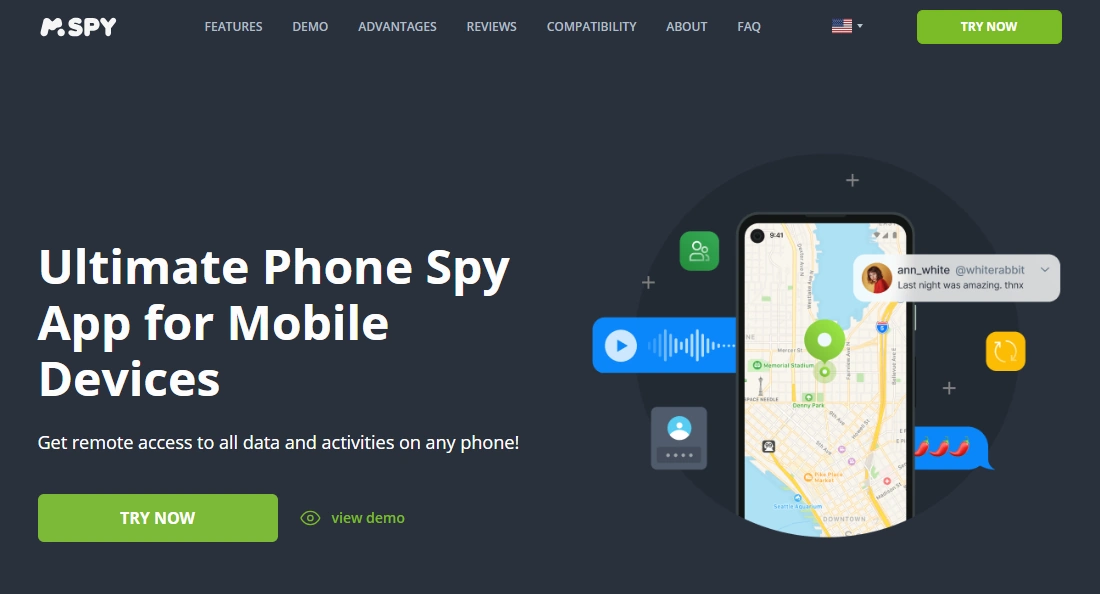
mSpy is a long-running parental monitoring tool with iPhone support. In the current iPhone experience, the biggest improvement is how “method-aware” it is: it’s clearer that iPhone monitoring depends on the setup path you use, and that reliability comes from stable Apple settings and consistent parent routines.
Product highlights
- iPhone monitoring options designed for parents/guardians
- No-jailbreak path available (with realistic platform limitations)
- Parent dashboard built for quick check-ins rather than endless settings
- Works best when Apple ID/iCloud environment is configured correctly
What’s to like
- More straightforward “what works on iPhone” expectations than older setups
- Good fit for families who want structure and consistency
- Better long-term value when paired with clear family rules
What’s not to like
- Still method-dependent on iPhone (your setup choices matter a lot)
- Apple ID + 2FA can block progress if you don’t control the account
- Some parents expect “instant everything” — that’s not always realistic on iOS
PROS
- Strong choice for parents who can manage the iPhone environment properly
- No-jailbreak option for safer setup paths
- Clearer “what to expect” than older versions for many users
CONS
- Reliability depends heavily on Apple ID/iCloud stability
- Not ideal if you don’t have legitimate access to the child device/account
- iPhone monitoring can feel less real-time than Android in some cases
Legal notes
Use monitoring tools only on devices you own or manage (for example, your child’s iPhone as a parent/guardian). Avoid covert monitoring of other adults without consent. For clear boundaries, read: Legal phone tracking: what’s allowed and what’s not.
FAQ
What’s actually new in mSpy for iPhone compared to older versions?
The biggest improvement is the “method-aware” experience: clearer setup paths and more realistic expectations about what’s possible on iPhone depending on access level and Apple ID/iCloud stability.
Does mSpy work on iPhone without jailbreak?
There are no-jailbreak options, but iPhone monitoring is still method-dependent. Use this guide to compare no-jailbreak choices: best iPhone monitoring apps without jailbreak.
Why do iPhone monitoring apps feel less “real-time” sometimes?
Because iOS has stricter limitations, and some methods rely on sync/backup patterns rather than constant background access. Your setup method has a big impact.
What’s the most common reason mSpy iPhone setups fail?
Apple ID/2FA and iCloud environment issues: not having legitimate access, backups/sync disabled, or account changes that break the connection.
Is mSpy legal for parents to use?
Parents/guardians generally can use monitoring on a child’s device they own/manage, but laws vary by location. Avoid monitoring other adults without consent and follow a legal/ethical guide.
Should I choose mSpy or another iPhone monitoring app?
Start with your constraints: Apple ID control, 2FA, device access, and the exact safety goal. This guide helps you choose: how to choose the right iPhone monitoring app.