

Searching for an iPhone “monitoring app” that works without Apple ID or iCloud password is extremely common — and it’s also where most misinformation lives.
2026 reality check: On iPhone, legitimate access matters. If you truly have no Apple ID / iCloud password and you don’t manage the device, most “monitor everything” claims are not realistic. The best safe outcomes usually come from:
- Using Apple’s built-in parental controls (when you manage the child’s device)
- Choosing a parent-friendly app that matches your real setup situation
- Focusing on safety + boundaries rather than “undetectable spying”
If your goal is parenting and family safety, this guide will help you pick the most realistic option.
For the iPhone hub, start here: Top iPhone Monitoring Apps.
Important legal note (read first)
Monitoring is for devices you own or manage (for example: your child’s iPhone under your care). Attempting to monitor another adult without consent is usually illegal.
Read this before doing anything: Legal Phone Tracking: What’s Allowed and What’s Not.
Short answer: can iPhone monitoring work without Apple ID/iCloud password?
Sometimes — but only in specific, legitimate scenarios. Here’s the honest breakdown:
- If you manage your child’s iPhone: you can set up Screen Time + Family Sharing and control most of what parents need, without “spying.”
- If you don’t manage the device and have no credentials: be skeptical. Most “monitoring app without Apple ID/password” promises are marketing.
- If you have legitimate access to the phone itself: your best move is usually to fix the account/permissions properly, not chase “magic stealth.”
Best realistic options (2026)
- Best free option for parents: Apple Screen Time + Family Sharing
- Best alerts-first option (less micromanaging): Bark
- Best simple parent workflow: Parentaler
- Best dashboard options to compare (setup-dependent on iOS): mSpy and Eyezy
- Situational option (social-heavy teen scenarios): uMobix
What to avoid (red flags)
- “Works 100% without Apple ID / iCloud password and without access.”
- “Fully hidden, monitor everything, no setup required.”
- “Undetectable forever on iOS.”
These claims usually lead to wasted money, unstable setups, or legal trouble.
Best iPhone “monitoring app” alternatives when you don’t have Apple ID/iCloud password
1) Apple Screen Time + Family Sharing (best for real parenting control)
If you are the parent/guardian and you manage the child’s device, Screen Time can do most of what you actually need:
- App limits and downtime (bedtime/school hours)
- Web/content restrictions
- Purchase blocks and approvals
- Communication limits
Step-by-step setup: How to Set Up Parental Controls on iPhone.
2) Bark (alerts-first) — best when your child pushes back
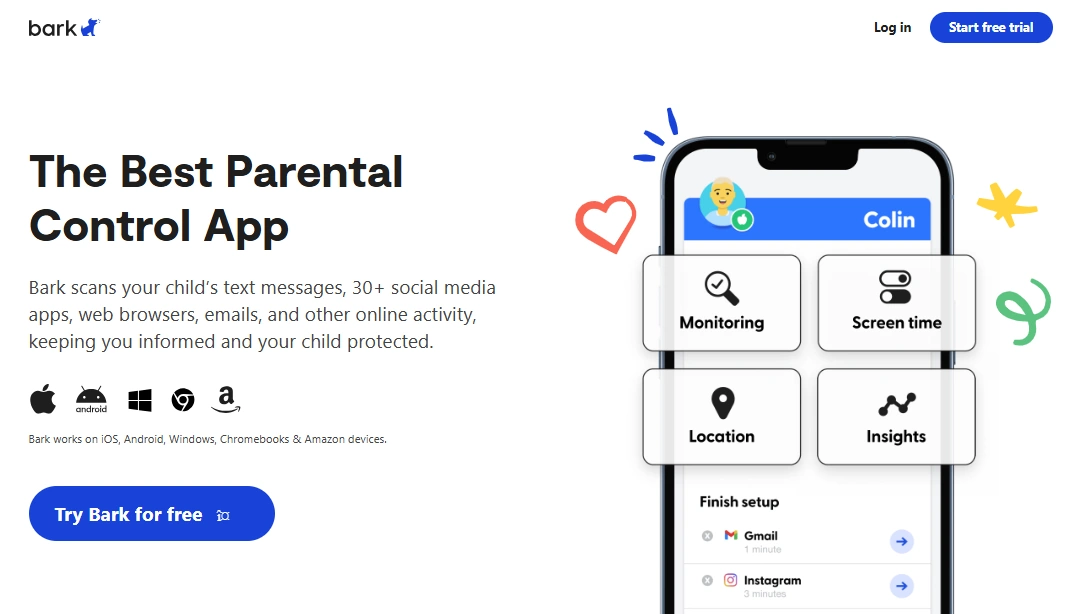
Bark is often the best realistic “upgrade” when your child resists constant phone-checking. You focus on safety alerts and intervene only when needed — which is usually more sustainable than trying to “monitor.”
PROS
- Less micromanaging for many parents
- More sustainable long-term approach
CONS
- Not a “monitor everything silently” tool
Check Bark: official site.
3) Parentaler — best simple workflow beyond Screen Time

If Screen Time feels too buried in menus, Parentaler is a good “keep it simple” option for routines and parent-friendly control.
PROS
- Low overwhelm
- Easy to keep consistent
CONS
- May feel limited if you want advanced dashboard depth
Check Parentaler: official site.
4) Dashboard options to compare (mSpy and Eyezy)
If you want an all-round monitoring dashboard, compare these two (both are setup-dependent on iOS):
mSpy – all-round iPhone dashboard
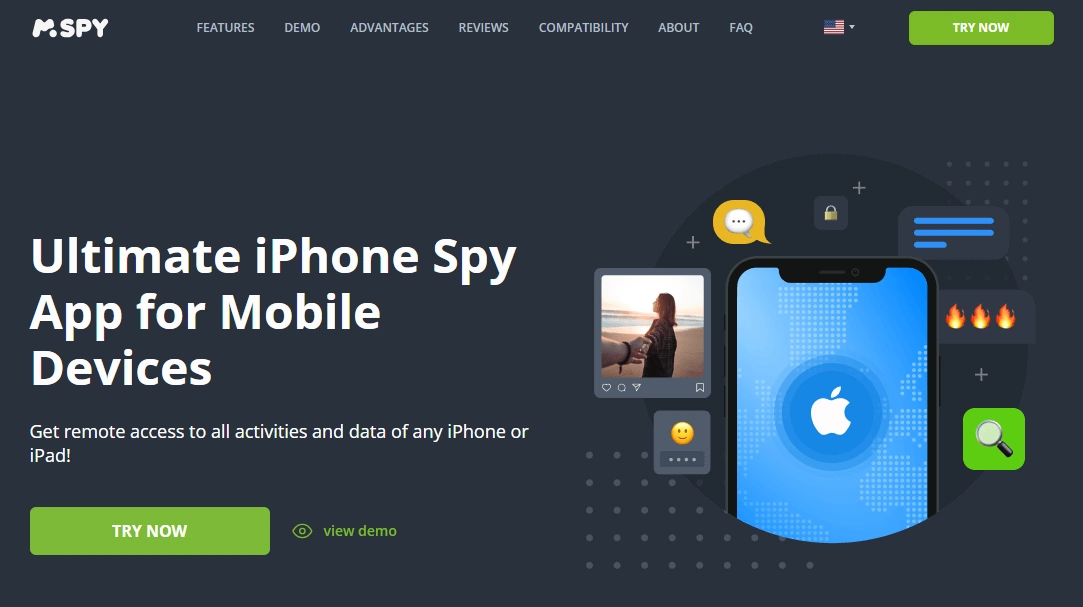
mSpy is a strong “one dashboard” option when Screen Time isn’t enough. Full guide: mSpy for iPhone: Full Review & Setup Guide.
Check mSpy: official site.
Eyezy – clean dashboard for calm daily check-ins
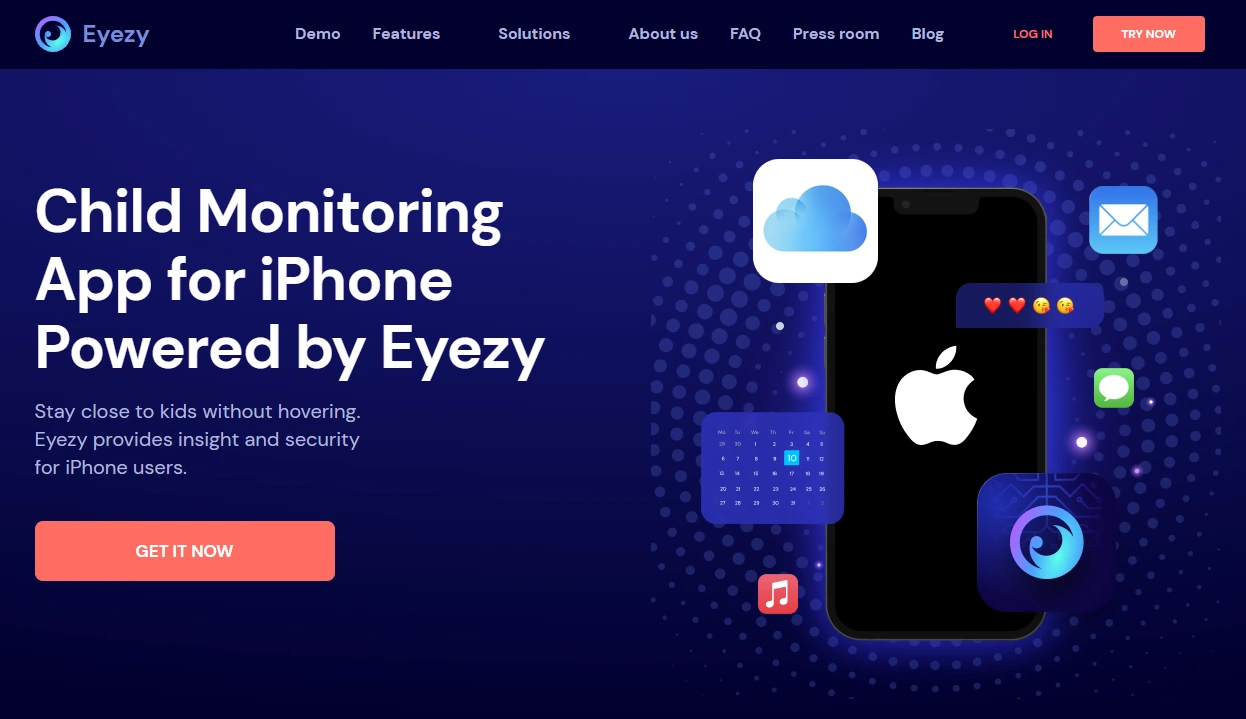
Eyezy is often better if you value usability and want a calm routine. Full guide: Eyezy for iPhone: Complete Review & Setup.
Check Eyezy: official site.
Quick decision guide (choose the right path)
- If you’re the parent and you manage the device: use Screen Time first, then add Bark or Parentaler if needed.
- If you want a dashboard beyond Screen Time: compare mSpy vs Eyezy and pick the workflow you’ll actually use.
- If your main risk area is socials (situational): shortlist uMobix and compare it against Eyezy for usability.
- If you have no credentials and no legitimate control: don’t chase “monitoring apps.” Fix access properly or use legal/consent-based solutions.
Related guides
- Best iPhone Monitoring Apps That Work Without Apple ID Login
- Best iPhone Monitoring Apps Without Apple ID Password
- Best iPhone Monitoring Apps Without Jailbreak
- Best Parental Control Apps for iPhone
FAQ
Can you monitor a iPhone without Apple ID or iCloud password?
In most cases, not in the way people imagine. iOS is strict, and legitimate access matters. For parenting scenarios, Screen Time + Family Sharing is usually the most realistic solution.
What’s the best option for parents without iCloud password?
If you manage your child’s phone, set up Apple Screen Time + Family Sharing first. If you want safety alerts, Bark is a strong addition. If you want a simple routine, consider Parentaler.
Do mSpy or Eyezy work without Apple ID/iCloud password?
On iPhone, monitoring is setup-dependent. Be skeptical of any “no Apple ID / no password / no access” promise. If you’re a parent managing a child’s device, these tools can be shortlisted based on your setup type and expectations.
Is it legal to monitor an iPhone without the owner’s password?
It depends on the situation and your location. Monitoring a device you own/manage for your child is often legal; monitoring another adult without consent is usually illegal. Read: Legal Phone Tracking.