

“Keylogger” is one of those features that sounds crystal-clear… until you use it day-to-day. On modern phones (especially iPhone), what a keylogger can capture is shaped more by OS restrictions than by marketing claims.
This Moniterro keylogger review focuses on one thing: what it really captures in daily use, what it commonly doesn’t, and how to decide if it’s the right fit for your situation.
If you want a bigger comparison before committing, start here: best keylogger apps for Android and iPhone.
Short on time? Quick verdict
- If your target is iPhone: Moniterro is built and marketed as an iPhone option, but you should still expect limits on modern iOS (especially for “true” keystroke capture).
- If you want classic keylogging: Android-focused tools like mSpy or uMobix are usually more practical.
- If you’re undecided: compare iPhone options here: best iPhone keylogger apps.
Quick jump: 60-sec checklist · Verdict · Comparison table · What it captures · Accuracy & iPhone reality · Best for your situation · Setup tips · Reviews · Legal notes · FAQ
60-second decision checklist
- Is this iPhone or Android? If you need “true keylogging,” Android tends to be more realistic. If it’s iPhone, expect limits.
- What do you actually need? “Typed text” is rarely 100% reliable on iPhone. Are app activity + usage patterns enough?
- Accuracy standard: define it: coverage across apps, minimal gaps, or speed (near real-time vs delayed sync).
- Can you complete setup on a device you own/manage? Incomplete setup = missing logs. Period.
- Ethics: monitor only devices you own/manage (or with clear consent). If not, don’t proceed.
Verdict: is Moniterro keylogger worth it?
Moniterro is worth considering if your primary scenario is iPhone and you want an iPhone-oriented monitoring option where “keylogger” is one part of a broader visibility plan.
Moniterro is not the best match if you expect a spy-movie keylogger that captures every keystroke in every app on iPhone. Modern iOS protections mean “keylogger” is often limited, inconsistent across apps, and may rely on indirect data capture rather than classic keystroke logging.
Moniterro vs alternatives (daily-use reality)
This comparison is written for real life: OS restrictions, background limits, secure input fields, and sync delays.
| App | Best on | What it’s best at | Common weak spot |
|---|---|---|---|
| Moniterro | iPhone (iOS-oriented positioning) | iPhone-first monitoring approach with “keylogger” as a limited signal | iOS constraints: not a classic “everything typed” keylogger |
| Spynger | iPhone + Android (varies by setup) | Alternative iPhone option for comparison shopping | Same iOS limitation problem; results vary by app/OS |
| Eyezy | Android (strongest), iPhone (limited) | All-in-one monitoring with practical Android keylogging | iPhone keylogging expectations on modern iOS |
| mSpy | Android | More “classic” Android keylogger expectations | Background/battery restrictions can create gaps |
| uMobix | Android | Android keylogger alternative often chosen for speed | Battery optimization can reduce continuity |
What Moniterro keylogger really captures
Here’s the most honest way to think about iPhone “keylogger” features: it’s usually not a universal “record every keypress” system. Instead, you’re likely to get a mix of supported text capture + contextual signals, and the exact results can vary by device and iOS version.
Typically easier to capture
- Regular typing in supported contexts (depending on the method used and app limitations)
- Non-secure text inputs where iOS/app protections don’t block capture
- Pattern-level insights (what kind of content is being typed and when), when logs are available consistently
Commonly limited or missing
- Passwords and secure fields (many apps intentionally prevent capture)
- Some third-party apps that restrict visibility or behave differently across iOS versions
- Complete “every app, every time” coverage (this is where marketing most often overpromises)
Accuracy & iPhone reality check
On iPhone, “accuracy” usually breaks down into 3 things:
- Coverage: which apps/inputs actually show up in the dashboard.
- Continuity: whether you see gaps (especially when the phone is in low-power behavior or sync is delayed).
- Context: whether logs are understandable (app + timestamp) rather than a confusing raw stream.
If your goal is strict, consistent keystroke logging, it’s often smarter to treat iPhone keylogger tools as limited and to combine them with broader monitoring habits and rules.
For safe, responsible setup guidance, use this internal guide: how to set up an iPhone monitoring app safely and legally.
Best for your situation
- “I need iPhone monitoring and any typed-text visibility helps”: Moniterro can be worth testing, but validate in the apps you care about within 24–48 hours.
- “I expect perfect iPhone keylogging everywhere”: adjust expectations. Compare multiple iOS options first: best iPhone keylogger apps.
- “I can use Android instead”: you’ll usually get a more practical keylogger experience with Android-focused options like mSpy or uMobix.
- “I just want the best overall pick”: start from the roundup: best keylogger apps for Android and iPhone.
Setup tips & common issues
If you want a fair “what it really captures” test, do it like this:
- Test the apps that matter: don’t judge based on one typing field. Try a few everyday apps and compare results.
- Test over a full day: short tests hide sync delays and gaps.
- Expect secure fields to be missing: that’s normal and often by design.
- Use a responsible setup process: iPhone monitoring setup guide.
If you’re doing Android monitoring instead and your main concern is stability, this guide helps avoid common mistakes: Android install guide (stability-focused).
Reviews
Moniterro

Description
Moniterro is positioned as an iPhone-oriented monitoring tool with a “keylogger” feature. In real daily use, the best approach is to treat keylogging as a potentially limited signal on modern iOS and to judge it by coverage (which apps show anything), continuity (gaps), and clarity (timestamps/context).
Product highlights
- iPhone-oriented positioning for keylogger-style monitoring
- Useful for comparing iOS approaches when Android isn’t an option
- Works best when combined with broader monitoring expectations
What’s to like
- Good option to test if your use case is primarily iPhone
- Helpful for pattern-level visibility when logs are consistent
- Worth comparing against other iPhone options before committing long-term
What’s not to like
- Not a guaranteed “captures everything typed everywhere” iPhone keylogger
- Secure fields and some apps may provide little to no visibility
- Results can vary depending on iOS version and app behavior
PROS
- iPhone-first angle
- Useful for testing iOS coverage
- Can add visibility when used responsibly on a managed device
CONS
- iOS limitations are the main bottleneck
- Not a replacement for good parental rules and communication
- May require expectation management compared to Android keyloggers
Check Moniterro Keylogger: official website.
Spynger (iPhone alternative to compare)

Description
Spynger is commonly cross-shopped as another iPhone option. The same reality applies: iPhone “keylogger” results can vary, and you should validate in the apps you actually care about.
Product highlights
- iPhone keylogger landing page and iOS-oriented positioning
- Good for comparison shopping against Moniterro
- Best evaluated by app coverage + continuity rather than marketing promises
What’s to like
- Useful benchmark option for iPhone buyers
- Can help you triangulate what’s realistic on your iOS version
What’s not to like
- Still not a classic “full iPhone keylogger” on modern iOS
- Results can vary across apps and OS versions
PROS
- Good comparison option
- iPhone-focused positioning
CONS
- iOS limitations remain the biggest constraint
- May require trial-and-validate mindset
Read the detailed comparison: Spynger keylogger hype vs reality or check Spynger here.
Eyezy (best if you can use Android)
Description
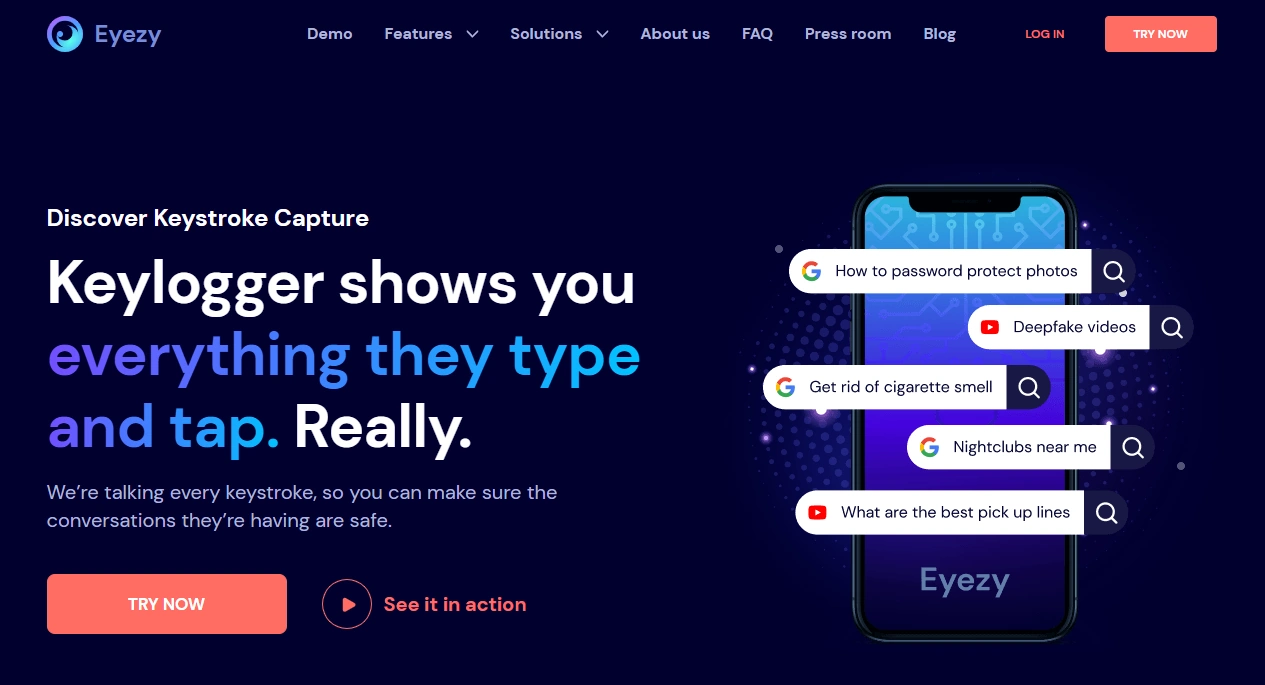
Eyezy is typically strongest on Android where keylogger-style monitoring is more practical. If your household can standardize on Android for a child’s device, this is often the simpler path to “real” keylogging.
Product highlights
- All-in-one monitoring with keylogger-style feature
- Better practical keylogging experience on Android
- Useful as part of a broader parental-control strategy
What’s to like
- More realistic keylogger expectations on Android
- Good daily-use monitoring outside of keylogs too
What’s not to like
- iPhone keylogger limits still apply
- Background/battery settings can impact continuity on Android if misconfigured
PROS
- Strong Android experience
- Great “all-in-one” approach
CONS
- Not ideal if you only need iPhone keylogging
More detail: Eyezy keylogger accuracy review or check Eyezy here.
Legal notes
Use monitoring tools only on devices you own, devices you manage (for example, a minor child’s phone under your care), or when you have clear consent. Laws vary by country and situation, and secretly monitoring other adults (or devices you don’t own) can be illegal.
If you want a practical overview, read: legal phone monitoring: what’s allowed and what’s not.
FAQ
Does Moniterro keylogger capture everything typed on iPhone?
No—on modern iOS, “keylogger” features are often limited. Coverage can vary by app and iOS version, and secure fields (like password inputs) are commonly blocked.
What does Moniterro keylogger capture best?
It’s best evaluated by what it captures in the specific apps you care about. In general, non-secure text inputs are more likely to be visible than protected inputs.
Why are some entries missing or delayed?
Missing entries can happen because of iOS/app restrictions or secure inputs. Delays often come from sync timing, connectivity, or how the monitoring method works on that device.
Is Moniterro better than Spynger for iPhone keylogging?
It depends on your iOS version and the apps you need coverage for. If iPhone is your priority, it’s smart to compare both and validate results quickly.
What’s the best alternative if I need real keylogging?
If you can use Android, Android-focused options like mSpy or uMobix are usually more practical for classic keystroke logging. Start here: best Android keylogger apps.
Is it legal to use a keylogger for parental control?
It depends on your country and circumstances. Monitoring a device you own/manage for a minor child can be lawful, but monitoring other adults or devices you don’t own can be illegal. When in doubt, seek local legal advice.