

Website blocking is one of the few parental control features that has an immediate payoff: you stop adult content, gambling, and sketchy “clickbait” sites before they become a problem.
In this guide, I’ll show you how to use mSpy website blocking on Android and iPhone in a practical way—what to set up first, how to reduce bypassing, and what to do if you need stricter enforcement.
If you’re still comparing tools, start here: best website blocking apps for Android and iPhone.
Short on time? Quick verdict:
- Fastest win: enable mSpy Porn Blocker first (covers the biggest risk with minimal setup).
- Best approach: combine blocking with a simple routine (night downtime + homework window).
- Android vs iPhone: Android usually gives you more control-style options; iPhone results can be more setup-dependent—test your must-have rules on day 1.
- If your kid constantly bypasses rules: consider a stricter blocker like Eyezy or a calmer “family system” like Bark.
Quick jump: 60-sec checklist · Android setup · iPhone setup · Verdict · Comparison table · Common issues · Reviews · Legal notes · FAQ
60-second decision checklist
- Start with categories, not lists: block adult + gambling + harmful content first.
- Use URL blocks only for repeats: add a small “repeat offender” blacklist.
- Run the bypass test: VPN + private/secure DNS + new browsers + in-app browser links.
- Add routines: night downtime and a homework window reduce 80% of arguments.
- Test on the real device: Android usually gives stronger enforcement; iPhone can be more setup-dependent.
How to use mSpy website blocking on Android (step-by-step)
Android is typically where website blocking feels the most “direct,” because you can combine app permissions, browser controls, and routine-based schedules more easily.
Step 1: Set your goal (simple adult-site block vs broader filtering)
- Fastest protection: turn on Porn Blocker first.
- Broader safety: add category-style rules (where available) and then add a short URL blacklist.
Step 2: Enable mSpy Porn Blocker (your “quick win”)
In most families, adult content is the biggest risk area. That’s why Porn Blocker is the best first step—minimal effort, high impact.
Do this:
- Open your mSpy dashboard.
- Find the Porn Blocker / Web blocking area.
- Turn the blocker on and test it with 2–3 known adult sites.
Step 3: Add “repeat offender” URL blocks
Don’t try to block half the internet. Add only the sites your child keeps returning to (or the ones that slip through via clickbait):
- Short video download pages with aggressive ads
- Mirror domains of gambling/adult sites
- Known “unsafe” redirect sites
Step 4: Reduce bypassing (VPN, DNS, new browsers)
Most bypassing happens through the same doors. If you only do one “advanced” thing, do this.
- VPN apps: remove or block them.
- Private/secure DNS: check that it’s not set to a bypass-friendly provider.
- New browsers: kids install a new browser to dodge rules—limit installs and test a second browser yourself.
- In-app browser: test links opened inside social apps.
Step 5: Pair with routines (the “low drama” multiplier)
Blocking prevents exposure. Routines prevent late-night scrolling. For most families, the simplest system is:
- Night downtime: internet off after bedtime
- Homework window: school sites/apps allowed, distractions restricted
Related: best screen time control apps for kids’ phones.
How to use mSpy website blocking on iPhone (what to expect)
With iPhone, website blocking outcomes can be more setup-dependent. The practical approach is to test your must-have rules immediately and keep the system simple.
Step 1: Confirm your iPhone setup method and your “must-have” goals
Before you go deep into settings, write down your top 2–3 goals:
- Block adult content
- Block gambling
- Stop clickbait/redirect sites
If you want a safe setup walkthrough, use: how to set up an iPhone monitoring app safely and legally.
Step 2: Enable Porn Blocker first (then test)
Start with the biggest risk category first. Enable Porn Blocker and run a quick test across:
- Safari
- a second browser (if installed)
- links opened inside a social app (in-app browser)
Step 3: Use a short URL blacklist for repeat issues
Keep the list small and realistic. If you block too much, kids fight the system—and then they try to bypass it.
Step 4: If iPhone blocking feels weak, use a “stacked” approach
If you find iPhone website blocking isn’t strict enough for your situation, combine:
- mSpy Porn Blocker as an extra safety layer
- a stricter dedicated web filter (Eyezy) or a family rules system (Bark)
- screen-time routines (downtime + homework window)
For strict web filtering, read: Eyezy web filter review.
Verdict: when is mSpy website blocking the right choice?
mSpy website blocking is the right choice if you want a practical, quick way to reduce adult-site exposure and block obvious dangerous sites—especially when you use Porn Blocker plus a small blacklist.
If your child is actively bypassing rules, you’ll usually want either stricter enforcement (Eyezy) or a calmer family system (Bark) that’s easier to maintain long-term.
Comparison table: mSpy vs alternatives for website blocking
This table focuses on what parents actually care about: strictness, maintenance, and bypass resistance.
| Option | Best on | Strictness | Maintenance | Best for |
|---|---|---|---|---|
| mSpy Porn Blocker | Android + iPhone | Mid | Low | Fast adult-content risk reduction |
| Eyezy Website Blocker | Android (stronger), iPhone (varies) | High | Mid | Techy kids / strict enforcement |
| Bark | Android + iPhone | Mid | Low | Best long-term “family rules + safety” system |
| Parentaler | Android + iPhone (separate) | Low-to-mid | Low | Non-techy parents who want simple filters |
Common issues (and quick fixes)
Issue 1: “Blocking works on Wi-Fi but not on mobile data”
Test on both Wi-Fi and mobile data. Some setups behave differently across networks. If results vary, simplify rules first (Porn Blocker + short blacklist) and re-test.
Issue 2: “My kid found a loophole”
Check the usual suspects:
- VPN apps installed
- Private/secure DNS enabled
- New browser installed
- In-app browser links bypassing your main browser rules
If bypassing becomes constant, switch to a stricter blocker: Eyezy web filter review.
Issue 3: “I blocked too much and now we fight every day”
Roll back to the minimum: adult + gambling + harmful content only. Then add one change per week. The goal is a system your family can live with.
Issue 4: “I need a broader family plan, not just blocking”
Consider a more complete family-focused setup like Bark. Read: Bark web filtering & content monitoring review.
Reviews
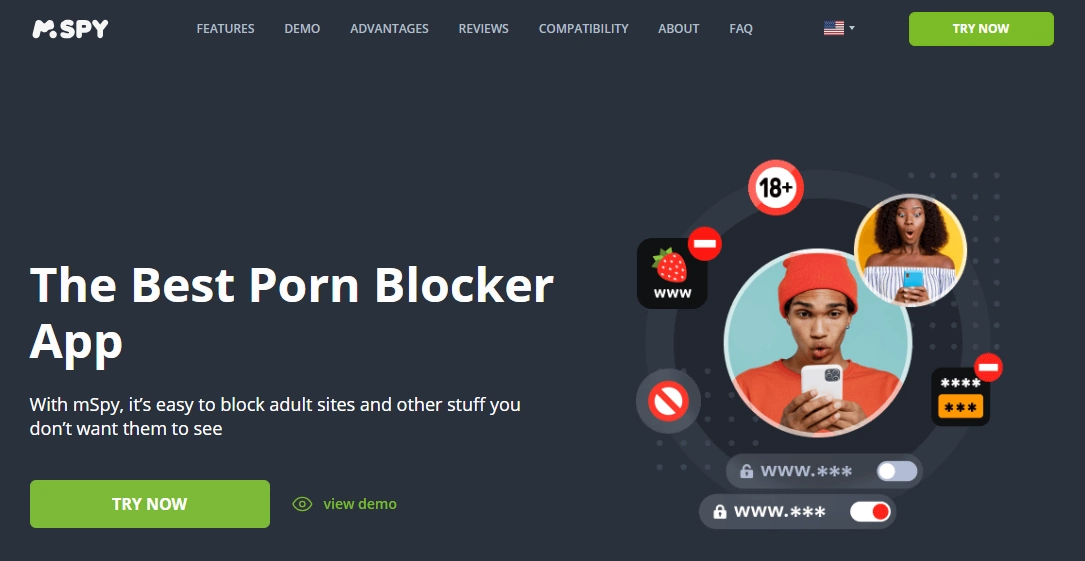
mSpy Porn Blocker (website blocking starter layer)
Description
mSpy Porn Blocker is the fastest way to reduce adult-site exposure. It’s best used as a starter safety layer, then paired with a small URL blacklist and simple routines.
Product highlights
- Quick adult-content risk reduction
- Works best with a short “repeat offender” URL blacklist
- Pairs well with downtime routines
What’s to like
- Fast setup and immediate payoff
- Low maintenance compared to huge URL lists
What’s not to like
- Not the strictest option against techy bypassing (VPN/DNS/new browsers)
- Needs a routine layer to reduce late-night browsing
PROS
- Great “first layer” website safety
- Low maintenance
CONS
- Mid bypass resistance vs strict blockers
Enable Porn Blocker: mSpy Porn Blocker · Read the full mSpy web blocking review
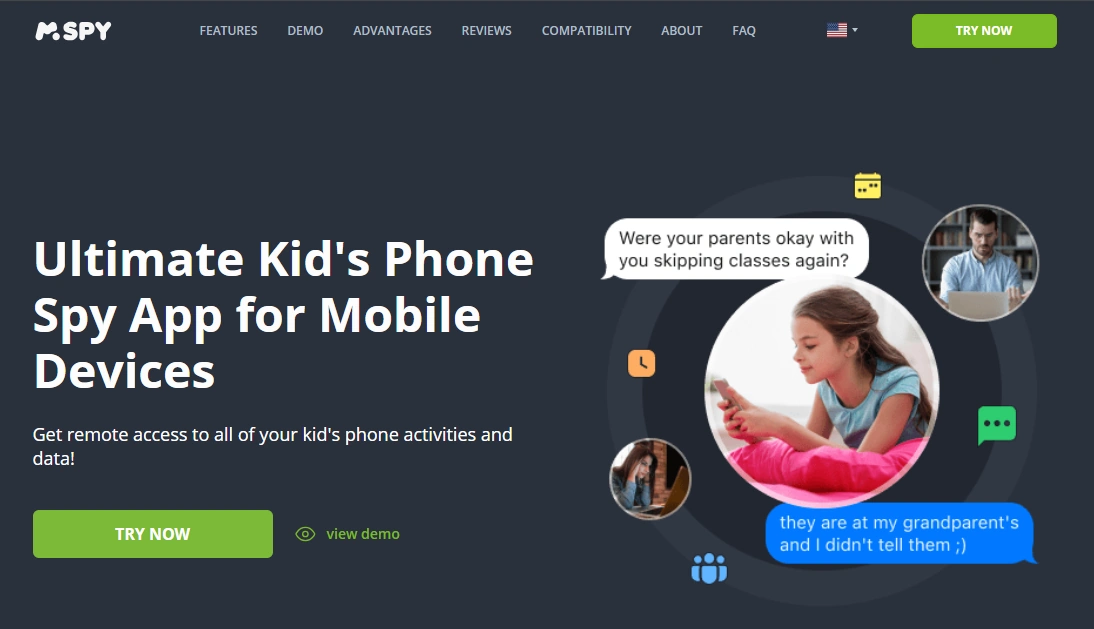
mSpy (Kid Phone Tracking) — broader monitoring + controls
Description
If you want more than just web filtering—like broader monitoring and parental oversight—mSpy (Kid Phone Tracking) is the more complete option. It can be combined with Porn Blocker as your “website safety” layer.
Product highlights
- Broader parental oversight features beyond web filtering
- Works well when your goal is an overall “kid safety” setup
- Pairs with Porn Blocker for website protection
What’s to like
- More complete toolset than a single-purpose blocker
- Fits parents who want a wider safety picture
What’s not to like
- Heavier than simple family filters if you only need website blocking
PROS
- Broader capabilities
- Good for parents who want more than just web rules
CONS
- Overkill for “just block bad sites”
Try mSpy: mSpy Kid Phone Tracking · mSpy for families review
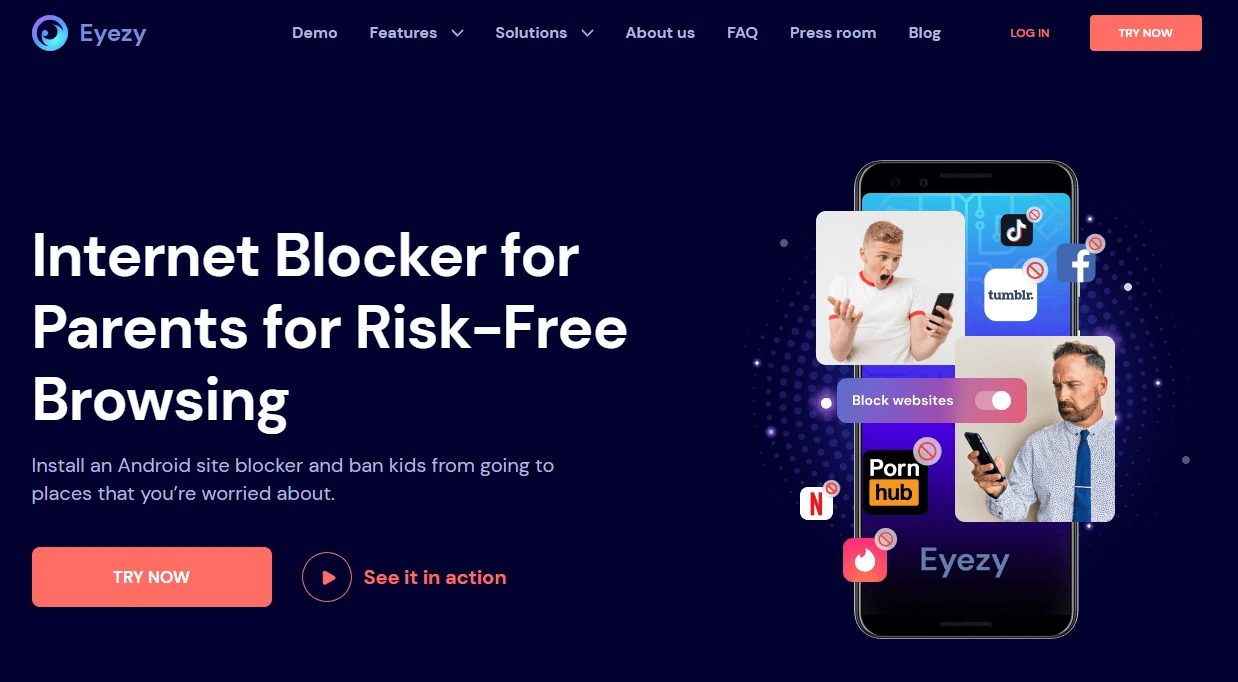
Eyezy Website Blocker (strict enforcement alternative)
Description
If your kid treats web rules like a challenge, Eyezy is usually the better pick than “basic filters.” It’s built for stricter “blocked means blocked” behavior.
Product highlights
- Enforcement-first website blocking
- Categories + URL filtering
- Better fit for bypass-prone kids
What’s to like
- Stronger strict blocking feel than most family-friendly tools
- Great for techy kids
What’s not to like
- More “heavy” than a simple set-and-forget filter
PROS
- Best strict alternative
- Higher bypass resistance
CONS
- More settings/complexity than simple filters
Try Eyezy: Eyezy Website Blocker · Read the Eyezy web filter review
Bark (best long-term family system)

Description
Bark is best when you want a system you can live with: web filtering + routines + a safety/monitoring approach that’s designed to reduce daily conflict.
Product highlights
- Family rules + web filtering + schedules
- Designed for long-term maintenance
- Good “low drama” parenting workflow
What’s to like
- Best overall family fit for most households
- Low settings fatigue
What’s not to like
- Not always the strictest lock-down option vs enforcement-first blockers
PROS
- Best long-term usability
- Great balance of safety + routines
CONS
- Less enforcement-focused than strict blockers
Try Bark: Get Bark · Read the Bark web filtering review
Legal notes
Use parental control and website blocking tools only on devices you own, devices you manage (for example, your child’s phone under your care), or where you have clear consent. Using monitoring/control tools on other adults or devices you don’t control without permission can be illegal.
Practical overview: legal phone tracking: what’s allowed and what’s not.
FAQ
What’s the fastest way to block adult sites with mSpy?
Enable mSpy Porn Blocker first. It’s the quickest “high impact” step, then you can add a short URL blacklist for repeat offender sites.
Is mSpy website blocking better on Android or iPhone?
Android usually gives stronger control-style results. On iPhone, website blocking can be more setup-dependent, so test your must-have rules early and keep your system simple.
Should I block by URL or by category?
Start with category-style blocking (adult/gambling/harmful content) and use URL blocking only for a small “repeat offender” list. Long blacklists create maintenance and more conflict.
How do kids bypass website blockers?
The most common bypass methods are VPN apps, private/secure DNS settings, installing a new browser, and using in-app browsers. Do a 48-hour bypass test to catch obvious loopholes.
What if my child keeps bypassing mSpy blocking?
If strict enforcement is your priority, Eyezy Website Blocker is usually the stronger choice. If you want a calmer long-term family system, Bark is often the best overall option.
Is it legal to use mSpy on my child’s phone?
Laws vary by country, but parents commonly manage a minor child’s device they own or administer. Using these tools on other adults or devices you don’t control without consent can be illegal.