

Scannero is a web-based tool that can help you find a phone’s location only with consent. It works by sending a location-sharing link to the phone number (or via a generated link). When the recipient opens the link and shares location, you can see their location on a map.
This matters: Scannero is best for finding your own lost phone, checking a family member’s location with permission, or coordinating meetups. It is not a “secret tracker” you should use on strangers or partners without consent.
Related (recommended): Legal Phone Tracking: What’s Allowed and What’s Not · Is It Legal to Install a Monitoring App on Someone’s Phone? · How to Monitor a Lost or Stolen Phone You Own (Legal & Safe Methods Only)
Quick summary: when Scannero makes sense
- Best for: lost phone recovery (your device), family coordination (consent), quick “share your location” requests.
- Not for: covert tracking, stalking, “catching” someone, or anything without clear permission.
- Reality check: you only get a location after the link is opened and location sharing is granted.
Jump to: How Scannero works · Tutorial: track by phone number (consent-first) · Tutorial: location by link · Best use cases · Troubleshooting · Pricing & cancellation tips · FAQ
How Scannero works (simple explanation)
- You open Scannero in a browser and choose a tracking method (by number or by link).
- You send a location-sharing request link to the device owner.
- They open the link and allow location sharing.
- You view the reported location on a map.
Important: if the person never opens the link (or location services are off), you won’t get a live location.
Consent-first tracking checklist (before you start)
- Confirm permission: the phone owner agrees to share their location.
- Use a transparent message: say why you’re requesting location.
- Verify device settings: location services ON, browser allowed to request location.
- Have a backup plan: Find My / Find My Device for lost phones you own.
- Cancel if one-time: if you only needed a single lookup, cancel subscriptions immediately after.
Step-by-step: How to track a phone number with Scannero (consent-first)
Step 1: Open Scannero and choose “Search phone number”
Use the official Scannero entry point and select the phone-number tracking option.
Step 2: Enter the number (with country code)
Double-check the country code (for example +372 for Estonia) to avoid sending the request to the wrong number.
Step 3: Send a transparent message (do NOT trick people)
Use a clear, honest message so the recipient knows exactly what they’re agreeing to. Here are safe templates:
- Lost phone (your device): “This is me trying to locate my phone. Please open the link so I can see where it is.”
- Family check-in: “Can you share your location with me for pickup? Please open the link to share.”
- Meetup: “I’m nearby—open this link so we can find each other faster.”
Step 4: Wait for the link to be opened
Once the recipient opens the link and allows location sharing, Scannero will display the location in your dashboard.
Step 5: Confirm accuracy before acting
If the map looks off, use the troubleshooting section below (GPS off, weak signal, VPN, permissions, etc.).
Ready to try Scannero? Check the latest options on the official website.
Alternative method: “Location by link” (works even if you don’t want to type a number)
Scannero also supports generating a tracking link you can share via SMS, Messenger, WhatsApp, email, etc. This is useful for quick meetups or family logistics—again, only with consent.
- Open Scannero and choose the Location by link feature.
- Generate the link from your dashboard.
- Send it to the person with a transparent message like: “Open this to share your location for pickup.”
- When they open it and allow location, you’ll see the result on the map.
If your main goal is finding a lost phone you own, also read: How to Monitor a Lost or Stolen Phone (Using mSpy or Scannero).
Best real-world use cases (where Scannero is actually helpful)
1) Finding your own lost phone
If your phone is lost but still reachable, a consent-based link can help confirm where it is (home, car, office). For deeper recovery steps, use:
2) Family coordination (pickup, travel, emergencies)
Use Scannero as a quick “share location now” request. If you need ongoing location sharing, built-in tools like Find My or Google Location Sharing are often better.
3) Checking unknown numbers (identity context, not location)
If your real problem is “who is calling me?”, you may want a lookup tool instead of location tracking. See:
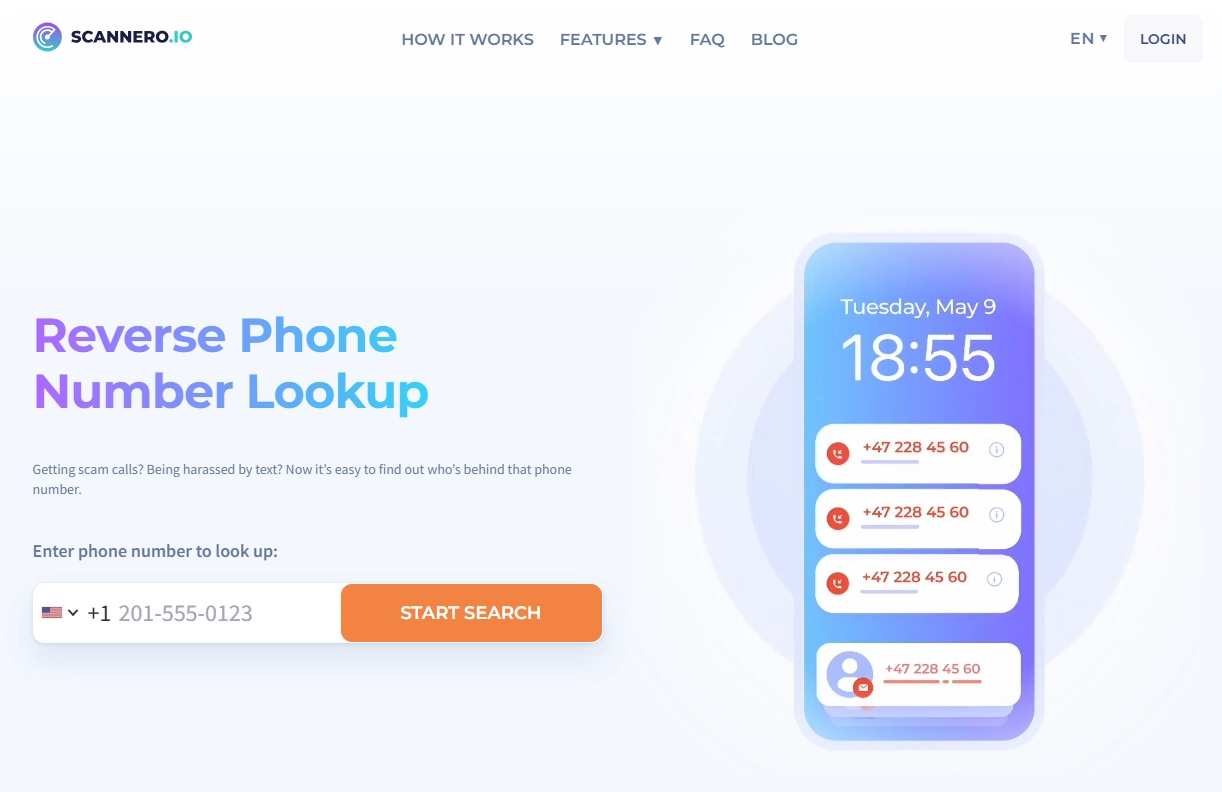
Need reverse lookup instead? Try Scannero’s Reverse Number Lookup.
Troubleshooting: if Scannero isn’t showing a location
The link wasn’t opened
- Ask the recipient to open it again.
- Confirm they’re opening it on the correct phone (not another device).
Location permissions are blocked
- On iPhone/Android, ensure Location Services are enabled.
- Ensure the browser is allowed to request location access.
Weak GPS / indoor accuracy
- Go outdoors briefly for a stronger GPS lock.
- Turn on Wi-Fi (often improves location accuracy indoors).
VPN or privacy settings interfere
- Some VPN/privacy tools can reduce accuracy or block location prompts.
- Try disabling them temporarily during the location request.
If your situation is time-sensitive (lost phone, theft), prioritize the dedicated guides: Lost/Stolen Phone You Own.
Pricing & cancellation tips (avoid surprises)
- Treat it like a subscription: read the checkout page carefully.
- If you only need one-time use: cancel right after you’re done (keep confirmation emails/screenshots).
- Use-cases first: for many families, Find My / Google Find My Device is a better long-term solution.
If you want alternatives (including apps that are better for families), see: Best Phone Number Location Tracker Apps and Top Ways to Find Someone’s Location by Phone Number.
FAQ
Can Scannero track a phone just by the number?
Not instantly. Scannero works by sending a location-sharing link. You’ll only get a location after the recipient opens the link and shares location.
Do I need to install an app on the target phone?
No app installation is typically required for the link-based method. The key requirement is that the recipient opens the link and allows location sharing.
Is Scannero legal?
In general, using any tracking tool without informed consent can violate privacy and anti-stalking laws. Use it only to locate your own devices or with clear permission from the device owner.
What’s better for lost phones: Scannero or built-in tools?
Built-in tools (Apple Find My / Google Find My Device) are often more reliable for a phone you own—especially if the phone is offline or you need lock/wipe features. Scannero can help in consent-based situations when a link can be opened.
Why is the location inaccurate?
Accuracy can be affected by indoor conditions, weak GPS, disabled location services, VPN/privacy tools, or denied permissions. Try the troubleshooting steps above.