

Most “employee data leaks” don’t happen because someone is a movie-villain. They happen because of normal behavior: lost phones, risky apps, weak passwords, forwarding files to personal email, screenshots, wrong recipients, or employees using unapproved tools to “get work done faster.”
Monitoring software can help — but only if you treat it as a security control with clear rules (purpose, scope, access, retention). If you use it as surveillance, you create legal risk and destroy trust.
Quick shortlist (company-owned devices only): Moniterro (balanced), FlexiSPY (advanced—use strict minimisation), Spyera (comparison alternative).
Quick jump: Checklist · What counts as a leak · Root causes · What to monitor (ethically) · Policy structure · Rollout playbook · Best tools · Comparison table · Reviews · FAQ
Related internal guides: How Companies Use Monitoring Apps to Prevent Data Leaks (Legally) · How to Monitor Work Phones Ethically · Legal Phone Tracking: What’s Allowed and What’s Not
60-second “leak prevention without surveillance” checklist
- Use company-owned devices for any monitoring program (BYOD is higher risk).
- Write a single sentence purpose (e.g., “protect client data on work phones”).
- Start with least intrusive signals: device security posture + prohibited apps + policy violations.
- Be transparent: employees must know what is monitored, why, when, retention, and who can access it.
- Make content monitoring incident-only (and require approvals + short retention).
- Lock down access: role-based access, access logs, and “two-person rule” for deep dives.
- Delete aggressively: short retention by default; longer only with a documented reason.
For the clearest boundaries, use: Legal Phone Monitoring for Employees (Company Phones vs Personal Phones).
What counts as an “employee data leak” in real life
- Lost device with logged-in accounts or saved credentials
- Unapproved apps (shadow IT) handling customer or internal data
- Forwarding work files to personal email or personal chat apps
- Screenshots / photos of sensitive screens sent outside the company
- Wrong-recipient messages (client details sent to the wrong contact)
- Credential reuse (same passwords across services)
- Malware / phishing leading to account takeover
Root causes: why employees leak data (even with good intentions)
1) Convenience wins over policy
If approved tools are slow or hard to use, employees will pick faster alternatives (and move data into places you can’t control).
2) Phones blur personal and work life
Work phones often end up carrying personal habits: personal email, social apps, and personal messaging — which increases accidental exposure.
3) Lack of clear boundaries
When employees don’t know what’s allowed, they create their own rules.
4) Over-monitoring causes workarounds
If monitoring feels like surveillance, people try to evade it, which reduces security and increases risk.
What to monitor to prevent leaks (ethically, defensibly)
Leak prevention works best when you monitor risk indicators, not private conversations.
Baseline (low-risk, high-ROI)
- Device security posture: risky settings, outdated OS, obvious compromise indicators
- Installed apps inventory: prohibited apps, unknown sideloaded tools
- Policy violations: disabling protections, repeated risky behavior patterns
- Work-hours location (only if justified): field safety/logistics
Incident-only (require approvals)
- Short-term deep review after a suspected leak, lost device, or confirmed compromise
- Focused checks tied to a specific case (scope-limited and time-limited)
Avoid by default (red flags)
- Always-on keylogging
- Always-on screenshots/screen recording
- Secret monitoring without notice
- Off-hours tracking without a documented safety need
If you want a clean “policy-first” framework, read: How to Monitor Work Phones Ethically.
Your monitoring policy (the part that makes this legal + sustainable)
Before installing anything, write a one-page policy employees can read in two minutes. It should answer:
- Purpose: leak prevention / security / compliance
- Scope: company-owned devices (and what “personal use” is allowed)
- What is monitored: categories (device posture, prohibited apps, policy violations)
- What is NOT monitored: your “red lines” (private content by default, off-hours, etc.)
- When: work-hours rules + incident-only triggers
- Access: who can view data, how approvals work, and access logging
- Retention: short by default; longer only with documented reasons
- Employee rights + escalation: questions, disputes, and reporting
Legal baseline: Legal Phone Tracking: What’s Allowed and What’s Not.
Rollout playbook: prevent leaks without destroying trust
Step 1: classify what you’re protecting
Make it simple: “public / internal / confidential.” Leak prevention is much easier when employees know what “confidential” means.
Step 2: decide baseline controls vs incident controls
- Baseline: security posture + prohibited apps + violation alerts
- Incident-only: deeper review tied to a specific event (lost phone, confirmed compromise, leak investigation)
Step 3: create a tight incident workflow
- Who can start an investigation?
- Who approves deeper access?
- How is access logged and documented?
- When is data deleted?
Step 4: employee onboarding (the trust moment)
- Explain the purpose: protecting clients, employees, and the company
- Explain what you do NOT monitor
- Explain boundaries: work hours vs off-hours
- Explain how employees can raise concerns
If you’re choosing tools, see: Best Employee Monitoring Apps (Legal & Ethical).
Best monitoring tools for leak prevention (company-owned phones)
These tools should support your policy — not replace it.
| App | Best for | Platforms | Ethical fit |
|---|---|---|---|
| Moniterro | Balanced oversight + incident response on company phones | Android, iPhone | Best when focused on posture + violations, not private content |
| FlexiSPY | Advanced capabilities for strict, high-risk cases | Android, iPhone | Use only with strong governance + incident-only deep access |
| Spyera | Comparison option for narrow, documented monitoring | Android, iPhone | Works best when scope is tight and transparent |
Which one should you choose?
If you want a “most defensible” starting point
Start with Moniterro and keep your program focused on posture + policy violations + incident response.
If you’re in a high-risk environment and have strong governance
Compare FlexiSPY — but treat advanced features as exception-only, not “daily monitoring.”
If you want a third option to compare fit and pricing
Shortlist Spyera and apply the same strict scope rules.
Reviews
Moniterro — best balanced fit for leak prevention policies

Description: Moniterro works best as part of a “policy-first” leak prevention program: monitor security posture and policy violations, and keep deeper access limited to incidents.
Product highlights:
- Good for multi-device oversight on company-owned phones
- Best paired with short retention + strict access rules
- Strong fit when you want “security control” instead of surveillance
What’s to like
- Easy to position as security/compliance when scope is minimised
- Useful for incident workflows (lost phone, compromise)
What’s not to like
- Over-collection is still possible without strict settings
- iPhone monitoring is generally more limited than Android
PROS
- Balanced approach potential
- Good fit for transparent policies
- Practical for company-owned device programs
CONS
- Requires governance (policy, approvals, retention)
- Not a replacement for training + access control culture
FlexiSPY — advanced features (best for incident-only use)
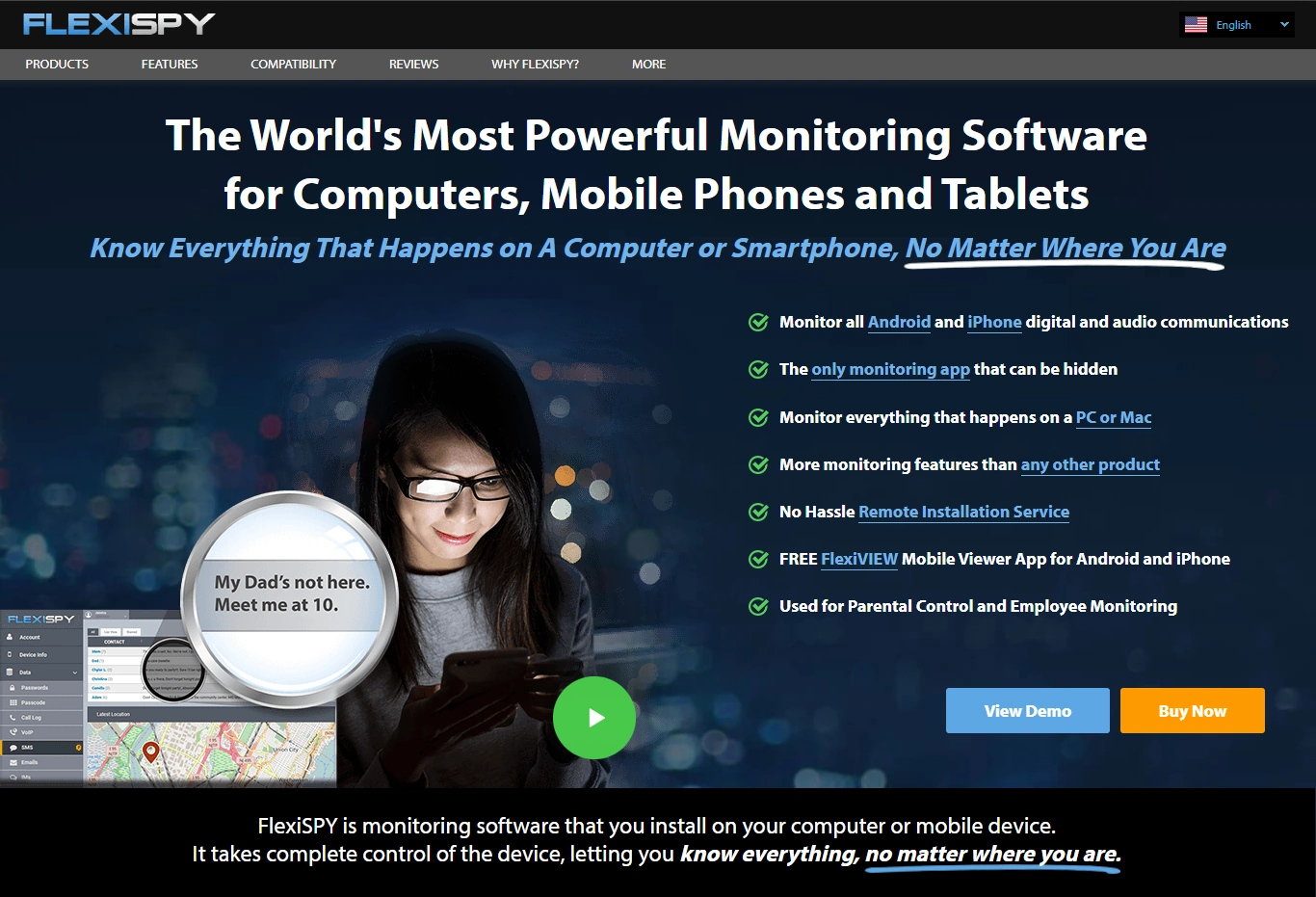
Description: FlexiSPY is powerful. For leak prevention, the safest way to use “powerful” is to treat it as an incident response capability with strict approvals, narrow scope, and short retention.
Product highlights:
- Advanced capabilities (varies by platform)
- Better suited to high-risk roles or regulated environments
- Requires strong governance to stay defensible
What’s to like
- Useful when you truly need advanced controls
- Strong comparison benchmark for “pro” monitoring tools
What’s not to like
- Easy to over-collect if you don’t restrict features
- Higher trust risk if rolled out poorly
PROS
- High control potential
- Fits strict, documented security scenarios
CONS
- Higher governance burden
- Not ideal for “monitor everyone” programs
Spyera — a comparison alternative for narrow, documented monitoring
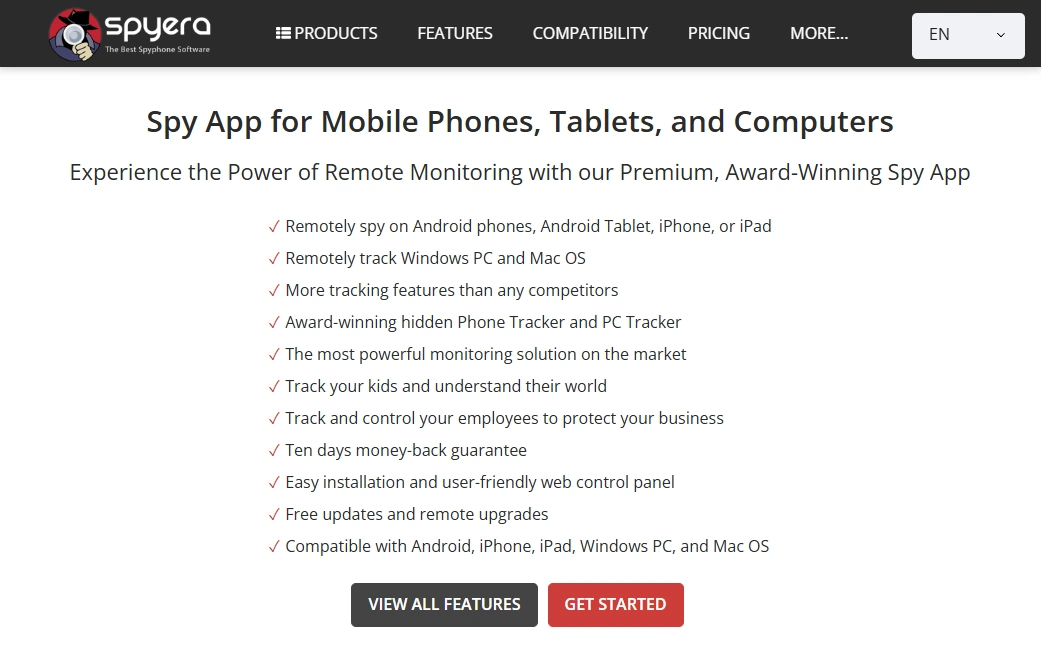
Description: Spyera is best treated as a shortlist alternative when you’re comparing options. The outcome depends more on your policy and scope limits than on the brand name.
Product highlights:
- Good for comparing fit/pricing
- Works best with tight scope + transparency
- Pair with strict access logs and short retention
What’s to like
- Solid “third option” for shortlisting
- Useful when you want alternatives before committing
What’s not to like
- Not a replacement for real security hygiene and training
- BYOD increases legal/trust risk significantly
PROS
- Good shortlist candidate
- Cross-platform availability
CONS
- Needs strong governance
- Easy to misuse without boundaries
FAQ
Is monitoring software the best way to prevent employee data leaks?
It helps, but it’s only one layer. The best results come from clear data classification, least-privilege access, security training, and incident response processes. Monitoring should support those controls — not replace them.
What should we monitor by default to stay ethical?
Start with device security posture, prohibited apps, and policy violation signals. Keep anything content-related as incident-only, approval-based, and time-limited.
Do we need a written policy and employee notice?
Yes. Transparency is a core requirement for ethical (and often legal) workplace monitoring. Employees should understand what is monitored, why, when, who can access it, and how long data is retained.
Should we monitor BYOD (personal) phones?
BYOD monitoring is much riskier. If you must allow BYOD, restrict controls to work profiles and minimise collection. For most monitoring programs, company-owned devices are safer.
Which tool should we start with?
If you want a balanced starting point, choose Moniterro. If you need advanced capabilities and have strong governance, compare FlexiSPY. For a comparison shortlist, consider Spyera.