

Monitoring work phones can be ethical — but only if your company treats it as a security + compliance control, not “watching employees.” The fastest way to get it wrong is to collect too much data, hide the monitoring, or monitor private life.
This guide is designed for company-owned phones (or clearly managed work devices) and focuses on a practical framework: purpose, notice, minimisation, access control, and retention limits.
Short on time? Start with a balanced option like Moniterro, compare advanced setups via FlexiSPY, and keep Spyera as a comparison alternative — but only on company-owned devices with clear written notice and a strict monitoring policy.
Quick jump: Ethical checklist · Ethical monitoring principles · What to monitor (and what to avoid) · Policy structure · Rollout playbook · Which app is best? · Comparison table · Tool reviews · FAQ
Related legal baseline: Legal Phone Tracking: What’s Allowed and What’s Not · Deeper business guide: How Companies Use Monitoring Apps to Prevent Data Leaks (Legally) · Tool shortlist: Best Employee Monitoring Apps (Legal & Ethical)

60-second ethical monitoring checklist
- Company-owned device: default to company-issued phones for any monitoring program.
- Clear purpose: write one sentence (security, leak prevention, compliance, safety for field teams).
- Least intrusive first: prefer security signals + policy violations over message content.
- Worker notice: employees must be informed (what, why, when, retention, who can access).
- Work-hours boundaries: avoid off-hours tracking unless there’s a documented safety need.
- Access control: restrict who can view data, log access, set approvals for “deep dives.”
- Short retention: keep only what you can justify; delete the rest automatically.
If you need the “company phones vs personal phones” boundary, use: Legal Phone Monitoring for Employees (Company Phones vs Personal Phones).
What ethical work-phone monitoring looks like
Ethical monitoring isn’t a single feature. It’s a design approach that keeps you compliant and reduces employee backlash.
1) Purpose comes first
Monitoring must have a defined purpose (e.g., “protect customer data on company phones”). If the purpose is vague, scope creeps and risk grows.
2) Proportionality beats “maximum visibility”
High-risk roles can justify stronger controls than low-risk roles. A one-size-fits-all “monitor everything” setup is hard to defend.
3) Transparency is non-negotiable
Employees should know what’s monitored and why. Hidden monitoring creates legal and cultural risk.
4) Minimisation by default
Collect only what you need. Many leak-prevention goals can be achieved with device posture, risky app detection, and policy violation alerts — not private message content.
5) Separation of duties
IT/security may manage tools, HR may handle process and disputes, and managers should see only the minimum they need (often aggregated).
6) Access logs + approvals
Every “deep access” action should be traceable. Treat detailed monitoring like an incident response capability, not a daily habit.
7) Time limits (retention) protect everyone
Short retention reduces risk. If you don’t have a reason to keep it, you shouldn’t store it.
What to monitor (and what to avoid)
| Category | Ethical “default” | Incident-only / high risk | Avoid (red flags) |
|---|---|---|---|
| Device security posture | OS update status, risky settings, policy compliance | Extra checks for regulated roles | Silent surveillance unrelated to security |
| Apps & policy violations | Installed app inventory, prohibited apps alerts | Focused checks during investigations | “Read everything” by default |
| Location | Work-hours only for field safety/logistics | Short-term for lost device / high-risk incidents | Off-hours tracking without a documented safety need |
| Content monitoring | Avoid as default | Only with strict approvals + narrow scope | Always-on keylogging, always-on screenshots, private messages |
| Audio/Camera | Avoid | Rare exceptions with explicit boundaries | Continuous recording |
If your goal is specifically leak prevention, use: How to Prevent Employee Data Leaks with Monitoring Software.
Work phone monitoring policy (simple structure that prevents mistakes)
Before you install anything, write a one-page policy that a human can read in 2 minutes. It should answer:
- What is monitored (categories, not “everything”)
- Why (security, leak prevention, safety, compliance)
- When (work hours only, incident-only triggers, sampling cadence)
- Who can access data (roles + approvals + access logs)
- Retention (default short; longer only if justified)
- Employee rights (how to ask questions, raise concerns, request access where applicable)
For the broader legal hub, see: Legal Phone Tracking (Hub).
Ethical rollout playbook (step-by-step)
Step 1: decide your “baseline signals”
Baseline should be the least intrusive controls that still reduce risk: security posture + prohibited apps + incident response capability.
Step 2: define “incident-only” triggers
- Lost device
- Confirmed credential compromise
- Data leak investigation with HR/security approval
- Regulated role audit with documented necessity
Step 3: create access gates
- Who can view detailed logs?
- Who approves access?
- How is access recorded?
Step 4: train employees (this is where trust is won)
- Explain the purpose (protect clients, protect the business, protect workers)
- Explain what you do not monitor
- Explain boundaries: work hours vs off-hours
If your company is doing monitoring specifically to stop leaks, read: Data Leak Prevention (Legal Use Guide).
Which app is best for your situation?
1) You want a balanced approach for company-owned phones
Choose Moniterro if your goal is a practical “policy + oversight” setup that you can keep within ethical scope.
2) You need advanced capabilities for high-risk environments
Consider FlexiSPY only if your organisation has strict governance (approvals, minimisation, and incident-only access).
3) You want a comparison alternative
Shortlist Spyera if you’re comparing fit and pricing — still within a policy-first rollout.
Want the full shortlist? Best Employee Monitoring Apps (Legal & Ethical).
Quick comparison table (policy-first picks)
| App | Best for | Platforms | Key highlights | Refund or Trial |
|---|---|---|---|---|
| Moniterro | Balanced company-phone monitoring within a minimised scope | Android, iPhone | Good fit for policy + incident response workflows | Varies by plan (check official site) |
| FlexiSPY | Advanced monitoring for high-risk roles with strict governance | Android, iPhone | Powerful feature set (use incident-only + approvals) | Varies by plan (check official site) |
| Spyera | Comparison alternative for narrow, documented use cases | Android, iPhone | Useful when policy scope is tight and transparent | Varies by plan (check official site) |
Tool reviews (ethical monitoring lens)
Moniterro
Description
Moniterro is a strong “balanced” option when you want oversight on company-owned phones without turning the setup into full-time surveillance. It fits best when used for security posture, policy enforcement, and incident response.
Product highlights
- Practical fit for company-issued devices
- Works best with a minimised scope and clear policy boundaries
- Good baseline option for leak-prevention programs
What’s to like
- Supports “policy-first” monitoring setups
- Useful for consistent oversight across multiple devices
What’s not to like
- Like any tool, it can be misused without strict rules
- Cross-platform limitations may apply (iOS is generally more restrictive)
PROS
- Balanced fit for ethical workplace programs
- Good for security + incident workflows
- Easy to position as compliance/safety (when scoped properly)
CONS
- Requires governance and retention rules
- Not a substitute for MDM/DLP and staff training
Ready to try Moniterro? Check the latest plans on the official website.
FlexiSPY
Description
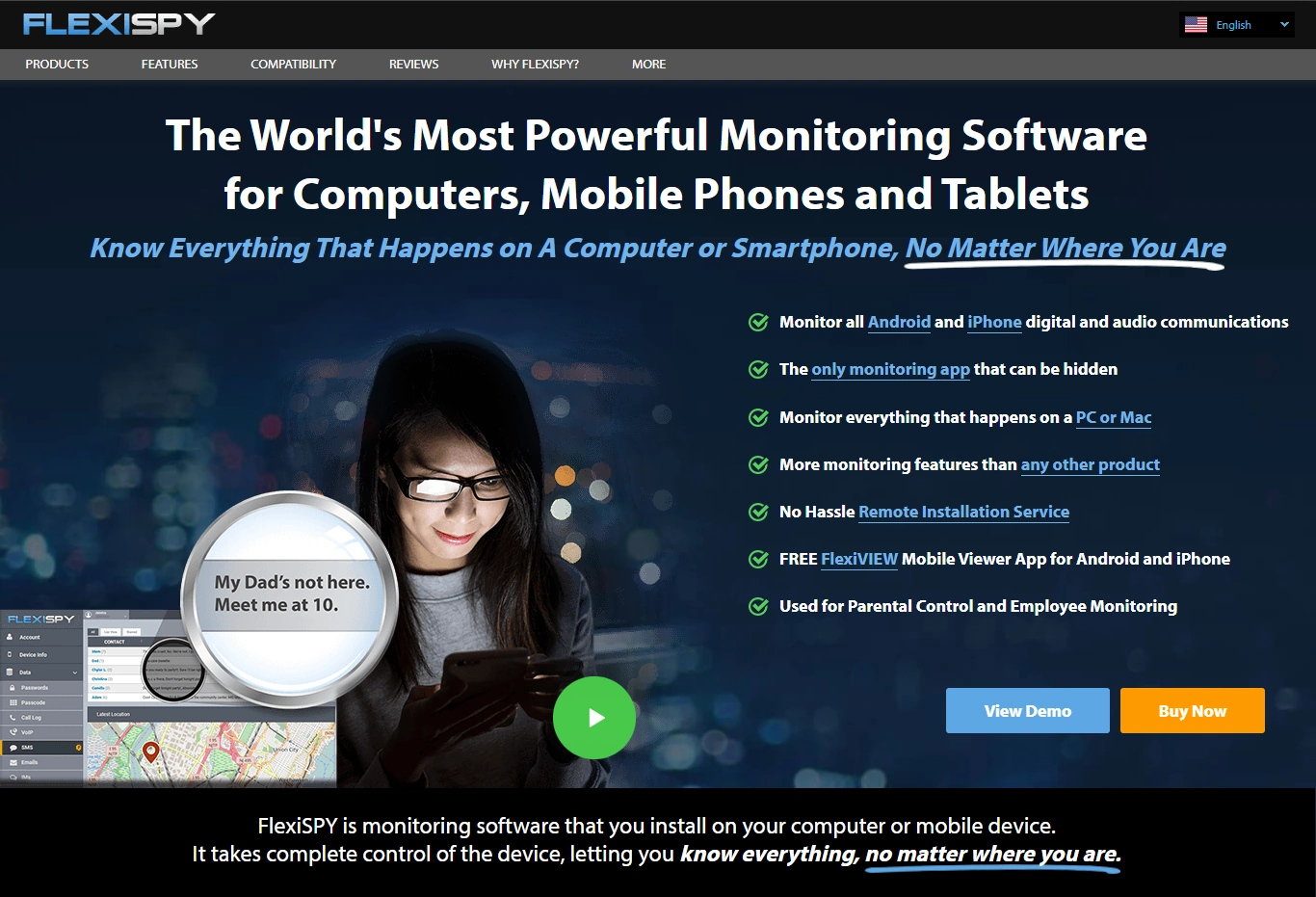
FlexiSPY is a more advanced option. In ethical workplace monitoring, advanced features are a double-edged sword: they’re useful for narrow, documented high-risk cases, but risky if used broadly.
Product highlights
- Advanced capabilities (depending on platform/setup)
- Best used as incident-response capacity, not daily routine
- Requires strict approvals + minimisation
What’s to like
- Fits high-risk environments with strong governance
- Can support investigations when access is controlled and logged
What’s not to like
- Easy to over-collect if policy boundaries aren’t enforced
- Higher trust risk if employees feel watched “all the time”
PROS
- Powerful capabilities for narrow, justified cases
- Useful for high-risk roles and incidents
- Good comparison benchmark for “pro” tools
CONS
- Higher governance burden
- Higher cultural/trust risk if rolled out poorly
Ready to try FlexiSPY? Check the latest plans on the official website.
Spyera
Description
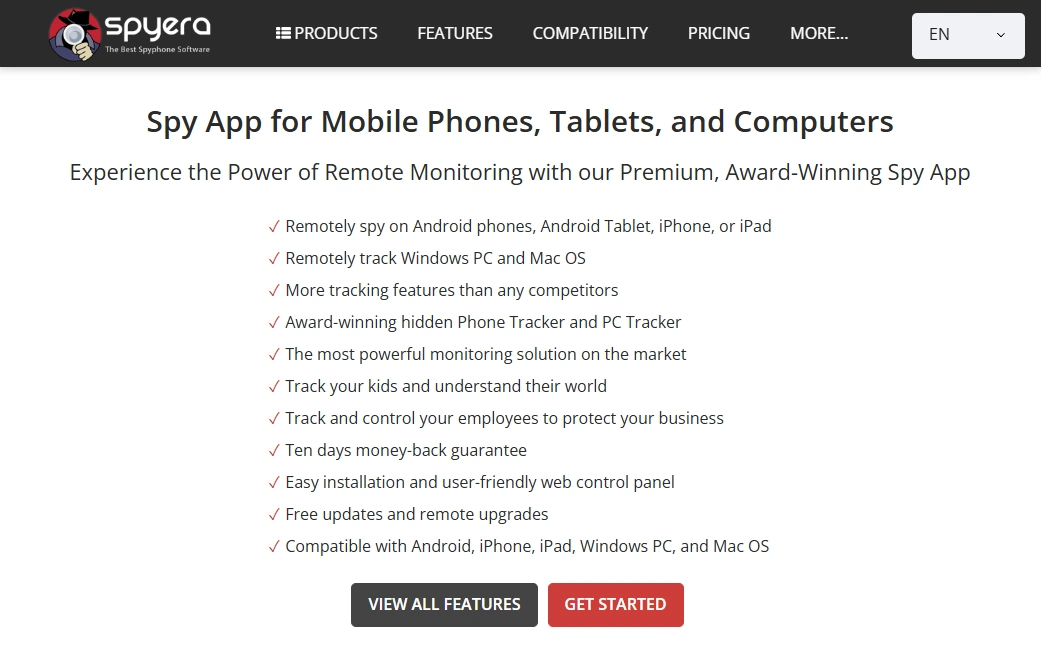
Spyera is a reasonable comparison alternative when you’re shortlisting options. The ethical outcome depends less on the brand and more on how tightly you limit monitoring scope and access.
Product highlights
- Good for comparing fit and pricing
- Works best in narrow, documented use cases
- Use with strict retention and access controls
What’s to like
- Solid shortlist candidate for company-owned devices
- Useful if you’re evaluating multiple solutions
What’s not to like
- Still risky if used as broad surveillance
- Not a replacement for real security controls (MDM/DLP, training)
PROS
- Cross-platform availability
- Useful comparison option
- Works well when scope is tight
CONS
- Requires strong governance
- BYOD scenarios increase risk significantly
Ready to try Spyera? Check the latest plans on the official website.
FAQ
Is it ethical to monitor employee work phones?
It can be ethical if the phone is company-owned, the purpose is clear (security/compliance/safety), employees are informed, collection is minimised, and access + retention are tightly controlled.
What should we monitor by default (lowest-risk option)?
Start with security posture (risky settings, update status), prohibited apps, and policy-violation alerts. Add deeper monitoring only for documented, high-risk cases with approvals.
Should we monitor personal (BYOD) phones?
It’s much riskier. If BYOD is unavoidable, restrict monitoring to work profiles and minimise collection. For most monitoring programs, company-owned devices are safer.
Do employees need to be informed?
Yes. Transparency is a core ethical (and often legal) requirement. Employees should know what is monitored, why, when, who can access it, and how long it’s retained.
Is content monitoring (messages/screenshots/keylogging) ever acceptable?
Only in narrow, approved scenarios (incident response or regulated high-risk roles), with strict scope, short retention, and logged access. It should not be the default.
Which app is the safest starting point for an ethical rollout?
If you want a balanced option for company phones, start with Moniterro. Use more advanced tools like FlexiSPY only with strong governance and incident-only access rules.
1 Comment