

Monitoring freelancers and contractors can be legitimate — but it’s also easy to do wrong. The big difference vs employees is that contractors often use their own devices and have more independence, so “monitor everything” approaches are usually high-risk and hard to justify.
This guide gives you a policy-first approach that protects company data without turning into surveillance: clear contract clauses, tight scope, transparency, and the least intrusive controls that still reduce leak risk.
Quick shortlist (company-owned phones only): Moniterro (balanced), FlexiSPY (advanced—use strict minimisation), Spyera (comparison alternative).
Quick jump: Legal checklist · The core rule (BYOD vs company devices) · What to monitor (and what to avoid) · Contract clauses you should have · Rollout playbook · Best tools · Comparison table · Reviews · FAQ
Related internal guides: How to Monitor Work Phones Ethically · Prevent Employee Data Leaks with Monitoring Software · How Companies Use Monitoring Apps to Prevent Data Leaks (Legally) · Best Employee Monitoring Apps (Legal & Ethical) · Company Phones vs Personal Phones (Legal Guide)
60-second checklist: monitor contractors legally (without surveillance)
- Start with device ownership: company-owned devices are safest; BYOD requires a much lighter touch.
- Write the purpose: data protection, access security, compliance, incident response — not “watch productivity.”
- Be transparent: provide clear notice (what, why, when, retention, access roles).
- Minimise: prefer access logs + security signals over message/content capture.
- Contract it: monitoring scope, approved tools, security requirements, and incident cooperation must be in the agreement.
- Separate work & personal: use work accounts/profiles; avoid collecting personal communications.
- Short retention + restricted access: log access to monitoring data and delete by default.
The core rule: BYOD vs company-owned devices
Company-owned devices (best option)
If you issue a work phone to a contractor, you can justify more security controls — as long as you provide clear notice and keep scope proportionate. This is the most defensible route when contractors access sensitive client data.
BYOD (their personal phone/laptop)
Monitoring a contractor’s personal device is where companies get into trouble. Even if the intention is “security,” you risk collecting personal data you can’t justify. If you must support BYOD, use:
- Work-only accounts and separate work apps
- Least-privilege access (contractors only get what they need)
- Security requirements (2FA, device lock, updates)
- Access logs and audit trails (what was accessed/downloaded)
For the boundary lines (and why they matter), see: Company Phones vs Personal Phones.
What to monitor (and what to avoid)
The most defensible contractor monitoring is security-first: monitor risk indicators and access events, not private conversations.
Low-risk, high-ROI monitoring (recommended default)
- Account access logs: logins, suspicious locations, impossible travel, repeated failures
- App and device compliance (company devices): basic security posture, prohibited apps
- Data handling events: large downloads, unusual sharing patterns, exporting sensitive files
- Incident signals: lost device, compromised credentials, malware indicators
Incident-only (require approvals + narrow scope)
- Short-term deep review after a suspected leak or confirmed compromise
- Focused checks tied to a specific case (time-limited and role-limited)
What to avoid (common red flags)
- Secret monitoring without notice
- Always-on keylogging or always-on screenshots
- Monitoring personal messaging apps on BYOD
- Off-hours location tracking without a documented safety requirement
If you want a clean framework to copy into your policy, use: How to Monitor Work Phones Ethically.
Contract clauses you should have (freelancers & contractors)
You don’t need complicated legal language to be effective. You need clarity. These are the clauses that prevent the biggest problems:
1) Approved tools + scope
- Which systems/tools are approved (e.g., company email, CRM, work chat)
- What monitoring exists (categories, not “everything”)
- Whether monitoring is continuous or incident-only
2) Device policy (BYOD vs company-issued)
- What devices can access company data
- Security requirements (PIN/biometrics, encryption where possible, automatic lock, OS updates)
- Work-profile rules if BYOD is allowed
3) Data protection and confidentiality
- How confidential data may be stored and shared
- Prohibited behavior (personal email forwarding, unapproved cloud storage, screenshots for sharing, etc.)
- Mandatory incident reporting (lost phone, suspected compromise)
4) Access and audit rights
- Company may audit access to company systems and company-owned devices
- Access is restricted to security/compliance roles
- Retention limits and deletion schedules
5) End-of-contract offboarding
- Account removal timelines
- Return of company devices
- Revoke tokens/API keys and shared passwords
Rollout playbook (contractors)
Step 1: classify contractor risk by role
- Low-risk: design/content with limited access
- Medium-risk: support, sales, operations with customer data
- High-risk: devops, admins, finance, regulated data
Step 2: choose controls that match the risk
For most teams, access logs + strong authentication + clear data handling rules reduce more risk than invasive monitoring.
Step 3: write the “2-minute” contractor monitoring notice
- Purpose
- Scope (company devices/systems)
- What is monitored and what is not
- Retention
- Who can access monitoring data
- Incident-only triggers
Step 4: enforce offboarding (where leaks often happen)
- Disable accounts immediately on end date
- Revoke shared links, tokens, and API keys
- Rotate credentials that may have been exposed
If your main goal is leak prevention, this guide helps: Prevent Data Leaks with Monitoring Software.
Best monitoring tools for contractors (company-owned phones only)
These are best used as part of a policy-first program for contractors who use company-issued devices. If your contractors are BYOD, keep the scope tighter and focus on access logs and security requirements.
| App | Best for | Platforms | Ethical fit |
|---|---|---|---|
| Moniterro | Balanced oversight for company devices + incident response | Android, iPhone | Best when focused on security posture + policy violations (not private content) |
| FlexiSPY | Advanced capabilities for high-risk contractors | Android, iPhone | Use only with strict approvals + incident-only deep access |
| Spyera | Comparison option for narrow, documented monitoring | Android, iPhone | Works best when your contract and policy scope are tight and transparent |
Want the broader shortlist? Best Employee Monitoring Apps (Legal & Ethical).
Which one should you choose?
Best “default” for most contractor programs
Moniterro is a good fit when you want oversight on company-issued phones and your policy focuses on minimisation.
For high-risk contractors with privileged access
FlexiSPY can make sense — but only if you have strict governance: approvals, narrow scope, and short retention.
As a third option to compare fit and pricing
Spyera works well as a shortlist alternative, under the same “policy-first” constraints.
Reviews (contractor monitoring lens)
Moniterro

Description: Moniterro is a strong “balanced” option when contractors use company-owned phones and you want a defensible security posture: minimised monitoring, clear notice, and incident workflows.
Product highlights:
- Good fit for multi-device oversight in distributed teams
- Best when used for posture + violations (not private message content)
- Supports a transparent policy-first approach
What’s to like
- Easier to justify when scope is minimised
- Practical for contractor programs with company-issued phones
What’s not to like
- Over-collection is still possible if you don’t set boundaries
- iPhone monitoring is generally more limited than Android
PROS
- Balanced starting point
- Works well with incident-only deep access rules
- Good “security control” positioning
CONS
- Needs governance (policy, approvals, retention)
- Not a replacement for strong access control and offboarding
FlexiSPY
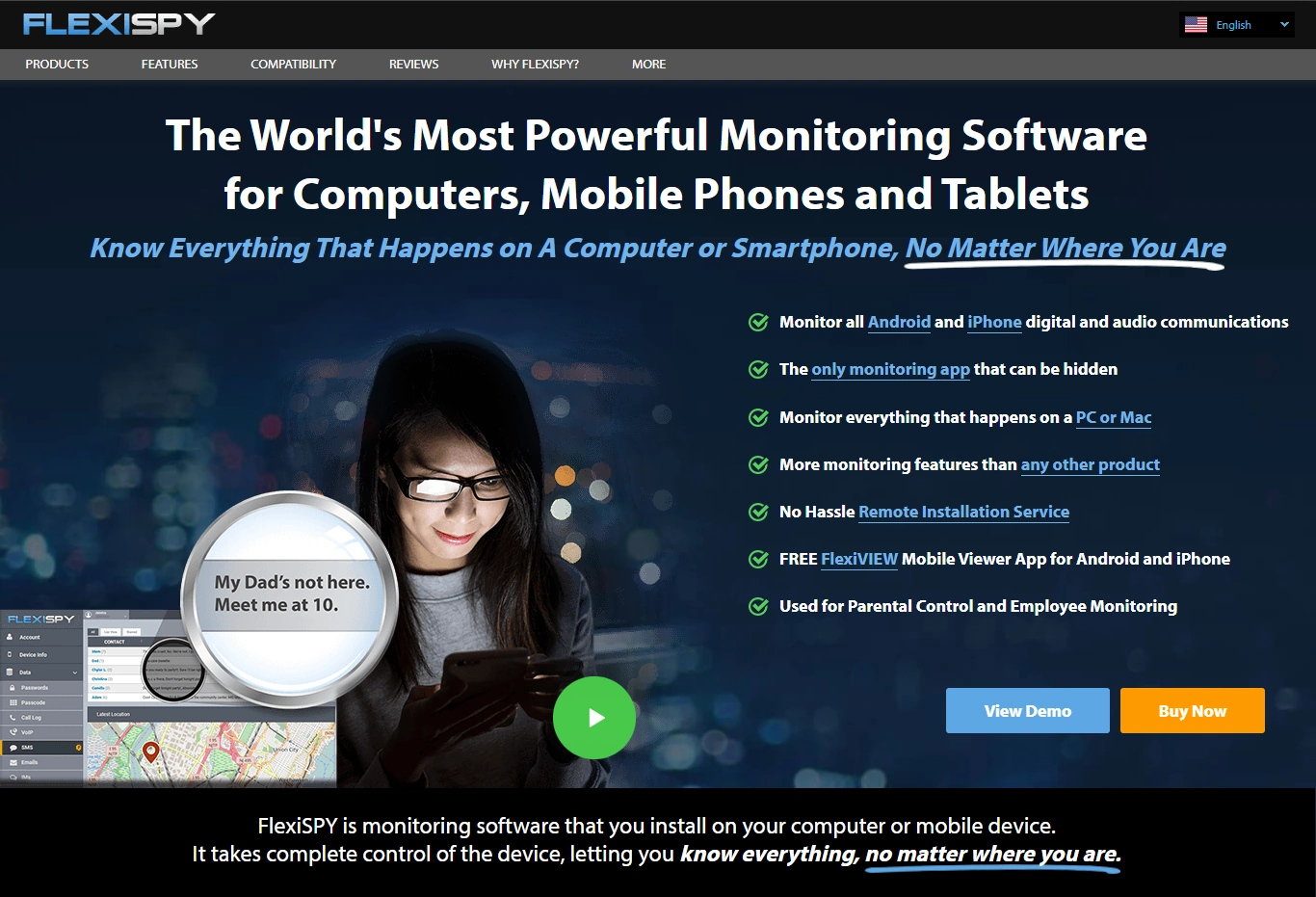
Description: FlexiSPY is powerful. In contractor programs, powerful tools should be treated like an incident-response capability — used only when a documented risk or event justifies deeper access.
Product highlights:
- Advanced capabilities (varies by platform/setup)
- Better for privileged/high-risk contractor roles
- Requires strict approvals + minimisation
What’s to like
- Useful when you truly need advanced controls
- Strong option for narrow, documented investigations
What’s not to like
- High trust and legal risk if used broadly
- Easy to over-collect without strict rules
PROS
- High control potential
- Good for exception-only cases
CONS
- Higher governance burden
- Not ideal for “monitor everyone” programs
Spyera
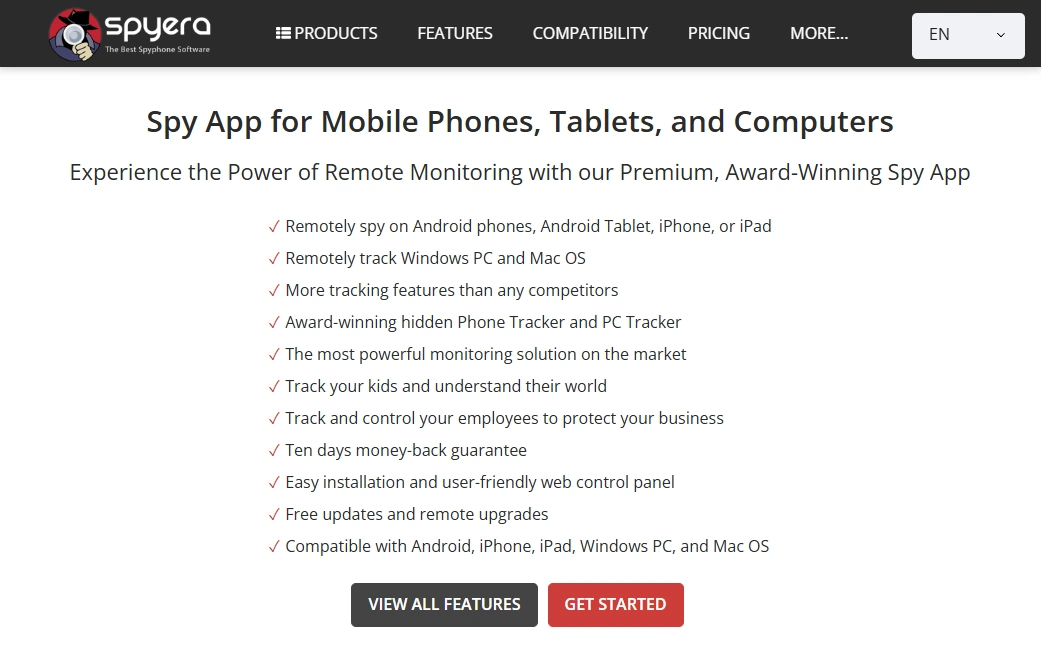
Description: Spyera works well as a comparison option if you’re shortlisting tools for company-owned contractor devices. Your policy and access controls matter more than the brand.
Product highlights:
- Useful for shortlist comparisons
- Best used with transparent scope + short retention
- Pair with strict offboarding processes
What’s to like
- Solid third option for comparing fit/pricing
- Works when scope is tight and documented
What’s not to like
- Not a replacement for access logs and least privilege
- BYOD monitoring remains risky
PROS
- Good shortlist candidate
- Cross-platform availability
CONS
- Must be governed carefully
- Easy to misuse without boundaries
FAQ
Is it legal to monitor freelancers and contractors?
It can be legal if monitoring is transparent, necessary for a legitimate purpose (security/compliance), and proportionate. The safest approach is monitoring company-owned devices and company systems, with clear notice and minimised data collection.
Can we monitor a contractor’s personal phone (BYOD)?
That’s much riskier. If BYOD is unavoidable, minimise scope and focus on work-only accounts, access logs, and security requirements instead of device-wide monitoring.
Do we need consent?
Relying on “consent” can be tricky in work relationships. The safer approach is clear contract terms + transparent notice + a documented lawful purpose, while keeping monitoring minimal and defensible.
What’s the most defensible contractor monitoring setup?
Issue company devices for sensitive roles, enforce 2FA and least-privilege access, monitor access/security signals, and keep any deeper content review as incident-only with approvals and short retention.
Which tool should we start with?
If you want a balanced option for company-owned phones, start with Moniterro. If you need advanced capabilities and have strict governance, compare FlexiSPY. For a third option, shortlist Spyera.