

Choosing an Android “monitoring app” is rarely about finding the most features. It’s about finding the right match for your goal (parenting, work device security, or your own phone), your Android version, and how much setup friction you can tolerate.
This guide gives you a simple, repeatable framework to pick the right Android monitoring app in 2026—without wasting money on the wrong tool.
If you want the full Android hub with quick picks + links to all guides, start here: Top Android Monitoring Apps.
Quick answer: pick based on your “monitoring style”
- All-round monitoring dashboard (calls, GPS, activity): mSpy
- Simple “setup + check in” flow: uMobix
- Clean dashboard + reports (routine check-ins): Eyezy
- Safety alerts and parent-first approach: Bark
- GPS + day-to-day basics (alternative shortlist pick): Moniterro
- Simple parenting boundaries (rules & routines): Parentaler
If you’re specifically choosing for parenting, also see: Best Android Monitoring Apps for Parents and Best Android Parental Control Apps for Kids and Teens.
First: what you can (and can’t) realistically monitor on Android
Before you compare brands, get clear on features. Otherwise you’ll buy the wrong tool for the wrong job.
- Want GPS + safety zones? Prioritize location reliability.
- Want socials? Prioritize the specific apps your child uses (and understand limitations).
- Want stealth? Prioritize stable background behavior and realistic expectations.
- Want “no root”? Prioritize apps designed for standard Android permissions.
Read this once and you’ll avoid most mistakes: Monitoring App Features Explained: What You Can (and Can’t) Monitor.
Legal & ethical rule (must read before you install anything)
Only monitor devices you own or manage (for example: your child’s phone under your care, a company-owned work phone with a clear policy, or your own device). Secretly tracking a partner or another adult without consent is usually illegal.
For a clear, practical breakdown, read: Legal Phone Tracking: What’s Allowed and What’s Not.
The 7-step framework to choose the right Android monitoring app
Step 1: Define your “why” in one sentence
- “I want to keep my child safe online without constant phone-checking.”
- “I want GPS + calls + activity patterns for a managed family phone.”
- “I only need basic rules: screen time, web safety, and boundaries.”
If you don’t know your “why,” you’ll overbuy and underuse.
Step 2: Pick your monitoring style (alerts vs dashboard vs boundaries)
- Alerts-first (least drama): you get warnings and talk to your child when needed.
- Dashboard monitoring: you review activity patterns in one place.
- Boundaries-first: you mainly enforce limits and safe browsing rules.
If you want a full decision tree for families, use: How to Choose the Right Monitoring App for Your Family.
Step 3: Confirm the phone situation (Android version + access)
- Do you have one-time access to the Android phone for setup?
- Is it a modern Android device with strict battery optimization?
- Do you want a no-root option?
If you want a realistic “no root” shortlist: Best Android Monitoring Apps Without Root.
Step 4: Decide which 3 features matter most
Most people try to compare 20 features and end up confused. Instead, choose your top three:
- GPS reliability
- Calls/SMS logs
- Social apps coverage
- Web filtering
- Screen time rules
- Stealth/discreet monitoring
- Reports & dashboards (easy check-ins)
Step 5: Use the “setup friction” test (this saves money)
Ask yourself honestly: how much setup complexity will you tolerate?
- Low tolerance: pick a simpler flow and fewer features.
- Medium tolerance: pick a parent dashboard app and follow the official setup guide.
- High tolerance: you can explore more advanced configurations (still legally and responsibly).
Use this checklist-style guide before buying anything: How to Set Up an Android Monitoring App Safely and Legally.
Step 6: Shortlist 2 apps and do a 24-hour test
Pick two candidates, set them up correctly, and check:
- Does data sync consistently?
- Is battery impact acceptable?
- Is the dashboard easy enough that you’ll actually use it?
Real-world testing notes help a lot. Start with:
- uMobix for Android Review (Real Testing)
- Eyezy for Android Review (Battery Impact & Reliability)
- Moniterro for Android Review (Tested)
Step 7: Lock in family rules (or workplace policy) and keep it sustainable
The best app is the one you can use calmly. Most families succeed when they monitor less but respond better.
If you want a trust-preserving approach, read: How to Monitor Kids’ Phones Without Invading Their Privacy.
Comparison table (fast shortlist)
| App | Best for | Platforms | Key highlights | Refund or Trial |
|---|---|---|---|---|
| mSpy | All-round monitoring dashboard | Android | Strong “one dashboard” option for parents/device owners | See official site |
| uMobix | Simple setup + practical monitoring | Android | Good “set up and check in” flow for everyday needs | See official site |
| Eyezy | Reports + clean dashboard | Android | Great for routine check-ins and clarity | See official site |
| Bark | Safety alerts (less micromanaging) | Android | Alerts-first parenting model | See official site |
| Parentaler | Rules, routines, boundaries | Android | Parent-friendly “keep it simple” workflow | See official site |
| Moniterro | GPS + calls + basics | Android | Solid alternative shortlist pick | See official site |
Want to compare everything in one place? Use: Parental Control & Monitoring Apps Comparison Table.
Recommended picks (with “who it’s actually for”)
mSpy — best all-round Android monitoring app for most parents
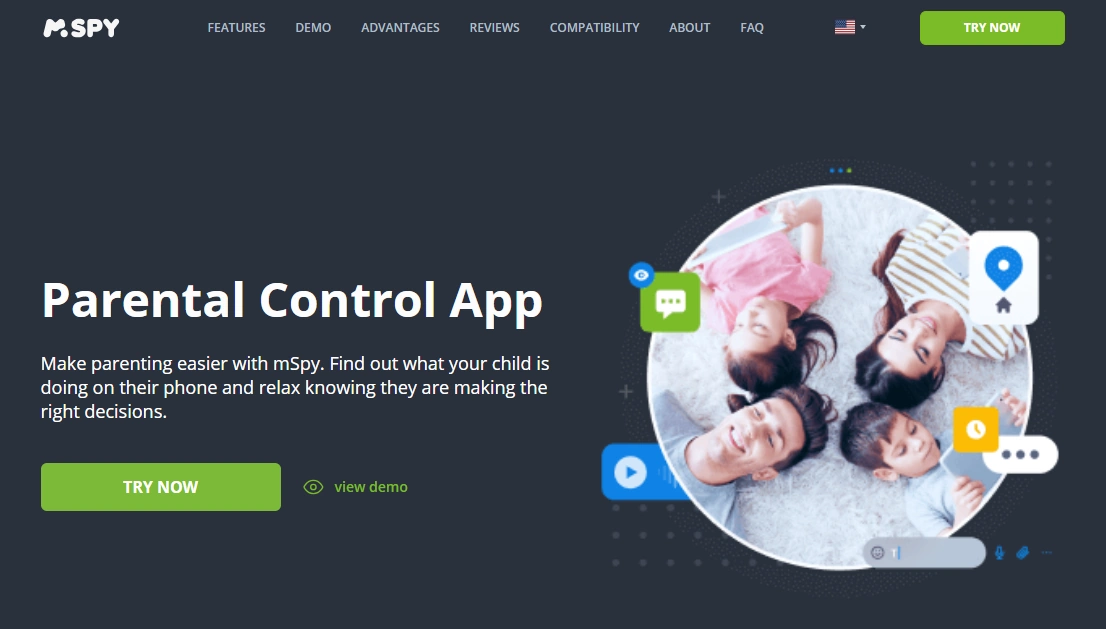
If you want a single dashboard that covers the “core monitoring” needs, mSpy is the safest starting point for most Android parenting scenarios.
CTA: Check current mSpy plans on the official site.
uMobix — best when you want a simple “setup + monitor” flow
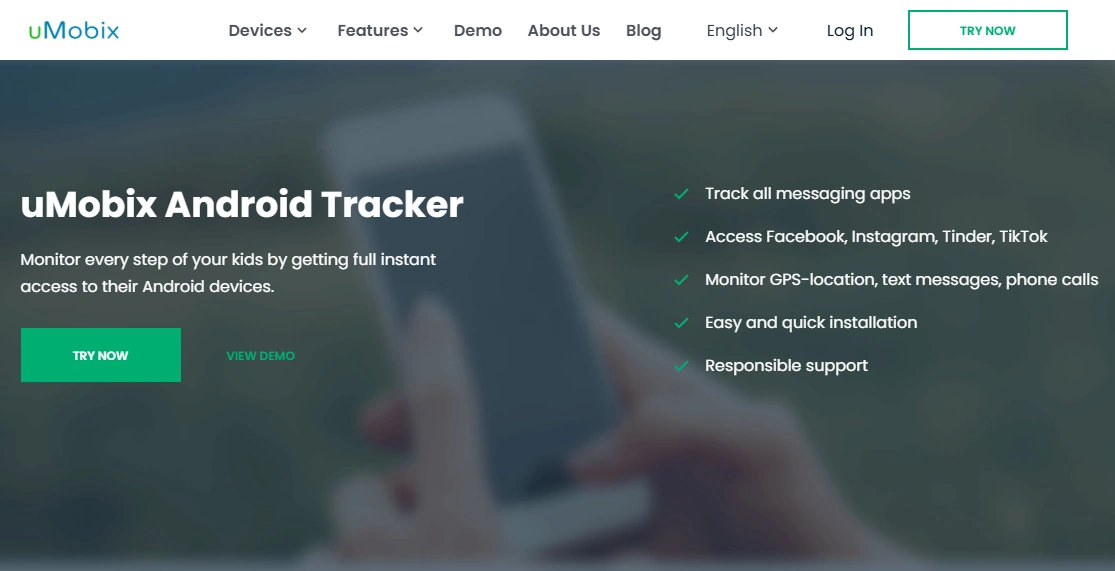
uMobix is a strong pick when you want practical monitoring with a straightforward workflow—especially if you’re not trying to build a complex “analytics project.”
CTA: See uMobix pricing and setup options.
Eyezy — best for clean reports and routine check-ins
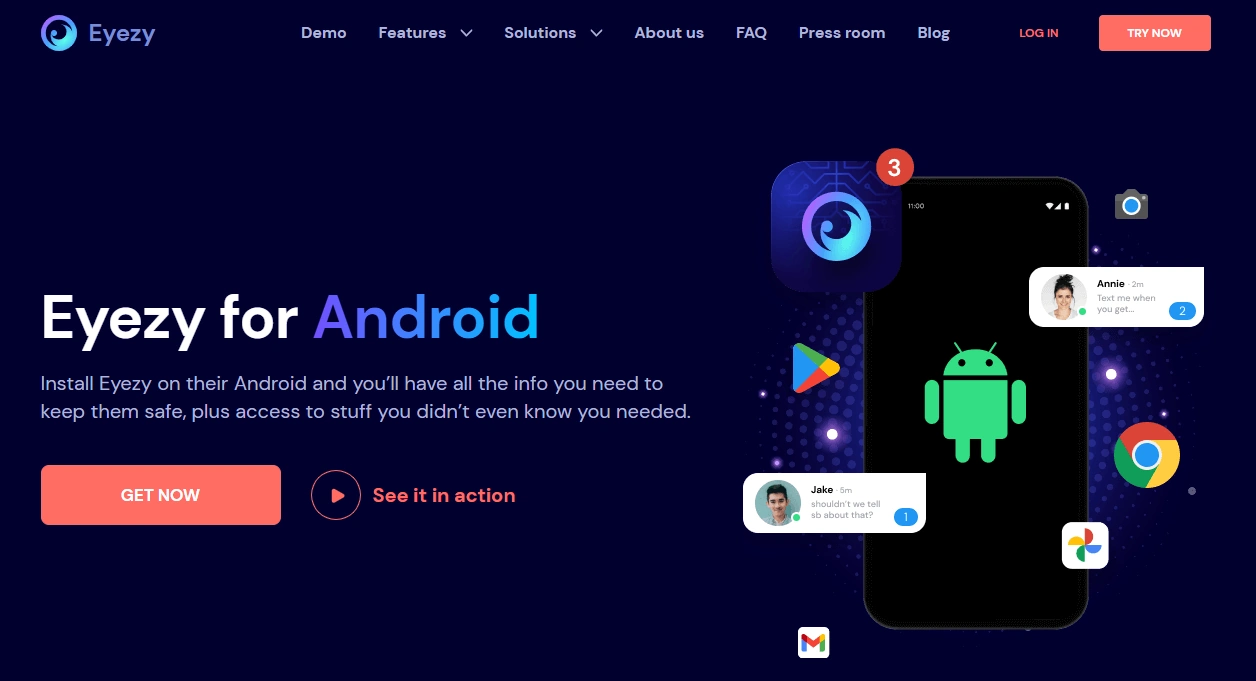
Eyezy is ideal if you want clarity, a clean dashboard, and a stable “daily check-in” routine. It’s a good choice for parents who hate messy interfaces.
CTA: Check Eyezy plans on the official site.
Bark — best for safety alerts (less micromanaging)

If your goal is safety and guidance rather than reading everything, Bark’s alerts-first approach can reduce family conflict and keep monitoring sustainable long-term.
CTA: View Bark plans and features.
Parentaler — best for boundaries, rules, and simple parenting structure

Parentaler is a good fit when you mainly want rules and routines (rather than deep monitoring). It’s often a calmer option for non-technical parents.
CTA: Check Parentaler plans on the official site.
Moniterro — best alternative shortlist pick for GPS + calls + day-to-day basics

Moniterro is worth shortlisting if your priorities are straightforward: location plus core activity monitoring without trying to optimize dozens of extra features.
CTA: View Moniterro pricing and setup details.
If you want “hidden monitoring” on Android
Make sure you understand what “hidden” means (and what’s realistic). Start here:
- Best Android Monitoring Apps for Discreet Monitoring
- Hidden Monitoring on Android: what actually works
Budget vs premium: how to avoid buying the wrong plan
- If you’re testing your first monitoring app, start budget-friendly to validate your workflow.
- If you need reliability and broader coverage, premium plans usually reduce headaches.
Budget shortlist: Best Free & Budget Android Monitoring Apps.
FAQ
What is the best Android monitoring app in 2026?
For most parents and device-owner monitoring cases, an all-round dashboard like mSpy is the best starting point. If you prefer a simpler flow, uMobix is often easier. If you want a clean dashboard for routine check-ins, Eyezy is a strong option.
Do Android monitoring apps require root?
Not always. Many modern options work without root for core monitoring features. Start here: Best Android Monitoring Apps Without Root.
How do I choose between mSpy, uMobix, and Eyezy?
If you want one dashboard for broad coverage, start with mSpy. If you want a practical “setup + check in” flow, compare uMobix. If you want clean reports and a parent-friendly dashboard, shortlist Eyezy. For a head-to-head breakdown: mSpy vs uMobix vs Eyezy.
What’s the safest way to set up Android monitoring?
Follow a legal/consent-based approach, use official setup instructions, and tune permissions/battery settings responsibly. Use: Android Monitoring Setup Guide.
Is it legal to use Android monitoring apps?
It depends on your country and the situation, but the safest rule is: monitor only devices you own or manage (kids’ phones under your care, company-owned phones with policy, or your own devices). Secretly tracking another adult without consent is usually illegal. Read: Legal Phone Tracking.