

Losing a phone is stressful. Having it stolen is worse. The good news: if you act fast and use the right tools, you often can locate it, lock it, and protect your accounts within minutes.
This guide focuses on legal, practical ways to find a phone you own (or a child’s phone you manage). The key is understanding what works on Android vs iPhone and what you can still do after the phone is already gone.
If you need the step-by-step playbook for each OS, use these internal guides: How to track a lost Android phone and How to track a lost iPhone.
Short on time? Quick verdict
- Best overall GPS tracking (parents managing family devices): mSpy GPS Tracking
- Best “phone-number + location request” style option: Scannero GPS/IP Address Tracker
- Best alternative GPS tracker pick: Eyezy GPS Tracking
- Best Android-first locator offer: uMobix GPS Cell Phone Locator
- Best simple comparison pick: Spynger GPS Tracker
Quick jump: 60-second checklist · Verdict · Comparison table · What really matters · Best for your situation · Setup tips · Reviews · Legal notes · FAQ
60-second decision checklist
- First: use built-in tools (Find My iPhone / Find My Device) if they were enabled.
- Second: lock the phone, change critical passwords, and secure your accounts.
- Android vs iPhone: Android often gives more flexibility; iPhone is more “Find My” centric.
- If it’s a family device: consider a dedicated GPS tracking app (helps with history, alerts, and ongoing visibility).
- If you only have a number: use a number-based tracker option (expect a permission/consent flow).
- Keep it legal: only locate devices you own or legally manage. Start here: Legal phone tracking: what’s allowed and what’s not.
Verdict
For most people, the fastest recovery path is:
- Use the built-in locator (Find My / Find My Device) immediately.
- If you manage family devices and want ongoing tracking + alerts, choose a GPS tracking app.
- If you only have a phone number and need a location request flow, use a number-based tracker option.
My practical picks:
- Best overall for families: mSpy GPS Tracking
- Best if you’re trying a “number-based” route: Scannero GPS/IP Address Tracker
- Best alternatives to compare: Eyezy / uMobix / Spynger
Try mSpy GPS Tracking | Try Scannero GPS/IP Tracker
Comparison table
All of these options are best used for locating a phone you own/manage (especially family devices). Your best results come from quick action and stable setup.
| App | Best for | How it helps find a phone | Android vs iPhone reality | CTA |
|---|---|---|---|---|
| mSpy | Families who want consistent GPS visibility | GPS tracking + practical parent use (location checks, history context) | Android often more flexible; iPhone can be more setup-dependent | Check |
| Scannero | When you only have a number / want a location request flow | Number-based approach (best understood as a “request + response” flow, not magic) | Works as a web-based flow; outcome depends on scenario and consent/permission | Check |
| Eyezy | Alternative GPS tracker shortlist pick | GPS tracking for ongoing location visibility (family management use case) | Android typically easier; iPhone depends on configuration | Check |
| uMobix | Android-first locator offer | GPS “cell phone locator” style offer for practical location checks | Best fit on Android; iPhone results can be more limited | Check |
| Spynger | Simple GPS tracker comparison pick | GPS tracker offer for location visibility (best paired with good setup) | Android generally more flexible than iPhone | Check |
What really matters (Android vs iPhone, speed, and reliability)
1) Built-in tools are your fastest first move
If Find My / Find My Device was enabled, you’re in the best position: you may be able to see last location, play a sound, lock the phone, and erase it. Don’t wait “to see if it turns up.” Act immediately.
Use these internal guides for the exact steps:
2) “Stolen” changes your priorities
If you suspect theft, focus on safety and account security:
- Lock the device / mark as lost (built-in tools)
- Change key passwords (email, Apple ID/Google account, banking)
- Contact your carrier to suspend the SIM if needed
- File a report if required (especially for insurance)
If you’re looking for a safe, legal framework, read: How to monitor a lost or stolen phone you own.
3) Why dedicated GPS apps help (family devices)
If you manage family devices (kids/teens), a dedicated GPS tracking tool can be helpful because it’s built for ongoing visibility, not one-time panic recovery. That usually means better “day-to-day” context (and fewer “we didn’t have it enabled” moments).
For broader comparisons across apps and platforms, see: Top 10 Parental Control & Phone Monitoring Apps Comparison Table and best family phone locator apps.
4) Android vs iPhone: set expectations correctly
- Android: often more flexible for tracking setups, but battery optimization can silently stop location updates.
- iPhone: the “golden path” is Find My. Anything beyond that tends to be more configuration-dependent.
Best for your situation
Best if you lost a phone at home, work, or a friend’s place
Use built-in tools first, then use a GPS tracker offer if you manage family devices and want extra visibility: mSpy GPS Tracking.
Best if the phone was stolen and you need a safety-first approach
Do not put yourself at risk. Lock the phone, secure accounts, and follow a legal process. Use: How to monitor a lost or stolen phone you own plus the legal overview: what’s allowed and what’s not.
Best if you only have a phone number and want a “request location” option
Try Scannero, and keep expectations realistic: number-based approaches are not guaranteed “instant GPS hacks.” For the practical walkthrough, see: How to track a phone number with Scannero.
Best if you want alternatives to compare (shortlist testing)
Compare GPS offers side-by-side (dashboard clarity and update consistency matter): Eyezy, uMobix, Spynger.
Setup tips & common issues (so location actually updates)
Do this now (before you lose the phone)
- Enable built-in find tools (Find My / Find My Device) and confirm you can see the phone on another device.
- Turn on Location Services and allow location permissions for the relevant apps.
- Android: disable aggressive battery optimization for location-related services and the tracking app.
- Keep mobile data enabled (location updates without internet are unreliable).
- Write down IMEI/serial (useful for carrier and insurance workflows).
Most common reasons people “can’t find it”
- The phone is off or the battery is dead (you may only see last known location).
- Location permissions were denied or reset after an OS update.
- Android battery optimization stopped background updates.
- The phone has no internet connection (no Wi-Fi/cellular).
If you want OS-specific step-by-steps: lost Android phone guide and lost iPhone guide.
Reviews
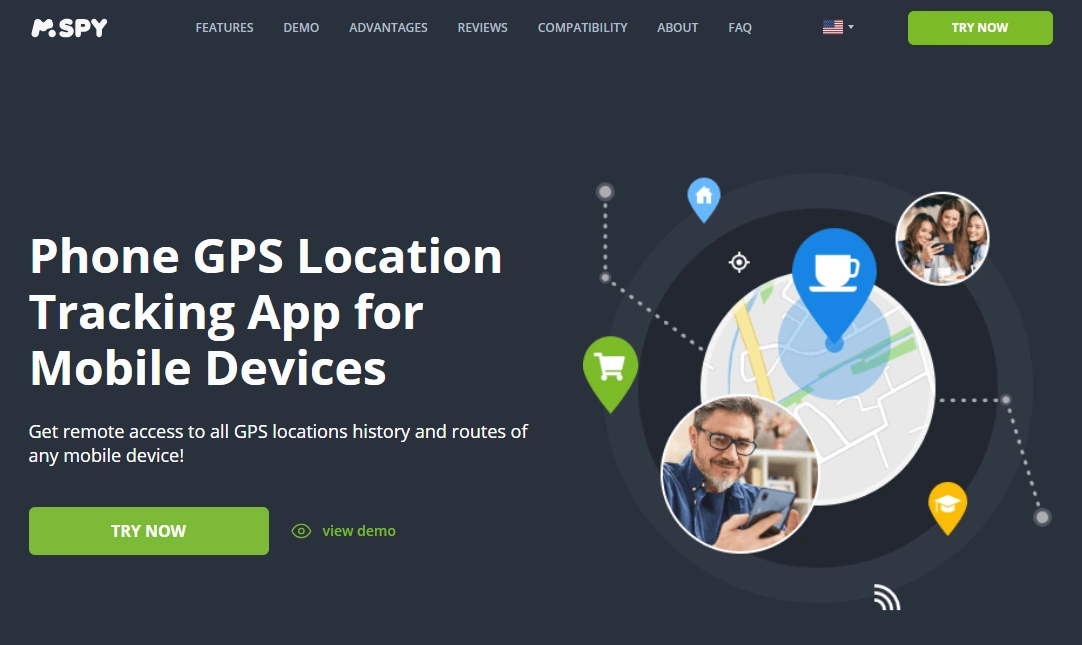
mSpy — GPS Tracking
Description
mSpy GPS Tracking is the most practical “start here” option for parents managing family devices. It’s built around ongoing visibility, so if a kid’s phone gets lost (or goes missing during a stressful moment), you’re not starting from zero.
Product highlights
- GPS tracking offer designed for ongoing location visibility
- Best fit for families managing devices (kids/teens)
- Works best when permissions and background updates stay stable
What’s to like
- Best overall pick for “family device locator” use cases
- Strong baseline option to pair with built-in find tools
What’s not to like
- Not a replacement for built-in Find My / Find My Device (use those first)
- If the phone is off/dead, you may only get last known location
PROS
- Best all-around GPS tracking pick for families
- Practical, parent-focused use case
CONS
- Setup quality affects reliability (permissions/background activity)
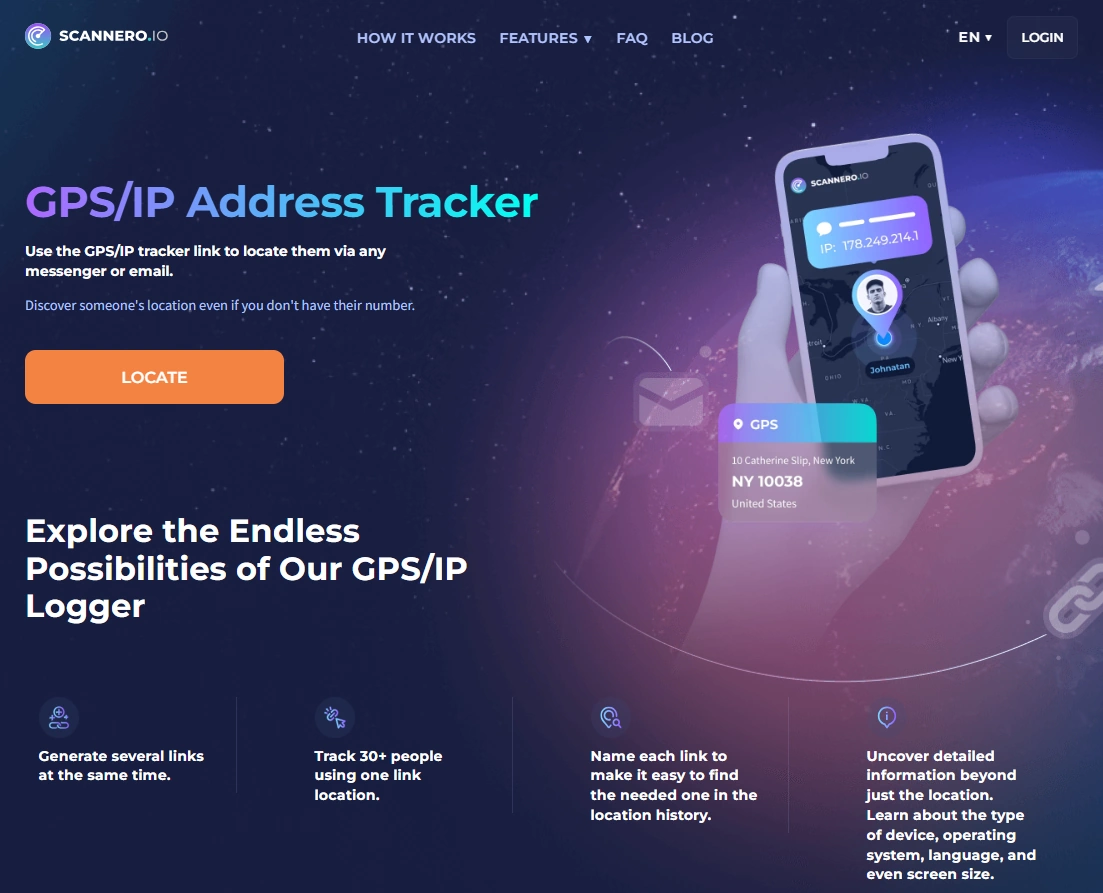
Scannero — GPS/IP Address Tracker
Description
Scannero is the option to consider when your situation is “I have a phone number and I need a location request flow.” This is not a magic hack — think of it as a practical, permission/response-driven approach that can be useful in certain real-world scenarios.
Product highlights
- Web-based flow (useful when you don’t have the device in hand)
- Fits “number-based tracking” scenarios better than traditional GPS apps
- Best used with realistic expectations and legal boundaries
What’s to like
- Good option when the classic built-in “Find My” path isn’t available
- Pairs well with the Scannero walkthrough content
What’s not to like
- Not guaranteed in every scenario
- Not a tool for illegal stalking — use only for legitimate purposes
PROS
- Strong “number-based” alternative worth knowing about
- No device installation-style dependency
CONS
- Scenario-dependent results
CTA: Try Scannero GPS/IP Tracker | Read the Scannero tutorial
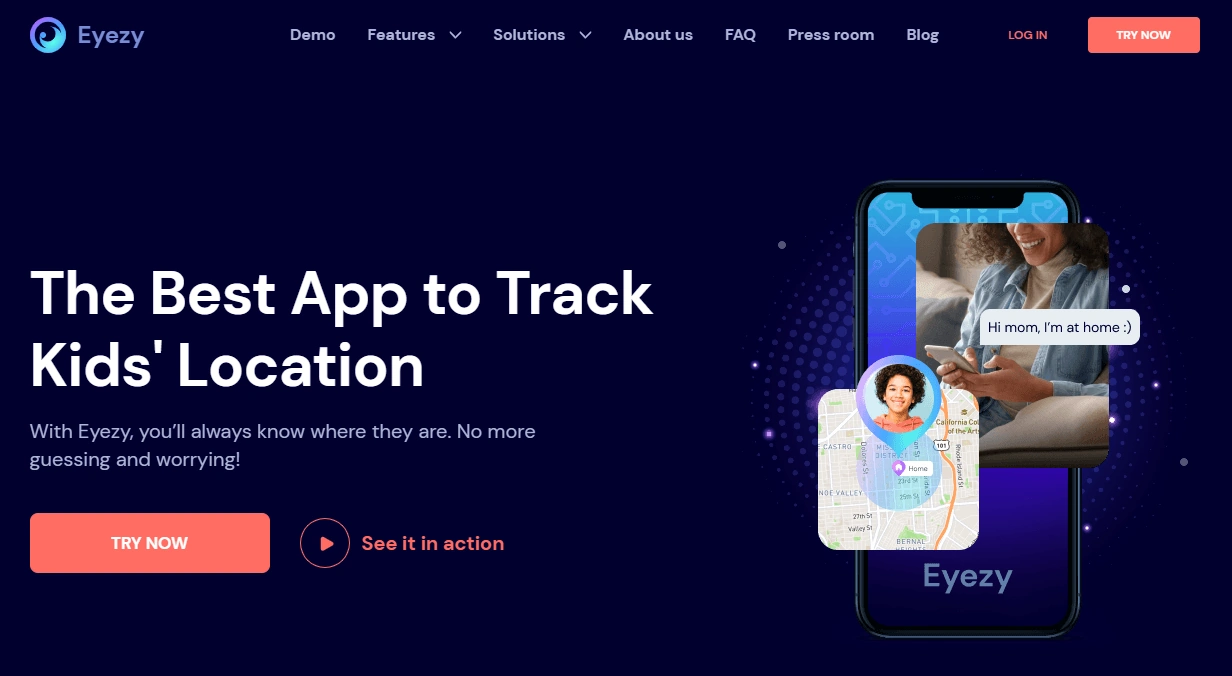
Eyezy — GPS Tracking
Description
Eyezy GPS Tracking is a solid alternative to compare if you want a dedicated GPS tracker offer for family-device scenarios. It’s best used as an “ongoing visibility” tool rather than a one-time emergency-only solution.
Product highlights
- GPS tracking offer for ongoing location checks
- Good shortlist pick to compare vs mSpy
- Reliability depends on permissions and background activity staying stable
What’s to like
- Good alternative for GPS tracking comparisons
- Works well when you keep setup consistent
What’s not to like
- Not a replacement for Find My / Find My Device
- Can be more setup-dependent on iPhone
PROS
- Strong GPS offer for shortlist testing
- Good “compare vs mSpy” option
CONS
- Setup quality affects update consistency
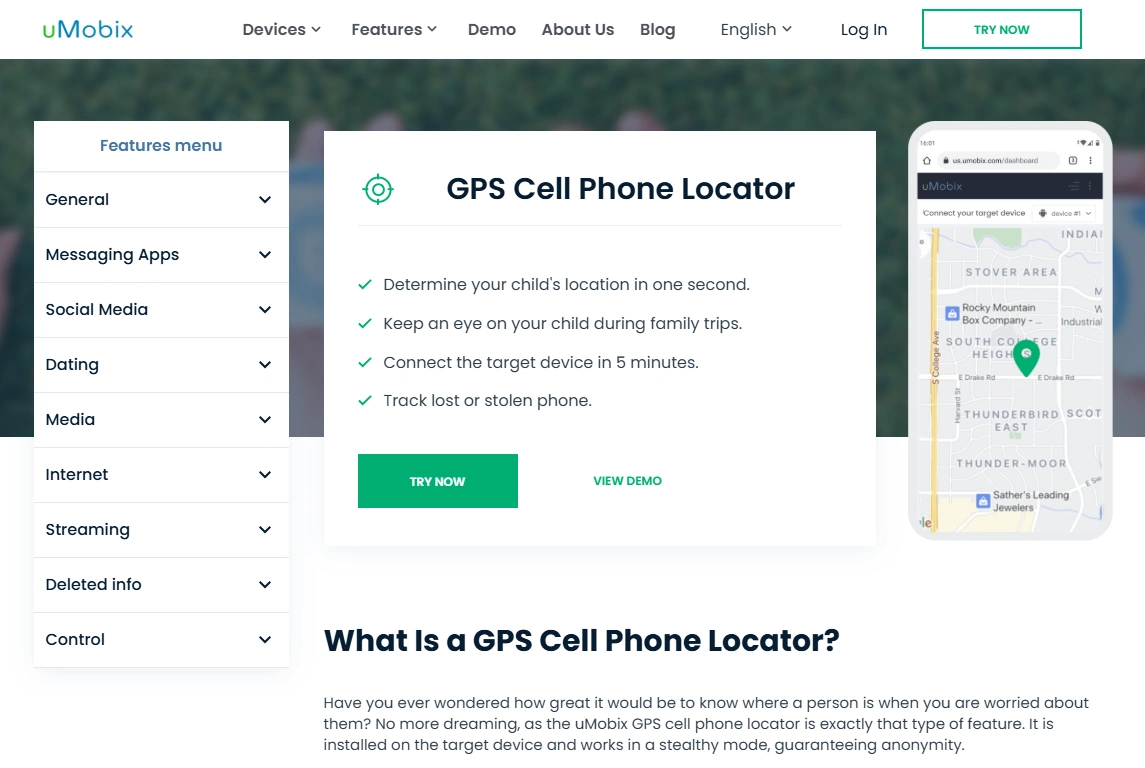
uMobix — GPS Cell Phone Locator
Description
uMobix GPS Cell Phone Locator is a strong pick if your family is Android-heavy and you want a GPS locator offer that fits the practical “parent managing a device” use case. The main thing that decides your results: Android background/battery settings.
Product highlights
- Android-first fit for ongoing location visibility
- Good option for parents who want a straightforward locator offer
- Battery optimization settings are the #1 reliability lever
What’s to like
- Great shortlist pick for Android families
- Simple to compare vs mSpy/Eyezy
What’s not to like
- If Android kills background activity, location updates can become unreliable
- Not designed as a “stolen phone confrontation” tool (keep it safety-first)
PROS
- Strong Android fit for practical tracking
- Good “family locator” use case
CONS
- Background settings can make or break performance
Spynger — GPS Tracker
Description
Spynger GPS Tracker is a simple comparison pick if you want one more GPS offer to test for your shortlist. It’s best viewed as an ongoing visibility tool for devices you manage (not a last-second miracle).
Product highlights
- GPS tracker offer for location visibility
- Useful for side-by-side comparisons (dashboard clarity, update speed)
- Best results come from stable permissions and background behavior
What’s to like
- Easy shortlist option to compare vs mSpy/Eyezy/uMobix
- Good “simple pick” if you don’t want too many options
What’s not to like
- Not a replacement for built-in Find My tools
- Platform and setup affect reliability
PROS
- Simple GPS tracker comparison pick
- Works well when setup is stable
CONS
- Not “instant recovery” if the phone is offline
Legal & ethical notes
Use phone-finding tools only for devices you own or legally manage (for example, a child’s phone you’re responsible for). We don’t support hacking, covert surveillance, or tracking adults without consent. If you’re unsure what’s allowed, read: Legal phone tracking: what’s allowed and what’s not.
FAQ
What should I do first if my phone is lost or stolen?
Use built-in tools immediately (Find My / Find My Device), lock the phone, secure key accounts (email/Apple ID/Google), and contact your carrier if needed.
Which app is best to find a lost phone fast?
If you manage family devices and want ongoing GPS visibility, mSpy GPS Tracking is the best overall pick in this list. Built-in tools should still be your first move.
Can I track a stolen phone by phone number?
Sometimes you can try a number-based location request flow, but it’s not guaranteed and must be used legally. A common option is Scannero (see the walkthrough: Scannero tutorial).
Why does the phone show “last location” only?
If the battery is dead, the phone is turned off, or it has no internet connection, most tools can only show the last known location.
Is it legal to use GPS tracker apps to find a phone?
It’s typically legal to locate a device you own or legally manage (like your child’s phone). Laws vary, so read: what’s allowed and what’s not.