

uMobix is often marketed as a “WhatsApp monitoring” solution that can show chats, calls, and shared media. In real life, it can be useful—but the results depend on two things: platform (Android vs iPhone) and setup quality (permissions, sync method, and keeping the phone stable).
This review focuses on what you can realistically expect from uMobix WhatsApp Monitoring, what usually breaks, and who it’s best for. If you’re comparing options, you’ll also see quick alternatives (mSpy, Eyezy, Spynger) that can be a better fit depending on your situation.
If you’re starting from zero and want the big picture first, use the hub: The Best Parental Control & Phone Monitoring Apps.
Short on time? Quick verdict
- Best for: WhatsApp-first monitoring where you want a straightforward dashboard
- Works best when: you can complete setup properly and keep permissions/sync stable
- Android vs iPhone: Android typically gives more consistent results; iPhone is more restricted and sync-dependent
- If you want an all-rounder: mSpy
- If you want the simplest parent routine: Eyezy
60-second decision checklist
- Permission: Do you own the phone or have explicit permission to monitor it (e.g., your minor child’s phone or a company device with clear policy notice)?
- One-time access: Can you get physical access to finish setup properly (especially important on Android)?
- Main goal: Do you need WhatsApp only, or also broader oversight (location, calls, apps, browser)?
- Platform reality: Is the target phone Android (usually more flexible) or iPhone (more restricted and sync-dependent)?
- Reliability tolerance: Are you okay with occasional delays, or do you expect near real-time updates?
- Maintenance: Can you adjust Android battery/data settings to keep the monitoring stable?
If you want a WhatsApp-first workflow, uMobix is a strong fit. If you want a broader, “safer default” all-rounder, check mSpy. For a simpler parent routine, consider Eyezy.
Verdict: does uMobix WhatsApp Monitoring actually work?
It can work—especially if you treat it like a device-management tool, not a “hack.” The best results usually come when:
- You have permission and can do setup properly.
- The phone stays stable (permissions, background activity, sync conditions).
- Your expectations match the platform (Android usually gives more consistent results than iPhone).
Buy uMobix if you want a WhatsApp-first monitoring dashboard
uMobix makes the most sense when WhatsApp is the main priority and you want a straightforward workflow: set up the device properly, then check the dashboard as part of a routine.
See uMobix WhatsApp Monitoring
Consider an alternative if your goal is broader or simpler
- All-rounder (WhatsApp + wider oversight): mSpy
- Simplest parent-friendly routine: Eyezy
- Discreet monitoring on a managed device: Spynger
If you’re still comparing across devices, you may want these guides: WhatsApp monitoring on Android · WhatsApp monitoring on iPhone · Android & iPhone overview
Comparison table (uMobix vs common WhatsApp alternatives)
This is the practical comparison: who each app is best for and what usually matters in real-world use.
| App | Best for | Platforms | Strength | Watch-out | CTA |
|---|---|---|---|---|---|
| uMobix | WhatsApp-first monitoring workflow | Android, iPhone | Focused WhatsApp monitoring offer + straightforward dashboard routine | Setup and platform limits decide reliability (especially on iPhone) | Check uMobix |
| mSpy | Best “safe default” all-rounder | Android, iPhone | Balanced monitoring (WhatsApp + broader device oversight) | Still needs stable setup and realistic iPhone expectations | Check mSpy |
| Eyezy | Simplest parent-friendly routine | Android, iPhone | Cleaner workflow for non-technical parents | Not aimed at “maximum depth” monitoring expectations | Check Eyezy |
| Spynger | Discreet monitoring on managed devices | Android, iPhone | Practical “runs quietly” routine when permission/scope is clear | Depends on setup stability and platform constraints | Check Spynger |
If you want a bigger matrix across many apps and use cases, use: Top 10 Parental Control & Phone Monitoring Apps Comparison Table .
What really matters (Android vs iPhone reliability)
WhatsApp monitoring is device-based, not “account hacking”
WhatsApp is end-to-end encrypted. So realistic monitoring is usually about capturing activity on the device (or via allowed sync methods), after correct setup. If you see “monitor WhatsApp instantly with just a phone number,” treat it as a red flag.
Android: permissions + battery settings decide success
Android can be very capable for WhatsApp monitoring if you grant permissions correctly and stop the system from killing background processes. If you want no-root options, see: Best Android Monitoring Apps Without Root.
iPhone: sync-dependent and more restricted
On iPhone, monitoring often depends on iOS restrictions and sync conditions. If you’re setting up iPhone monitoring, follow a safe guide first: How to Set Up an iPhone Monitoring App Safely and Legally.
Deleted messages: possible in some situations, not guaranteed
Deleted-message visibility depends on how message events are captured and what the phone permits. If your main goal is deleted messages, start here: How to See Deleted Messages on WhatsApp.
Best for your situation
Choose uMobix if…
- You want a WhatsApp-first monitoring tool and a straightforward dashboard workflow.
- You can complete setup properly and maintain stable device conditions.
- You’re okay with the reality that iPhone monitoring can be more restricted and sync-dependent.
Choose mSpy if…
- You want WhatsApp monitoring plus a broader “parent oversight” toolkit.
- You prefer a more balanced all-rounder approach.
Choose Eyezy if…
- You want the simplest, most parent-friendly routine with lower decision fatigue.
Choose Spynger if…
- You need discreet monitoring on a device you clearly manage (family device or policy-covered company phone).
Setup tips + common issues
Android quick fixes (most common)
- Grant all required permissions during setup (don’t skip “optional” prompts).
- Disable battery optimization for WhatsApp and the monitoring app to prevent background killing.
- Allow background data and remove restrictions from data saver modes.
- Keep WhatsApp notifications enabled and avoid silent notification categories.
For a practical walkthrough that avoids common mistakes, read: How to Install a Monitoring App on Android (Safely).
iPhone quick fixes (most common)
- Follow a safe, step-by-step setup process: iPhone setup guide.
- Be prepared for verification prompts and sync timing changes.
- Keep expectations realistic: iPhone monitoring can be delayed and more limited than Android.
If you’re choosing an iPhone-specific tool, this guide helps: How to Choose the Right iPhone Monitoring App.
Reviews
uMobix WhatsApp Monitoring
Description
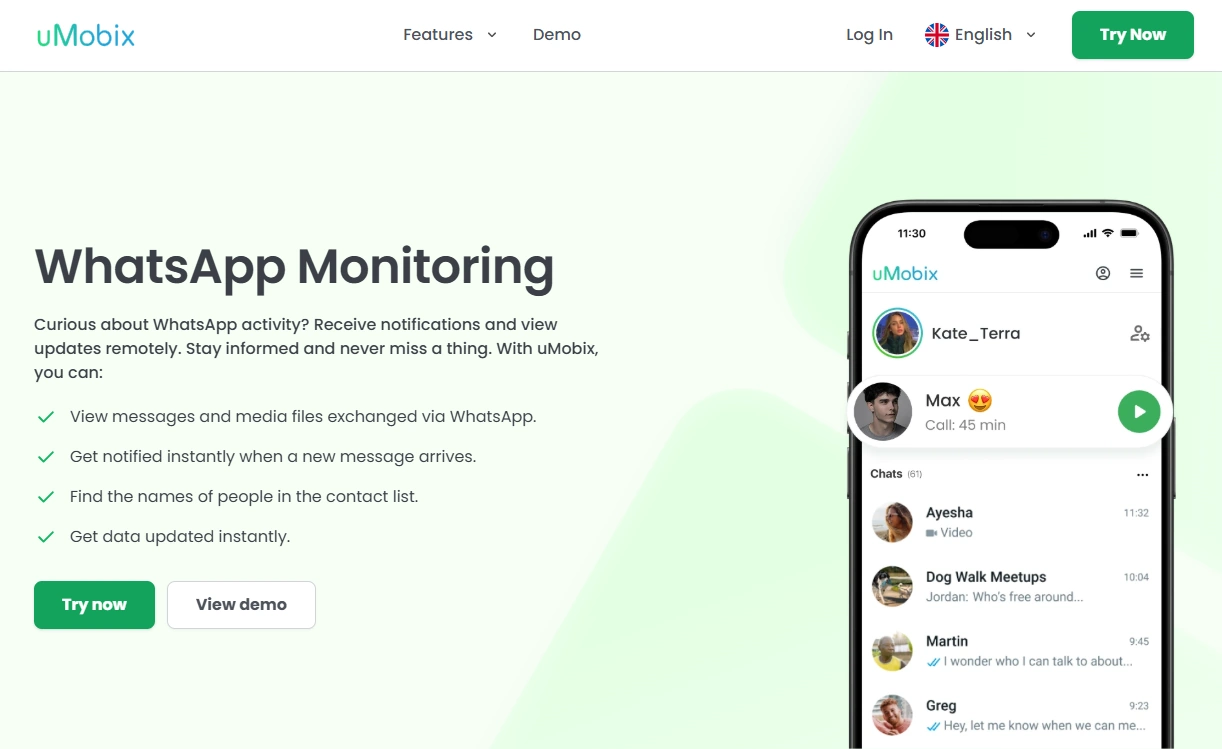
uMobix WhatsApp Monitoring is positioned as a WhatsApp-first monitoring solution that fits well when WhatsApp is your main priority. It works best when you treat it as a managed-device tool: proper setup, stable permissions/sync, and a consistent routine.
Product highlights
- WhatsApp-first monitoring offer with a straightforward dashboard workflow
- Useful when WhatsApp is the primary concern, not “everything on the phone”
- Best results with careful setup and stable device conditions
What’s to like
- Clear WhatsApp-first focus (less clutter, more direct intent)
- Good for routine check-ins when your goal is WhatsApp activity visibility
- Easy to compare against alternatives once you know your platform reality
What’s not to like
- iPhone monitoring can be more restricted and sync-dependent than people expect
- Android reliability can drop if battery/data settings aren’t configured properly
PROS
- Strong WhatsApp-first positioning
- Practical dashboard routine for most users
- Good starting point if WhatsApp is the main priority
CONS
- Not a “magic hack” — setup quality matters
- Platform restrictions (especially on iPhone) can limit expectations
Visit uMobix WhatsApp Monitoring
mSpy WhatsApp Monitoring (alternative)
Description
mSpy is often the better choice if you want WhatsApp monitoring plus broader “parent oversight” in one place. If you’re not sure whether WhatsApp is your only need, mSpy is a safer default for many families.
Product highlights
- Balanced all-rounder approach (WhatsApp + broader monitoring context)
- Good fit for ongoing parenting routines
- Strong option when you want more than a WhatsApp-only workflow
What’s to like
- Safer default if you don’t want to “re-buy” later for broader features
- Good long-term routine for check-ins and oversight
What’s not to like
- Still requires proper setup and realistic expectations (especially on iPhone)
PROS
- Best all-rounder alternative
- Great for parents who want broader context beyond WhatsApp
CONS
- May feel like “more than you need” if WhatsApp is truly your only goal
Check mSpy WhatsApp Monitoring
Eyezy WhatsApp (alternative)
Description
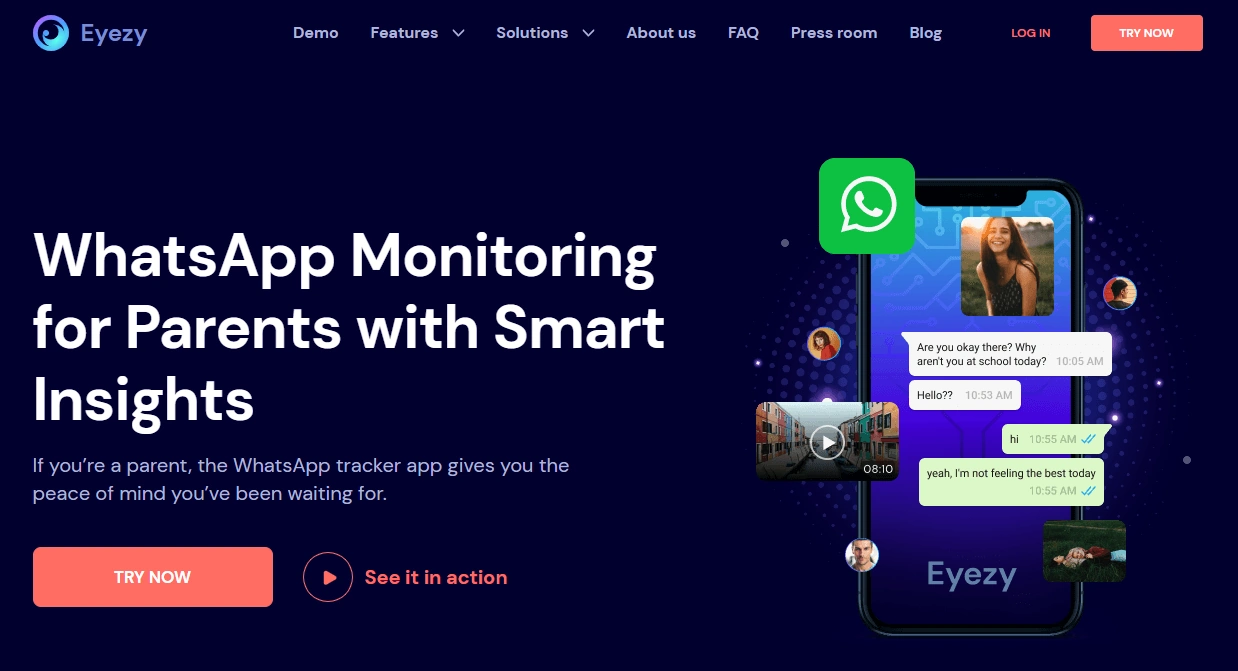
Eyezy is a strong pick if you want a simpler, parent-friendly workflow with less “tinkering.” If your priority is a calm routine (set up correctly, then check regularly), Eyezy is often easier to live with.
Product highlights
- Simple, parent-friendly WhatsApp monitoring offer
- Good for non-technical users
- Great for predictable check-in routines
What’s to like
- Lower decision fatigue
- Cleaner routine for families
What’s not to like
- Not aimed at “maximum depth” power-user monitoring expectations
PROS
- Best “simple parent routine” alternative
- Easy to manage weekly
CONS
- Not the best choice if you want the broadest monitoring scope
Spynger WhatsApp (alternative)
Description
Spynger is typically chosen for discreet monitoring on managed devices where permission and scope are clear. It’s practical if you want a quieter day-to-day routine and WhatsApp is a primary concern.
Product highlights
- WhatsApp-focused offer
- Practical “runs quietly” routine on managed devices
- Good alternative if you prefer low-friction day-to-day monitoring
What’s to like
- Low-friction monitoring style
- Good fit for managed-device situations
What’s not to like
- Still depends on platform limits and stable setup
PROS
- Good discreet alternative
- Practical WhatsApp-first routine
CONS
- Not an “instant hack” solution; setup matters
Legal notes (please read)
Use WhatsApp monitoring tools legally and ethically.
- Only monitor a device you own or have explicit permission to manage (e.g., your minor child’s phone or a policy-covered company phone).
- Local laws vary. If you’re unsure what’s allowed, read: Legal Phone Monitoring: What’s Allowed and What’s Not.
- Avoid secret monitoring on devices you don’t have a clear right to manage—this can be illegal and harmful.
FAQ
Does uMobix WhatsApp Monitoring work on iPhone?
It can work in some setups, but iPhone monitoring is generally more restricted and sync-dependent than Android. Expect more limitations and occasional delays compared to Android.
Is uMobix better on Android or iPhone for WhatsApp monitoring?
Android is typically more flexible once permissions and battery/data settings are configured. iPhone is more restricted, so results depend more on sync conditions and the chosen setup method.
Do I need physical access to the phone to set it up?
In most real-world cases, yes—at least once—to complete installation/permissions (Android) or required setup steps (iPhone). Ongoing reliability also depends on stable device settings.
Can uMobix show deleted WhatsApp messages?
Deleted-message visibility depends on how message events are captured and what the device permits. If deleted messages are your main goal, use a dedicated guide and keep notifications/sync stable.
What should I do if syncing stops after a day or two?
On Android, the most common cause is battery optimization or data restrictions killing background activity. Excluding WhatsApp and the monitoring app from optimization often helps.
Is using uMobix legal?
It can be legal when you monitor a device you own or have explicit permission to manage. Monitoring without permission may be illegal. Always check local laws and use transparency where possible.