

“Call & SMS monitoring” sounds basic, but daily use is where apps either shine or fail: missing logs, delayed sync, random gaps, or unclear contact labeling can make the data useless.
In this uMobix call and SMS monitoring review, we focus on what matters in real life: live sync feel, history depth, what you actually see in the dashboard, and the #1 cause of issues (spoiler: background/battery restrictions on Android and method limitations on iPhone).
If you want to compare uMobix against the bigger market first, start here: best call & SMS monitoring apps.
sShort on time? Quick verdict
- Best for: parents monitoring a child’s Android phone who want a “quick dashboard check” with readable call/SMS history.
- Live sync reality: uMobix can feel fast when the phone stays online and background isn’t restricted; delays usually come from power saving.
- iPhone reality: call/SMS outcomes can be more method/iOS-dependent—validate early.
- If you want the safest default pick: compare with mSpy call & SMS review.
Quick jump: 60-sec checklist · Verdict · Comparison table · What you see · Reliability · Best for your situation · Setup tips · Reviews · Legal notes · FAQ
60-second decision checklist
- Android or iPhone? uMobix call/SMS monitoring is usually most practical on Android.
- Define “live sync”: do you need near-real-time updates or “same day” history is fine?
- History depth: do you need only who/when/duration, or also contact names + frequent numbers?
- Setup access: can you finish installation and keep background running (Android battery settings)?
- Legal/ethical baseline: monitor only a device you own/manage (e.g., your child’s phone) or with clear consent.
Verdict: is uMobix good for call & SMS monitoring?
Yes—if your main goal is a clean call/SMS history view with a “fast dashboard” feel on Android, uMobix can be a strong pick.
No (or not ideal)—if you want guaranteed iPhone-level completeness, or you expect “perfect live sync” regardless of battery saver, weak signal, or the phone being offline at night.
uMobix vs the main alternatives
This is a “parent daily-use” comparison: clarity, sync feel, and reliability on real phones.
| App | Best on | Strength | Weak spot |
|---|---|---|---|
| uMobix | Android | Fast “dashboard check” + readable history | Battery/background restrictions can create gaps |
| mSpy | Android + iPhone | Best overall balance; very clear call log views | Still setup-sensitive on Android; iPhone varies |
| Eyezy | Android (iPhone limited) | All-in-one suite; SMS monitoring is solid | Call recording is device/OS/legal dependent |
What you actually see (calls + SMS)
Call monitoring: what the dashboard usually shows
- Incoming / outgoing / missed calls
- Timestamp (when the call happened)
- Duration
- Number/contact name (depends on how the contact is saved and synced)
- History view (useful for spotting patterns like late-night calls or frequent unknown numbers)
SMS monitoring: what parents typically care about
- Who the conversation is with (number/contact)
- Time-of-day patterns (school hours vs night)
- Risk keywords or repeated themes (more useful than reading every message)
If you also need broader “deleted message” visibility, see: best apps to see deleted messages.
Reliability: Android vs iPhone (and why “live sync” varies)
Android: usually strong—if background isn’t restricted
On Android, uMobix often feels “live” when the device:
- has stable internet (Wi-Fi or mobile data)
- is not aggressively power-saving
- keeps the monitoring service running in the background
If you see missing chunks, the most common reason is battery optimization. This stability guide helps: how to install Android monitoring apps safely (stability-focused).
iPhone: validate early and keep expectations realistic
On iPhone, outcomes can be more method-dependent. In practice, you should treat iPhone call/SMS monitoring as “it depends” and validate your real use case within 24–48 hours.
Use a safety-first iPhone setup flow: how to set up iPhone monitoring safely and legally.
Best for your situation
- “I want to see call history and spot weird numbers”: uMobix is a strong Android pick for a simple, readable call log.
- “I want calls + SMS but also extra context”: Eyezy is better when you want an all-in-one suite beyond just calls and texts.
- “I want the safest default recommendation”: compare with mSpy’s call/SMS setup and log clarity: mSpy call & SMS review.
- “I need a bigger list of tools”: best call & SMS monitoring apps.
Setup tips (reduce gaps, improve “live sync” feel)
Android checklist
- Finish permissions fully (partial permissions = partial logs).
- Disable battery optimization for the monitoring service where possible.
- Test over a full day (Wi-Fi, cellular, low battery, night).
- Re-test after changes—don’t assume one setting fixed everything.
iPhone checklist
- Use the official setup method available for your device/iOS.
- Validate in real usage quickly (calls + texts your child actually uses).
- Don’t rely on call recording unless you’ve checked legality and confirmed it works on your setup.
Reviews
uMobix Call & SMS Monitoring
Description
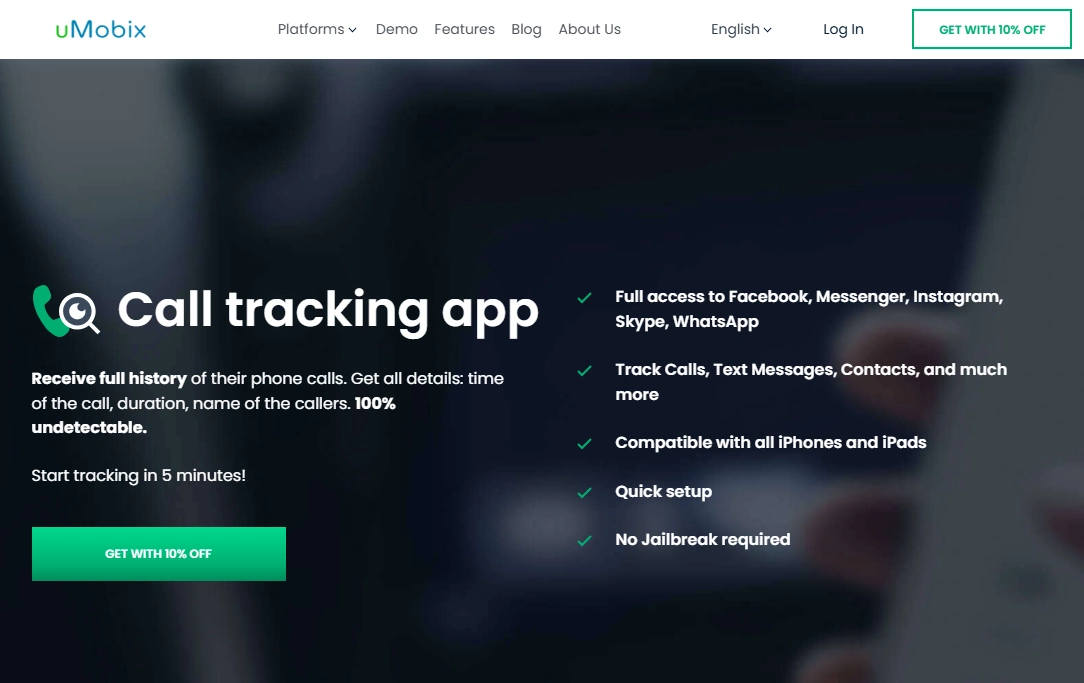
uMobix is a strong choice for parents who want a simple call history view and a “fast dashboard check” feel for calls and texts—especially on Android where background access is more practical.
Product highlights
- Call monitoring (logs with timestamps and durations)
- SMS monitoring option for text visibility
- Feels “live” when background sync stays stable
What’s to like
- Readable call log history that makes patterns easy to spot
- Good daily-use SMS visibility when sync is stable
- Great pick if you want a fast, practical dashboard experience
What’s not to like
- Android battery optimization can cause gaps if ignored
- iPhone outcomes can be more method/iOS dependent—needs early validation
- “Call recording” should be treated as a bonus feature (device + legal dependent)
PROS
- Strong Android daily-use potential
- Simple, readable call/SMS history
- Fast “check-in” style monitoring
CONS
- Setup-sensitive on aggressive Android power saving
- Not guaranteed to be “live” in all conditions
Try uMobix: Call Monitoring · SMS Monitoring
mSpy (best overall balance)
Description
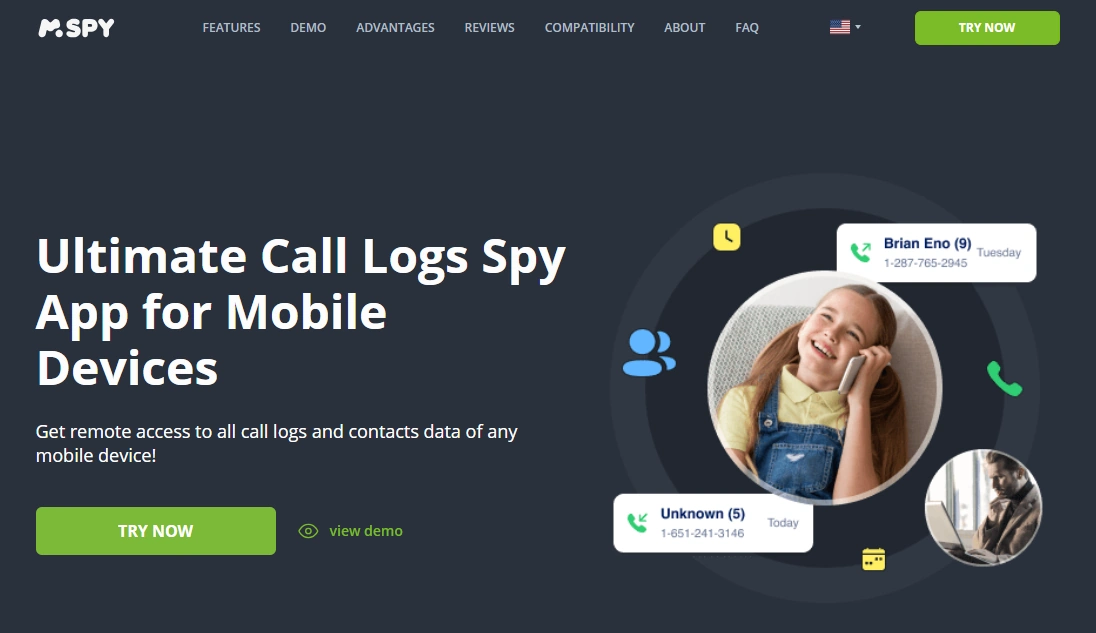
mSpy is the “default pick” for many parents because it balances call logs, message monitoring, and a clear dashboard experience. If you want to compare uMobix against a steady baseline, mSpy is the reference point.
Product highlights
- Clear call log views (contacts, timestamps, durations)
- Strong SMS/messages monitoring option
- Good “set it up and use it” stability when configured correctly
What’s to like
- Best overall balance for calls + SMS monitoring
- Easy to read logs and spot patterns quickly
What’s not to like
- Still setup-sensitive on Android if battery optimization is ignored
- iPhone outcomes can vary depending on method/iOS
PROS
- Reliable baseline choice
- Very clear call/SMS presentation
CONS
- Not a “magic fix” for iPhone limitations
Try mSpy: Calls Monitoring · SMS & Messages
Eyezy (all-in-one alternative)
Description
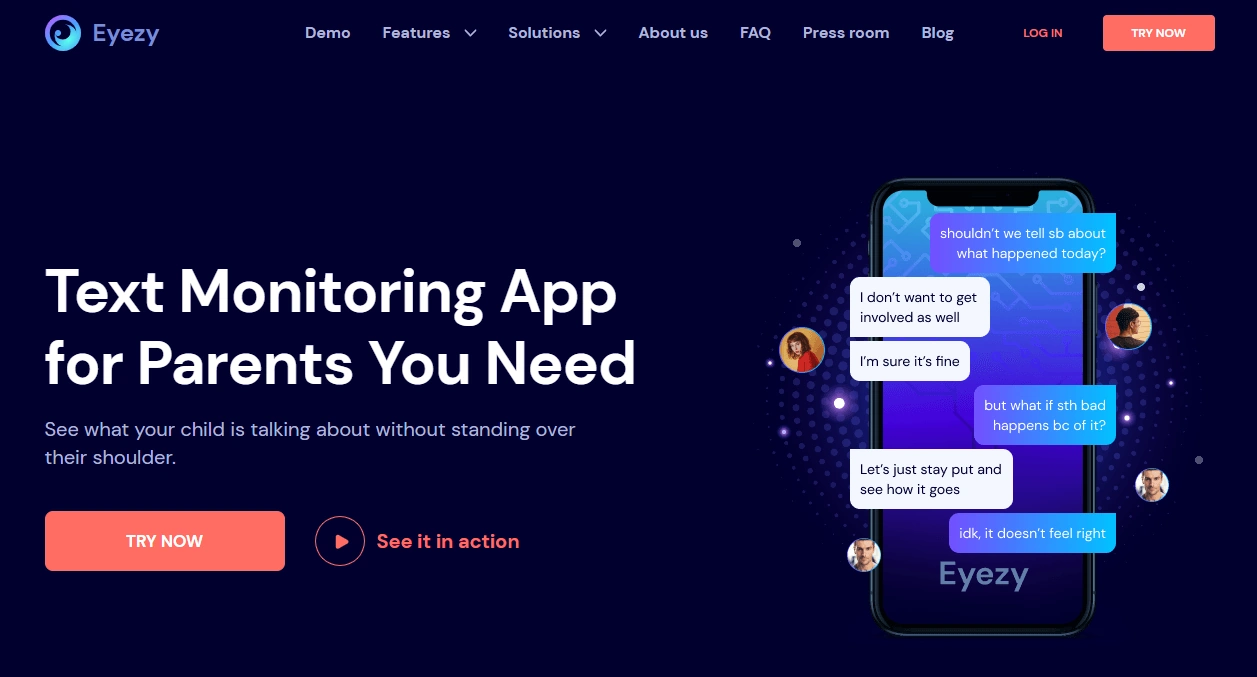
Eyezy is the better alternative when you don’t want to rely only on calls and texts. It’s a suite that adds more context for parents who want a fuller picture of daily use.
Product highlights
- SMS monitoring
- Call recorder option (device/OS/legal dependent)
- All-in-one monitoring approach
What’s to like
- Great if you want multiple safety signals
- Good SMS visibility in daily use
What’s not to like
- Call recording is not guaranteed in every setup
- iPhone outcomes can vary depending on iOS/method
PROS
- All-in-one suite
- Good fit for parents who want more context
CONS
- Not the simplest “call/SMS only” tool
Try Eyezy: SMS Monitoring · Call Recorder
Legal notes
Use call and SMS monitoring only on devices you own, devices you manage (for example, a minor child’s phone under your care), or when you have clear consent. Laws vary by country and situation, and monitoring other adults or devices you don’t own can be illegal.
Call recording is especially sensitive legally—some places require consent from all parties. For a practical overview, read: legal phone tracking: what’s allowed and what’s not.
FAQ
Is uMobix call and SMS monitoring really “live”?
It can feel close to live when the phone stays online and background activity isn’t restricted. In real life, delays usually come from power-saving modes, weak connectivity, or the device being offline.
What does uMobix show in call logs?
Typically: incoming/outgoing/missed calls, timestamps, durations, and the number or contact name (depending on contact sync and device behavior).
Does uMobix monitor SMS message content?
It can, but daily-use reliability depends on setup, device permissions, and how the phone handles messaging and syncing. Always validate with your real use case.
Why are call/SMS logs missing sometimes?
On Android, battery optimization and background restrictions are the most common causes. On iPhone, method and iOS limitations can also affect completeness.
Is uMobix better than mSpy for calls and texts?
uMobix is often chosen for a fast, simple dashboard feel—especially on Android. mSpy is usually the safer “best overall balance” pick with very clear logs. The best choice depends on your device and the reliability you need.
Is it legal to monitor calls and texts?
It depends on local law and context. Monitoring a device you own/manage for a minor child can be lawful, but monitoring other adults or devices you don’t own can be illegal. Call recording can require consent from all parties in some regions.