

Searching for the best Telegram monitoring apps usually means one thing: you want visibility into Telegram activity on a device you manage (most commonly a child’s phone), or a company-owned device with clear policy.
Telegram is different from many messengers because it has Cloud Chats and optional Secret Chats. That matters a lot: Secret Chats use end-to-end encryption, and they are designed to prevent third-party access unless you have legitimate, direct access to the managed device.
Short on time? Start with uMobix if your household is mostly Android and Telegram is the priority. If you need Android + iPhone coverage, compare mSpy and Spynger. Results vary based on device type, OS restrictions, permissions, and whether chats are Secret Chats.
Quick jump: Checklist · Telegram basics (Cloud vs Secret Chats) · Comparison table · App reviews · Setup tips · Safer alternatives · FAQ
Telegram monitoring checklist (avoid wasted time)
- Confirm device type: Android usually offers more monitoring flexibility than iPhone.
- Know the limitation: Secret Chats are end-to-end encrypted and are designed to be hard to monitor.
- Set your goal: safety signals (contacts, risky groups, time spent) vs reading every message.
- Choose your tool: Telegram-focused (uMobix) vs broader suite (mSpy/Spynger).
- Use it only on devices you own/manage (parent/guardian or company device with clear notice).
Telegram basics: Cloud Chats vs Secret Chats (why monitoring is tricky)
Cloud Chats (default)
- These are Telegram’s normal chats, synced across devices.
- They are not end-to-end encrypted by default the way Secret Chats are.
- Users can also delete messages “for both sides” in private chats, which can remove content from the visible history.
Secret Chats (optional)
- Secret Chats are one-on-one chats with end-to-end encryption.
- They’re designed so only the participants’ devices can decrypt messages.
If your goal is parenting without overreaching, read: How to Monitor Kids’ Phones Without Invading Their Privacy.
And for legality context: Legal Phone Tracking: What’s Allowed and What’s Not.
The best Telegram monitoring apps compared
| App | Best for | Platforms | Telegram focus | Good to know |
|---|---|---|---|---|
| uMobix | Telegram-first monitoring on managed Android phones | Android | Strong | Best fit if Telegram is the main concern and your household is Android-heavy |
| mSpy | Broader monitoring suite with Telegram coverage | Android, iPhone | Balanced | Good if you want more than Telegram (location, web, other apps) |
| Spynger | Telegram visibility plus cross-platform monitoring approach | Android, iPhone | Balanced | Worth comparing if you need iPhone coverage and want a simple setup flow |
If you want a broader overview of tools beyond Telegram, see: Top 10 Parental Control & Phone Monitoring Apps Comparison Table and Top Parental Control and Phone Monitoring Apps.
Reviews: what each Telegram app is best at
uMobix – Telegram-first monitoring for Android households
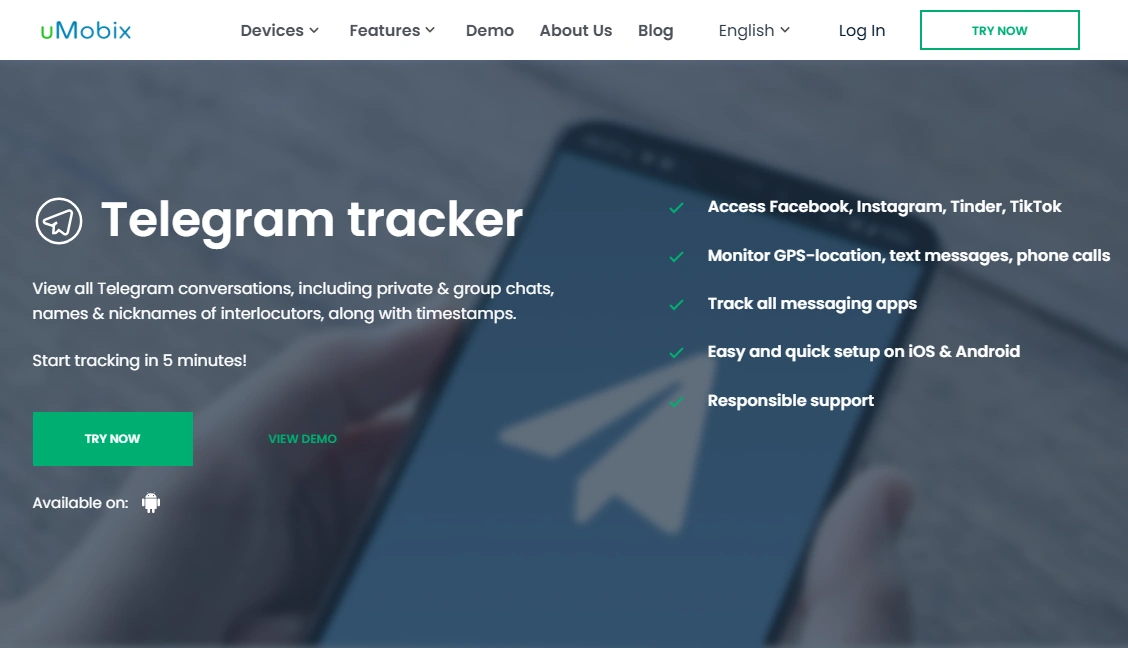
Description: uMobix is a strong pick when Telegram is the main concern and the managed device is Android. It’s positioned for “social app visibility” workflows, which is why many parents start here.
Product highlights:
- Android-first approach (often where Telegram monitoring is most practical)
- Useful for parents who want a Telegram-focused dashboard
- Can be part of a wider safety plan (rules + time limits)
What’s to like
- Great fit if Telegram is your #1 priority
- Often easier than stacking multiple partial solutions
What’s not to like
- Not a “Secret Chats breaker” — encryption and OS limits still apply
- Setup quality matters (permissions and device configuration)
PROS
- Telegram-first positioning
- Best match for Android households
CONS
- Android-only for the Telegram Tracker offer
- Results can vary by device model and Android version
mSpy – Telegram Tracking inside a broader monitoring suite
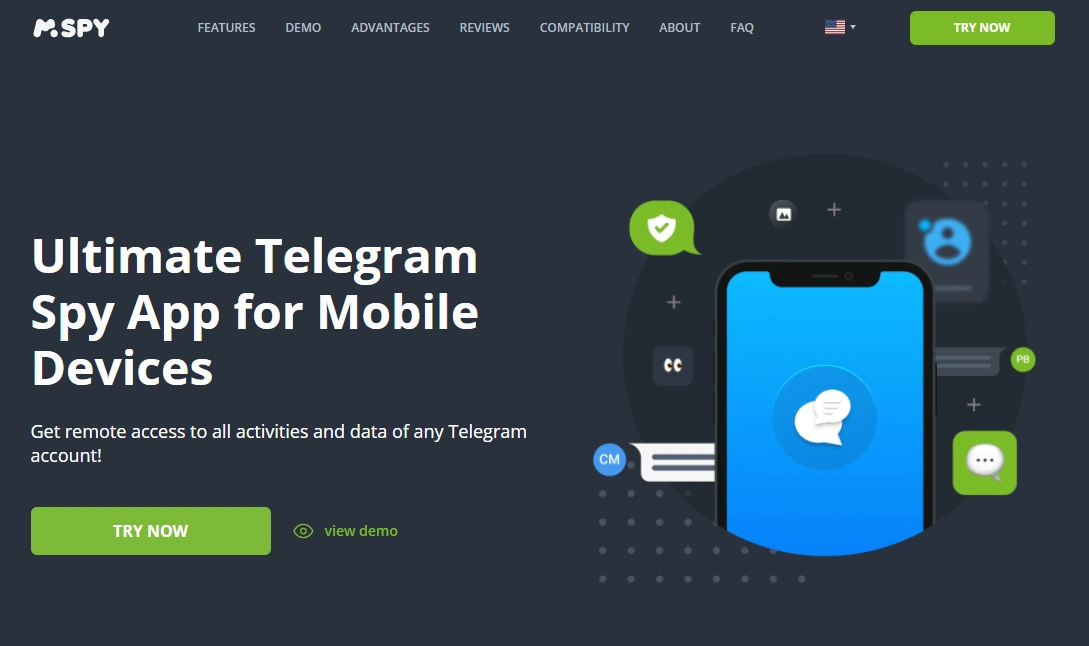
Description: mSpy is often chosen when you want Telegram coverage plus a wider set of safety tools (location, web activity, app usage patterns). It’s a good “all-in-one” style option for families.
Product highlights:
- Android + iPhone coverage
- Useful when you want Telegram monitoring as part of a full safety stack
- Good option for parents who prefer one tool instead of multiple apps
What’s to like
- Strong if you want broader visibility beyond Telegram
- Well-known tool in the monitoring category
What’s not to like
- iPhone monitoring is generally more restricted than Android
- Telegram deletion and Secret Chats can limit what’s visible
PROS
- Cross-platform
- Good “suite” coverage
CONS
- May feel like more than you need if Telegram is the only goal
- Requires careful setup to be useful
Spynger – Telegram monitoring option to compare for Android & iPhone

Description: Spynger is worth comparing if you need Telegram visibility across platforms and want a simpler evaluation path (especially if you’re testing which tool “fits” your household rules and device constraints).
Product highlights:
- Android + iPhone coverage
- Useful for Telegram-related safety monitoring goals
- Works best as part of a clear, rules-based parenting approach
What’s to like
- Good comparison option if iPhone coverage matters
- Fits “Telegram + other safety checks” use cases
What’s not to like
- Not a guaranteed solution for Secret Chats
- As with any tool, device restrictions affect results
PROS
- Cross-platform
- Solid Telegram-focused offer page
CONS
- Performance depends on setup and phone configuration
- May be unnecessary if you only need basic screen time controls
Setup tips (safe + realistic)
The #1 reason people say “Telegram monitoring doesn’t work” is incomplete setup or expecting Secret Chats to behave like normal chats.
- Android setup guide: How to Set Up an Android Monitoring App Safely and Legally
- iPhone setup guide: How to Set Up an iPhone Monitoring App Safely and Legally
If your main goal is “less risky content + less doomscrolling,” you’ll often get better outcomes by pairing monitoring with automation and limits: How to Limit Screen Time on Kids’ Phones Automatically.
Safer alternatives if you don’t need to read Telegram messages
If you’re parenting a teen, consider a lighter approach first:
- Time windows: restrict late-night usage to reduce risky conversations
- Rules + transparency: agree on what’s allowed (strangers, groups, private channels)
- Device-level controls: app install restrictions, web filters, and screen time rules
Privacy-friendly parenting framework: How to Monitor Kids’ Phones Without Invading Their Privacy.
FAQ
Can Telegram Secret Chats be monitored?
Secret Chats are end-to-end encrypted and designed so only the participants’ devices can decrypt messages. That makes them much harder to monitor than normal Cloud Chats.
Why do “Telegram monitoring apps” show different results on Android vs iPhone?
Android typically allows more flexible device permissions. iPhone monitoring is often more restricted, and results depend heavily on device configuration and OS limits.
Which Telegram monitoring app is best for Android?
If Telegram is the priority and the device is Android, uMobix is usually the most Telegram-first choice.
Which is best if I need Android and iPhone coverage?
Compare mSpy and Spynger and choose based on your device mix and your monitoring goals.
Is it legal to monitor Telegram?
Monitoring is most defensible when you’re a parent/guardian managing a child’s device or when it’s a company-owned phone with clear notice. Read: Legal Phone Tracking: What’s Allowed and What’s Not.
What if someone deletes Telegram messages “for both sides”?
Telegram supports deleting messages for both sides in private chats, which can remove content from visible history. In that case, focus on safety signals and rules rather than expecting a perfect message archive.