

YouTube and TikTok are two of the hardest apps to “parent” because they’re built for infinite scrolling, fast dopamine hits, and algorithm-driven recommendations. The goal isn’t to spy — it’s to keep kids safe, reduce doom-scrolling, and prevent the one more video spiral.
This guide shows the best parental control apps for YouTube & TikTok, plus the most effective built-in settings (which you should always start with).
Short on time? Best picks for YouTube & TikTok
- Best safety-first option: Bark
- Best simple rules (time + basics): Parentaler
- Best TikTok monitoring toolkit: mSpy
- Best for practical parent control (general): Eyezy
- Best YouTube-focused monitoring (Android): uMobix
If you want to keep things privacy-respecting, read this first: How to Monitor Kids’ Phones Without Invading Their Privacy.
YouTube & TikTok Control Checklist (fast win)
- Lock installs (approval required for downloads and purchases).
- Set schedules (homework block + bedtime lock).
- Enable restricted modes (YouTube Restricted Mode + TikTok Restricted Mode).
- Reduce interaction risk (private account, limit comments/DMs).
- Add monitoring only if needed — and keep boundaries transparent.
Jump to: Start with built-in controls · What to control on YouTube & TikTok · Quick comparison · App reviews · Setup playbook · FAQ
Start here: built-in YouTube & TikTok controls (do this first)
YouTube: safest baseline settings
- YouTube Kids for younger kids whenever possible (simpler content boundaries).
- Restricted Mode (helps reduce adult content, but it’s not perfect).
- Pause watch history if the algorithm gets “weird” and keeps recommending trash.
- Turn off autoplay and enforce bedtime lockouts using OS-level screen time.
TikTok: safest baseline settings
- Family Pairing (TikTok’s parent-child linking).
- Restricted Mode (reduces mature content).
- Screen Time / break reminders (helps fight the loop).
- Privacy defaults: private account, limit comments, restrict DMs (age-dependent).
If your main goal is simply “less time on these apps,” you’ll get faster results with schedules: How to Limit Screen Time on Kids’ Phones Automatically.
What you should control on YouTube & TikTok (in the right order)
1) Time limits (biggest impact)
Time controls reduce arguments because the phone/tablet becomes the “bad guy,” not you. Use school-night schedules, homework blocks, and bedtime lockouts.
Related guides: Best Screen Time Apps for iPhone and Best Screen Time Apps for Android.
2) Content safety (reduce risky recommendations)
For YouTube, focus on Restricted Mode, history controls, and supervised experiences. For TikTok, focus on Restricted Mode and privacy settings.
If your child is under 13, prioritize “safety-first” tooling: The Safest Parental Control Apps for Kids Under 13.
3) Interactions (comments, DMs, strangers)
TikTok risk is often less about videos and more about messaging, comments, and social pressure. If you’re tightening rules, start with interaction limits before you ever consider deeper monitoring.
4) Monitoring (only if you actually need it)
If there are real concerns (grooming, bullying, repeated rule-breaking), monitoring tools can help — but only when you have consent/authority and clear boundaries.
Read this before you monitor anything: Legal Phone Monitoring: What’s Allowed and What’s Not.
Quick comparison: best parental control apps for YouTube & TikTok
| App | Best for | YouTube | TikTok | Strengths | Watch-outs |
|---|---|---|---|---|---|
| Bark | Safety alerts + risk signals | Yes* | Yes* | Safety-first philosophy, fewer “noise” alerts | Needs clear family rules & escalation plan |
| Parentaler | Simple restrictions (time + baseline controls) | Yes* | Yes* | Easy to maintain, good “rules first” setup | Not a deep monitoring platform |
| Eyezy | Practical parent controls + routine support | Yes* | Yes* | Good for busy parents who want usable controls | Boundaries matter (avoid secret monitoring) |
| mSpy | TikTok monitoring + deeper visibility | Yes* | Yes* | Broad toolkit for higher-concern situations | Overuse can harm trust; start with guardrails |
| uMobix | YouTube-focused monitoring (Android) + TikTok options | Yes (Android) | Yes* | Useful when you need clarity on real usage | Platform-dependent features |
*Exact feature availability depends on device model, OS version, and account configuration. If you’re choosing an all-purpose option first, start here: Best Parental Control Apps.
App reviews: what works best for YouTube & TikTok
Bark

Description: Bark is a strong choice if your priority is safety alerts and “high-signal” warnings rather than micromanaging every scroll. For video apps, this often means less daily conflict while still catching meaningful risks.
Product Highlights
- Safety-first alerts (designed around risk signals)
- Works well alongside schedules and content rules
- Better fit for families who want guardrails + warnings
What’s to like: Great for reducing “algorithm risk” without turning your home into a surveillance lab.
What’s not to like: You still need a clear plan: what happens after an alert and what boundaries stay private.
PROS
- Safety-oriented approach (less “noise”)
- Pairs well with screen time schedules
- Better trust outcomes when used transparently
CONS
- Not a “block everything instantly” tool by itself
- Needs clear rules to avoid over-monitoring
Parentaler

Description: Parentaler is best when your goal is simple, enforceable rules: time limits, basic controls, and a setup that parents can actually maintain. For YouTube and TikTok, this usually means controlling access windows and reducing late-night scrolling.
Product Highlights
- Good baseline controls for everyday parenting
- Pairs well with built-in YouTube/TikTok restrictions
- Useful for families who want “rules first”
What’s to like: Less complexity = fewer loopholes and less parental burnout.
What’s not to like: If you need deep monitoring due to real safety concerns, you may need a more advanced toolkit.
PROS
- Simple and practical
- Good for time-based control
- Easier to explain to kids
CONS
- Not designed for deep “activity monitoring” use cases
- Still requires a clear family agreement
Eyezy
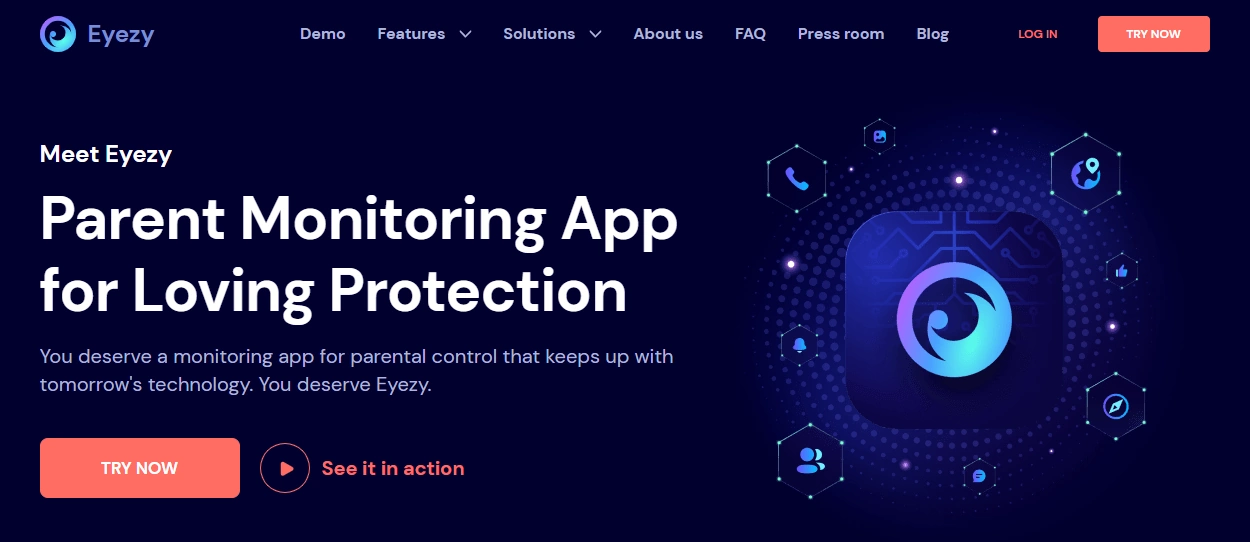
Description: Eyezy is a solid “busy parent” option when you want usable controls and visibility without turning setup into a never-ending project. For YouTube and TikTok, it’s most effective when combined with strict schedules and strong app-store restrictions.
Product Highlights
- Practical parental control approach
- Works well with routine-based schedules
- Pairs nicely with web filtering strategies
What’s to like: Helps families keep routines consistent (which is usually the real win).
What’s not to like: Any monitoring feature can backfire if used secretly — keep it transparent.
PROS
- Parent-friendly approach
- Good for routine and consistency
- Works as part of a layered setup
CONS
- Feature availability can vary by device/setup
- Not a substitute for platform-level restrictions
Related: How to Block Inappropriate Websites on Android with Eyezy
mSpy (TikTok Monitoring)
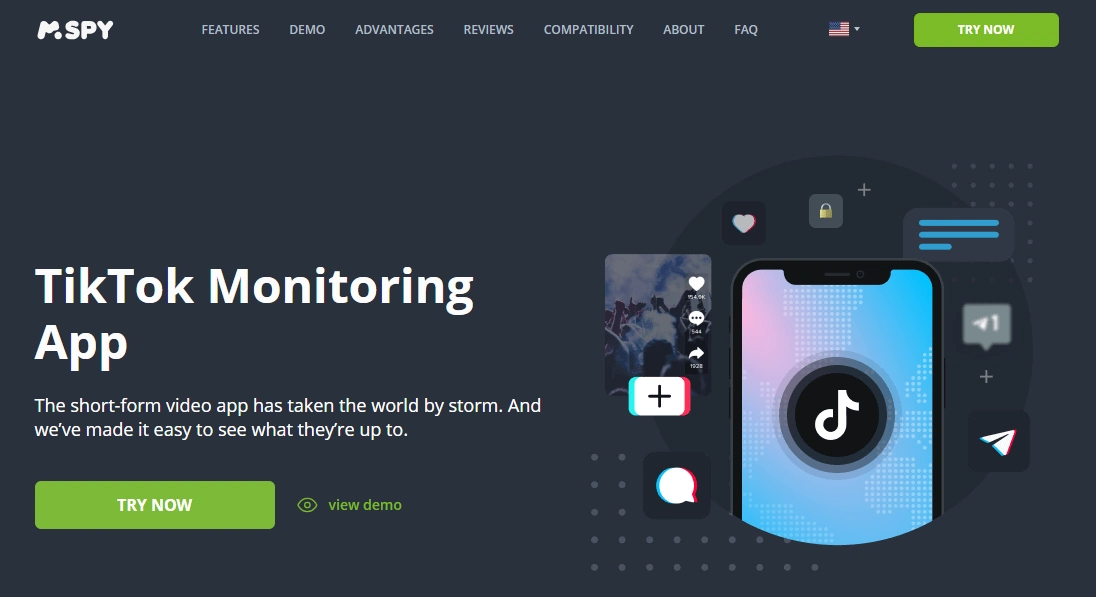
Description: mSpy can be a fit when TikTok becomes a genuine safety concern (not just “I don’t like this app”). It’s a more comprehensive toolkit, which is helpful in high-concern situations — but it’s also why you should start with guardrails (time + restrictions) first.
Product Highlights
- Deeper visibility (use only when justified)
- Useful for repeated rule-breaking and safety concerns
- Best when paired with clear boundaries and consent/authority
What’s to like: Gives clarity when you need evidence-based decisions (not guesswork).
What’s not to like: Over-monitoring damages trust fast — set boundaries and communicate them.
PROS
- Comprehensive toolkit for higher-risk situations
- Can reduce “unknowns” for parents
- Works best as part of a structured plan
CONS
- Not needed for most low-risk families
- Must be used legally and transparently
uMobix (YouTube Parental Control + TikTok Viewer)
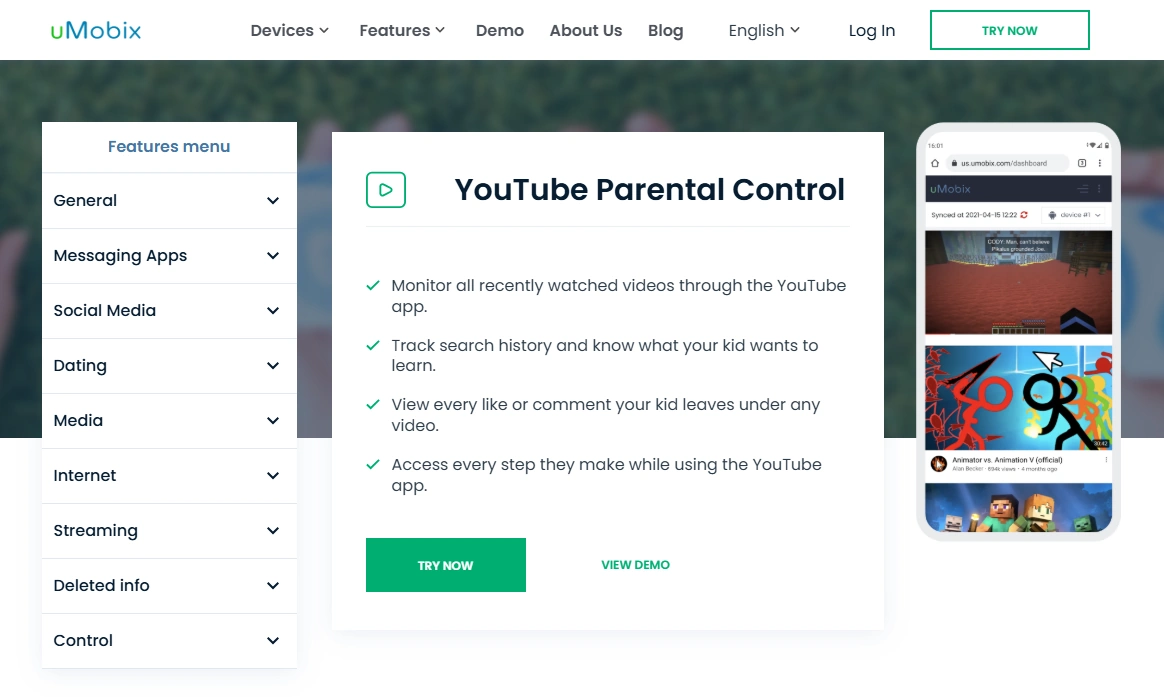
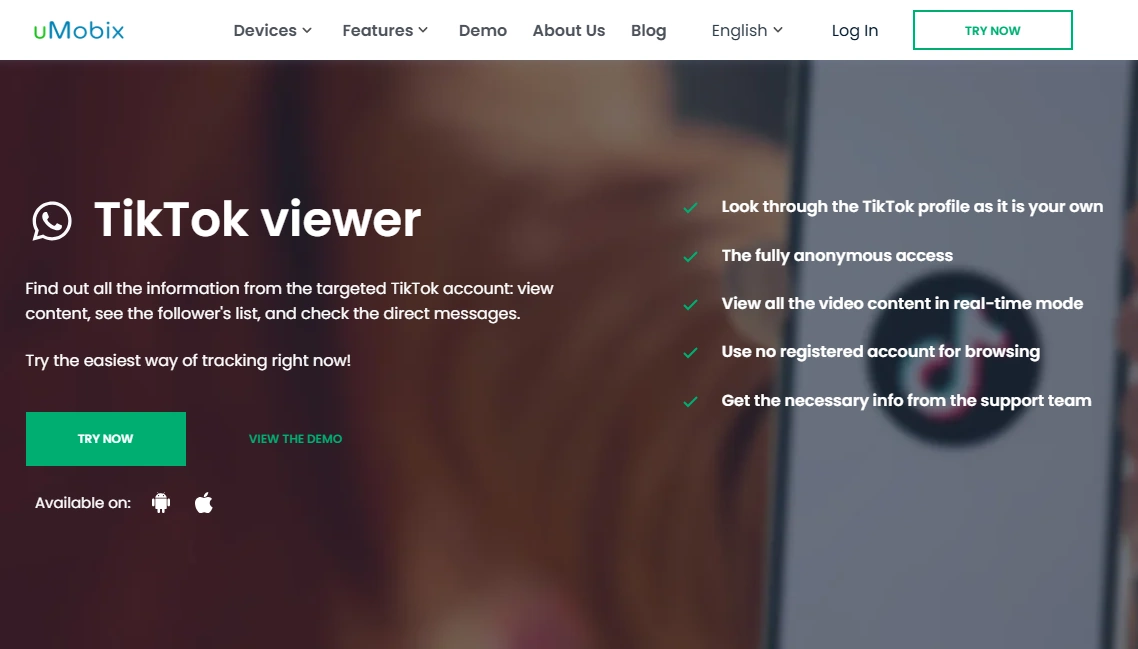
Description: uMobix is most useful when you need clarity about actual usage patterns on video apps. It can be helpful when kids are bouncing between YouTube, TikTok, and “recommended” rabbit holes and you’re deciding what to restrict.
Product Highlights
- YouTube-focused offer (Android) and TikTok viewing options
- Useful for understanding “what’s actually happening”
- Best combined with strict time schedules and app-store restrictions
What’s to like: Clarity reduces parental overreaction (and helps you apply the minimum restrictions needed).
What’s not to like: Feature availability varies by platform — for many families, time schedules alone solve the biggest problems.
PROS
- Good for usage visibility
- Works well as a “diagnostic” tool
- Can help tailor restrictions based on evidence
CONS
- Platform-dependent features
- Should be used transparently to avoid trust issues
Setup playbook: the cleanest YouTube & TikTok control stack
Step 1: Lock installs (this prevents 80% of “loopholes”)
- Require approval for installs and purchases.
- Keep your device PIN private and don’t reuse it.
- For tablets, consider a dedicated “school” profile/device if possible.
Tablet-specific guide: The Best Parental Control Apps for Tablets (iPad & Android).
Step 2: Add schedules (homework + bedtime)
Do this before monitoring. Consistent schedules beat constant policing.
Step 3: Turn on platform-level restrictions
- YouTube: Restricted Mode + autoplay off + history controls if needed.
- TikTok: Family Pairing + Restricted Mode + privacy defaults.
Step 4: Add monitoring only if there’s a real reason
If you do monitor, keep it minimal and transparent. This is the “trust-preserving” framework: Monitor without invading privacy.
FAQ
What is the best parental control app for YouTube?
For most families, the best results come from schedules (Screen Time / Digital Wellbeing) plus YouTube’s Restricted Mode. If you want a safety-first approach, Bark is a strong option. If you need YouTube-focused monitoring on Android, uMobix is a relevant pick.
What is the best parental control app for TikTok?
Start with TikTok Family Pairing and Restricted Mode. If you need deeper oversight due to real safety concerns, mSpy’s TikTok-focused offer can be useful — but use it transparently and within legal authority.
How do I limit YouTube and TikTok screen time automatically?
Use scheduled time blocks (homework window + bedtime lock). This removes daily negotiation. Follow: How to Limit Screen Time on Kids’ Phones Automatically.
Should I block TikTok completely?
For younger kids, blocking can be the simplest option. For teens, a better approach is often strict schedules, private accounts, limited comments/DMs, and clear boundaries — so they learn self-management instead of just bypassing rules.
Is it legal to monitor a child’s YouTube/TikTok activity?
It depends on device ownership, consent/authority, and local laws. Only monitor devices you have the right to manage. Read: Legal Phone Monitoring: What’s Allowed and What’s Not.
What’s the best approach for kids under 13?
Use a safety-first setup: tight schedules, strong content restrictions, and age-appropriate apps. Start here: The Safest Parental Control Apps for Kids Under 13.