

Searching for the best Facebook Messenger monitoring tools usually means one of two things:
- You’re a parent trying to keep a child safe online.
- You manage a device you own (family/shared device or a company-owned phone with clear policy).
This guide focuses on realistic, legal, parent-safe options — not hacking, not covert access to another adult’s private messages.
Short on time? Start with uMobix if your main goal is Messenger-focused monitoring on a managed device (results vary by OS/device permissions). If you want broader Facebook + device visibility, compare mSpy and Eyezy.
Quick jump: Checklist · What’s realistic · Is it legal? · Comparison table · Tool reviews · Which one should you pick? · Setup tips · FAQ
Quick checklist (saves you time)
- Define the goal: safety, time management, bullying prevention, or risky contact detection.
- Decide your scope: Messenger-only vs. broader parental control (screen time, web filters, location).
- Confirm the device type: Android usually offers more monitoring flexibility than iPhone.
- Use transparency where possible: clearer rules = fewer “arms race” bypass attempts.
- Avoid “account hacker” tools: if it promises instant access without consent, it’s usually a scam or illegal.
What you can (and can’t) realistically “track” on Messenger
Messenger is increasingly privacy-focused, and that changes what’s possible. Most “Messenger monitoring” tools fall into one of these buckets:
1) Account-level controls (built-in)
These don’t show you message content, but they help reduce risk (who can contact your teen, time limits, safety settings). Meta’s supervision features are designed for teens and parents.
2) Device-level monitoring (managed devices)
This is where tools like uMobix, mSpy, and Eyezy come in. They typically rely on permissions and data available on the managed phone. Results vary by Android version, iPhone restrictions, and how Messenger is used.
3) Notification-based visibility (limited)
Some families rely on notification previews for quick awareness. This is limited and not a “reliable archive.” (For a parent-friendly setup philosophy, read How to Monitor Kids’ Phones Without Invading Their Privacy.)
Is it legal to monitor Facebook Messenger?
It depends on your role and the device ownership, but these rules are a strong baseline:
- Usually OK: monitoring a child’s phone you own/manage as a parent/guardian, with clear household rules.
- Often OK with strict conditions: company-owned work phones with written policy and employee notice.
- Usually NOT OK: secretly monitoring a partner or another adult’s private messages without consent.
Read the full breakdown here: Legal Phone Monitoring: What’s Allowed and What’s Not.
Best Facebook Messenger monitoring tools compared
| App | Best for | Platforms | Key highlights | Refund or Trial |
|---|---|---|---|---|
| uMobix | Messenger-focused monitoring on managed devices | Android, iPhone | Strong “social-first” positioning, practical for parents who care about chats | Check current policy on checkout |
| mSpy | Broader Facebook monitoring + “all-in-one” monitoring suite | Android, iPhone | Established toolset, good if you want more than just Messenger | Check current policy on checkout |
| Eyezy | Parent dashboard + Facebook visibility with extra controls | Android, iPhone | Often picked for ease-of-use and “parent workflow” feel | Check current policy on checkout |
If you want a broader view of tools (beyond Messenger), also see: Parental Control & Spy Apps Comparison Table.
Tool reviews (what each one is best at)
uMobix — Facebook Messenger Monitoring
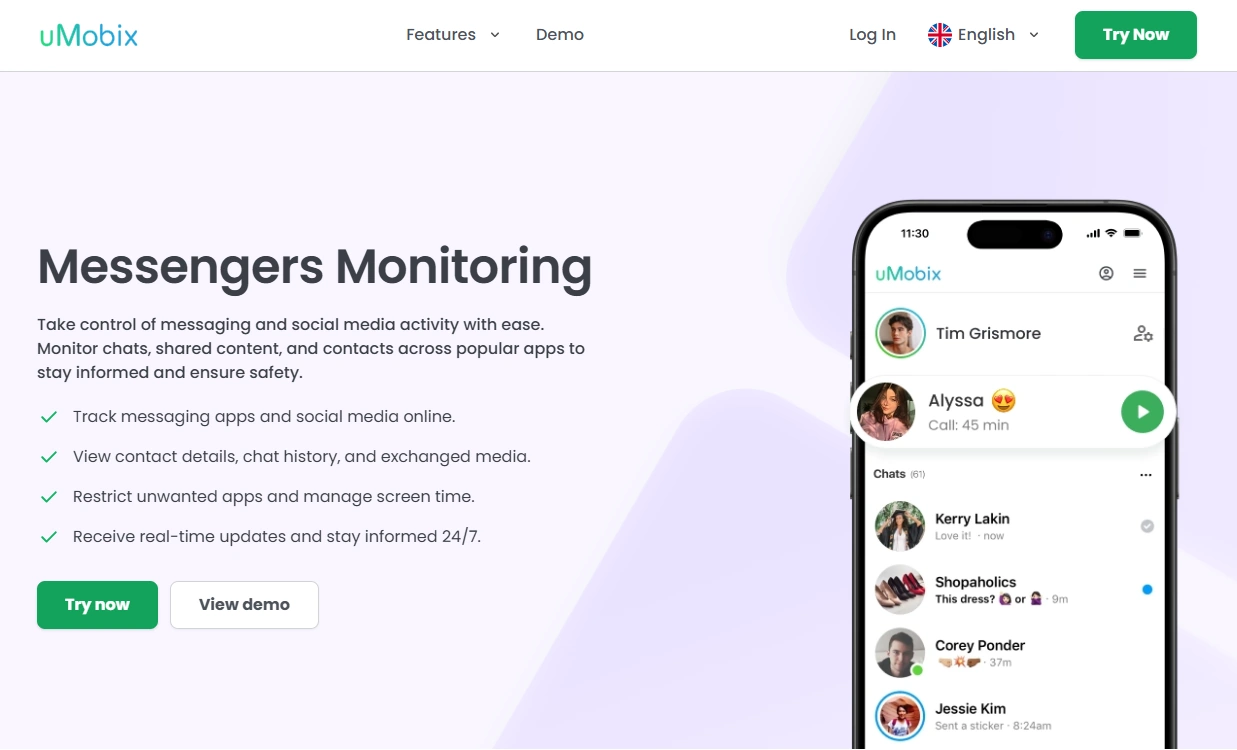
Description: uMobix is often chosen when the household priority is monitoring social apps (including Messenger) on a device a parent manages. It’s positioned as a “social-first” toolkit rather than just screen time controls.
Product highlights:
- Designed around social app visibility (varies by OS/device)
- Practical dashboard-style experience for parents
- Works best when the device setup is done carefully and consistently
What’s to like
- Good fit if Messenger is your #1 concern
- Often simpler than building multiple partial solutions
What’s not to like
- Results can vary depending on Android/iPhone restrictions and permissions
- Not a magic “read everything” button — modern encryption and platform limits matter
PROS
- Messenger-focused positioning
- Parent-friendly workflow
CONS
- Requires proper setup on the managed device
- iPhone monitoring is generally more limited than Android
mSpy — Facebook Monitoring
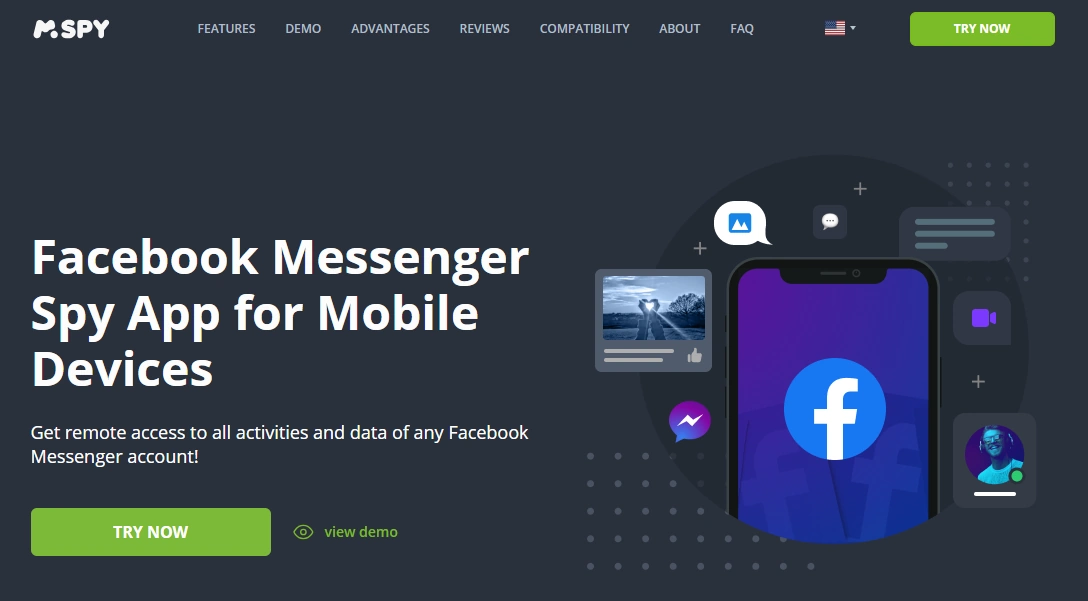
Description: mSpy is a long-running monitoring suite that many parents pick when they want broader coverage (not just Messenger). If you’re also concerned about overall phone activity patterns, mSpy can be a more “all-in-one” style option.
Product highlights:
- Broader monitoring suite approach (features vary by platform)
- Useful for parents who want one tool for multiple safety angles
- Often used alongside clear family rules and time limits
What’s to like
- Good if you want broader device visibility beyond Messenger
- Well-known brand in the monitoring category
What’s not to like
- Not always the best “Messenger-only” pick if you want a single narrow feature
- As with any tool, iPhone restrictions can limit what’s visible
PROS
- All-in-one style suite
- Useful beyond Messenger
CONS
- May feel like “too much” if you only want web/time controls
- Setup quality impacts results
Eyezy — Facebook Monitoring
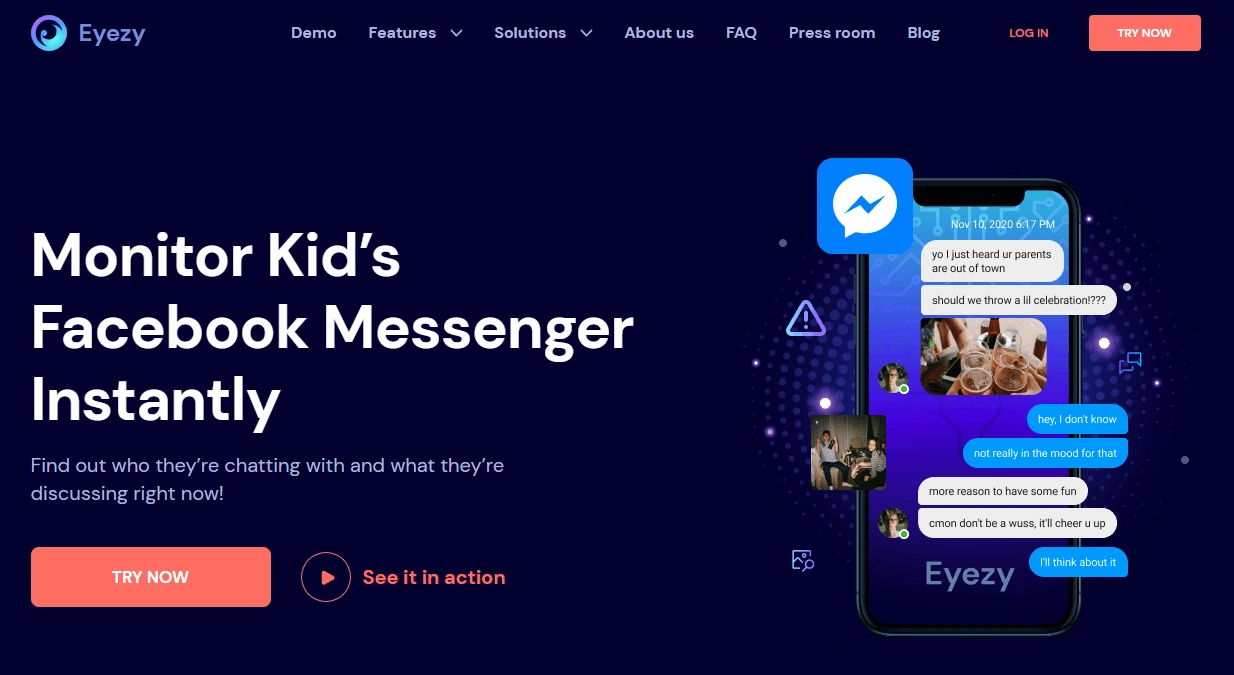
Description: Eyezy is commonly positioned for parents who want an easier dashboard experience, plus practical controls. If you’re combining Messenger concerns with web filtering or device rules, Eyezy can be a good “parent workflow” option.
Product highlights:
- Parent-friendly dashboard style
- Often paired with controls like web filtering and screen time rules
- Designed around managed-device use cases
What’s to like
- Good balance of “monitoring + controls”
- Nice option if you’re building a broader parental control setup
What’s not to like
- Messenger visibility depends on device/OS restrictions and setup
- You’ll still need clear household rules to reduce bypass attempts
PROS
- Parent-friendly workflow
- Strong for “rules + visibility” combos
CONS
- Not a substitute for built-in teen safety settings
- Requires correct setup to be useful
Which app is best for your situation?
If Messenger is your #1 concern (and you manage the device)
Start with uMobix. It’s the most Messenger-specific option in this list.
If you want broader “Facebook + general phone monitoring”
Consider mSpy — especially if your goal includes more than just Messenger.
If you want a parent-friendly dashboard plus controls
Pick Eyezy and combine it with clear rules and device limits.
If you want to do this without turning home life into “spy vs bypass,” read: How to Monitor Kids’ Phones Without Invading Their Privacy.
Setup tips (parent-safe)
The #1 reason people say “it doesn’t work” is incomplete setup or missing permissions on the managed device.
- Android guide: How to Set Up an Android Monitoring App Safely and Legally
- iPhone guide: How to Set Up an iPhone Monitoring App Safely and Legally
If your main goal is “reduce risk + reduce doomscrolling,” you’ll often get better results by pairing monitoring with automation: How to Limit Screen Time on Kids’ Phones Automatically.
FAQ
Can you really track Facebook Messenger messages?
Sometimes — but it depends heavily on the device, OS restrictions, permissions, and how Messenger is used. Modern encryption and platform privacy controls limit what any tool can reliably access without managed-device setup.
Is it legal to monitor Messenger?
Monitoring is most defensible when you’re a parent/guardian managing a child’s device or when it’s a company-owned phone with clear policy and notice. Secretly monitoring another adult is usually illegal. See: Legal Phone Monitoring: What’s Allowed and What’s Not.
Which is best for Messenger specifically?
uMobix is the most Messenger-focused option in this list.
Which is better for broader Facebook monitoring?
mSpy is often chosen when you want broader “suite” coverage beyond Messenger alone.
Does iPhone monitoring work the same as Android?
No. Android generally offers more flexibility for parental controls and monitoring. iPhone restrictions can reduce what’s visible, and the best approach is often “rules + limits + built-in controls.”
What’s the most privacy-friendly way to do this as a parent?
Use transparency, clear boundaries, and the least invasive controls that still keep your child safe. Start here: How to Monitor Kids’ Phones Without Invading Their Privacy.