

Trying to pick the right monitoring app from dozens of options can be exhausting. Some tools focus on stealth monitoring, others on screen time, others only on GPS. That’s why we built this Parental Control & Phone Monitoring Apps Comparison Table – so you can see the top 10 apps side by side before you decide.
This page is the central reference for all of our monitoring apps reviews and parental control guides, including:
- The Best Parental Control & Phone Monitoring Apps
- Best Monitoring Apps for Android and iPhone
- Best Discreet Monitoring Apps That Actually Work
- The Best Budget-Friendly Phone Monitoring Apps
- Best All-in-One Monitoring Suites
On this page you’ll find:
- A feature-by-feature comparison table for the top 10 apps
- A quick “best for” summary for each app
- Short brand overviews with pros and cons
- An “Is it legal?” section to keep you on the safe side
If you prefer an offline version, you can also download the comparison table as a PDF.
Top 10 Parental Control & Phone Monitoring Apps Comparison Table [2026]
Use this table to quickly compare whether each app is more of a parental control tool, a monitoring-style suite, or something in between – plus which platforms and features it supports.
mSpy | Parentaler | FlexiSpy | Bark | Spyera | uMobix | Eyezy | Spynger | Moniterro | Scannero |
|
|---|---|---|---|---|---|---|---|---|---|---|
| Parental controls | ||||||||||
| Monitoring app | ||||||||||
| iOS support | ||||||||||
| Android support | ||||||||||
| Invisible mode | ||||||||||
| GPS tracking | ||||||||||
| Facebook monitoring | ||||||||||
| Instagram monitoring | ||||||||||
| iMessage monitoring | ||||||||||
| Snapchat monitoring | ||||||||||
| Whatsapp monitoring | ||||||||||
| Telegram monitoring | ||||||||||
| Keylogger | ||||||||||
| Call & Text monitoring | ||||||||||
| Web activity | ||||||||||
| Root/JB required | ||||||||||
| Price tier |
*Scannero works through phone-number-based location workflows rather than full device integration. It’s great for “where is this phone right now?” but not a traditional parental control or monitoring app.
If you need more context on what each feature actually means, see: Monitoring App Features Explained: What You Can (and Can’t) Monitor.
Short on time? Best apps by use case
- Best overall monitoring-style suite: mSpy – deep monitoring with a clean dashboard.
- Best simple parental control app: Parentaler – screen time, web filters and basics.
- Best power-user monitoring tool: FlexiSPY – call recording, ambient listening, and more.
- Best alerts-based digital safety suite: Bark – AI alerts + screen time + web filters.
- Best stealth-heavy monitoring alternative: Spyera – strong focus on invisible monitoring.
- Best for social-heavy teens: uMobix – covers lots of social and messaging apps.
- Best all-round monitoring suite for families: Eyezy – solid features and family-friendly UX.
- Extra social-focused monitoring suite: xMobi – another option if you want to compare.
- Best for GPS & route tracking: Moniterro – route history and location timelines.
- Best for “where is this phone?”: Scannero – phone-number-based location lookup.
For more niche use cases (no jailbreak, no Apple ID, hidden-only, budget-only, etc.), see our focused guides:
- Best Parental Control & Monitoring Apps Without Root or Jailbreak
- Best Monitoring Apps That Work Without Apple ID or iCloud Password
- Best Monitoring Apps That Work Without Physical Access
- Best Discreet Monitoring Apps That Actually Work
- The Best Budget-Friendly Monitoring Apps
Top apps in the comparison table – mini reviews
1. mSpy – best overall for comprehensive monitoring
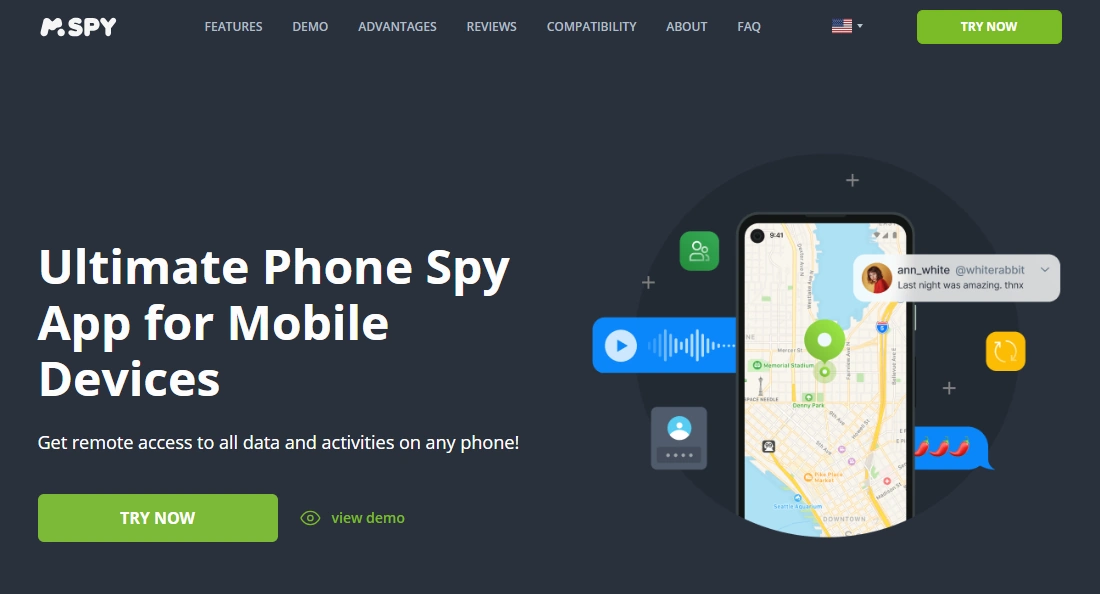
mSpy is the all-rounder that appears in almost all of our guides. It combines call & text logs, social app monitoring, GPS, keylogging and more into a single web dashboard.
If you want just one “do-everything” monitoring-style app, mSpy is usually the first thing to test – especially if you’re comparing options like mSpy vs uMobix vs Eyezy.
Product highlights
- Android & iPhone support
- Stealth mode on supported devices
- Strong coverage of popular social apps and messengers
- GPS, geofencing and keylogger (device- and OS-dependent)
What’s to like
- Balanced feature set: not too basic, not overloaded
- Good documentation and stable ecosystem
- Great as a baseline for comparing other apps
What’s not to like
- Subscription-based – long-term use adds up
- iOS features are naturally more limited by Apple’s rules
PROS
- Excellent “default” choice for most people
- Deep monitoring without being too complex
- Works in lots of different family and business scenarios
CONS
- Not the cheapest option on the list
- Still needs at least one setup session on the device
Next step: check the latest plans on the official mSpy website.
2. Parentaler – best for simple parental control

Parentaler is a softer, more “parental control first” tool. It focuses on screen time limits, app rules, web filters and location – not deep, stealthy monitoring.
Product highlights
- Android & iPhone dashboard for parents
- Screen time rules and app management
- Web filtering and basic activity reports
- GPS tracking and geofencing
PROS
- Very approachable for non-technical parents
- Clear, simple interface for everyday use
- Affordable compared to many monitoring-style apps
CONS
- No stealth mode – designed for transparent family use
- Limited deep social-media message access
Comparing Parentaler with more advanced apps? See Eyezy vs Parentaler: Best for Non-Tech-Savvy Parents.
3. FlexiSPY – best for power users and advanced features
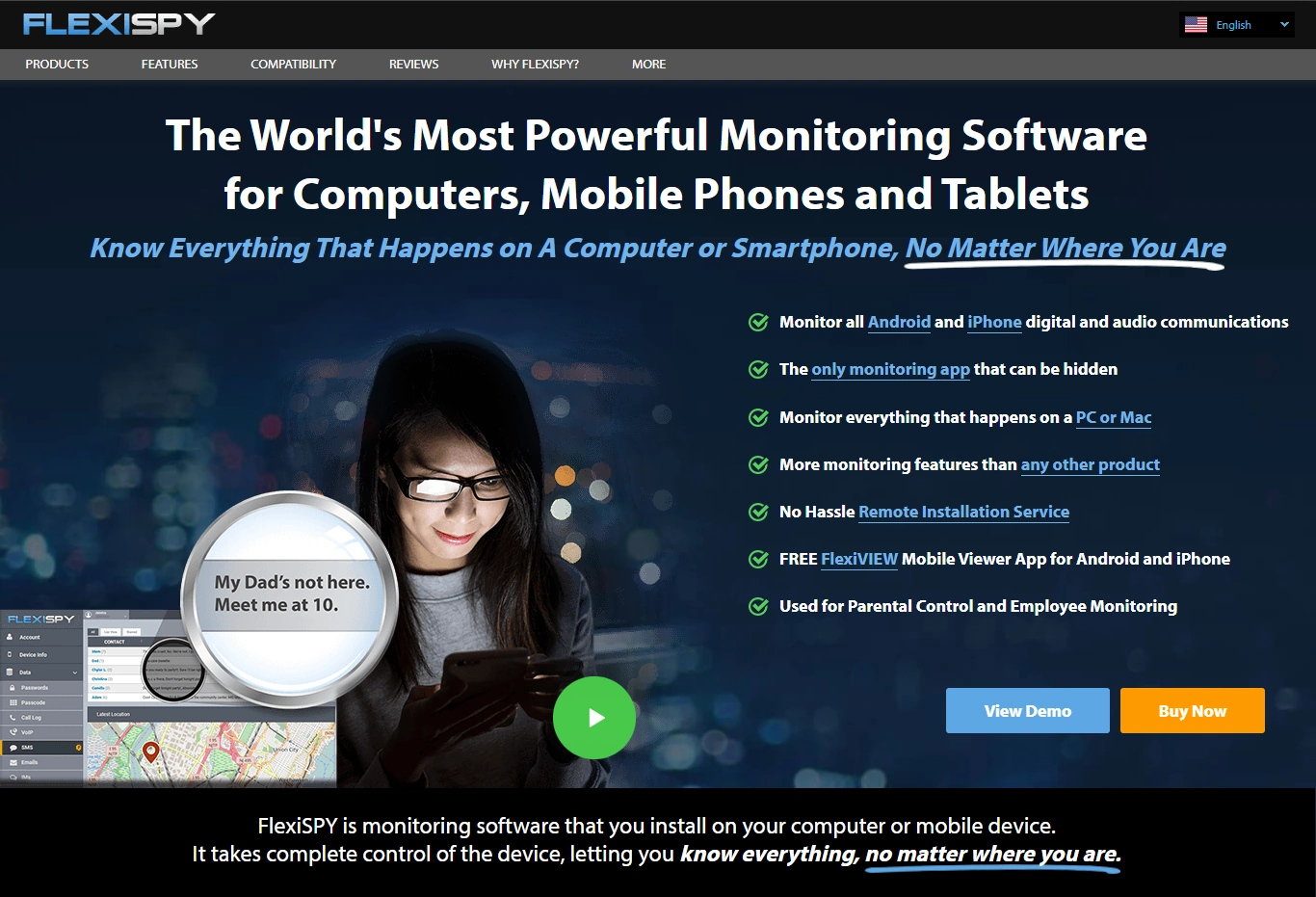
FlexiSPY is a heavyweight monitoring suite with advanced features like call recording, ambient listening and sometimes even camera control, depending on the device and plan.
Product highlights
- 150+ monitoring features on supported devices
- Call recording and ambient listening (where legal)
- Deep social & VoIP coverage compared to most competitors
- Multiple plans, including “extreme” options
PROS
- Extremely powerful when fully unlocked
- Ideal for very advanced monitoring scenarios (where legal)
- Good fit for tech-savvy users
CONS
- More expensive than most apps on this list
- Usually requires root/jailbreak for the most advanced features
Before you go “full FlexiSPY”, read our head-to-head comparison: mSpy vs FlexiSPY – The Ultimate Power Monitoring App Battle.
4. Bark – best safety-first digital parenting suite

Bark isn’t a classic “monitoring app”. It’s a digital safety platform focused on alerts: bullying, self-harm, explicit content and more – across a large number of platforms.
Product highlights
- AI-based alerts for risky content and behavior
- Screen time controls and web filters
- Family dashboard and Bark Phone options
PROS
- Less invasive than deep monitoring tools
- Great fit for families that value trust and transparency
- Supports a wide range of apps and devices
CONS
- No detailed “read everything” monitoring-style dashboard
- Some parents may want more raw visibility
5. Spyera – stealth-heavy alternative for invisible monitoring
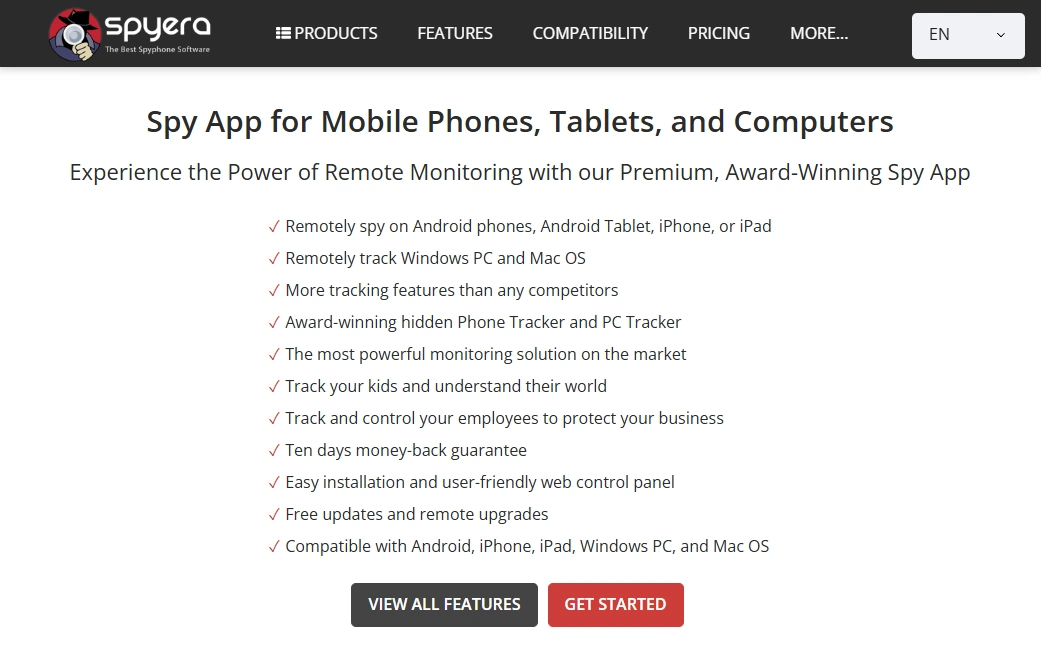
Spyera is a stealth-focused suite that pushes the “invisible monitoring” angle harder than most. It sits closer to FlexiSPY in terms of power and complexity.
Product highlights
- Advanced stealth and disguise options
- Deep monitoring of calls, texts, apps and more
- Supports Android, iPhone and some desktop platforms
PROS
- Highly discreet on supported devices
- Very wide feature coverage
CONS
- Premium pricing
- Setup can be too technical for casual users
6. uMobix – best all-in-one suite for social-heavy teens

uMobix is all about social and messaging apps. It still covers calls, texts and GPS, but its stand-out value is how much it reveals about what’s happening inside apps.
Product highlights
- Strong coverage of popular social networks and messengers
- Android & iPhone support
- GPS and web activity visibility
PROS
- Great for teens who live in social apps
- One dashboard for lots of platforms
CONS
- Coverage can change as apps update their own security
- May feel too invasive without clear rules and consent
For a full comparison, see mSpy vs uMobix vs Eyezy – The Ultimate Showdown.
7. Eyezy – best all-round suite for mixed Android & iPhone families

Eyezy sits between hardcore monitoring apps and soft parental tools. It’s powerful enough for deeper insight, but still designed so normal parents can understand the data.
Product highlights
- All-in-one suite for Android & iPhone
- Monitors apps, web, screen time and GPS
- Family-friendly dashboard
PROS
- Good balance of power and simplicity
- Works well in mixed-device households
CONS
- Not as ultra-deep as FlexiSPY/Spyera on rooted/jailbroken devices
- Still requires setup and expectations management with kids
8. xMobi – Extra Option for Web-Based Checks & Basic Monitoring
- Best for: A lightweight extra option when you want a web-based starting point.
- Platforms: Android & iPhone (capabilities vary by device/OS).
- Good to know: iPhone access is often more limited due to iOS restrictions.
PROS
- Easy to start with from a browser.
- Useful as a comparison option alongside app-based tools.
CONS
- Feature depth varies a lot by device and setup.
- Not a full parental-control replacement for younger kids.
Check xMobi availability here.
9. Moniterro – best for GPS & routes

Moniterro joins the all-in-one category, but its personality is very location-focused. Routes, timelines and GPS history are the main reason to choose it.
Product highlights
- Route history and daily movement patterns
- Supports Android & iPhone
- Also includes general device activity
PROS
- Great when your main concern is “where did they go?”
- Less overwhelming than some heavy monitoring dashboards
CONS
- Not the deepest choice for detailed message content
- Feature depth varies by OS version
For more GPS-focused tools, see Best GPS Tracker Apps for Families.
10. Scannero – best for quick phone location by number
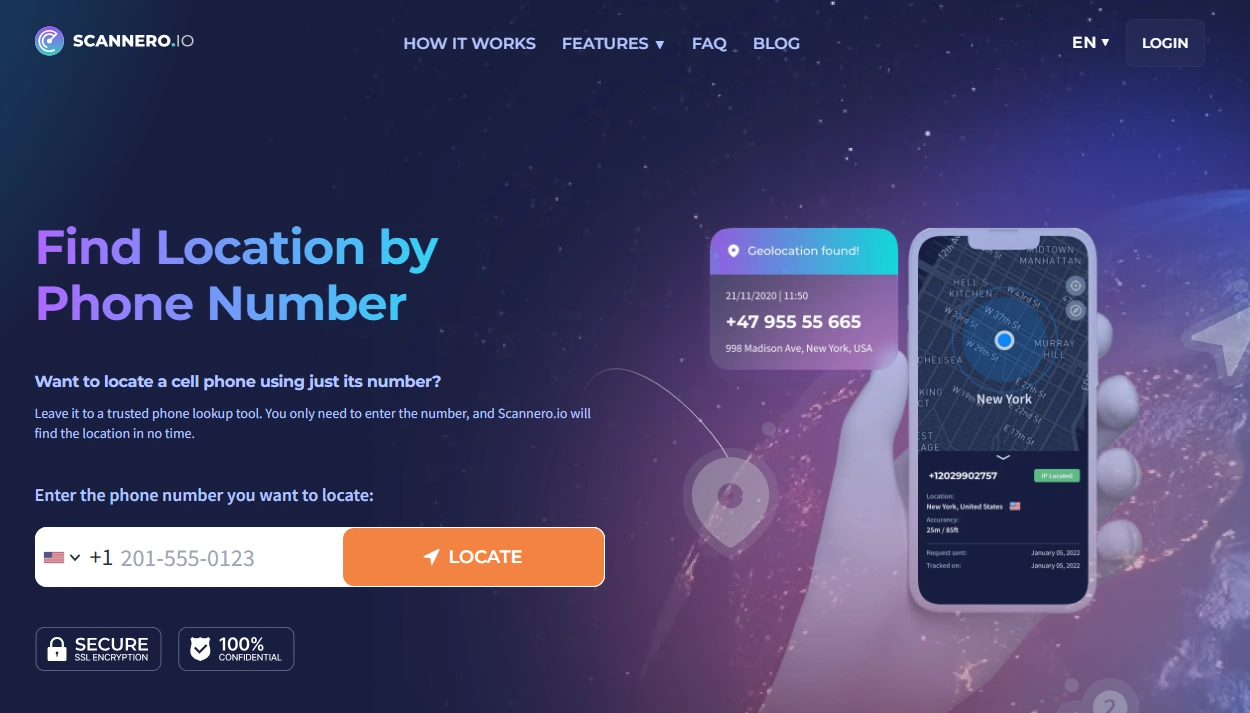
Scannero is different from every other app in this table. It’s a phone-number-based location service, not a full parental control or monitoring suite.
Instead of installing software, you:
- Enter the phone number you want to locate
- Scannero sends an SMS with a tracking link
- When the person taps the link, their GPS location appears on your map
PROS
- No app installation required
- Works on almost any smartphone that can open links
- Perfect for lost phones or quick safety checks
CONS
- Not a full monitoring solution – just location
- Requires the recipient to tap the link
For a full walkthrough, see How to Track a Phone Number with Scannero – Full Tutorial.
Is it legal to use these parental control & monitoring apps?
These tools are powerful – and that means you must be very careful how you use them. In most countries:
- Usually legal:
- Monitoring your child’s devices that you bought and pay for
- Monitoring company-owned devices when employees are clearly informed
- Monitoring your own devices (work phone, second phone, etc.)
- Usually illegal:
- Secretly installing monitoring apps on your partner’s personal phone
- Monitoring friends, relatives or co-workers without consent
- Trying to break into phones you do not own or manage
If you’re unsure what’s allowed where you live, start with our legal guide: Legal Phone Monitoring: What’s Allowed and What’s Not.
How to use this comparison table
- Decide your goal first. Are you mostly worried about screen time, social apps, location, or everything?
- Match your goal to the right category.
- For classic monitoring, start with mSpy, uMobix, Eyezy, xMobi.
- For simpler parenting tools, look at Bark and Parentaler.
- For advanced power-user setups, evaluate FlexiSPY and Spyera.
- For GPS-focused tracking, prioritise Moniterro (and Scannero for quick lookups).
- Check platform compatibility. Make sure your child’s or employee’s devices match the app’s supported OS in the table.
- Read at least one in-depth guide. Before installing anything, read our pillar article The Best Parental Control & Phone Monitoring Apps plus any relevant niche guides from the list above.
- Stay on the right side of the law. Never use these tools on devices you don’t own or manage, without clear consent.
Final recommendations
- If you want one strong all-round spy suite: start with mSpy, then compare it with uMobix and Eyezy.
- If you prefer softer parenting tools: look at Bark and Parentaler.
- If location and routes are your top priority: prioritise Moniterro and keep Scannero for quick, phone-number-based lookups.
- If you’re still not sure: bookmark this Parental Control & Monitoring Apps Comparison Table and our other pillar articles, then revisit when you’ve clarified exactly what you need to monitor and why.
FAQ – Parental Control & Monitoring Apps Comparison Table
1. How did you choose the apps in this comparison table?
We focused on established apps that consistently appear in real-world searches and user reviews: mSpy, Parentaler, FlexiSPY, Bark, Spyera, uMobix, Eyezy, xMobi, Moniterro and Scannero. Each offers a different mix of parental control, monitoring and location features, so you can cover most use cases with this short list.
2. What’s the difference between a parental control app and a monitoring app?
Parental control apps (like Bark or Parentaler) are designed to be more transparent and focus on screen time, web filtering and safety alerts. Monitoring apps (like mSpy or FlexiSPY) provide much deeper access to messages, calls and app activity, often in stealth mode. Many tools in this table sit somewhere between those two extremes.
3. Are these parental control and monitoring apps legal to use?
The apps themselves are usually legal, but how you use them matters. Monitoring your own devices, your minor children’s devices, or clearly documented company-owned phones is typically allowed. Secretly installing monitoring apps on another adult’s personal device is usually illegal. Always check local laws and read our guide on Legal Phone Monitoring: What’s Allowed and What’s Not.
4. Why is Scannero in the comparison table if it’s not a full monitoring app?
Scannero is included because many readers search for “find someone’s location by phone number” alongside parental control and monitoring apps. It doesn’t monitor messages or apps – it simply helps you request GPS location via a secure link sent by SMS. It’s best thought of as a location-only companion to the other tools in this table.
5. How often do the features in the comparison table change?
Monitoring apps and parental control tools evolve constantly as Android, iOS and individual apps update their security. This table is updated periodically, but feature availability can still vary by device model, OS version and settings. Treat the table as a starting point, then verify the latest details on each app’s official website before buying.