

A “phone keylogger” sounds simple: log what’s typed, see what’s searched, and spot risky behavior early. In real life, it’s more nuanced—especially on modern iPhone versions, with privacy changes, keyboard variations, and app updates.
This mSpy Keylogger review focuses on what parents actually care about: keystrokes, search behavior, and the big elephant in the room—passwords (and why you should treat them as sensitive and off-limits).
Important: use monitoring only on a device you own or legally manage (typically your child’s phone). For the legal baseline, read: Legal phone monitoring: what’s allowed and what’s not.
Short on time? Quick verdict
- Best “start here” keylogger pick (Android): mSpy — Keylogger
- If you specifically need an iPhone option: mSpy — Keylogger iPhone (expect stricter limitations)
- Best cross-platform comparison: Eyezy — Keylogger
- Android-heavy alternative comparison: uMobix — Keylogger
- Want curated lists instead? Best Android keylogger apps / Best iPhone keylogger apps
Quick jump: 60-second checklist · Verdict · Comparison table · What really matters · Best for your situation · Setup tips · Reviews · Legal notes · FAQ
60-second decision checklist
- Are you the legal device owner/manager? If not, stop: what’s allowed and what’s not.
- Android or iPhone? Keylogger expectations are usually more realistic on Android; iPhone is stricter and setup-dependent.
- What’s your goal? Safety signals (risky searches, self-harm keywords, adult content, bullying phrases), not “spying.”
- Are passwords involved? Treat passwords as sensitive. Avoid collecting/viewing banking or private login data.
- Need safe setup checklists? Android setup / iPhone setup.
- Prefer “best-of lists” first? Best keylogger apps (Android & iPhone).
Verdict
mSpy Keylogger is a strong “start here” pick for parents when used ethically on a device you manage—especially on Android—because it can help you spot risky typing/search patterns early (adult content, bullying phrases, self-harm keywords, scam searches).
If you need an iPhone option, mSpy Keylogger iPhone is worth considering, but expect more limitations than Android. If you want a cross-platform comparison, check Eyezy Keylogger. For Android-heavy households, compare uMobix Keylogger.
Get mSpy Keylogger (Android) | Get mSpy Keylogger (iPhone) | Compare Eyezy Keylogger
Comparison table
Quick comparison of the most relevant keylogger offers for parents.
| Tool | Best for | Android vs iPhone reality | CTA |
|---|---|---|---|
| mSpy — Keylogger | Best “start here” for safety-driven keylogging | Android usually more realistic; iPhone is stricter and setup-dependent | Android / iPhone |
| Eyezy — Keylogger | Cross-platform comparison option | Good general alternative; iPhone still has restrictions | Android/iPhone |
| uMobix — Keylogger | Android-heavy families | Often more practical on Android when configured correctly | Compare |
| Spynger — Keylogger | Extra shortlist comparison (Android/iPhone variants) | Use as a comparison pick; don’t expect perfect coverage 24/7 | Android / iPhone |
| Moniterro — Keylogger | Additional comparison option | Useful for comparing fit; setup and platform still matter | Compare |
What really matters: keystrokes, passwords, and search history (real-life parent view)
1) Keystrokes are most useful as “risk signals,” not a full transcript
Parents get the most value when keylogging helps spot patterns like:
- adult content searches (especially repeated)
- bullying or harassment phrases being typed
- scam-related searches (“free gift card,” “how to bypass,” “cracked app”)
- self-harm keywords (requires careful, supportive handling)
2) Passwords are sensitive—treat them as off-limits
Keyloggers can capture whatever is typed—including passwords. That’s why this feature must be handled ethically. For parenting use:
- Don’t use keylogging to access private accounts (banking, email, private logins).
- Use the tool to spot risk keywords and behavior patterns, then address it with boundaries and conversation.
- If you need stronger structure, consider broader parental control strategies rather than “more monitoring.”
3) Search history: the “why” behind behavior
Search terms often reveal what a child is trying to solve or hide—curiosity, anxiety, peer pressure, or risky communities. If your goal is “digital safety,” search behavior is often more actionable than raw typing logs.
4) Android vs iPhone is the biggest difference-maker
- Android: usually more flexible, but reliability depends on permissions and battery/background settings.
- iPhone: typically more restricted and setup-dependent. If you’re iPhone-only, also read: How to choose the right iPhone monitoring app.
Best for your situation
Best “start here” for parents who want safety signals from typing/search behavior
Start with mSpy Keylogger (Android), and use it as a safety tool—not a password-harvesting tool.
Best if you specifically need an iPhone keylogger option
Use mSpy Keylogger iPhone, but keep expectations realistic and prioritize the safe iPhone setup guide: iPhone monitoring setup (safe & legal).
Best cross-platform comparison option
Compare Eyezy Keylogger if you want a broader cross-platform alternative.
Best Android-heavy alternative comparison
Compare uMobix Keylogger if you’re mainly Android and want another option besides mSpy.
Want “best-of lists” instead of a single brand review?
- Best keylogger apps (Android & iPhone)
- Best Android keylogger apps
- Best iPhone keylogger apps
- Best monitoring apps for Android & iPhone
Setup tips & common issues (safe + reliability-first)
Start with the safe setup guides
Issue: “Logs are missing / updates are delayed”
On Android, this is most often battery optimization or background restrictions. If the phone is aggressively closing apps in the background, you’ll see gaps. Fix: re-check background permissions and battery rules for the monitoring app.
Issue: “Different keyboards behave differently”
Keyboard apps (Gboard, SwiftKey, OEM keyboards) and privacy settings can affect what is captured. Keep your expectation focused on safety signals and patterns rather than “perfect transcription.”
Issue: “We only need healthy boundaries, not a keylogger”
If the goal is screen habits and routine, a keylogger might be overkill. In that case, start with safer, less invasive controls and clear family rules.
Reviews
mSpy — Keylogger (Android + iPhone options)
Description
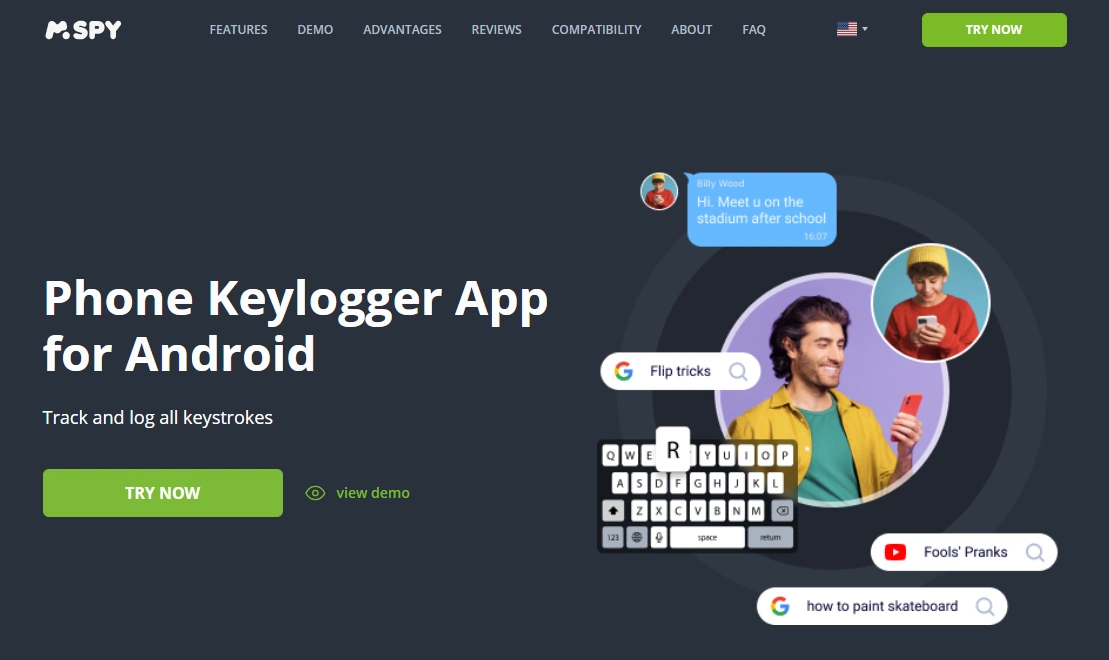
mSpy Keylogger is best used as a parent safety tool: spotting risky typing patterns and search intent on a device you legally manage. It’s typically more realistic on Android, while iPhone versions are usually more restricted and setup-dependent.
Product highlights
- Android keylogger offer: strong “start here” pick for safety-driven monitoring
- iPhone keylogger option available, but expect stricter limitations
- Most valuable for keyword/pattern signals (not password harvesting)
What’s to like
- Clear keylogger-focused offering from a top brand
- Useful for parents who need early warning signs (risky searches, bullying phrases, scams)
What’s not to like
- Keylogging can capture sensitive data—parents must use it ethically
- Coverage varies by platform (Android vs iPhone), keyboard, and device settings
PROS
- Strong Android-first “start here” option
- Good for behavior signals and safety interventions
CONS
- Setup-sensitive (especially background restrictions)
- iPhone expectations must be kept realistic
CTA: Get mSpy Keylogger (Android) | Get mSpy Keylogger (iPhone)
Eyezy — Keylogger (cross-platform comparison)
Description
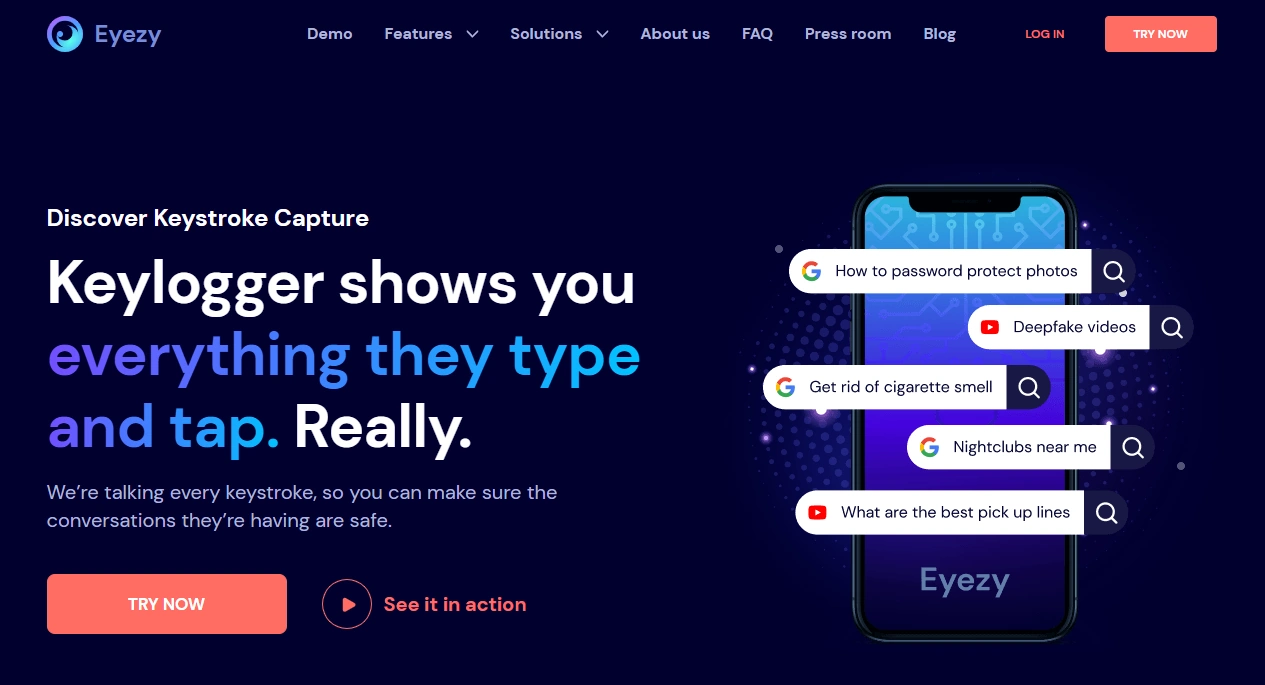
Eyezy Keylogger is a good comparison option if you want a cross-platform brand to stack against mSpy. For parents, it’s best used for safety-driven signals and patterns (risky searches, scam intent, bullying phrases) on a device you manage.
Product highlights
- Cross-platform positioning (Android + iPhone variants)
- Good “second opinion” next to mSpy
- Most useful when keylogging is part of a broader safety plan
What’s to like
- Strong comparison pick for multi-device families
- Good if you want more than one brand before deciding
What’s not to like
- iPhone restrictions still apply (platform limitations don’t disappear)
- Not a substitute for boundaries and communication
PROS
- Solid cross-platform alternative
- Useful for comparisons
CONS
- Expect variability depending on device settings and updates
CTA: Compare Eyezy Keylogger | Eyezy Keylogger (iPhone)
uMobix — Keylogger (Android-heavy comparison)
Description
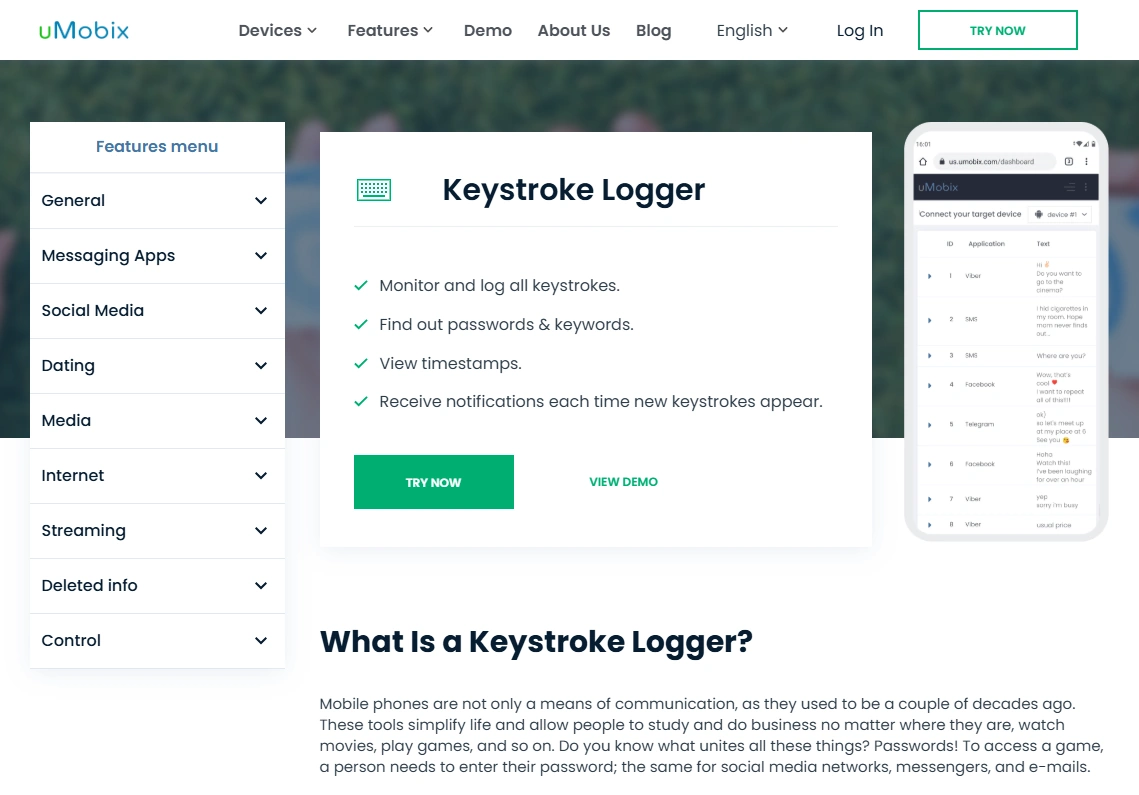
uMobix Keylogger is best treated as an Android-heavy comparison pick. If your family mainly uses Android devices and you’re comfortable doing careful permissions/background setup, it’s a reasonable shortlist option next to mSpy.
Product highlights
- Android-friendly comparison option
- Best when configured for background stability
- Useful for spotting risk keywords and patterns
What’s to like
- Good “second option” if you’re comparing Android-first tools
- Works best for safety-driven goals
What’s not to like
- More setup-sensitive than many parents expect
- Not appropriate for unauthorized monitoring
PROS
- Strong Android-leaning comparison
- Good for pattern monitoring
CONS
- Battery/background rules can cause gaps if misconfigured
Spynger — Keylogger (extra comparison, Android/iPhone variants)
Description
Spynger Keylogger is best treated as an extra comparison option—useful if you want one more brand to evaluate before deciding. As with all keyloggers, platform and setup determine real-life results.
Product highlights
- Android and iPhone keylogger offers (comparison-friendly)
- Most useful for risk signals and patterns
- Works best on devices you legally manage
What’s to like
- Easy to add to your shortlist
- Good for comparing fit and pricing
What’s not to like
- Don’t expect perfect, continuous coverage
- Not a replacement for boundaries and communication
PROS
- Useful additional comparison pick
- Clear keylogger positioning
CONS
- Expect variability across devices and updates
CTA: Spynger Keylogger (Android) | Spynger Keylogger (iPhone)
Moniterro — Keylogger (additional comparison)

Description
Moniterro Keylogger is an additional comparison option if you want another brand in the mix. Like the rest, it’s best used for safety-driven signals and patterns on a device you legally manage.
Product highlights
- Keylogger-focused offer for shortlist comparisons
- Most useful for keyword/pattern signals
- Setup and platform still determine reliability
What’s to like
- Extra option for comparing fit
- Useful if you want more than two brands before deciding
What’s not to like
- Expect real-life limitations (permissions, updates, background rules)
- Not appropriate for unauthorized monitoring
PROS
- Helpful additional comparison
- Clear positioning
CONS
- Better as a comparison pick than a “first tool”
CTA: Compare Moniterro Keylogger
Legal & ethical notes
We don’t support hacking, covert surveillance, or monitoring adults without consent. Keyloggers can capture sensitive data (including passwords), so use them only for legitimate parenting safety goals on devices you own or legally manage, and follow local laws.
Start here: Legal phone monitoring: what’s allowed and what’s not.
FAQ
Is it legal for parents to use a keylogger on a child’s phone?
It depends on where you live and whether you have legal authority over the device. The safest scenario is monitoring a minor’s phone that you own/manage for safety purposes with clear boundaries. See: what’s allowed and what’s not.
Does mSpy Keylogger capture passwords?
A keylogger can capture whatever is typed, which may include passwords. That’s why parents should treat passwords as sensitive and avoid using keylogging to access private accounts (banking, email, logins). Use it for safety signals and patterns instead.
Is mSpy Keylogger better on Android or iPhone?
In general, expectations are usually more realistic on Android. iPhone environments tend to be more restricted and setup-dependent. Use: Android setup guide and iPhone setup guide.
Can a keylogger show everything my child does online?
No. Keylogging is best treated as one signal (typing/search intent). Coverage can vary with keyboards, apps, privacy settings, and updates. For broader context, you may prefer full “best-of” comparisons: best keylogger apps.
What’s a safer alternative to keylogging for most families?
If your goal is screen habits and routine rather than high-risk safety concerns, less invasive controls and clear family rules are often better than keylogging.