

mSpy Hidden Mode: What It Is & How It Works
“Hidden Mode” is one of the most searched mSpy features — usually because parents want monitoring that doesn’t get disabled the moment a child finds the app.
But let’s set expectations correctly: hidden doesn’t mean “magically undetectable.” It usually means mSpy can run in the background and (on some setups/devices) be less obvious on the home screen — while still leaving normal system-level traces like permissions, device admin/accessibility entries, or background activity.
Short on time? If you want mSpy’s “hidden mode” style background operation as part of a managed-device safety plan, start with mSpy. If you’re comparing alternatives, also shortlist Eyezy and uMobix.
Quick jump: Checklist · What “Hidden Mode” really means · Android vs iPhone differences · Hidden vs detectable · Comparison table · mSpy review · Alternatives · Setup tips (stability) · FAQ
Hidden Mode checklist (read this first)
- Use case check: only use monitoring on devices you own/manage (parent/guardian or company-owned with clear policy).
- Goal check: do you need “anti-tamper” safety, or just screen time and safer browsing?
- Platform check: Android usually allows more monitoring flexibility than iPhone.
- Expectation check: hidden ≠ undetectable (system settings can still reveal installed services/permissions).
- Parenting check: for kids, prefer transparency + boundaries first (then add monitoring only as needed).
Legal baseline: Legal Phone Tracking: What’s Allowed and What’s Not.
Hidden Mode on Android vs iPhone
Android
Android generally offers more flexibility for monitoring apps because permissions and background services can be configured more broadly. This is also where “hidden mode” style setups are most commonly discussed.
iPhone
iPhones are typically more restrictive. Monitoring on iOS often depends on the setup method and Apple’s limitations, so your “hidden mode” expectations should be lower than Android.
Safe setup guides (recommended if you want fewer sync issues):
Hidden vs “undetectable”: what’s still visible
Even when an app is “hidden” from the home screen, it can still be discoverable in normal places like:
- Installed apps list (Settings → Apps)
- Permissions & special access (Accessibility, Device Admin, Usage Access, Notification access — depends on setup)
- Battery usage / background activity
- Network/data usage
If your goal is healthy parenting (not secrecy), you’ll often get better long-term outcomes by combining clear rules with limits and only then adding monitoring where it truly helps:
mSpy Hidden Mode vs alternatives (quick comparison)
| App | Best for | Platforms | “Hidden mode” expectation | Try |
|---|---|---|---|---|
| mSpy | All-in-one monitoring + anti-tamper style use cases | Android, iPhone | Can be less obvious on some Android setups; iPhone is more limited | Open mSpy |
| Eyezy | Parent-friendly dashboard + “invisible” marketing angle | Android, iPhone | Often positioned around invisibility; real-world results still depend on OS/permissions | Open Eyezy |
| uMobix | Social-first monitoring focus + practical parent workflows | Android, iPhone | “Background mode” style positioning depends on device setup | Open uMobix |
Related deep-dives:
mSpy Hidden Mode: review-style breakdown
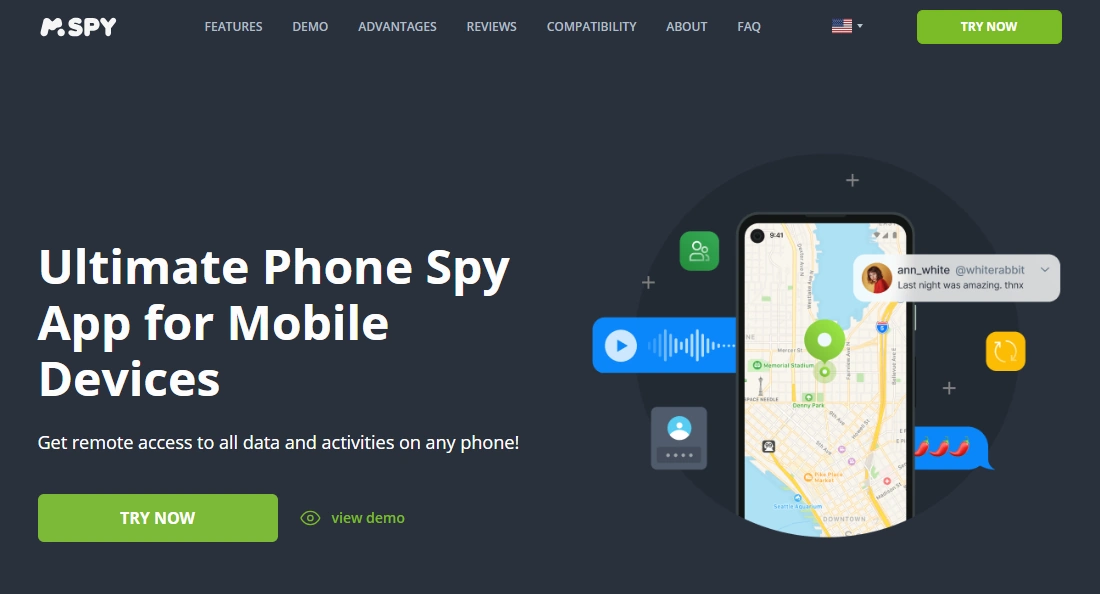
Description: mSpy is commonly chosen as an “all-in-one” monitoring suite. When people talk about “mSpy Hidden Mode,” they usually mean background monitoring + reduced visibility (mostly on Android) and an anti-tamper outcome (harder for kids to casually disable).
Product highlights:
- Works as a broader monitoring suite (not only “hidden mode”)
- Often used as part of child safety routines (rules + limits + monitoring)
- Includes options like a demo environment for previewing UI
See the mSpy demo (helpful if you want to understand the dashboard before committing).
What’s to like
- Good “one dashboard for many safety angles” approach
- Practical for parents who need consistency (not constantly re-installing)
What’s not to like
- iPhone visibility is usually more limited than Android
- Hidden mode expectations are often exaggerated online; system settings can still reveal traces
PROS
- All-in-one coverage mindset
- Strong choice for Android households needing stability
CONS
- Not a magic invisibility cloak
- Requires careful setup to avoid sync/permission issues
Best alternatives if “Hidden Mode” is your main priority
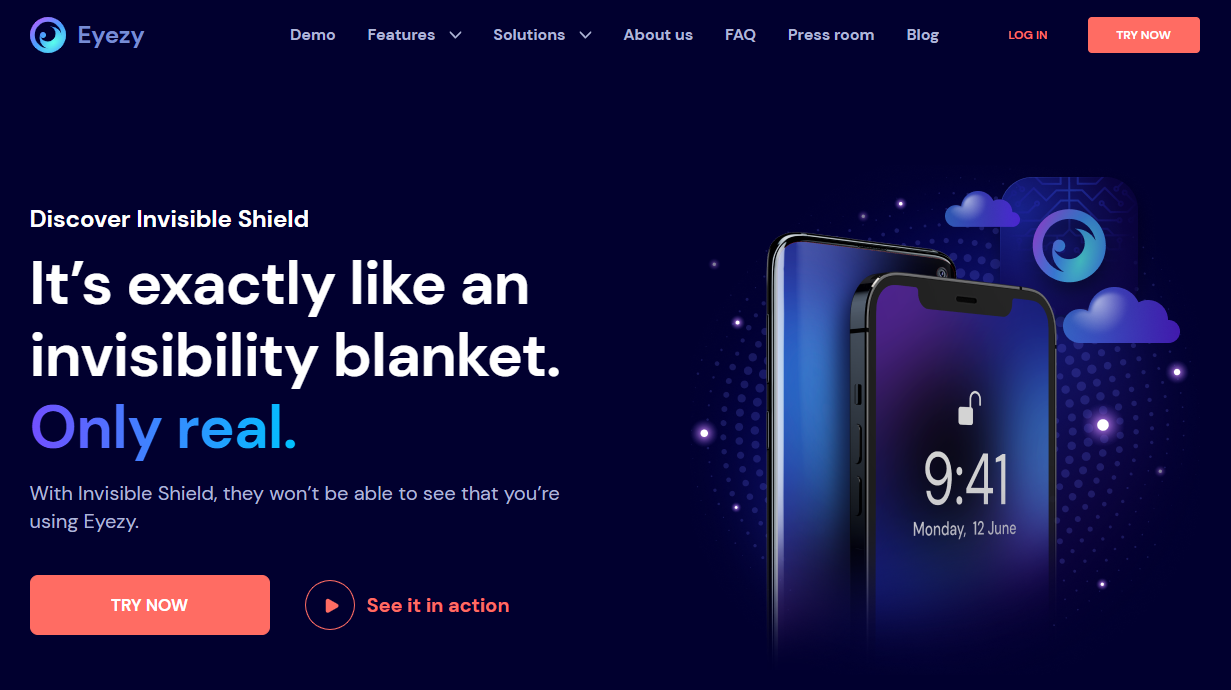
Eyezy (Invisible Mode)
If you want a more “invisibility-forward” positioning and a parent-friendly flow, Eyezy is usually the first alternative people compare.
uMobix (Background Mode angle)
If your biggest concern is social app activity and you want a practical dashboard approach, uMobix is a common pick to compare.

If you want the broader roundup, use: Best Monitoring Apps for Android and iPhone.
Setup tips (focused on stability, not secrecy)
If people complain “hidden mode doesn’t work,” it’s usually a sync/performance issue — not a “visibility” issue. The most common stability fixes are:
- Make sure the monitoring app has all required permissions (and re-check after OS updates).
- Avoid running multiple monitoring apps at once (they can conflict and drain battery).
- On Android, ensure background activity isn’t aggressively restricted by battery optimization.
- Keep expectations realistic: some app data won’t sync instantly, and iPhone setups are often more limited.
Use these step-by-step guides (recommended):
FAQ
Does mSpy really have “Hidden Mode”?
In practice, “Hidden Mode” usually refers to background operation and reduced visibility on some Android setups. It’s not the same as being impossible to detect in system settings.
Can mSpy be completely undetectable?
No app is truly guaranteed “undetectable” across all devices and OS versions. Even when the icon isn’t visible, system-level traces (permissions, background usage, installed services) may still be found.
Is it legal to use mSpy Hidden Mode?
Legality depends on consent and device ownership/management. The safest baseline is: only on devices you own/manage (parent/guardian or company-owned with clear policy). Read: Legal Phone Tracking: What’s Allowed and What’s Not.
Does Hidden Mode work the same on Android and iPhone?
No. Android typically offers more flexibility; iPhone monitoring is generally more restricted and depends on setup method and OS limitations.
What should parents do before relying on Hidden Mode?
Start with rules and limits first (bedtime, app installs, screen time), then add monitoring only where it truly improves safety. A good framework: How to Monitor Kids’ Phones Without Invading Their Privacy.
If I only need “limits,” not monitoring, what’s better?
If your goal is to reduce risk rather than read content, screen time automation is often the better first step: How to Limit Screen Time on Kids’ Phones Automatically.