

mSpy is one of the most searched iPhone monitoring tools — but iPhone monitoring works differently than Android. iOS has strict security rules, which means setup type, permissions, and what you can realistically monitor will depend on your situation.
This guide is a parent/device-owner focused review + setup walkthrough for 2026: what mSpy can do on iPhone, how setup typically works, and how to keep it reliable over time.
If you want the full shortlist first, see: Top iPhone Monitoring Apps.
Short on time? My practical recommendation
- Best starting point for most iPhone monitoring needs: mSpy
- Want a clean dashboard and routine check-ins: Eyezy
- Social-heavy teen scenarios (situational pick): uMobix
- Prefer safety alerts + healthier habits over “spying”: Bark
Before you install anything: read the legal hub here: Legal Phone Tracking: What’s Allowed and What’s Not.
What is mSpy for iPhone?
mSpy is an iPhone monitoring solution designed for parents and device owners who want visibility into a phone’s usage patterns (for example: safety, risky behavior, location awareness, or unhealthy screen habits).
Important: iPhone monitoring is constrained by iOS. If any website promises “total invisible spying with zero access and no consent,” treat it as a red flag.
What can mSpy monitor on iPhone (realistic expectations)
What you can see depends on the iPhone setup type and what you’re legitimately able to configure. In general, people use mSpy on iPhone to monitor combinations of:
- Location-related safety signals (where supported by your setup)
- Activity patterns and device usage habits
- Communication-related visibility (setup-dependent on iOS)
If you want a plain-English breakdown of “monitoring app features” across platforms, read: Monitoring App Features Explained: What You Can (and Can’t) Monitor.
Is mSpy legal to use on iPhone?
Legality depends on where you live, who owns the device, and consent rules. The safest use cases are:
- You monitor a device you own or manage (for example: your child’s iPhone under your care).
- You have clear rules and appropriate consent for your situation.
Secretly monitoring another adult without consent is usually illegal. Always read: Legal Phone Tracking.
mSpy for iPhone: Pros, cons, and who it’s best for
- Best for: parents who want a single dashboard and a structured monitoring routine.
- Not ideal for: people expecting “Android-level access” on iOS with no setup effort.
mSpy setup guide for iPhone (step-by-step, safe approach)
Step 1: Prepare your “family rules” first
Before installing any monitoring tool, write down (even as a note) your rules:
- Why you’re monitoring (safety, bullying prevention, risky content, location safety)
- What you will check (and what you won’t)
- When you will check (daily check-in vs only when there’s a concern)
If you want a full decision framework, use: How to Choose the Right Monitoring App for Your Family.
Step 2: Choose the right setup type for your situation
On iPhone, setup options vary depending on what access you have and what’s appropriate/legal. The key questions are:
- Do you manage this iPhone (child/device under your care)?
- Do you have legitimate access needed to configure monitoring safely?
- Are you aiming for a no-jailbreak approach?
If you don’t have Apple credentials or access, your options are limited — read: Best iPhone Monitoring Apps Without Apple ID Password and Best iPhone Monitoring Apps Without Apple ID Login.
Step 3: Create your mSpy account and follow the official iPhone setup flow
- Open the official mSpy page and choose a plan: mSpy for iPhone (official site)
- Create your dashboard account (use a strong password).
- Follow the iPhone setup steps shown inside the mSpy dashboard for your situation.
- Verify your first sync and confirm you can see data in your dashboard.
Step 4: Reliability checklist (most important on iPhone)
- Be patient with initial sync: the first sync can take time depending on setup type.
- Don’t change key account/device settings constantly: stability matters.
- After iOS updates: re-check that everything still syncs and your permissions/settings didn’t change.
- Use a routine: one daily check-in beats obsessive monitoring (and reduces family conflict).
Step 5: Troubleshooting (quick fixes)
- Dashboard not updating: wait for the next sync window, then re-check your setup steps inside the dashboard.
- Missing data types: on iPhone this often means your setup type doesn’t support that category.
- After an iOS update: re-validate configuration and sync behavior.
mSpy for iPhone review (brand block)
mSpy – best all-round iPhone monitoring starting point in 2026
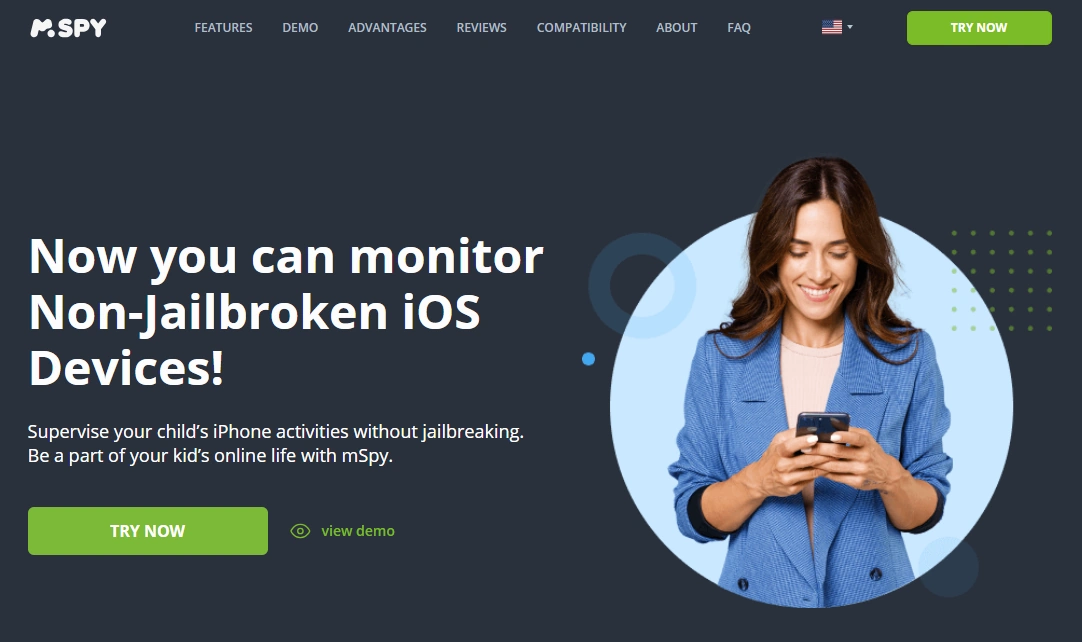
mSpy is best viewed as an all-round iPhone monitoring dashboard. It’s a strong choice for parents who want consistent routines and clear visibility — as long as you keep your expectations realistic about iOS limitations and follow the setup instructions carefully.
Key features
- All-round monitoring dashboard approach for iPhone
- Designed for parent/device-owner use cases
- No-jailbreak positioning for common iPhone setups
- Works best with stable settings and consistent sync
PROS
- Strong “one dashboard” option for many families
- Good starting point if you want broader visibility than basic limits
- Works well when you treat it as a routine check-in tool
CONS
- iPhone monitoring is setup-dependent (not “magic stealth”)
- Some categories may be limited by iOS constraints
- Reliability can be affected by frequent account/device changes
Ready to try mSpy? Check the latest plans on the official website.
mSpy alternatives (when mSpy isn’t the best fit)
Eyezy – clean dashboard for routine parent check-ins
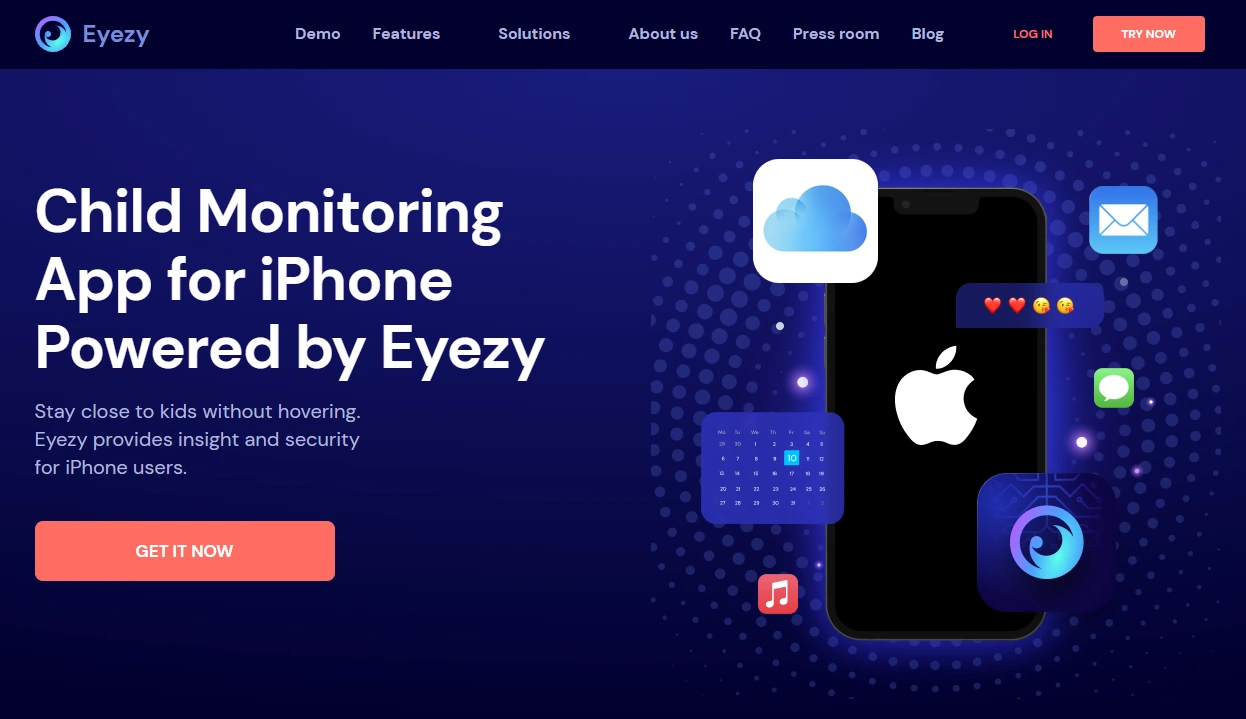
If you want a simpler, parent-friendly interface and a “daily check-in” workflow, Eyezy is often the best alternative to compare against mSpy.
Key features
- Parent-friendly dashboard for iPhone monitoring
- Good fit for routine check-ins and pattern spotting
- Useful comparison pick vs mSpy for usability
PROS
- Clean interface that’s easy to use daily
- Good shortlist alternative to mSpy
- Works well for parents who hate complex dashboards
CONS
- Still constrained by iOS setup types
- Not meant for unrealistic “monitor everything silently” expectations
Ready to try Eyezy? Check the latest plans on the official website.
uMobix – situational pick for social-heavy teen scenarios
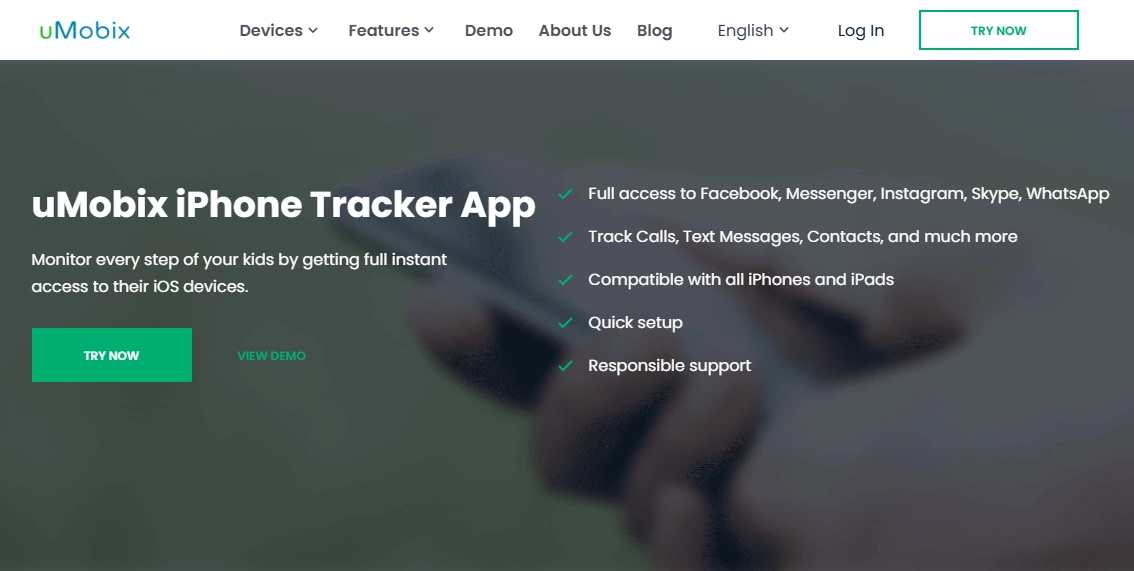
If your main concern is social app behavior (rather than basic limits), uMobix can be a situational pick worth comparing against mSpy and Eyezy.
Key features
- Designed for iPhone monitoring scenarios
- Often shortlisted for social-heavy use cases
- Useful comparison pick when social apps are the priority
PROS
- Good situational fit for teen scenarios
- Worth comparing if social apps are your main risk area
- Strong alternative shortlist pick
CONS
- Not the best fit if your only goal is simple limits
- As with all iPhone options, results depend on setup constraints
Ready to try uMobix? Check the latest plans on the official website.
Bark – best if you want safety alerts (less micromanaging)
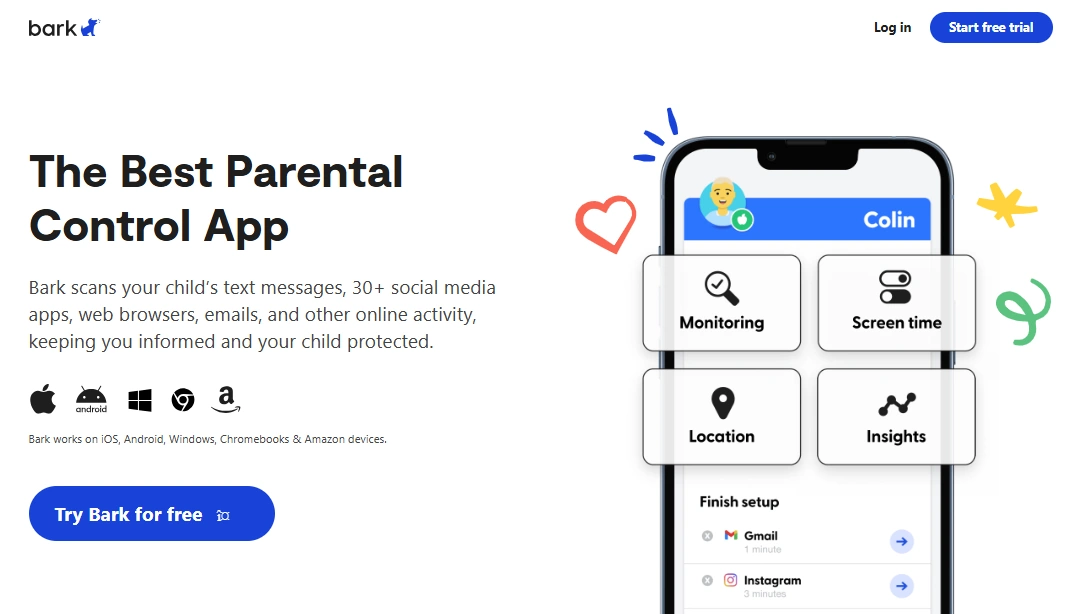
If you want a healthier parenting style (alerts + conversations instead of constant checking), Bark is often a better long-term fit than any “log everything” dashboard.
Key features
- Safety alerts and parent-first workflow
- Designed to reduce micromanaging
- Good fit for kids and many teen households
PROS
- More sustainable long-term for many families
- Often reduces daily conflict
- Great for safety-focused parenting goals
CONS
- Not designed for extreme “spy-style” detail
- May feel “too light” if you want a deep dashboard view
Ready to try Bark? Check the latest plans on the official website.
Comparison table (mSpy vs top iPhone alternatives)
| App | Best for | Platforms | Key highlights | Refund or Trial |
|---|---|---|---|---|
| mSpy | All-round iPhone monitoring dashboard | iPhone | Strong “one dashboard” option for parents/device owners | See official site |
| Eyezy | Clean dashboard + daily check-ins | iPhone | Parent-friendly UI; great routine workflow | See official site |
| uMobix | Social-heavy scenarios (situational) | iPhone | Shortlist pick when socials are the priority | See official site |
| Bark | Safety alerts (less micromanaging) | Android + iPhone | Alerts-first parenting model | See official site |
If you want a head-to-head breakdown, use: mSpy vs uMobix vs Eyezy — The Ultimate Showdown.
What to do if you don’t have Apple ID login
If your situation is “I don’t have Apple ID credentials,” be careful with expectations. Many iPhone monitoring promises are unrealistic without legitimate access. Start with these two guides:
- Best iPhone Monitoring Apps Without Apple ID Password
- Best iPhone Monitoring Apps That Work Without Apple ID Login
FAQ
Does mSpy work on iPhone in 2026?
Yes, but iPhone monitoring is setup-dependent. What you can see and how reliable it is depends on the iOS constraints and the setup type you can legitimately configure.
Do I need to jailbreak an iPhone to use mSpy?
Many parents prefer no-jailbreak approaches because they are simpler and safer. mSpy’s iPhone setup options depend on your situation and what you can legally configure.
Can mSpy monitor an iPhone without Apple ID credentials?
If you don’t have Apple ID access, your options are limited on iPhone. Read: Best iPhone Monitoring Apps Without Apple ID Password.
Is mSpy legal to use on my child’s iPhone?
Laws vary, but the safest case is monitoring a device you own/manage (your child under your care) with clear rules. Always read: Legal Phone Tracking.
What’s the best mSpy alternative for iPhone?
If you want a clean parent-friendly dashboard, compare Eyezy. If your main concern is social apps, uMobix can be a situational shortlist pick. If you want safety alerts with less micromanaging, Bark is a strong alternative.
Why does iPhone monitoring feel harder than Android?
iOS has stricter security rules and permissions than Android. That’s why features, access, and reliability can vary more on iPhone depending on setup type.