

Families don’t need “spy fantasies.” They need clarity: Is this app actually useful for keeping kids safe without creating chaos at home?
This review focuses on mSpy as a family tool — how it behaves for kids vs teens, what’s realistic on Android vs iPhone, and what to do if your goal is more “healthy boundaries” than “see everything.”
If you’re a parent/guardian managing a child’s device, here’s the real-world guide to deciding whether mSpy fits your situation.
Short on time? Quick verdict
- Best for: parents who manage a child’s device and want visibility + accountability (especially if the child is tech-savvy).
- Most realistic win: spotting patterns early (risky contacts, inappropriate content exposure, location inconsistencies), not “perfect real-time everything.”
- Not ideal for: families who want a purely preventive approach (limits/approvals/downtime only) or situations where you don’t have legitimate access.
Quick jump: Decision checklist · Verdict · Comparison table · What really matters · Best for your situation · Setup tips · mSpy review · Legal notes · FAQ
60-second decision checklist
- Is this your child’s device that you own/manage? If not, stop — use only legal, consent-based options.
- Kid or teen? Kids usually need prevention (limits). Teens often need accountability + agreed rules.
- Android or iPhone? Android typically allows deeper monitoring; iPhone is more method-dependent and can be less consistent.
- What’s your goal? If you mainly want time limits/downtime: consider a pure parental control approach first.
- Need a safe setup plan? Use: safe & legal setup guide.
- Unsure which tool fits your constraints? Read: how to choose the right iPhone monitoring app.
Verdict: is mSpy a good choice for families?
mSpy can work well for families when it’s used as a structured accountability tool — with clear rules, legit access, and a parent who’s willing to use it calmly (not as a punishment machine).
If your child is younger and you mostly want prevention (limits, approvals, downtime), you may get better results with safer, less “monitoring-heavy” approaches first. For teens, mSpy can be useful if you pair it with transparency and boundaries.
Try mSpy for parents See mSpy main offer
Comparison table: mSpy for kids vs teens (what’s realistic)
| Family situation | What usually works best | Where mSpy fits | Main trade-off |
|---|---|---|---|
| Kids (roughly 7–12) | Prevention: limits, safe browsing, downtime, app approvals | Useful if you need extra visibility due to repeated risky behavior | More monitoring can create conflict if used too aggressively |
| Teens (roughly 13–17) | Accountability + agreed boundaries + privacy-respecting rules | Useful for patterns, risky contacts, and “something feels off” situations | Trust can break if monitoring is hidden or used punitively |
| Android households | Deeper controls and more consistent data are possible | Often a stronger fit (fewer iOS limitations) | Setup quality still matters (permissions + rules) |
| iPhone households | Method-dependent: stability > feature checklist | Can work, but expect stricter limits and occasional friction | “Android-level visibility” is not a realistic expectation |
Helpful internal reads: top phone monitoring apps · safest parental control apps for under 13 · best phone montitoring apps for Android & iPhone
What really matters for families (Android vs iPhone + reliability)
1) The goal: safer habits, not “perfect surveillance”
Most parents don’t need 24/7 detail. They need a dependable way to spot red flags early and start a conversation. mSpy is most effective when it supports a family agreement (rules + consequences + check-ins).
2) Android vs iPhone is a big deal
On Android, you can usually get more consistent coverage because the platform is more open. On iPhone, monitoring is more constrained and method-dependent. If you’re on iPhone, don’t skip this: how to choose the right iPhone app.
3) Reliability is mostly about setup discipline
The most common “mSpy doesn’t work” story is really: missing permissions, unstable settings, a phone that’s constantly updated/reset, or expectations that don’t match the platform. A stable setup beats “more features” every time.
4) Teens require transparency if you want long-term results
With teens, hidden monitoring often backfires. If your teen finds out, you lose leverage and trust. A better approach: explain what you monitor, why, and how you’ll use it (safety first, not punishment first).
Best for your situation
Best if you need accountability (repeat issues, risky contacts, constant rule-breaking)
If your child keeps stepping into unsafe situations, mSpy can help you get clarity faster — but it works best when paired with a written rule set and calm follow-through.
Best if you want a safer, less “monitoring-heavy” approach (especially for younger kids)
If your goal is prevention (limits + alerts) with less invasive monitoring, consider a safety-first parental control style option.
Best if your biggest problem is websites/links/videos (high ROI fix)
A lot of “bad stuff” happens through links, browsers, and autoplay videos — not through one specific app. In those cases, web filtering is often the fastest improvement.
Setup tips & common issues (family-friendly)
- Start with a family agreement: rules, what’s monitored, what triggers a conversation, and what triggers consequences.
- Use mSpy as a “pattern finder”: check weekly patterns instead of obsessing daily.
- iPhone parents: follow a safe setup process to avoid account/permission chaos: safe & legal setup.
- Keep the phone stable: constant resets, changing accounts, or disabled permissions will break reliability.
- Don’t use monitoring as punishment: it increases secrecy and workarounds. Use it to reduce risk and open dialogue.
mSpy for families review
Description
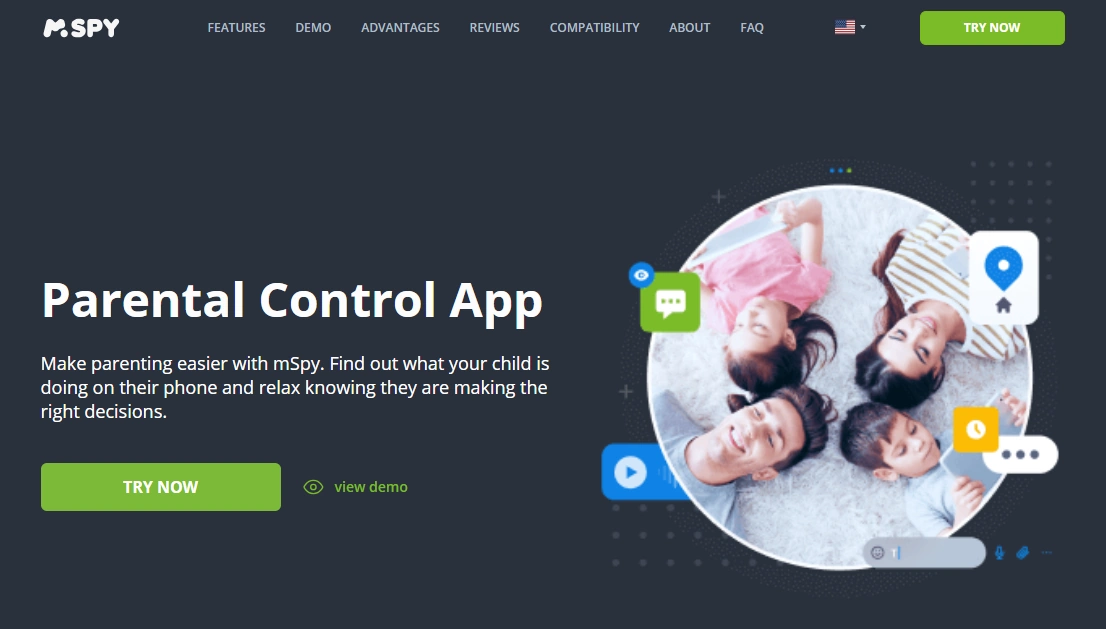
mSpy is a monitoring-focused parental control solution that gives parents a dashboard-style view of a child’s device activity. For families, the best way to use it is to reduce blind spots and spot risky patterns early — not to micromanage every detail of a child’s day.
Product highlights
- Dashboard-style oversight for parents/guardians managing a child device
- Useful for pattern detection (risky contacts, content exposure, inconsistent stories)
- Typically stronger coverage on Android; iPhone results depend on setup method and stability
- Most effective when paired with clear family rules and transparency (especially with teens)
What’s to like
- Helps parents move from “I have no idea what’s going on” to clear, practical conversations
- Good fit when a child is tech-savvy and keeps finding loopholes
- Can support accountability in teen years when used openly and calmly
What’s not to like
- If used secretly or harshly, it can damage trust and increase workaround behavior
- iPhone monitoring can be method-dependent and less consistent than many parents expect
- It’s not a replacement for prevention (limits, routines, screen-time structure)
PROS
- Strong accountability tool when parents manage the device legally
- Useful for spotting risky patterns early
- Can be effective for teens when paired with transparency and boundaries
CONS
- Not ideal for “set-and-forget” parents who won’t maintain rules and consistency
- Potential conflict if expectations aren’t aligned (especially on iPhone)
- Can be too heavy-handed for younger kids when simple prevention would do
Get mSpy for parents View mSpy main offer
Legal notes
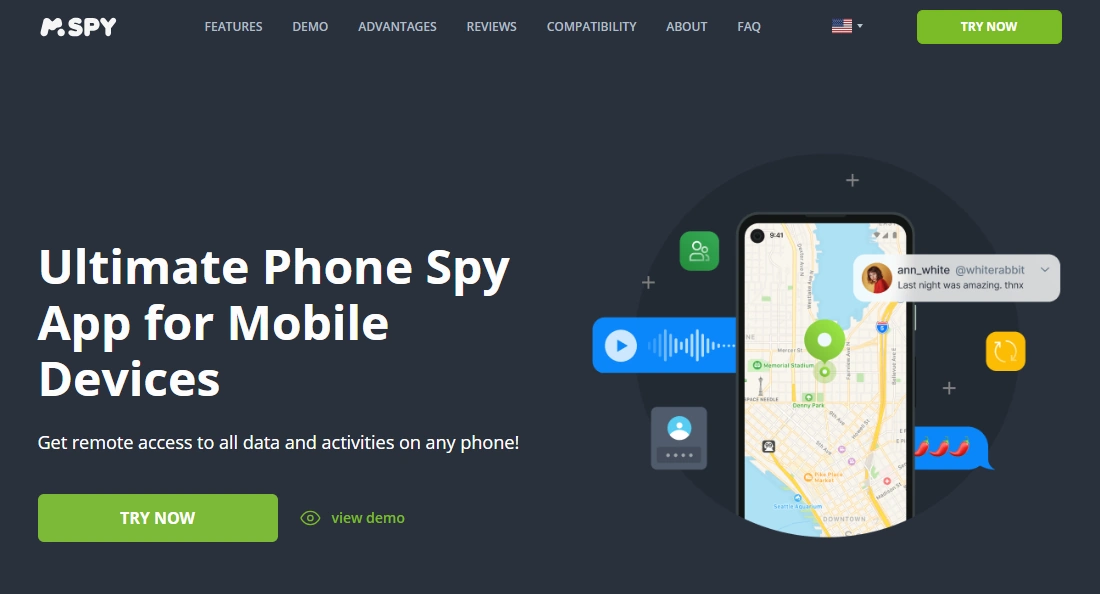
Use monitoring tools only on devices and accounts you own or are authorized to manage (for example, your child’s phone as a parent/guardian). Avoid covert monitoring of other adults without consent. For boundaries and practical examples, read: Legal phone tracking: what’s allowed and what’s not.
FAQ
Is mSpy a good choice for parents monitoring kids?
It can be, especially if you manage the child’s device and need accountability due to repeated risky behavior. For many younger kids, prevention-first tools (limits, downtime, approvals) may be enough.
Is mSpy better for kids or teens?
It’s usually more useful for teens when used transparently as an accountability tool. For younger kids, a prevention-focused setup often creates less conflict and still improves safety.
Does mSpy work better on Android or iPhone?
Android monitoring is typically deeper and more consistent. iPhone monitoring is more constrained and method-dependent, so setup discipline and realistic expectations matter more.
Will mSpy create trust issues with my teen?
It can if used secretly or punitively. A better approach is transparency: explain what you monitor, why, and how you’ll use the information (safety first).
What’s a safer alternative if I don’t want heavy monitoring?
If you want prevention + alerts with a more safety-first vibe, consider a parental control style option like Bark and focus on routines, limits, and open conversations.
Is mSpy legal for families to use?
Parents/guardians can generally monitor a child’s device they own/manage, but laws vary by location. Avoid monitoring other adults without consent and follow legal guidance.