

“Recover deleted messages” is one of the most misunderstood features in this entire niche.
Most parents imagine a rewind button: the child deletes a WhatsApp or Instagram chat, and the app instantly restores every word. In real life, recovery depends on how the phone captured the data (notifications vs local access), what the app is allowed to read, and whether the message existed long enough to be logged.
This review breaks down what mSpy can realistically do for deleted messages on WhatsApp, Instagram, and other apps—plus how it compares to alternatives like Eyezy and uMobix. For a broader overview first, see: best apps to see deleted messages.
Short on time? Quick verdict
- Can mSpy “recover deleted messages”? Sometimes—mostly when the content was captured before deletion (often via notifications/logging). It’s not a guaranteed “restore everything” button.
- Best for: parents managing a child’s phone who want a reliable dashboard and a higher chance of seeing message content before it disappears.
- Android vs iPhone: Android tends to be more consistent for monitoring-style outcomes; iPhone is more setup-dependent.
- If you want another strong “deleted messages” angle: Eyezy can be competitive. If you prefer a simpler workflow, uMobix is a solid alternative.
Quick jump: 60-sec checklist · Verdict · Comparison table · What really matters · Best for your situation · Setup tips · Reviews · Legal notes · FAQ
60-second decision checklist
- Decide what “recovery” means: seeing content that was captured before deletion vs truly restoring erased data.
- Android usually wins: it’s generally more consistent for monitoring-style outcomes than iPhone.
- Speed matters: if a message is deleted quickly, it may never be captured.
- Expect gaps: disappearing messages, encrypted apps, and OS privacy limits can reduce what’s available.
- Pick a parent workflow: mSpy for reliability, Eyezy for a strong “social monitoring” angle, uMobix for a simpler dashboard.
Verdict: is mSpy good for deleted WhatsApp & Instagram messages?
mSpy is one of the better options if your goal is to reduce the “delete and deny” problem by capturing message activity as it happens (so you can still review it later).
But here’s the reality check: no app can guarantee recovery of every deleted message. If the phone never logged it, or it disappeared instantly, or the OS blocked access, there’s nothing to “recover.” Think of it as prevention via logging, not magical restoration.
Comparison table: mSpy vs alternatives for deleted messages
This comparison focuses on what parents actually care about: chance of seeing message content before deletion, consistency, and how predictable the setup is.
| App | Deleted message visibility | Reliability | Android vs iPhone | Best for |
|---|---|---|---|---|
| mSpy | High (best all-round) | High | Android stronger; iPhone varies | Parents who want reliability |
| Eyezy | High (social monitoring angle) | High | Android strong; iPhone varies | Control + social focus |
| uMobix | Mid-high | Mid-high | Android stronger; iPhone varies | Simpler dashboard workflow |
What really matters for “deleted message recovery”
1) “Recovered” usually means “captured before deletion”
Most of the time, deleted-message features work like this:
- A message arrives on the phone.
- The monitoring tool captures the content (often via notifications/logging).
- The user deletes the chat in WhatsApp/Instagram.
- You can still see what was captured earlier.
If the message was never captured (for example, deleted instantly or blocked by settings/OS), there may be nothing to show.
2) Disappearing messages and privacy features create natural gaps
Apps increasingly offer “disappearing” modes. Those features are designed to reduce retention. Even strong tools can show gaps—especially if content disappears quickly.
If you want the broader “how to” logic rather than any single tool, read: how to see deleted messages on WhatsApp or Instagram.
3) Android vs iPhone expectations
As a practical rule: Android is typically more consistent for monitoring-style outcomes. iPhone results can be more setup-dependent due to OS restrictions and how apps expose data.
4) “Recovery” isn’t only about monitoring apps
Sometimes the best recovery path is a legitimate backup/restore workflow (depending on the app and the family’s setup). If you need an app-first shortlist, see: best apps to recover deleted chats and media and best apps to see deleted WhatsApp messages.
Best for your situation
- I want the most reliable “capture before deletion” experience: mSpy
- I want a strong social monitoring angle: Eyezy
- I want a simpler “check the dashboard” workflow: uMobix
- I’m comparing brands specifically for deleted messages: uMobix deleted messages review · Eyezy deleted messages review
Setup tips & common issues (for parents, safely and legally)
Important: use monitoring tools only on devices you own/manage (for example, your child’s phone) or where you have clear consent. I won’t help with illegal/unauthorized monitoring.
Tip 1: Start by validating one app (WhatsApp) before expanding
Test your must-have scenario (e.g., WhatsApp message arrives → later gets deleted → do you still see it?). Once that works, expand to Instagram/others.
Tip 2: Don’t expect perfect results with “instant delete” behavior
If a message is deleted immediately, it may never be captured. This is a normal limitation, not necessarily a broken tool.
Tip 3: Post-update health check
After major Android/iOS updates, do a quick check to confirm logs still refresh. Many “it stopped showing messages” issues begin after OS updates.
Tip 4: If stealth is a concern, understand the tradeoff
Trying to maximize stealth can reduce reliability (especially if background services are restricted). For stealth expectations, see: mSpy hidden mode.
Reviews
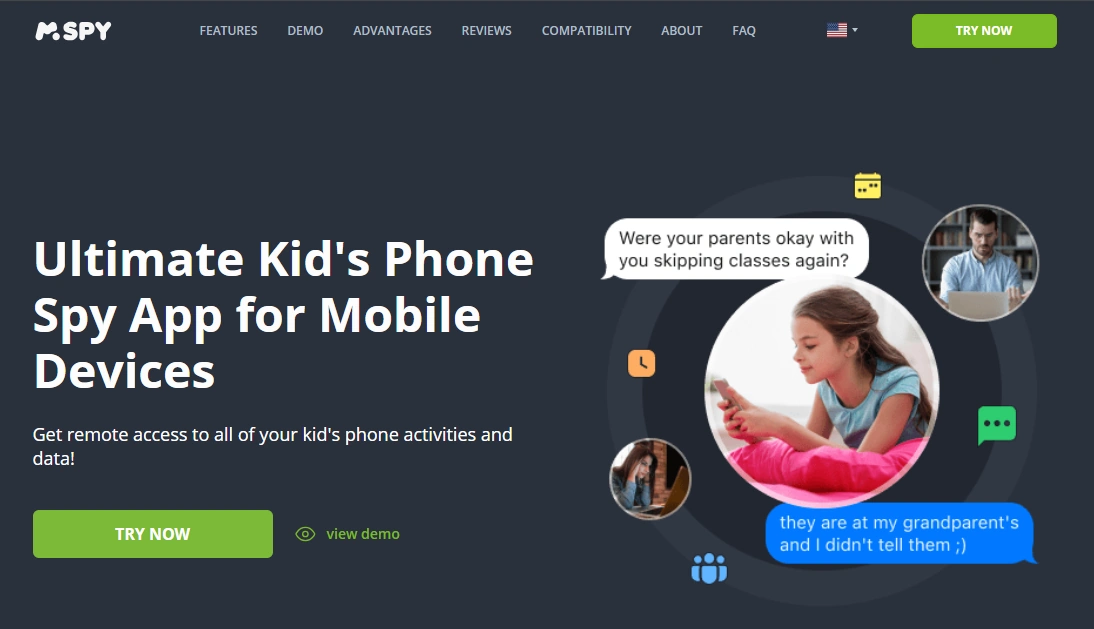
mSpy deleted messages recovery (WhatsApp, Instagram & more)
Description
mSpy is best understood as a capture-and-review tool for parents: it aims to log activity in a way that makes “delete and deny” harder—especially when content is captured before it’s removed inside apps like WhatsApp or Instagram.
Product highlights
- Strong all-round monitoring reliability for parent use-cases
- Good chance of seeing message content that was captured before deletion
- Better overall baseline than many smaller “deleted message” tools
What’s to like
- Most consistent “set it up and review” workflow
- Better long-term reliability for busy parents
What’s not to like
- Not a guaranteed “restore everything” button—gaps happen
- iPhone outcomes can be more setup-dependent than Android
PROS
- Best reliability-first pick for deleted message visibility
- Great for WhatsApp/Instagram monitoring workflows
CONS
- Won’t recover messages that were never captured
Try mSpy: Get mSpy · WhatsApp · Instagram
Eyezy (strong alternative for social monitoring)

Description
Eyezy is a strong alternative if you like a more control-focused vibe and want a competitive approach to social app monitoring. It can be a good pick when your priority is “social visibility,” not just general device tracking.
Product highlights
- Strong social monitoring positioning
- Good alternative when comparing “deleted messages” features
- Works best when expectations are realistic (capture before deletion)
What’s to like
- Competitive option for parents focused on social apps
What’s not to like
- Same reality limits: not everything can be recovered
PROS
- Strong social monitoring alternative
CONS
- Not a guaranteed “restore deleted chats” tool
Try Eyezy: Get Eyezy · Related: Eyezy deleted messages review
uMobix (simpler dashboard alternative)

Description
uMobix is often a better fit if you want a simpler workflow: check the dashboard, see patterns, and follow up with conversations and rules—rather than chasing “perfect recovery.”
Product highlights
- Simple dashboard-first parent workflow
- Good comparison point for deleted message visibility
- Best used with realistic expectations (capture before deletion)
What’s to like
- Easy for non-technical parents
What’s not to like
- May be less consistent than mSpy in some setups
PROS
- Simple, low-friction workflow
CONS
- Not the most reliable “deleted messages” specialist
Try uMobix: Get uMobix · Related: uMobix deleted messages review
Legal notes
Use monitoring tools only on devices you own, devices you manage (for example, your child’s phone under your care), or where you have clear consent. Monitoring other adults or devices you don’t control without permission can be illegal.
Read this before you set anything up: legal phone tracking: what’s allowed and what’s not.
FAQ
Can mSpy actually recover deleted WhatsApp messages?
Sometimes. In practice, “recovery” usually means the content was captured before it was deleted (often via notifications/logging). If a message was never captured, it may not be available.
Can mSpy recover deleted Instagram DMs?
It can help you see message activity that was captured before deletion, but it’s not guaranteed to restore every deleted DM. Results depend on device OS, setup, and how quickly messages are deleted.
Is mSpy better on Android or iPhone for deleted messages?
Android is typically more consistent for monitoring-style outcomes. iPhone setups can be more dependent on the method used and OS privacy limits.
Why do “deleted message” apps sometimes miss chats?
Common reasons include instant deletion (never captured), disappearing message modes, OS restrictions, battery/background limits, or changes after system updates.
What’s the best alternative if mSpy doesn’t fit?
Eyezy is a strong alternative with a social monitoring angle. uMobix is a simpler dashboard option if you prefer a low-friction parent workflow.
Is it legal to use mSpy for deleted messages on a child’s phone?
Laws vary by country, but parents commonly manage a minor child’s device they own or administer. Using monitoring tools on other adults or devices you don’t control without consent can be illegal.