

Most “call & SMS trackers” give you two separate lists: call logs here, messages there. Moniterro’s angle is different: it pushes the idea of combined activity logs—a more unified view that helps parents spot patterns faster (late-night calls, repeated unknown numbers, sudden spikes in texting).
This review is written for daily use, not marketing screenshots. We’ll cover what Moniterro actually shows for calls and SMS, how reliable it is on Android vs iPhone, what causes missing entries, and when you’re better off choosing a more call/SMS-first alternative.
If you’re still deciding between tools, start here: best call & SMS monitoring apps for Android and iPhone.
Short on time? Quick verdict
- Best for: parents who want calls + SMS in one “combined activity” view to spot patterns fast.
- Best platform: Android typically delivers the most complete call/SMS data (with correct permissions + battery settings).
- Reality check: “Live sync” depends on connectivity + background restrictions; iPhone completeness can be more method/iOS dependent.
- If you want the cleanest call/SMS-first dashboard: compare mSpy call & SMS monitoring.
Quick jump: 60-sec checklist · Verdict · Comparison · Combined logs · Android vs iPhone · Best for your situation · Setup tips · Reviews · Legal notes · FAQ
60-second decision checklist
- Android or iPhone? Android usually gives more complete call/SMS logs. iPhone can be more limited depending on iOS and method.
- Do you need “combined activity logs”? If you want one place to spot patterns (calls + texts together), Moniterro’s approach is appealing.
- What’s your baseline need? Call logs (who/when/how long) are most realistic. Call recording is often restricted and legally sensitive.
- Can you stabilize background sync? Battery optimization on Android is the #1 cause of missing logs.
- Legal/ethical baseline: only monitor a device you own/manage (e.g., your child’s phone) or with clear consent.
Verdict: is Moniterro good for call & SMS monitoring?
Moniterro is a strong fit if your priority is seeing calls and texts in a more unified, pattern-friendly way (combined activity logs), and you’re monitoring a child’s phone with proper permissions and stable syncing.
Moniterro may not be the best fit if you want a pure “calls + SMS only” dashboard with the most mature call/SMS-first reporting. In that case, mSpy is usually the cleaner baseline, and uMobix is a strong Android-first option if you want a fast daily check feel.
Try Moniterro · Read uMobix call/SMS review · Read Eyezy call/SMS review
Moniterro vs top alternatives (calls + SMS + activity view)
This comparison focuses on daily use: log clarity, reliability, and how quickly you can spot patterns.
| App | Best on | Calls | SMS | Activity view | Best for |
|---|---|---|---|---|---|
| Moniterro | Android (most practical), iPhone (varies) | Call logs with pattern visibility | SMS visibility (setup-dependent) | Combined activity logs concept | Parents who want patterns fast |
| mSpy | Android + iPhone | Very clear call logs | Strong SMS/messages tracking | Call/SMS-first reporting | Best overall call/SMS baseline |
| uMobix | Android | Good daily-use history with stable sync | Good SMS visibility with stable setup | Fast “dashboard check” feel | Parents who value speed |
| Eyezy | Android (most complete), iPhone (varies) | Suite-style call visibility | Strong SMS tracking option | Extra context via broader suite | Parents who want more than SMS |
What “combined activity logs” means (and why it matters)
A combined activity log is basically a timeline-first way to look at activity. Instead of switching between “Calls” and “Messages,” you focus on the sequence:
- When did something happen? (time-of-day patterns)
- Who is involved? (repeat unknown numbers / frequent contacts)
- How intense is it? (sudden spikes: more calls + more texts)
For many parents, this is more useful than reading individual lines—because it helps you decide when you should step in, talk, or tighten rules.
Android vs iPhone: reliability reality
Android: best potential, but setup decides everything
On Android, call/SMS monitoring can be very consistent if permissions and background syncing stay enabled. The most common reason for gaps is battery optimization pausing background services.
Use this stability guide if you want fewer missing logs: how to install Android monitoring apps safely (stability-focused).
iPhone: validate early (method and iOS version matter)
On iPhone, completeness can be more method-dependent. If your plan relies on call/SMS monitoring, validate your exact use case within 24–48 hours and keep expectations realistic.
Use a safe setup flow here: how to set up iPhone monitoring safely and legally.
Best for your situation
- You want patterns in one place (timeline style): Moniterro is a good match.
- You want the cleanest “calls + SMS-first” reporting: mSpy is usually the baseline pick.
- You want a fast daily dashboard check on Android: uMobix is a strong alternative.
- You want calls/SMS plus broader context beyond SMS: Eyezy can be better if messaging apps matter more than SMS.
Setup tips & common issues (quick fixes)
Issue: call/SMS logs are missing or delayed
- Android: disable battery optimization for the monitoring service and allow background activity.
- Connectivity: offline periods (no Wi-Fi/mobile data) naturally delay syncing.
- Expectations: “near-real-time” isn’t guaranteed during low battery, poor signal, or heavy power saving.
Issue: contact names show as numbers
- If contacts aren’t saved consistently or aren’t syncing, you may see raw numbers.
- For parent decisions, the pattern (repeat number + timing) is often more important than the perfect label.
Issue: your child doesn’t use SMS at all
- Call/SMS monitoring is still useful for patterns, but it won’t replace visibility into messaging apps.
- If messaging apps matter most, consider a broader suite approach like Eyezy (and validate your specific apps early).
Reviews
Moniterro (combined activity logs focus)

Description
Moniterro’s value for parents is the combined activity logs mindset: instead of treating calls and SMS as separate “screens,” it pushes you toward a more timeline-based way of seeing what’s happening. That’s especially useful when your goal is pattern detection (sudden spikes, repeated unknown numbers, late-night activity) rather than reading every message.
Product highlights
- Call log monitoring for pattern spotting (who/when/how often)
- SMS visibility (setup-dependent, best results on Android)
- Combined activity log approach (less context switching)
What’s to like
- Timeline-style thinking is great for parent decisions
- Helps you react to patterns, not single events
- Simple starting point if you mainly care about calls + texts
What’s not to like
- Like all tools, reliability depends on setup (especially Android battery settings)
- iPhone call/SMS completeness can be method/iOS dependent
- If you need deep visibility into messaging apps, you may want a broader suite
PROS
- Great for pattern detection using combined activity logs
- Practical calls + SMS monitoring foundation
CONS
- Setup-sensitive (background/battery restrictions)
- Not a guaranteed “everything works everywhere” solution on iPhone
Try Moniterro: Official page
mSpy (best call/SMS-first alternative)
Description
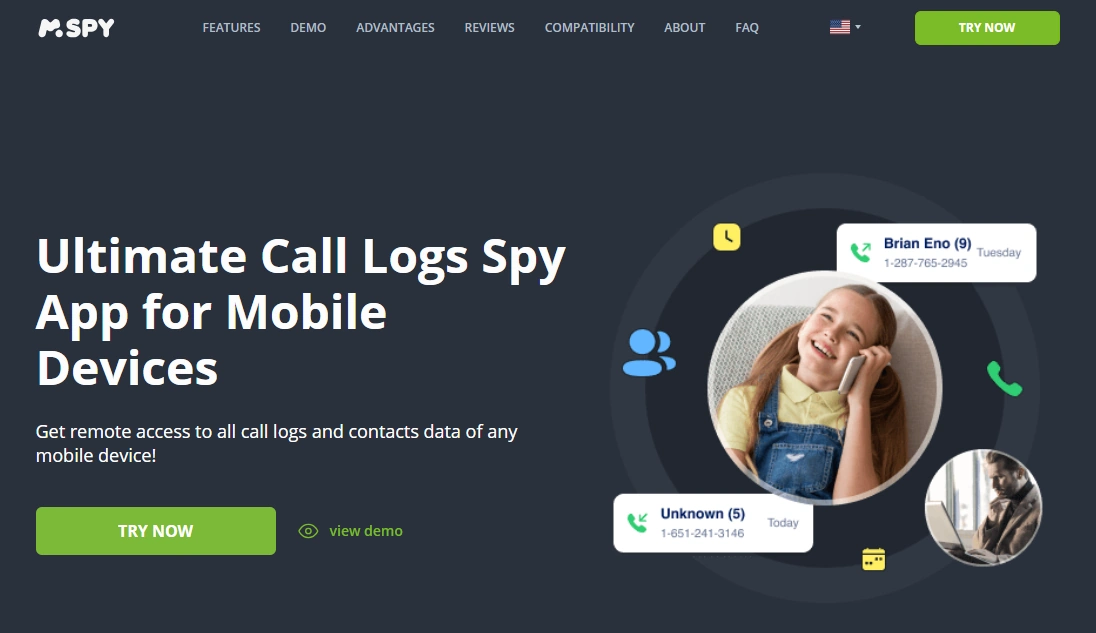
mSpy is the cleaner “calls + SMS-first” baseline if you mainly want clear logs and straightforward reporting. If Moniterro’s combined activity approach isn’t a must-have, mSpy is usually the easiest safe recommendation for parents.
Full breakdown: mSpy call & SMS monitoring review.
Product highlights
- Very clear call log views (timestamps, durations, contacts)
- Strong SMS/messages tracking option
- Practical parent-first reporting style
What’s to like
- Best overall balance for calls + SMS
- Logs are easy to read quickly
What’s not to like
- Still setup-sensitive (especially on Android battery optimization)
- iPhone completeness can vary depending on method/iOS
PROS
- Best call/SMS-first alternative
- Excellent log clarity
CONS
- Less “combined timeline” emphasis than Moniterro’s angle
Try mSpy: Calls Tracking · SMS & Messages Tracking
uMobix (fast daily check alternative)
Description
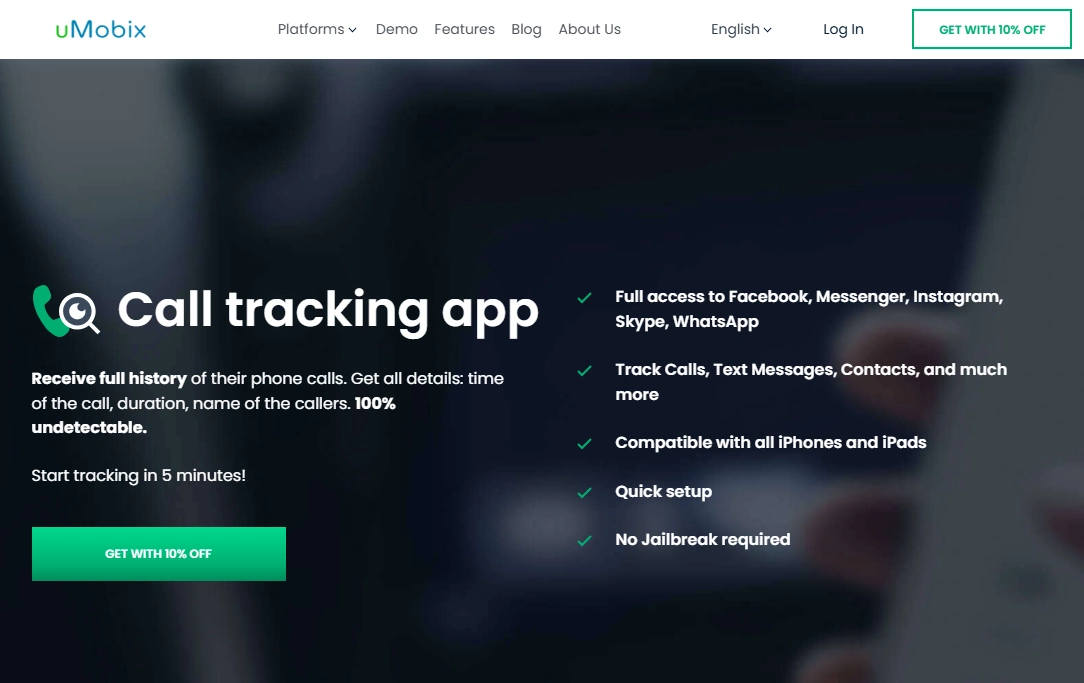
uMobix is often chosen for a quick “what happened today?” dashboard feel on Android. If you like the idea of scanning call/SMS history fast (without overthinking timelines), uMobix is a strong alternative—assuming you keep background sync stable.
Full breakdown: uMobix call & SMS tracking review.
Product highlights
- Call tracking option (history + timestamps)
- SMS tracking option
- Fast-feeling daily checks when syncing is stable
What’s to like
- Great “quick scan” workflow for busy parents
- Good daily-use call/SMS visibility on Android
What’s not to like
- Battery optimization can cause gaps if ignored
- Not a guaranteed “real-time” solution in every condition
PROS
- Strong Android-first daily-use feel
- Simple and fast
CONS
- Setup-sensitive on aggressive Android power saving
Try uMobix: Call Tracker · SMS Tracker
Eyezy (broader context alternative)
Description
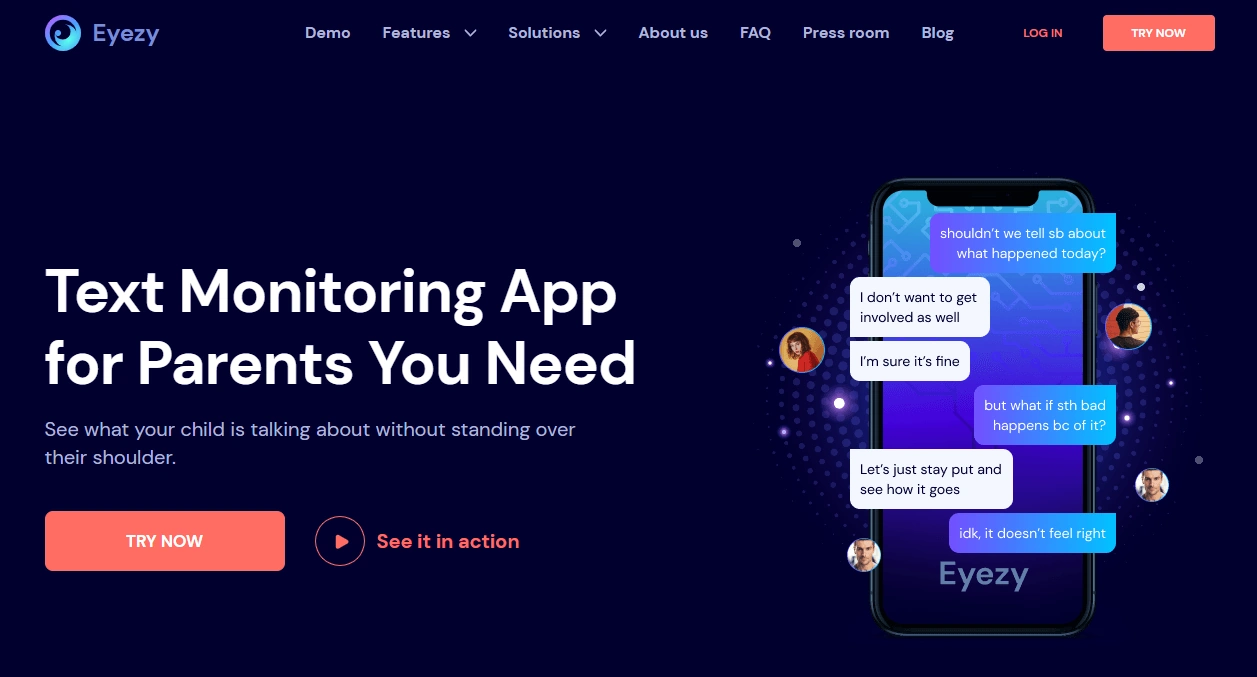
If your child doesn’t really use SMS, Eyezy can be a better idea because it’s built as a broader monitoring suite. Calls and SMS become just one signal among others—useful when you want more context than call logs can provide.
Full breakdown: Eyezy call & SMS review.
Product highlights
- SMS tracker option
- Call recorder option (device/OS/legal dependent)
- Broader suite approach for more context
What’s to like
- Better fit when SMS is not the main channel
- Useful for parents who want more than call/SMS logs
What’s not to like
- Not the simplest “calls + SMS only” experience
- Call recording is not guaranteed and can be legally sensitive
PROS
- All-in-one context beyond SMS
- Strong alternative when chat apps matter more than texts
CONS
- Suite complexity can be more than some parents want
Try Eyezy: SMS Tracker · Call Recorder
Legal notes
Use call/SMS monitoring only on devices you own, devices you manage (for example, a minor child’s phone under your care), or when you have clear consent. Monitoring other adults or devices you don’t own can be illegal.
For a practical overview, read: legal phone tracking: what’s allowed and what’s not.
FAQ
What are “combined activity logs” in call/SMS monitoring?
It’s a timeline-style view that helps you spot patterns faster (calls + texts together) instead of jumping between separate call and SMS screens.
Does Moniterro show the full content of SMS messages?
It can provide SMS visibility depending on device permissions and setup. Android typically offers the most practical results; iPhone completeness can vary depending on iOS version and method.
Is Moniterro “live sync” truly real-time?
It can feel fast when the phone stays online and background sync isn’t restricted. In real life, delays usually come from power saving, weak connectivity, or offline periods.
Can Moniterro record phone calls?
Call recording is often restricted by OS/device rules and can be legally sensitive. Treat recording as a bonus feature (if available) and check local laws first.
Why are call/SMS logs missing or delayed?
Most commonly: incomplete permissions, Android battery optimization restricting background activity, connectivity issues, or iPhone method limitations.
Is it legal to monitor my child’s calls and texts?
It depends on your country and context. Monitoring a device you own/manage for a minor child can be lawful, but monitoring other adults (or devices you don’t own) can be illegal.