

If you’re worried about what’s happening in iMessage—bullying, risky contacts, sextortion attempts, or sudden secrecy—you’re not alone. iMessage is where a lot of real-life pressure shows up first.
This guide is written for parents and legal guardians who want a safer, privacy-first way to protect a child on an iPhone. We’ll cover what’s realistic to monitor, which tools are commonly used by parents, and the steps that usually matter most (rules + Screen Time + the right level of oversight).
Start here if you want the safest foundation: How to Set Up an iPhone Monitoring App Safely and Legally and How to Monitor Kids’ Phones Without Invading Their Privacy.
Quick picks (iMessage-focused)
- Most iMessage-focused offer page: mSpy iMessage Tracking
- Best “dashboard-style” iMessage option: Eyezy iMessage
- Best lighter alternative (messages as part of a wider plan): Parentaler Text Messages
- Best “bigger picture” family safety approach: Bark
- Best general iPhone monitoring option: uMobix iPhone Tracker
Helpful next steps: What’s realistic to monitor on iMessage · Quick comparison table · App reviews · Setup playbook · Is it legal? · FAQ
What’s realistic to monitor on iMessage (and what isn’t)
Apple’s ecosystem is privacy-first by design, so iMessage monitoring is not always “one click.” What you can do reliably depends on the device, the child’s account setup, and how your family uses iCloud.
Usually realistic
- Screen time + schedules: bedtime lock, homework windows, daily limits.
- Contact boundaries: rules about who can message and when.
- Risk reduction: tightening device privacy settings and removing easy loopholes.
Often depends on setup
- Conversation visibility: some tools may provide partial or setup-dependent visibility into messages.
- Attachments and deleted content: not guaranteed and not something you should rely on as a parenting strategy.
If your main issue is “too much phone,” enforce time first: How to Limit Screen Time on Kids’ Phones Automatically.
Quick comparison: iMessage monitoring apps for parents
| App | Best for | Works on | iMessage focus | Setup effort | Link |
|---|---|---|---|---|---|
| mSpy | Parents who want an iMessage-focused starting point | iPhone (and broader cross-device use) | High (iMessage-specific offer) | Medium | View |
| Eyezy | Parents who prefer a dashboard-style experience | iPhone (and broader cross-device use) | High (iMessage-specific offer) | Medium | View |
| Parentaler | Parents who want lighter messaging oversight as part of rules | iPhone, Android | Medium | Low–Medium | View |
| Bark | Families who want safer habits + broader safety signals | Android, iPhone | Lower (not iMessage-only) | Low | View |
| uMobix | General iPhone monitoring option for concerned parents | iPhone | Medium | Medium | View |
If you want a broader overview beyond iMessage, see: The Best Parental Control Apps for iPhone and Parental Control & Monitoring Apps Comparison Table.
Best iMessage monitoring apps (reviews for parents)
mSpy – iMessage-focused starting point for parents
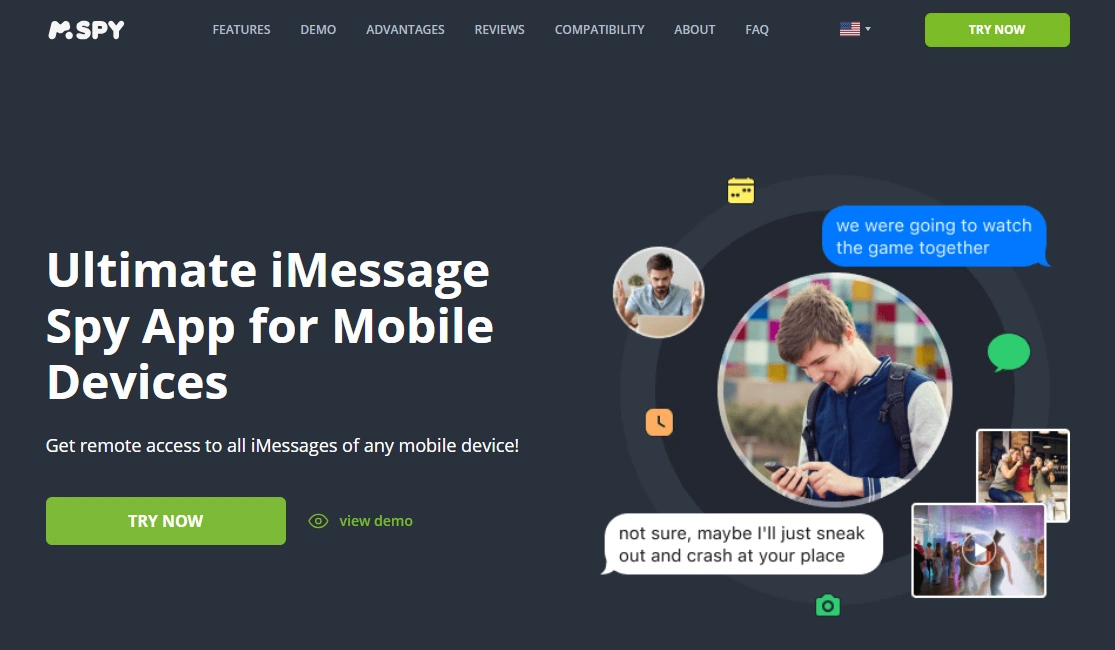
mSpy is commonly chosen by parents who want a tool that’s directly positioned around iMessage monitoring. It’s usually best used alongside clear family rules and Screen Time schedules—so you don’t end up in an endless “monitoring vs loopholes” arms race.
Key features
- iMessage-focused option (offer page dedicated to iMessage)
- Works as part of a broader iPhone monitoring routine
- Helpful when you need structure during a “high concern” period
- Pairs well with bedtime and homework automation
PROS
- Clear iMessage positioning for parents
- Good fit when you need a more hands-on approach
- Works best when combined with rules and schedules
CONS
- iPhone visibility can be setup-dependent
- Not a replacement for family rules and trust
- Over-monitoring can backfire if boundaries aren’t clear
Eyezy – parent-friendly dashboard style for iMessage
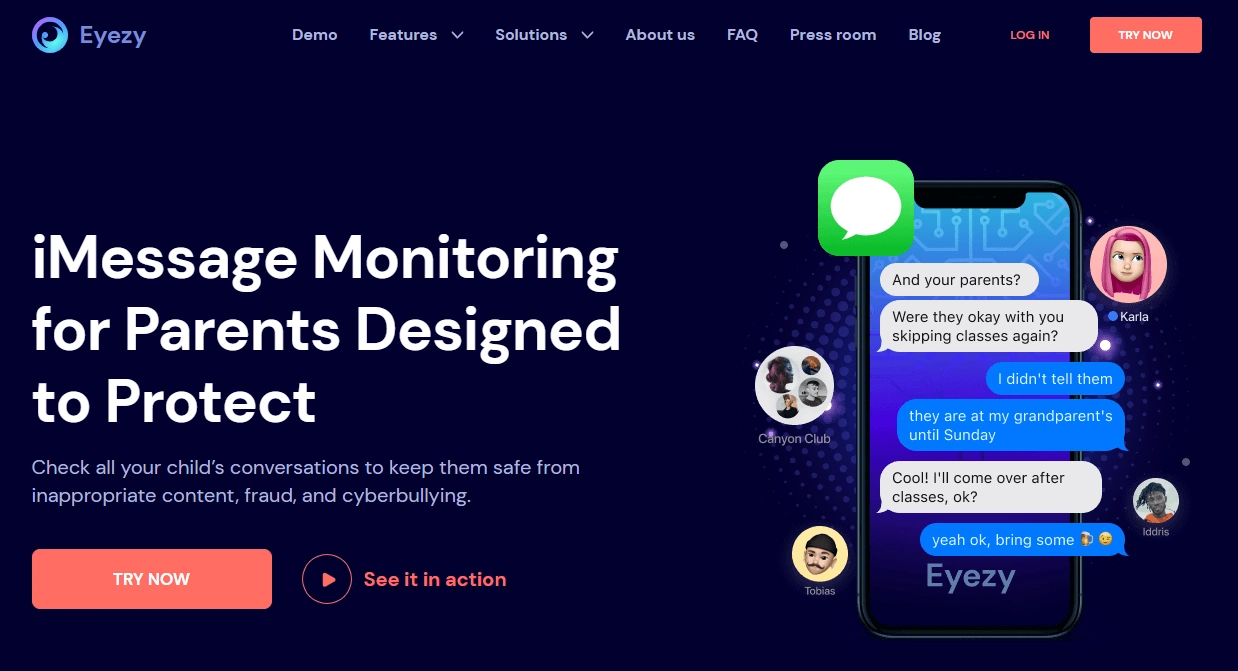
Eyezy is a solid pick if you want a more “dashboard-first” experience—useful for busy parents who want an overview without constantly handling the child’s phone. It’s still most effective when you start with Screen Time rules and only add monitoring as needed.
Key features
- iMessage-specific offer page
- Designed to be easy to check and understand
- Good for “overview” parenting rather than micromanaging
- Works well alongside automated screen time limits
PROS
- Clear iMessage targeting
- Parent-friendly “overview” approach
- Good companion to Screen Time schedules
CONS
- iPhone monitoring depth can vary by setup
- Not a substitute for device rules and communication
- Too much monitoring can damage trust if not explained
Parentaler – lighter messaging oversight as part of a family plan
Parentaler can fit families who want a simpler approach: consistent rules, time limits, and guardrails—with messaging as one part of the bigger plan. If your child is younger, this “light + consistent” style often works better than heavy monitoring.
Key features
- Messaging-focused offer page
- Good “support layer” alongside Screen Time
- Works across iPhone and Android households
- Helps reduce common loopholes when paired with install approvals
PROS
- Simple to understand and maintain
- Good fit for younger kids and clearer boundaries
- Pairs well with automated schedules
CONS
- Not an iMessage-only tool
- You may still need Screen Time for strong scheduling
- Less suited for “high concern” situations needing deeper oversight
Check Parentaler Text Messages
Bark – best for “bigger picture” family safety
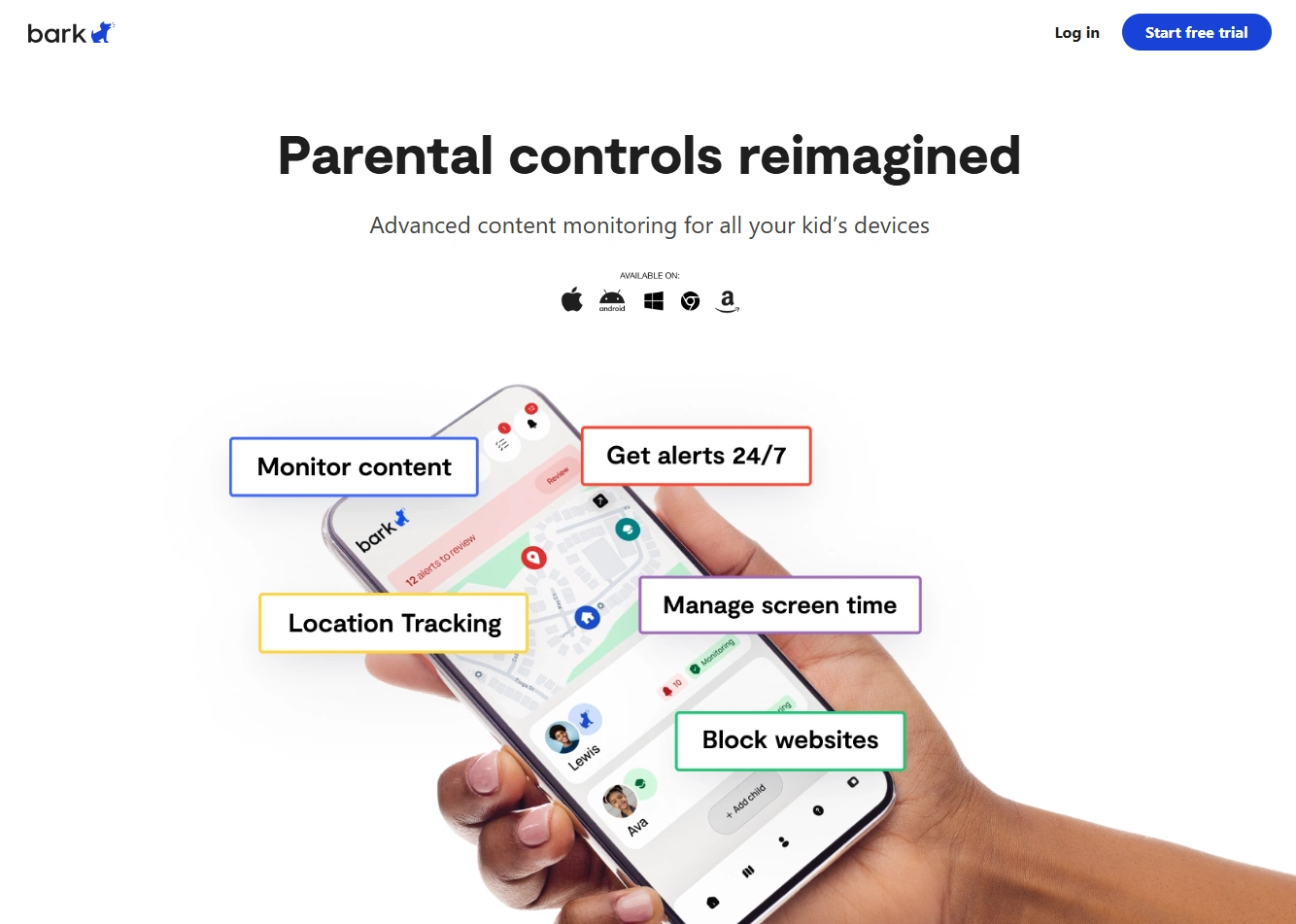
Bark is a good choice when your real goal is not “reading messages,” but making sure nothing dangerous is happening while building healthier digital habits. Many families prefer this approach because it scales better and tends to preserve trust.
Key features
- Family-safety approach (useful across multiple apps/devices)
- Pairs well with iPhone Screen Time automation
- Good for building consistent routines
- Helpful if you want fewer fights and clearer rules
PROS
- Less invasive “safety-first” strategy
- Great companion to schedules and boundaries
- Works well for families with multiple devices
CONS
- Not an iMessage-only solution
- May be too “light” for severe, immediate concerns
- Still requires strong rules and consistency
uMobix – general iPhone monitoring option
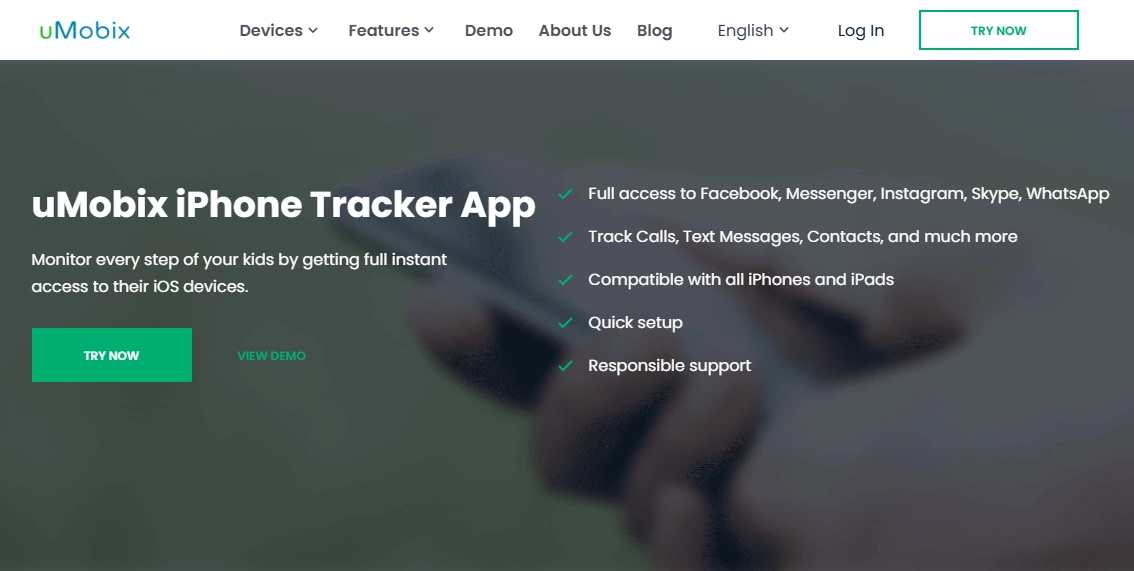
uMobix can be a fit if you want a general iPhone monitoring option as part of a structured plan: Screen Time schedules, clear consequences, and monitoring only where it’s genuinely needed.
Key features
- iPhone-focused tracking offer page
- Useful when you want broader oversight beyond one app
- Pairs well with bedtime and homework automation
- Good “middle ground” option for concerned parents
PROS
- Clear iPhone targeting
- Good as part of a wider monitoring plan
- Works well with consistent schedules
CONS
- Not iMessage-only
- iPhone monitoring depth can vary by setup
- Still requires rules + trust-first parenting
Setup playbook (the safest way to handle iMessage concerns)
Step 1: Define “why” and set rules (before any tool)
- What are you worried about: bullying, risky contacts, explicit requests, threats, secrecy?
- What’s the rule: approved contacts, no late-night messaging, no sharing personal photos/info.
- What happens if the rule breaks: phone-free day, earlier bedtime lock, parent review period.
Step 2: Automate structure with Screen Time
- Bedtime lock: Downtime on school nights.
- Homework window: reduce distractions during key hours.
- Install approvals: prevent “new app” loopholes.
Follow the full routine here: How to Limit Screen Time on Kids’ Phones Automatically.
Step 3: Add the right level of oversight (only if needed)
If the concern is serious or repeating, choose one monitoring tool and keep it focused. Start with a safe setup guide: How to Set Up an iPhone Monitoring App Safely and Legally.
If your child is under 13 and you want the most safety-first approach, see: The Safest Parental Control Apps for Kids Under 13.
Is it legal to monitor iMessage on a child’s iPhone?
In general: monitoring is most defensible when it’s a device you own or manage as a parent/guardian, with clear household rules and age-appropriate expectations.
- Use monitoring on devices you own or manage (kids’ devices, your own devices, company-owned devices with policy).
- Secretly monitoring another adult (partner/ex) is usually illegal and can backfire.
- When in doubt, stop and read the legal basics for your situation.
Read these before you do anything sensitive: Legal Phone Tracking: What’s Allowed and What’s Not and Is It Legal to Install a Monitoring App on Someone’s Phone?.
FAQ
Can parents see iMessages on a child’s iPhone?
Sometimes, but it’s not always straightforward. What’s realistic depends on the child’s iPhone setup and how your family uses iCloud. Start with rules + Screen Time automation, then add monitoring only if needed.
Do iMessage monitoring apps require jailbreak?
Not always. Many parent setups focus on safe configuration and device rules rather than jailbreak. Use this as your baseline: iPhone Monitoring Setup (Safe & Legal).
What’s the best first step if I’m worried about bullying or sextortion?
Talk to your child, tighten bedtime and contact rules, and document any threats or suspicious messages. If there’s immediate risk, prioritize safety over surveillance and seek professional help.
How do I reduce late-night iMessage use?
Use Downtime and app limits (automated schedules) so the phone enforces bedtime consistently. Guide: Limit Screen Time Automatically.
Is it legal to monitor iMessage on my child’s phone?
It depends on device ownership/management and local laws, but it’s generally safer when you’re the parent/guardian managing the device. Start here: Legal Phone Tracking Overview.
How can I monitor without destroying trust?
Use “minimum necessary” oversight: clear rules, schedules, and monitoring only for genuine risk—ideally with transparency. Read: Monitor Without Invading Privacy.