

Parents usually don’t want “secret monitoring.” They want safety: unknown DMs, grooming/scams, bullying, explicit content, or a pattern of late-night Instagram behavior that’s clearly hurting their kid.
This guide explains how parents use uMobix for Instagram monitoring in a way that’s stable and low-drama. We’ll cover what you can realistically expect on Instagram, Android vs iPhone differences, and the “don’t get caught” part (without doing anything illegal or sneaky).
Legal note: Use monitoring only when you’re legally authorized (typically your minor child’s phone, or a device you own/manage with explicit permission). If you’re unsure, read: Legal phone monitoring: what’s allowed and what’s not.
Short on time? Quick verdict
- Best approach: “Don’t get caught” = don’t create suspicion. Use a family-managed phone, clear rules, and a stable setup.
- uMobix is best if you want a strong “monitoring feel” for Instagram and you can keep device access stable.
- Reality check: Instagram unsend/delete + disappearing content can limit any tool’s completeness.
- Compare alternatives: mSpy (monitoring-first), Eyezy (parent-friendly dashboard), Spynger (simple baseline).
Get uMobix Instagram Monitoring Read full uMobix Instagram review
Quick jump: 60-second checklist · Verdict · Comparison table · “Without getting caught” explained · Setup steps · Common issues & fixes · Reviews · Legal notes · FAQ
60-second decision checklist
- Authorization: You’re monitoring your minor child’s phone (or a device you own/manage with explicit permission).
- Your goal: unknown DMs, grooming/scams, bullying, explicit content, risky groups, late-night spirals.
- Stability first: the best monitoring is the one that stays working after updates.
- Android vs iPhone: Android is usually easier to keep stable; iPhone monitoring is more setup-dependent.
- Bypass risk: account switching, Vanish Mode, and second devices reduce completeness.
- Parent plan: if you find serious risk, prioritize safety/support and act early (block/report, calm talk, involve school/guardians if needed).
Verdict: who should use uMobix for Instagram monitoring?
Choose uMobix if you want a strong “monitoring feel” for Instagram and you’re focused on ongoing patterns (repeat contacts, timing spikes, behavior changes) rather than chasing perfect “deleted message recovery.”
Choose something else if you want a more guided, parent-friendly dashboard (Eyezy) or a more monitoring-first Instagram positioning (mSpy). If you want a simple baseline option, Spynger is fine.
Try uMobix Instagram Monitoring See best Instagram apps
Comparison table: uMobix vs alternatives for Instagram monitoring
| Tool | Best for | Instagram angle | Biggest limitation | CTA |
|---|---|---|---|---|
| uMobix | “Monitoring feel” + ongoing patterns | Instagram Monitoring offer | Needs stable access; disappearing content can create gaps | uMobix Instagram |
| mSpy | Monitoring-first Instagram option | Instagram Monitoring offer | Unsend/delete + Vanish Mode can limit completeness | mSpy Instagram |
| Eyezy | Most parent-friendly dashboard | Social Spotlight (high-signal view) | iPhone setup can be more sensitive to changes | Eyezy Instagram |
| Spynger | Simple baseline alternative | Instagram-focused offer | Works best with realistic expectations | Spynger Instagram |
“Without getting caught” (what that SHOULD mean for parents)
Let’s be clear: for parents, “without getting caught” should not mean sneaking, hiding, or doing anything illegal. It should mean:
- avoid drama by using a family-managed phone and a stable setup
- avoid suspicion by not breaking the phone (random popups, battery drain, constant glitches)
- avoid escalation by setting clear boundaries and a safety-first tone
If you’re trying to monitor safely, the best “anti-bypass” strategy is not stealth — it’s rules:
- Instagram stays on the family-managed phone only
- unknown DMs get reviewed together (no punishment-first approach)
- no second “secret” accounts (if they need privacy, they get it from you—not from strangers)
How to use uMobix for Instagram monitoring (safe setup steps)
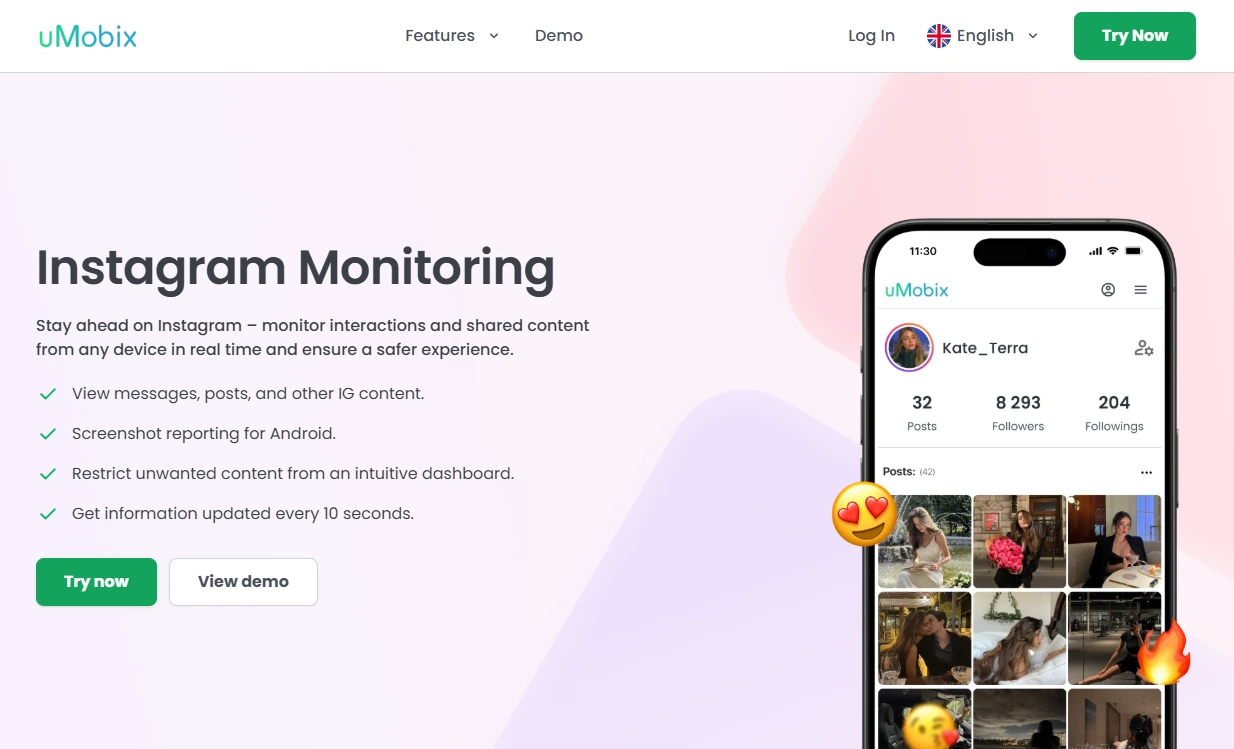
Step 1: Start from the correct uMobix offer
Use the Instagram monitoring offer page so you follow the right setup path:
Step 2: Prioritize stability (especially on Android)
On Android, “getting caught” usually happens because the phone starts behaving weirdly: battery drain, permission popups, or the monitoring breaking and forcing re-installs. To reduce that risk:
- complete the setup wizard fully (don’t skip steps)
- grant required permissions during setup
- disable aggressive battery optimization for the relevant process
- allow background activity where needed
Internal guide that helps avoid common mistakes: How to install a monitoring app on Android (safer workflow).
Step 3: If it’s iPhone, use a safe, authorized workflow
iPhone monitoring is typically more setup-dependent and can break after updates or account changes. Use this guide:
Step 4: Verify Instagram “signals” (don’t chase perfection)
Do a quick day-1 check:
- open Instagram on the child’s phone
- send a harmless test DM
- open story replies / message requests
- confirm the dashboard shows fresh activity signals
Common issues & fixes (so uMobix stays stable)
Issue: “Instagram monitoring stopped updating”
- Android: re-check permissions and battery optimization restrictions first.
- iPhone: confirm updates didn’t change access/workflow; re-check the safe setup guide.
Issue: “I can’t see deleted/unsent messages”
That’s a normal limitation. Instagram’s delete/unsend and disappearing features can create blind spots for any tool. If this is your main concern, focus on prevention and read:
Issue: “My teen is bypassing monitoring”
Most bypass is behavioral: Vanish Mode, deleting, switching accounts, or using Instagram on another device. The fix isn’t stealth—it’s boundaries:
- Instagram stays on the family-managed phone only
- unknown contacts get reviewed together
- no second secret accounts
Reviews
uMobix — Instagram Monitoring
Description
uMobix is a strong pick for parents who want a “monitoring feel” and are focused on ongoing patterns: repeat contacts, timing spikes, and behavior changes that suggest a real safety risk.
Product highlights
- Instagram Monitoring offer for Android & iPhone
- Best for pattern-based oversight and trend spotting
- Most reliable when device access stays stable
What’s to like
- Great for “what changed lately?” monitoring
- Strong alternative to compare vs Eyezy and mSpy
What’s not to like
- Disappearing content and unsend/delete can create blind spots
- Can require maintenance after major OS/app updates
PROS
- Strong for ongoing Instagram patterns
- Good “monitoring feel” for parents
CONS
- Not a guaranteed archive of disappearing content
- Works best alongside family rules
Get uMobix Instagram Monitoring
mSpy — Instagram Monitoring (monitoring-first alternative)
Description
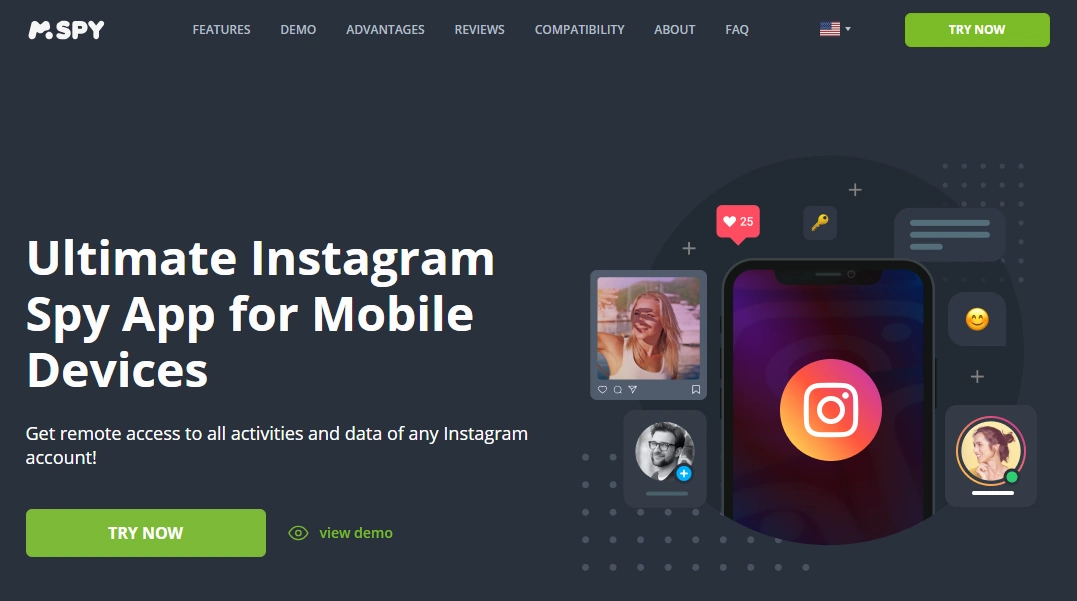
mSpy is the most common alternative parents compare when they want a more monitoring-first Instagram option focused on DMs and activity signals.
Product highlights
- Instagram Monitoring offer for Android & iPhone
- Good for DM risk signals + activity patterns
- Best with stable access and post-update checks
What’s to like
- Stronger monitoring-first positioning
- Good supporting ecosystem of guides and comparisons
What’s not to like
- Still limited by unsend/delete + disappearing content
- iPhone monitoring is more setup-dependent
PROS
- Great monitoring-first alternative
- Strong for high-signal oversight
CONS
- Not a perfect disappearing-message archive
- Needs occasional maintenance after updates
Compare mSpy Instagram Monitoring
Eyezy — Instagram (Social Spotlight)
Description
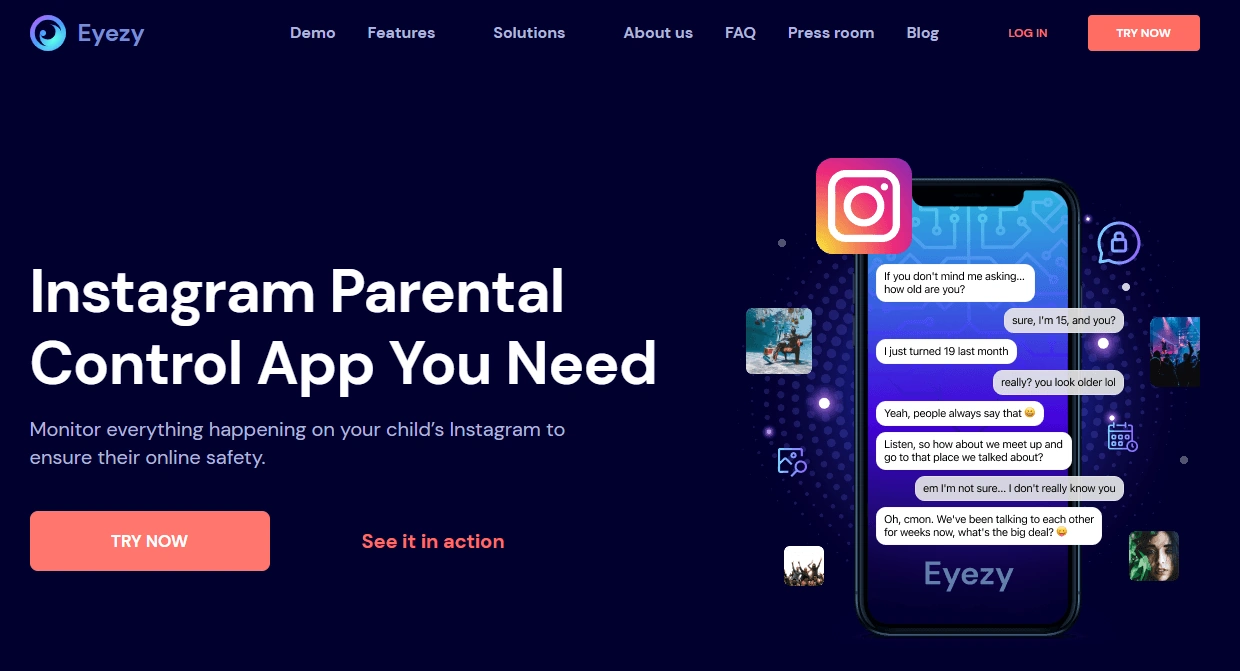
Eyezy is the best alternative if you want a parent-friendly dashboard feel and high-signal Instagram insights via Social Spotlight.
Product highlights
- Parent-friendly dashboard experience
- Best for risk signals and pattern spotting
- Great comparison option if you want less “monitoring-heavy” UI
What’s to like
- Easy daily use for non-technical parents
- Great for evidence-based conversations
What’s not to like
- iPhone setup can be more sensitive to changes
- Disappearing content still creates gaps
PROS
- Most parent-friendly alternative
- Strong for pattern-based oversight
CONS
- Not a guaranteed view into disappearing content
- May require maintenance after updates
Spynger — Instagram (baseline alternative)
Description
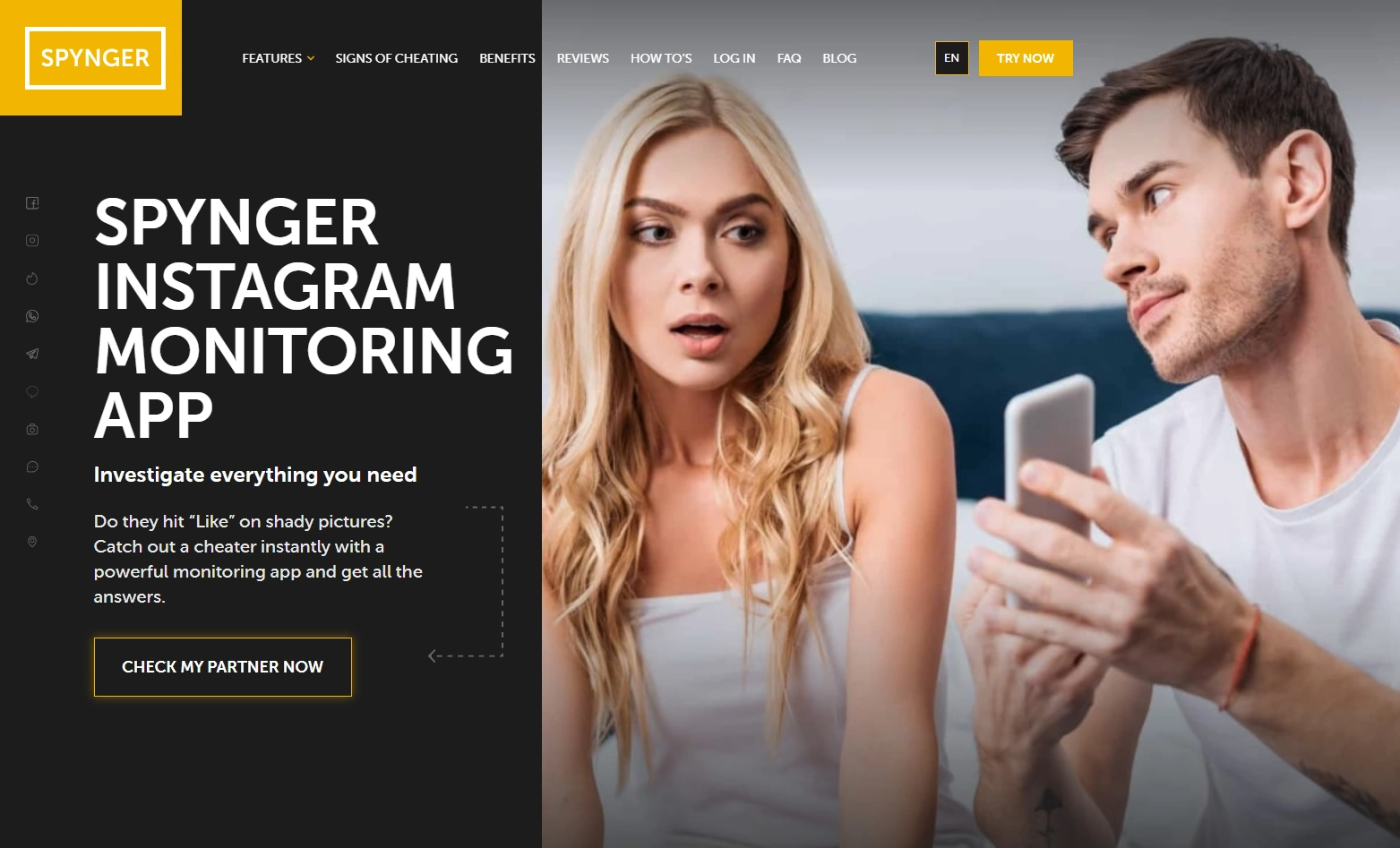
Spynger is a simple baseline Instagram option if you want something straightforward and you’re okay with realistic limitations around disappearing content.
Product highlights
- Instagram-focused offer for Android & iPhone
- Useful baseline comparison vs bigger suites
- Best used only for legal, authorized monitoring
What’s to like
- Simple “compare and decide” alternative
- Good for high-signal oversight if access is stable
What’s not to like
- Not a magic solution for disappearing content
- Completeness drops if the teen switches accounts/devices
PROS
- Easy baseline alternative
- Good for realistic, pattern-based oversight
CONS
- Not “perfect logs forever”
- Works best alongside boundaries
Legal notes
Use Instagram monitoring only when you’re legally authorized (typically as a parent/guardian supervising a minor’s device, or with explicit permission on a device you own/manage). Monitoring other adults without consent may be illegal and harmful.
- Legal phone monitoring: what’s allowed and what’s not
- Safe iPhone monitoring setup (legal & responsible)
FAQ
Does “without getting caught” mean stealth?
For parents, it should mean avoiding drama and suspicion by using a family-managed phone, a stable setup, and clear boundaries. Avoid anything illegal or deceptive.
Can uMobix monitor Instagram DMs?
uMobix can help with Instagram monitoring via its Instagram Monitoring offer. Exact DM visibility depends on platform and setup stability, and Instagram disappearing features can create blind spots for any tool.
Can uMobix see deleted or unsent Instagram messages?
Instagram unsend/delete and disappearing modes can create blind spots. Prevention and family rules are usually more reliable than expecting perfect recovery. Related: how to see deleted messages.
Is uMobix better on Android or iPhone?
Android is usually easier to keep stable. iPhone monitoring tends to be more setup-dependent, so follow a safe workflow: iPhone setup guide.
What’s the best alternative to uMobix for Instagram monitoring?
If you want a monitoring-first Instagram approach, compare with mSpy. If you want a more parent-friendly dashboard, Eyezy is often easier. Spynger is a simpler baseline option.