

Instagram is where most teen “real life” happens: DMs, story replies, private chats, and sudden new accounts. It’s also where risk shows up first—unknown DMs, grooming/scams, bullying, explicit content, and “move to another app” pressure.
This guide shows how parents use mSpy to monitor Instagram DMs and Stories in a realistic way: what you can actually expect, how Android vs iPhone setup differs, how to verify it’s working, and what to do when Instagram’s disappearing features create blind spots.
Legal note: Use monitoring only when you’re legally authorized (typically your minor child’s phone, or a device you own/manage with explicit permission). If you’re unsure, start here: Legal phone monitoring: what’s allowed and what’s not.
Short on time? Quick verdict
- mSpy is best if you want a more “monitoring-first” approach for Instagram (DMs + activity signals) and you can keep device access stable.
- Reality check: Instagram unsend/delete + disappearing content can limit what any tool captures.
- Want a parent-friendly dashboard feel? Compare with Eyezy Social Spotlight.
- Want a stronger “monitoring feel” alternative? Compare with uMobix.
Get mSpy Instagram Monitoring Read full mSpy Instagram review
Quick jump: 60-second checklist · Verdict · Comparison table · What you can & can’t see · Setup steps · Common issues & fixes · Reviews · Legal notes · FAQ
60-second decision checklist
- Are you authorized? Parent/guardian monitoring a minor’s phone (or explicit permission + device management rights).
- What’s the risk? Unknown DMs, scams/grooming, bullying, explicit content, risky groups, late-night spirals.
- Do you need “everything” or “signals”? Most parents need who + when + patterns more than perfect transcripts.
- Android or iPhone? Android is usually easier to keep stable; iPhone monitoring is more setup-dependent.
- Bypass behavior? Account switching, Vanish Mode, and using Instagram on another device can create gaps.
- Parent plan: If you find serious risk, prioritize safety/support (block/report, calm talk, involve school/guardians if needed).
Verdict: who should use mSpy for Instagram monitoring?
Choose mSpy if you want a more “monitoring-first” Instagram option and your main goal is monitoring DM risk and behavior patterns—not “hacking” every disappearing message.
Consider alternatives if you want a more guided parent dashboard (Eyezy) or a more “monitoring feel” experience (uMobix). If you want a simpler baseline tool, Spynger is fine—just keep expectations realistic.
Try mSpy Instagram Monitoring See best Instagram apps
Comparison table: mSpy vs alternatives for Instagram DMs & Stories
| Tool | Best for | Instagram angle | Biggest limitation | CTA |
|---|---|---|---|---|
| mSpy | Monitoring-first oversight for parents | Instagram Monitoring offer (DM + activity signals) | Unsend/delete + disappearing content can create gaps | mSpy Instagram |
| Eyezy | Most parent-friendly dashboard feel | Social Spotlight (high-signal patterns) | iPhone results can be more setup-dependent | Eyezy Instagram |
| uMobix | “Monitoring feel” + ongoing patterns | Instagram Monitoring offer | Needs stable device access; bypass behavior still matters | uMobix Instagram |
| Spynger | Simple baseline alternative | Instagram-focused offer | Best with realistic expectations + stable access | Spynger Instagram |
What mSpy can (and can’t) realistically show on Instagram
What parents usually can monitor (best use-case)
- DM risk signals: unknown contacts, repeated chats with specific accounts, escalating language patterns.
- Activity patterns: late-night usage spikes, sudden behavior changes, repeated interactions.
- Story-related risk: story activity can be a signal (who they engage with, sudden shifts), but don’t expect “every frame forever.”
What creates blind spots (for any tool)
- Unsend/delete: Instagram allows users to remove messages quickly.
- Disappearing features: Vanish Mode and disappearing media reduce long-term visibility.
- Account switching: multiple IG accounts = incomplete picture unless you manage the accounts/devices.
- Multi-device use: Instagram on another phone/tablet can bypass a single-device setup.
If deleted/disappearing messages are your #1 concern, read: How to see deleted messages on WhatsApp or Instagram.
How to use mSpy to monitor Instagram DMs and Stories (parent setup steps)
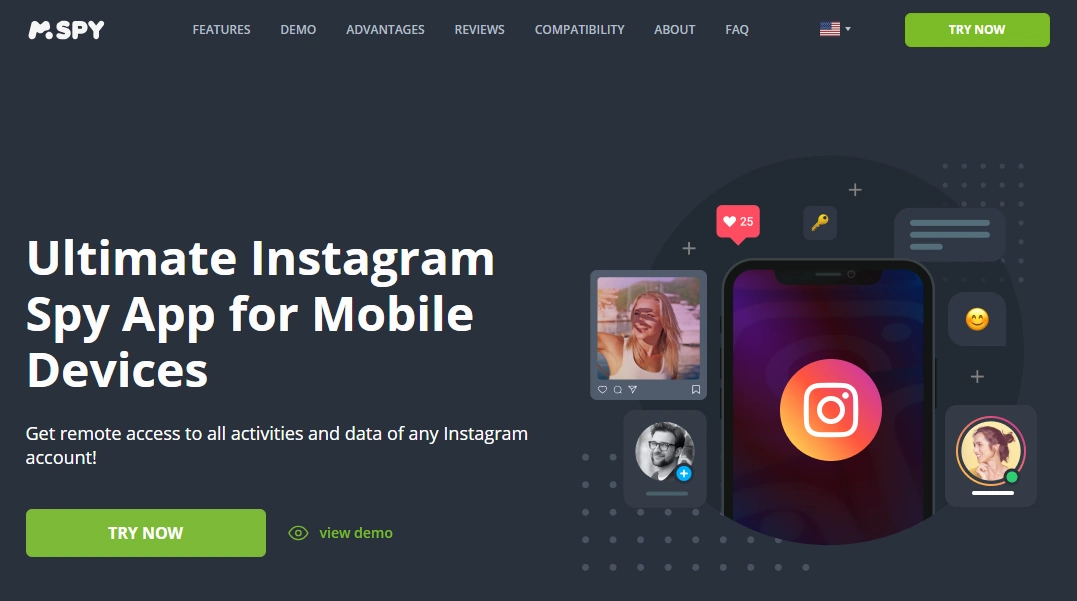
Step 1: Start with the correct mSpy offer
For Instagram monitoring, use the dedicated offer page so you’re on the right setup path:
Step 2: Follow the onboarding wizard (don’t skip steps)
The biggest reason parents get “partial data” is skipping setup steps. Follow the wizard in order until you see your dashboard populated with initial device/app signals.
Step 3 (Android): prioritize stability settings
On Android, most “it stopped working” issues come from the OS killing background access. Make sure you:
- grant required permissions during setup
- disable aggressive battery optimization for the relevant system/app process
- allow background activity where needed
- do a quick test (send a DM, open story replies, refresh dashboard)
Helpful internal guide (safe workflow): Android install guide.
Step 4 (iPhone): use a safe, authorized monitoring workflow
iPhone monitoring is typically more setup-dependent and can be affected by updates and account changes. Use this guide to avoid the common mistakes that break monitoring:
Step 5: Verify you’re capturing the “signals” you need
Instead of chasing perfect transcripts, verify the safety basics:
- you see recent Instagram activity signals in the dashboard
- new/unknown contacts can be identified
- usage timing patterns are visible (late-night spikes)
Common issues & fixes (DMs and Stories)
Issue: “I don’t see Instagram DMs updating”
- Android: re-check permissions and battery optimization restrictions first.
- iPhone: confirm your monitoring workflow still works after updates and that access/account settings didn’t change.
Issue: “Stories / disappearing content isn’t captured consistently”
That’s normal. Instagram’s ephemeral features are designed to reduce long-term visibility. Treat stories as a risk signal (who, when, what patterns) rather than a guaranteed archive.
Issue: “My teen is bypassing monitoring”
Most bypass is behavioral: account switching, Vanish Mode, deleting messages, using Instagram on another device. The best fix is a simple family rule set:
- Instagram stays on the family-managed phone only
- unknown contacts are reviewed together (no punishment-first approach)
- two accounts = conversation + safety plan
Reviews
mSpy — Instagram Monitoring
Description
mSpy is a strong pick for parents who want a more “monitoring-first” approach to Instagram—especially when the goal is monitoring DM risk and behavior patterns (not “hacking” disappearing content).
Product highlights
- Instagram Monitoring offer for Android & iPhone
- Best for DM risk signals + activity patterns
- Most reliable when device access stays stable
What’s to like
- Good fit for parents focused on DMs and ongoing oversight
- Strong ecosystem of related guides and comparisons
What’s not to like
- Instagram unsend/delete + Vanish Mode can create blind spots
- iPhone setup can be more sensitive to updates/access changes
PROS
- Monitoring-first Instagram positioning
- Great for high-signal parent monitoring (who/when/patterns)
CONS
- Not a guaranteed archive of disappearing content
- Needs occasional maintenance after major updates
Eyezy — Instagram (Social Spotlight)
Description
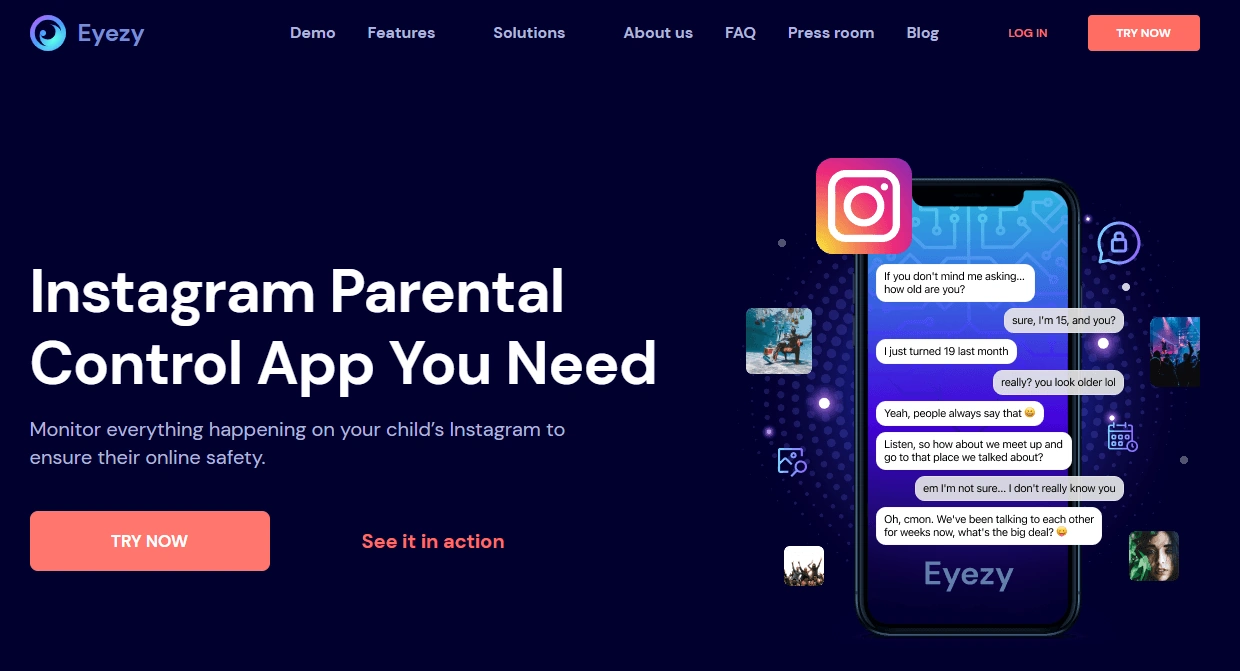
Eyezy is often the best alternative if you want a more guided dashboard feel and high-signal Instagram insights (contacts + patterns) via Social Spotlight.
Product highlights
- Parent-friendly dashboard experience
- Best for risk signals and pattern spotting
- Great comparison if mSpy feels too “monitoring-heavy”
What’s to like
- Easy day-to-day for non-technical parents
- Great for evidence-based conversations
What’s not to like
- iPhone setup can be more sensitive to changes
- Disappearing content still creates gaps
PROS
- Most parent-friendly alternative in this lineup
- Strong for pattern-based oversight
CONS
- Not a guaranteed view into vanish/disappearing content
- May require maintenance after updates
uMobix — Instagram Monitoring
Description
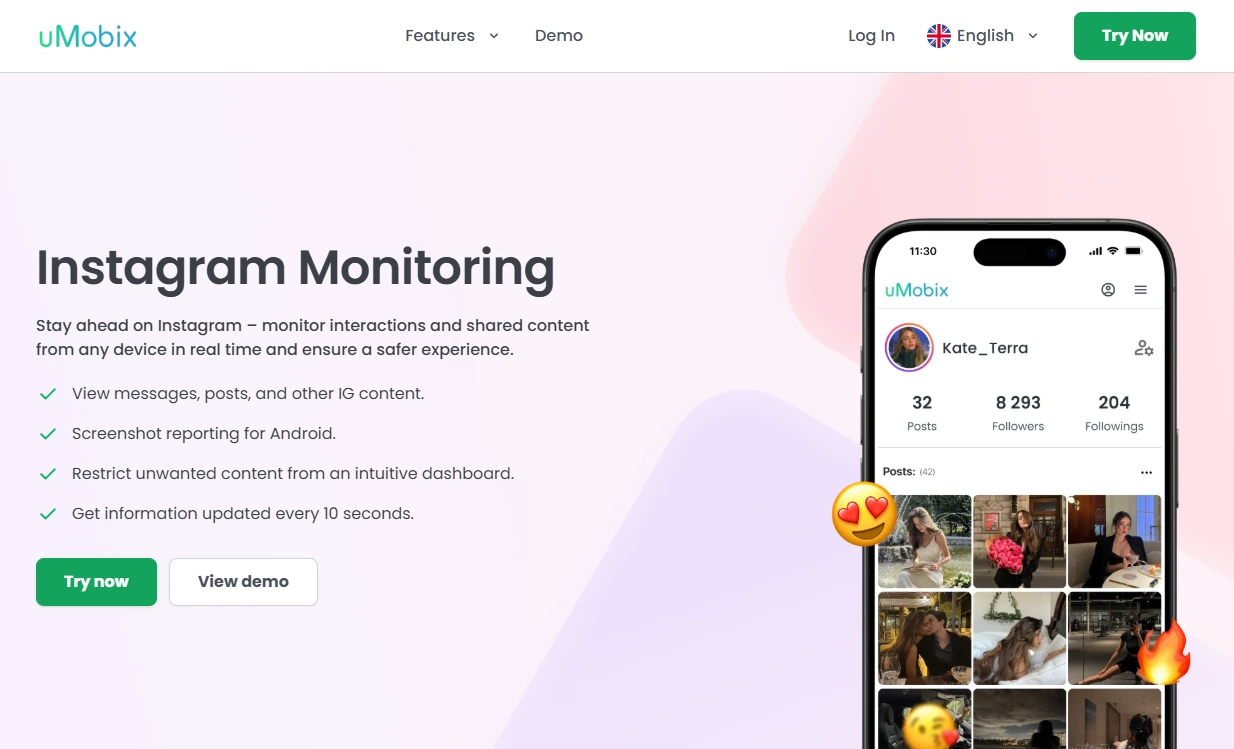
uMobix is a strong comparison option if you want a “monitoring feel” and you’re focused on ongoing patterns and behavior changes rather than chasing perfect disappearing-message recovery.
Product highlights
- Instagram Monitoring offer for Android & iPhone
- Great for trend spotting (repeat contacts, activity spikes)
- Best when device access stays stable
What’s to like
- Strong for ongoing monitoring patterns
- Good alternative to compare against mSpy
What’s not to like
- Still limited by bypass behavior (delete/unsend, account switching)
- May require maintenance after updates
PROS
- Great for pattern-based monitoring
- Strong “monitoring feel” alternative
CONS
- Not a guaranteed view into disappearing content
- Works best alongside family rules
Spynger — Instagram (baseline option)
Description
Spynger is best treated as a simple baseline Instagram option. It can work if you want something straightforward and your expectations are realistic—especially around disappearing content.
Product highlights
- Instagram-focused offer for Android & iPhone
- Useful baseline comparison vs bigger suites
- Best used only for legal, authorized monitoring
What’s to like
- Simple “compare and decide” alternative
- Good for high-signal oversight if access is stable
What’s not to like
- Not a magic solution for disappearing content
- Completeness drops if the teen switches accounts/devices
PROS
- Easy baseline alternative
- Good for realistic, pattern-based oversight
CONS
- Not “perfect logs forever”
- Works best alongside boundaries
Legal notes
Use Instagram monitoring only when you’re legally authorized (typically as a parent/guardian supervising a minor’s device, or with explicit permission on a device you own/manage). Monitoring other adults without consent may be illegal and harmful.
- Legal phone monitoring: what’s allowed and what’s not
- Safe iPhone monitoring setup (legal & responsible)
FAQ
Can mSpy monitor Instagram DMs?
mSpy can help parents monitor Instagram via its Instagram Monitoring offer, especially for DM-related safety signals and ongoing activity patterns. Exact visibility depends on platform and setup stability.
Can mSpy monitor Instagram Stories?
mSpy can help with Instagram monitoring, and story activity can be useful as a signal. But Instagram’s ephemeral/disappearing behaviors mean no tool can guarantee perfect “story archive” visibility forever.
Can mSpy see deleted or unsent Instagram messages?
Instagram unsend/delete and disappearing features can create blind spots for any tool. If this is your main concern, focus on prevention and rules and read: how to see deleted messages on WhatsApp or Instagram.
Is mSpy better on Android or iPhone for Instagram monitoring?
Android is usually easier to keep stable with correct permissions and battery settings. iPhone monitoring tends to be more setup-dependent, so follow a safe workflow: iPhone setup guide.
Do I need physical access to the phone?
Most reliable monitoring setups require initial access to the child’s phone to complete setup and confirm everything works. For iPhone, results depend on the monitoring workflow used and keeping access stable.
What’s the best alternative if mSpy isn’t a fit?
If you want a parent-friendly dashboard, Eyezy is often easier. If you prefer a “monitoring feel” and pattern monitoring, uMobix is a strong option. Spynger is a simpler baseline alternative.