

Facebook Messenger is still where a lot of risky conversations happen: unknown message requests, bullying, scams, and pressure to move chats to other apps. If you’re a parent, the goal isn’t “reading everything forever” — it’s spotting risk early and stepping in before damage is done.
This guide shows how to use mSpy (Facebook Monitoring) to monitor Facebook/Messenger activity on a child’s device — with realistic expectations for Android vs iPhone, and practical fixes for the most common “it stopped syncing” problems.
Short on time? Quick verdict
- Best overall (suite): mSpy is a strong pick if you want Messenger + other safety monitoring in one dashboard.
- Best Messenger-first alternative: uMobix if Messenger is your #1 concern.
- Reality check: disappearing/encrypted chats can limit “perfect logs” for any tool.
Get mSpy (Facebook Monitoring) Best Messenger monitoring apps
Quick jump: 60-second checklist · Verdict · Comparison table · What you can realistically see · Android setup · iPhone setup · Troubleshooting · Reviews · Legal notes · FAQ
60-second decision checklist
- Legal/ethical: You’re monitoring your minor child’s phone (or a device you own/manage with explicit permission).
- Your goal: catch risk early (unknown contacts, scams, bullying, grooming, explicit content), not “collect everything forever.”
- Platform reality: Android is usually easier to keep stable; iPhone monitoring is more workflow-dependent.
- Privacy features: disappearing/encrypted chats can reduce completeness for any monitoring tool.
- Stability plan: you’ll do a quick post-update check (OS + Messenger updates can break syncing).
- Family rules: reduce bypass (no hidden second devices/accounts; review message requests together).
Verdict: should you use mSpy for Facebook Messenger monitoring?
Yes if you want a solid all-in-one monitoring suite and Messenger is just one piece of your child’s digital safety (along with other apps and phone activity).
Consider alternatives if Messenger is your only focus (uMobix), or if you want a more “parental control / prevention” style approach (Bark).
Use mSpy for Messenger monitoring Compare uMobix (Messenger-first)
Comparison table: mSpy vs the Messenger alternatives parents compare
| Tool | Best for | Messenger angle | Biggest limitation | CTA |
|---|---|---|---|---|
| mSpy | All-in-one suite + stable parent dashboard | Good Messenger oversight as part of a broader setup | Not a magic solution for disappearing/encrypted chats | mSpy |
| uMobix | Messenger-first monitoring | Best fit when Messenger is your #1 concern | Still limited by privacy features and bypass behavior | uMobix |
| Eyezy | Parent-friendly “signal” dashboard | Great for patterns and risk signals | Not designed to guarantee full disappearing-chat logs | Eyezy |
| Spynger | Simple baseline option | Okay for “compare and decide” | Varies with setup; not “set and forget” | Spynger |
| Bark | Prevention-first parental control | Better for boundaries/alerts than deep logs | May feel too “parental control” if you expected transcripts | Bark |
What you can realistically see with mSpy (Messenger-focused expectations)
With modern messaging apps, the safest expectation is: you’ll get useful oversight signals (who, when, patterns, and content visibility depending on setup) — but you should not expect “everything forever,” especially if your child uses privacy options like disappearing messages.
- Most useful for parents: suspicious contacts, repeated late-night chats, sudden spikes in messaging, and attachment patterns that trigger a conversation.
- Common limitations: disappearing/encrypted chats, account switching, and second-device Messenger usage.
Before you start, it helps to choose the right platform approach:
How to use mSpy to monitor Messenger on Android (parent-friendly workflow)
- Create your mSpy account and choose the plan that matches your needs: mSpy Facebook Monitoring.
- Prepare the device calmly: do setup at home, with the child present if possible. Explain the goal (safety), not punishment.
- Install + permissions: the setup requires granting the necessary permissions so mSpy can work reliably.
- Stability settings (important): whitelist mSpy from battery optimization/background limits so syncing doesn’t break.
- Verify the signal: open Messenger, send a harmless test message, then confirm your dashboard updates.
If you want the full stability checklist (most “it stopped working” issues come from Android background restrictions), use this internal guide: Android install workflow (reduce errors and alerts).
For deeper mSpy Android details, see: mSpy for Android full review & setup.
How to use mSpy to monitor Messenger on iPhone (realistic options)
iPhone monitoring is usually more workflow-dependent than Android. To keep it safe and stable, focus on doing it legally and with proper access management (especially around updates and account changes).
- Confirm authorization: you’re monitoring a child’s phone you manage, or you have explicit permission.
- Choose the supported method: in practice, iPhone monitoring often depends on the account/access method you’re using (and can change after iOS updates).
- Complete setup carefully: follow the safe iPhone workflow to reduce “sync stopped” problems.
- Verify updates: after major iOS/Messenger updates, do a quick check to confirm data is still updating.
Use this internal guide for a safe setup approach: How to set up iPhone monitoring safely and legally.
For a broader iPhone-focused mSpy overview, see: mSpy for iPhone review.
Common issues (and fixes) when monitoring Messenger
Issue 1: “It worked once, then stopped updating”
- Android: check battery optimization/background restrictions first. Most failures come from aggressive power management.
- iPhone: check recent iOS updates and account/access changes; redo the safe workflow steps if needed.
Issue 2: Missing chats / partial history
Common causes are Messenger privacy features, new logins, or the child using Messenger on a second device (tablet/old phone). Fix is usually policy + parenting:
- Messenger stays on the family-managed device
- no secret second devices/accounts
- review message requests together
Issue 3: Disappearing or encrypted chats
These features can reduce what any monitoring tool can capture. If this is your main concern, shift your strategy from “recover everything” to prevent and detect early. Start with the tool shortlist: Best monitoring apps for Android & iPhone.
Reviews
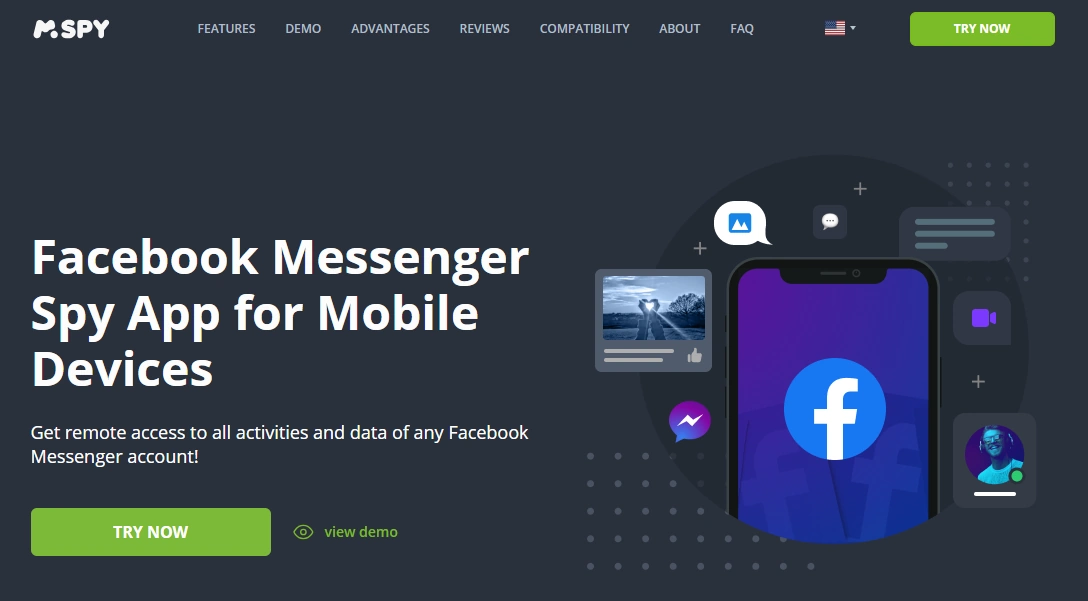
mSpy — Facebook Monitoring (used for Messenger oversight)
Description
mSpy is a strong all-in-one option for parents who want Messenger monitoring as part of a broader safety setup. It’s most effective when you prioritize stable setup and realistic expectations about disappearing/encrypted chats.
Product highlights
- All-in-one monitoring approach (useful beyond Messenger)
- Best when the device is family-managed and access stays stable
- Great for patterns and early risk detection
What’s to like
- Good “suite” feel for parents managing multiple risk channels
- Works well for routine oversight when set up correctly
What’s not to like
- Not a guaranteed archive of disappearing/encrypted chats
- iPhone monitoring can be more workflow-dependent than Android
PROS
- Strong overall value as a multi-app parent suite
- Good for pattern-based safety monitoring
CONS
- Requires occasional post-update checks
- Not “see everything forever” for modern messaging
Get mSpy (Facebook Monitoring)
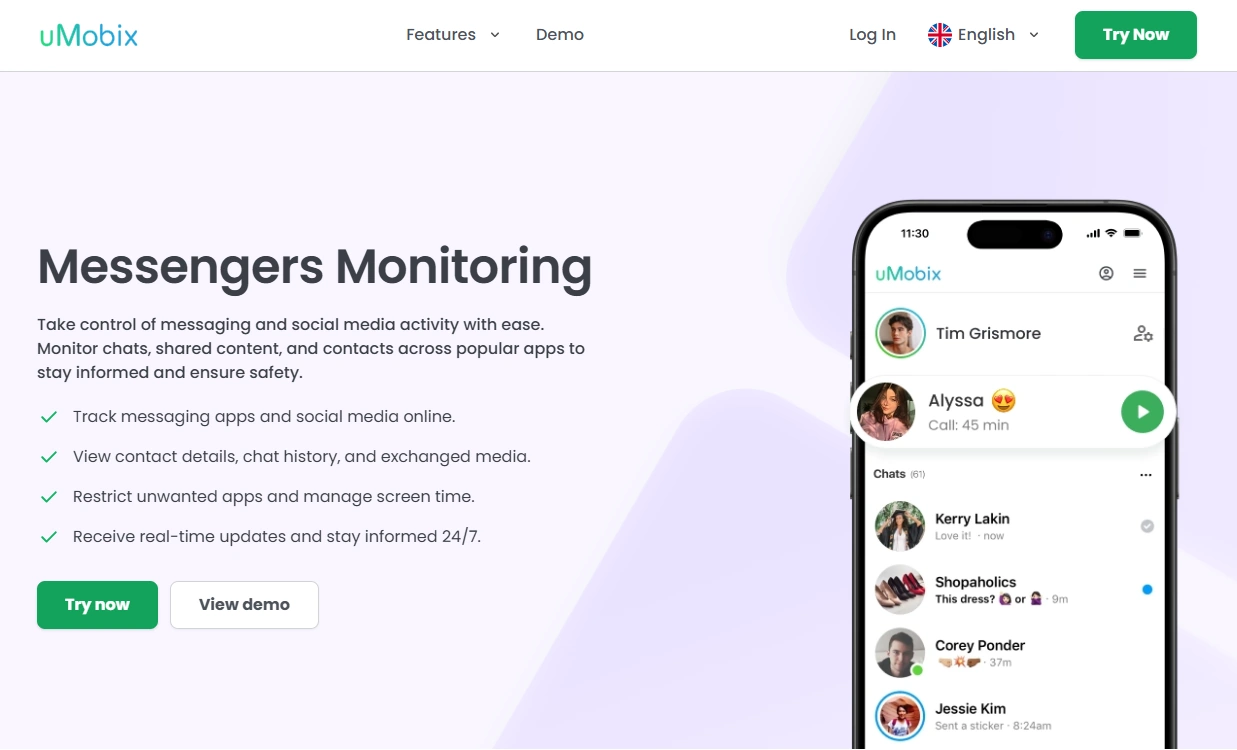
uMobix — Facebook Messenger Monitoring (Messenger-first alternative)
Description
If Messenger is your #1 priority, uMobix is often a better match than an all-in-one suite. It’s more Messenger-focused and works best when the device is family-managed and access stays stable.
Product highlights
- Messenger-focused offer for Android & iPhone
- Great fit for Messenger-first monitoring
- Best results with stable access and realistic expectations
What’s to like
- Best fit when Messenger is the main risk channel
- Strong for ongoing oversight patterns
What’s not to like
- Still limited by disappearing/encrypted chats and bypass behavior
- iPhone monitoring can be more setup-dependent
PROS
- Messenger-first positioning
- Strong day-to-day monitoring feel
CONS
- Not a magic “recover everything” solution
- Needs stability checks after updates
Compare uMobix Messenger Monitoring
Eyezy — Social Spotlight (parent-friendly “signal” dashboard)

Description
Eyezy is a strong alternative if you want a calmer dashboard that highlights high-signal patterns across social apps. It’s less about “perfect transcripts” and more about early detection and parent-friendly oversight.
Product highlights
- Social Spotlight approach (pattern-based signals)
- Great for non-technical parents
- Works best with stable device access
What’s to like
- Easy daily checks without overwhelm
- Good for calm conversations based on signals
What’s not to like
- Not designed to guarantee disappearing/encrypted chat logs
- Requires realistic expectations
PROS
- Parent-friendly dashboard feel
- Strong for pattern spotting
CONS
- Less “Messenger-first” than uMobix
- Not a full transcript promise
Spynger — Facebook (simple baseline option)
Description
Spynger is best treated as a baseline “compare and decide” option. It can help with Facebook/Messenger oversight, but it’s not the strongest pick if Messenger is your main concern.
Product highlights
- Simple Facebook-focused offer
- Good for baseline comparisons
- Best with stable access and realistic expectations
What’s to like
- Easy starting point
- Useful baseline comparison vs bigger suites
What’s not to like
- Not “set and forget”
- Not a Messenger-first solution
PROS
- Simple baseline alternative
- Works for signal-based oversight
CONS
- Completeness varies with setup
- Not ideal for heavy Messenger focus
Bark — prevention-first parental control (safest vibe)

Description
Bark is a better fit than monitoring-style tools if your priority is prevention, boundaries, and reducing risky behavior—especially for younger kids. It’s less about deep chat logs and more about safer habits and parent-friendly control.
Product highlights
- Prevention-first family safety approach
- Great for boundaries and routines
- Parent-friendly experience
What’s to like
- Safest parental-control vibe
- Good for long-term family habits
What’s not to like
- Not designed for deep “transcript” style monitoring
- May feel too prevention-focused if you expected detailed logs
PROS
- Great for prevention and boundaries
- Parent-friendly approach
CONS
- Less detail than monitoring-style suites
- Not Messenger-first
Legal notes
Use Messenger monitoring only when you’re legally authorized (typically as a parent/guardian supervising a minor’s device, or with explicit permission on a device you own/manage). Monitoring other adults without consent may be illegal and harmful.
FAQ
Can mSpy monitor Facebook Messenger chats?
mSpy can be used for Messenger oversight as part of its Facebook Monitoring feature set. What you see depends on the device, setup stability, and Messenger privacy features (like disappearing/encrypted chats).
Is mSpy better for Messenger on Android or iPhone?
Android is usually easier to keep stable once permissions and background/battery settings are correct. iPhone monitoring tends to be more workflow-dependent, so follow a safe setup process.
Why are some Messenger messages missing?
Common causes include disappearing/encrypted chat settings, account switching, using Messenger on a second device, or OS/app updates. A stable, family-managed device setup reduces gaps.
Can mSpy show deleted or disappearing messages?
Disappearing/encrypted chats can create blind spots for any monitoring tool. Prevention and early detection (contacts, patterns, message requests) are usually more reliable than expecting perfect recovery.
What’s the best alternative if Messenger is my main concern?
If Messenger is the primary channel you care about, uMobix is often a better Messenger-first choice. If you want a calmer dashboard for “signal” checks, Eyezy is a strong alternative.