

A “keylogger” sounds straightforward: install it, then read what someone typed. In real daily use, results depend on the phone (Android vs iPhone), OS restrictions, permissions, and whether the device allows the monitoring service to run reliably in the background.
This guide shows how to use the mSpy keylogger on Android and iPhone in a practical, non-hype way—what to do first, what to expect, and how to troubleshoot the most common “why is it missing logs?” issues.
If you’re still comparing tools, start with our roundup of the best keylogger apps for Android and iPhone.
Short on time? Quick verdict
- Best mSpy keylogger experience: Android, with correct permissions + battery settings.
- iPhone reality: modern iOS often limits “classic” keystroke capture. Expect partial coverage depending on method, iOS version, and apps.
- Need alternatives? See best Android keylogger apps and best iPhone keylogger apps.
Quick jump: 60-sec checklist · Verdict + CTA · Comparison table · Android setup · iPhone setup · Best for your situation · Common issues · Reviews · Legal notes · FAQ
Get mSpy Keylogger (Android) · Get mSpy Keylogger (iPhone)
60-second decision checklist
- Confirm the device: Android = usually better “true keylogger” experience. iPhone = more limitations on modern iOS.
- Define “accuracy”: Do you want (a) coverage across apps, (b) minimal gaps, (c) speed, or (d) context (app + timestamp)?
- Setup access: Can you access the device you own/manage to complete setup properly? If not, expect missing data.
- Test in real apps: Don’t judge in 5 minutes. Test a full day (sleep + low battery + Wi-Fi/cellular changes).
- Ethics first: Only monitor a device you own/manage (e.g., a child’s phone) or with clear consent.
Verdict: how to approach mSpy keylogger (Android vs iPhone)
If you want the most consistent mSpy keylogger experience: use it on Android and spend time on permissions + battery optimization. Most “it doesn’t work” complaints come from background restrictions.
If your target is iPhone: set expectations. On modern iOS, “keylogger” results are often limited by OS/app protections. You may get partial coverage depending on iOS version, apps used, and the method available for your device.
mSpy vs alternatives (keylogger daily-use comparison)
Here’s the practical comparison for daily use (not marketing):
| App | Best on | Typical keylogger reliability | Best for |
|---|---|---|---|
| mSpy | Android (strongest), iPhone (limited) | Strong on Android when configured; iPhone varies by iOS/method | People who want a “keylogger-first” tool with supporting monitoring |
| Eyezy | Android + iPhone (limits on iOS) | Good Android daily-use; iPhone expectations should be conservative | All-in-one monitoring where keylogging is one signal |
| uMobix | Android | Often fast updates when background isn’t restricted | Android users who value speed and frequent syncing |
How to use mSpy keylogger on Android (step-by-step)
Android is usually where keylogging is most practical. The goal is simple: install correctly, grant permissions, and keep the service alive in the background.
1) Install mSpy and complete the basic setup
- Create your account and follow the official setup flow.
- Make sure you’re installing on a device you own/manage (for example, a child’s phone under your care).
- After setup, confirm the device appears in your dashboard.
2) Enable required permissions (this is where “accuracy” is won or lost)
- Accessibility/usage access (or equivalent permissions) is commonly required for consistent logging.
- If permissions are incomplete, you may see partial logs, missing apps, or long delays.
3) Test real-life typing (not just one app)
- Type a short message in a few apps you care about (browser search, messaging, etc.).
- Wait for sync and verify logs in the dashboard.
- Repeat later in the day (Wi-Fi vs mobile data, low battery, night time) to detect gaps.
4) Fix Android battery optimization to prevent missing logs
If the phone aggressively sleeps background services, your keylogger will “randomly” stop. To reduce gaps:
- Exclude the monitoring service from battery optimization where possible.
- Avoid extreme power-saving modes during your test period.
- Re-test after changes for a full day.
If you want a stability-focused install checklist for Android, see this Android install guide (focus on avoiding common setup mistakes).
How to use mSpy keylogger on iPhone (what’s realistic)
On iPhone, the biggest “feature” is expectation management. Modern iOS has stronger protections, so iPhone “keylogger” outcomes can be more limited and vary by device/app.
1) Follow the iPhone setup method available for your device
- Complete the official setup flow and confirm data appears in the dashboard.
- Validate in the apps you care about (don’t assume universal coverage).
2) Treat secure fields as off-limits
Many apps use secure input fields (especially for passwords). You should expect missing or masked entries there. Any tool claiming perfect capture everywhere should be treated as marketing, not reality.
3) Use a broader monitoring mindset on iPhone
On iPhone, parents often get better outcomes when keylogging is used as a bonus signal, not the only signal. If you need a safe, responsible setup path, see this iPhone monitoring setup guide.
Best for your situation
- “I need typed-text visibility for my kid’s Android phone”: mSpy keylogger is a strong choice if you do permissions + battery settings correctly.
- “It’s iPhone and I want the best iOS option”: compare iPhone-focused choices first: best iPhone keylogger apps.
- “I’m not sure which tool to buy”: start from the full list: best keylogger apps for Android and iPhone.
- “I want more background on mSpy itself”: see mSpy keylogger review and mSpy hidden mode review.
Common issues (and how to fix them fast)
Problem: “Keylogs are missing random chunks”
- Most likely cause (Android): battery optimization / sleeping background services.
- Fix: adjust battery settings to keep the monitoring service active, then re-test for a full day.
Problem: “I see delays (not real-time)”
- Common causes: poor connectivity, power-saving mode, or sync timing.
- Fix: test on stable Wi-Fi, then compare with mobile data; check behavior during low battery.
Problem: “Nothing shows for certain apps or password fields”
- Reality: secure fields and app-level protections can block visibility.
- Fix: validate across multiple normal typing contexts; don’t judge based on passwords/secure inputs.
Reviews (mSpy + close alternatives)
mSpy
Description
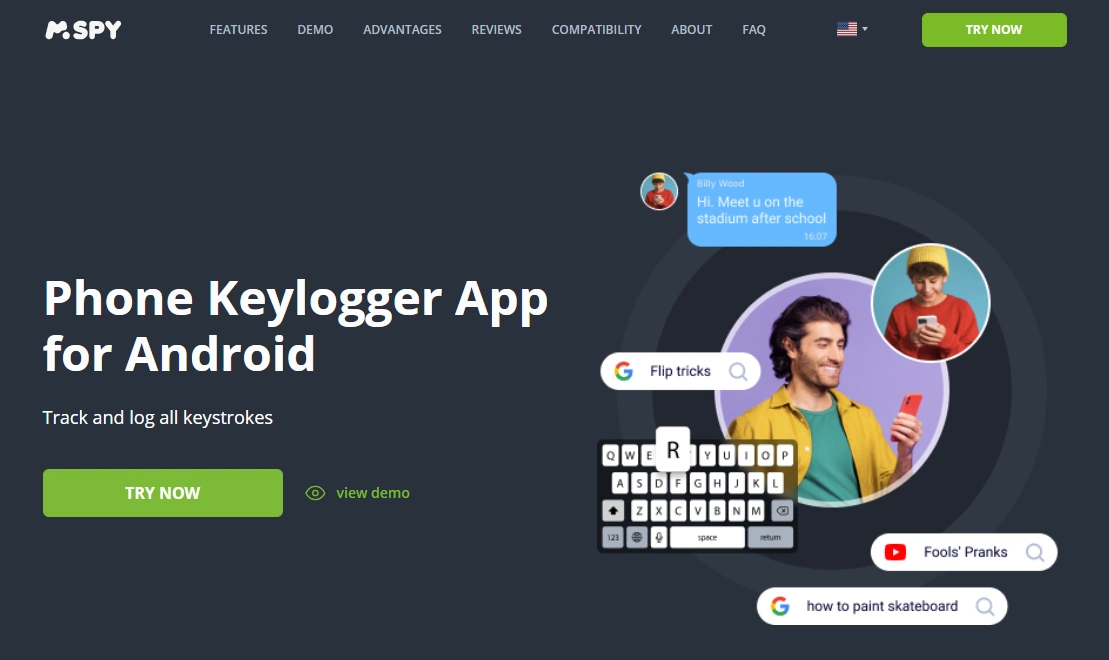
mSpy keylogger is typically strongest on Android where keylogging-style monitoring is more practical. On iPhone, results can be more limited due to OS-level protections, so it’s best used as part of a broader monitoring approach.
Product highlights
- Android-focused keylogger experience when configured correctly
- iPhone option available (with modern iOS limitations in mind)
- Works best when combined with other monitoring signals (not only keylogs)
What’s to like
- Strong “daily-use” reliability on Android after proper permissions + battery setup
- Good for identifying patterns (what was typed + when) rather than chasing perfect capture
- Clear upgrade path: start Android-first, then evaluate iPhone expectations separately
What’s not to like
- iPhone keylogger expectations can be underwhelming on modern iOS
- Android background limits can create gaps if battery optimization isn’t configured
- Secure fields (especially passwords) may never show reliably
PROS
- Strong Android keylogger performance (with correct setup)
- Practical for parental-control use cases on managed devices
- Good ecosystem of related guides and reviews
CONS
- Not “perfect keystrokes everywhere,” especially on iPhone
- Setup quality determines results
- Some app inputs will always be limited
Try mSpy Keylogger: Android · iPhone
Eyezy (alternative)
Description
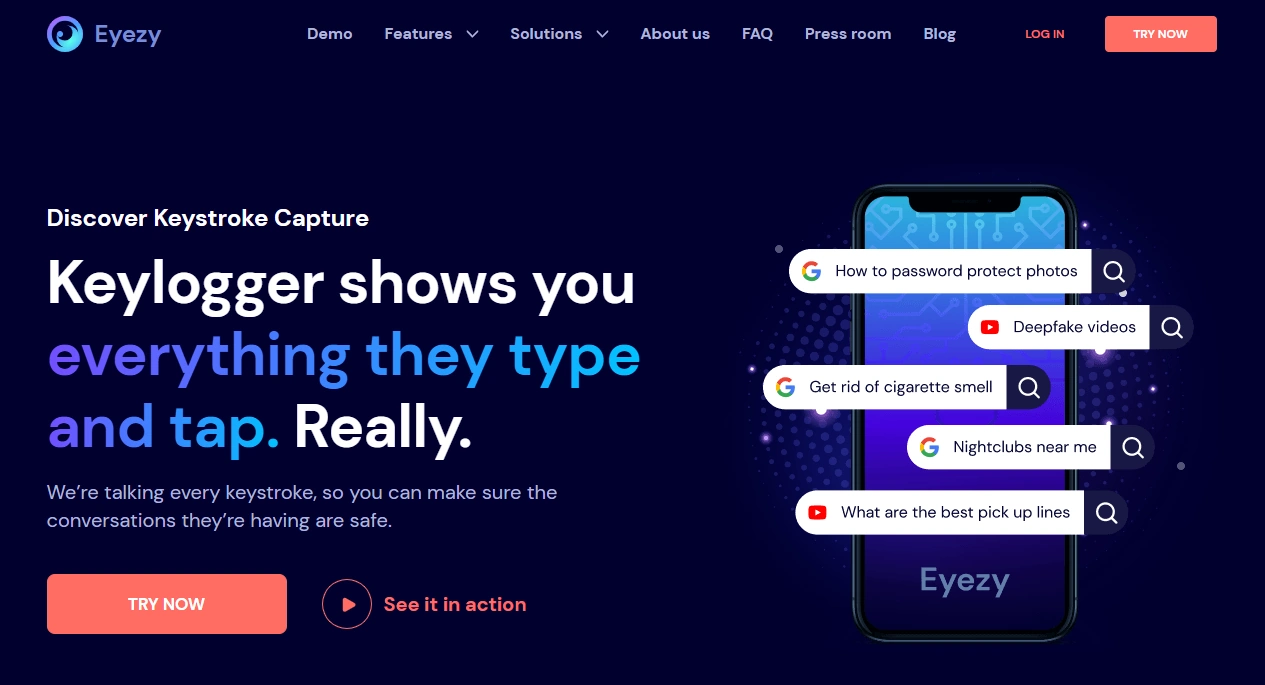
Eyezy is often chosen when you want an all-in-one monitoring suite where keylogging is just one part of the toolkit. It’s generally most practical on Android, with more conservative expectations on iPhone.
Product highlights
- All-in-one monitoring + keylogger-style feature
- Good Android daily-use coverage when configured properly
- Useful “backup signals” when keylogs have gaps
What’s to like
- Strong Android value for parents who want broad monitoring
- Easy to evaluate side-by-side with mSpy
- Good if you don’t want to rely on keylogs alone
What’s not to like
- iPhone keylogging still limited on modern iOS
- Depends heavily on setup quality for reliable logs
PROS
- Great “all-in-one” approach
- Solid Android keylogging practicality
- Good for parents who want more than one signal
CONS
- Not ideal if you only want iPhone keylogging
- Background settings can cause gaps if misconfigured
Check Eyezy: official website.
uMobix (alternative)
Description
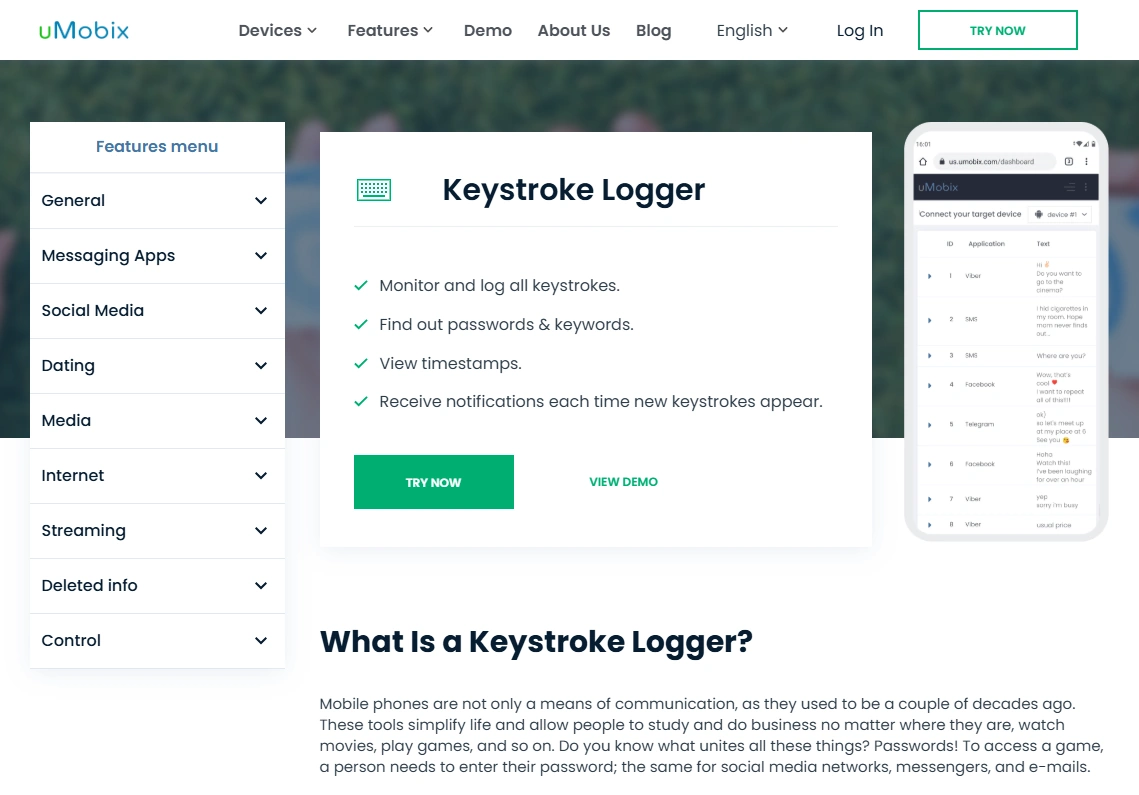
uMobix is another Android-focused keylogger option. People often consider it when they care about fast updates and a straightforward dashboard experience.
Product highlights
- Android keylogger offering
- Often quick syncing when background isn’t restricted
- Strong comparison pick next to mSpy for Android
What’s to like
- Good fit if you value speed (Android)
- Simple to test and validate in a day
- Strong competitor in Android keylogger lists
What’s not to like
- Battery optimization can still reduce continuity
- Not intended as an iPhone-first keylogger solution
PROS
- Android-first value
- Often fast dashboard updates
- Good alternative to compare with mSpy
CONS
- Setup-sensitive on phones with aggressive battery rules
- Not ideal if your main target is iPhone
Check uMobix: official website.
Legal notes
Use monitoring tools only on devices you own, devices you manage (for example, a minor child’s phone under your care), or when you have clear consent from the device user. Laws vary by country and situation, and secretly monitoring other adults or devices you don’t own can be illegal.
If you want a practical overview of what’s generally allowed, read: legal phone monitoring: what’s allowed and what’s not.
FAQ
Does mSpy keylogger work better on Android or iPhone?
Typically Android. Android tends to allow a more practical keylogger-style experience when permissions and battery settings are configured properly. iPhone results can be more limited on modern iOS.
Why are some keylogs missing?
The most common reason on Android is battery optimization stopping background activity. Other causes include incomplete permissions, sync delays, and secure input fields that apps use to protect sensitive text.
How do I improve mSpy keylogger accuracy on Android?
Make sure permissions are fully enabled and adjust battery optimization so the monitoring service isn’t restricted. Then test across the apps you care about over a full day.
Will mSpy capture passwords?
Many apps use secure fields specifically to prevent password capture, so you should expect missing or masked entries there. You should never use keylogging to access accounts.
How long does it take for logs to appear?
It depends on connectivity and sync timing. With stable background behavior and good internet, logs may appear quickly. Power-saving modes or poor signal can delay updates.
Is using a keylogger legal for parental control?
It depends on your country and context. Monitoring a device you own/manage for a minor child can be lawful, but monitoring other adults or devices you don’t own can be illegal. When in doubt, get local legal advice.