

If you’re looking for a step-by-step guide to using mSpy for Snapchat monitoring, let’s start with the most important rule:
Consent-first: Use monitoring tools only on a phone you own/manage (for example, your child’s device) and only within applicable laws. If you’re unsure, read this first: Legal Phone Tracking: What’s Allowed and What’s Not.
This tutorial is written for parents who want to keep kids safer on Snapchat without turning home into a surveillance zone. For a privacy-first approach, see: How to Monitor Kids’ Phones Without Invading Their Privacy.
Jump to: What mSpy can (and can’t) do on Snapchat · Before you start (prep that prevents headaches) · Android setup (step-by-step) · iPhone setup (step-by-step) · How to monitor Snapchat without breaking trust · Troubleshooting · Alternatives · FAQ
What mSpy can (and can’t) do on Snapchat
Snapchat is designed to be “ephemeral” (snaps disappear, stories expire), so monitoring results depend on the device, OS version, and how the tool is configured. In practice, you should think in terms of visibility levels:
| Snapchat item | Often visible | May depend on setup | Notes |
|---|---|---|---|
| Usage patterns (time, frequency) | Yes | — | Best “low-invasion, high-value” monitoring starting point. |
| Contacts & account signals | Sometimes | Yes | Useful for spotting unknown accounts/contacts early. |
| Chat activity | Sometimes | Yes | Varies most across Android vs iPhone and specific setup method. |
| Snaps / stories | Limited | Yes | Because content disappears, treat “full content access” claims cautiously and verify on your exact device. |
If you want a deeper feature-by-feature reality check, read: Monitoring Features Explained: What You Can (and Can’t) Monitor.
And for a detailed mSpy-specific Snapchat breakdown, see: mSpy Snapchat Monitoring Review (Stories, Snaps & Chats Tested).
Before you start (prep that prevents headaches)
1) Decide your monitoring level
- Level 1 (recommended default): screen-time limits + install approvals + periodic check-ins.
- Level 2: safety signals + broader app visibility during a higher-risk period.
- Level 3: deeper monitoring only if there’s a clear, ongoing safety issue (bullying, grooming attempts, sextortion threats, repeated rule-breaking).
2) Make a step-down plan
Monitoring should reduce as trust improves. If it never reduces, it tends to create more secrecy—not less.
3) Have one-time access to the device
For most setups, you’ll need temporary physical access to the phone you manage (your child’s device) to complete onboarding and permissions.
If you want the safest setup walk-throughs, use these:
Snapchat safety checklist for parents (10 minutes)
- Set boundaries: bedtime + homework focus windows (no late-night scrolling).
- Install approvals: stop “new app” loopholes before they start.
- Talk about risks: strangers, screenshots, sextortion, and pressure tactics.
- Check privacy settings: who can contact/add them, location (Snap Map), and discoverability.
- Step-down plan: if you escalate monitoring, set a time limit and return to lighter rules after.
mSpy Snapchat Tracking (official page)
Ready to set it up? Start from the official website.
Android setup: How to use mSpy for Snapchat monitoring (step-by-step)
Android is usually the more straightforward path for Snapchat monitoring because permissions and access methods are often more flexible than iPhone.
- Create your account via the official mSpy Snapchat page and follow the onboarding instructions.
- Get one-time access to the Android phone you manage and ensure it has a stable internet connection.
- Complete installation using the exact method shown in your mSpy dashboard.
- Grant required permissions when prompted (these vary by Android version).
- Open Snapchat once after setup (some tools need an initial activity cycle before data appears).
- Verify data flow in the dashboard: check whether Snapchat-related modules show activity and refresh timelines.
If you want practical “don’t mess this up” safety tips, also read: How to Install a Monitoring App on Android Without Detection (parent-owned device context only).
How to confirm it’s working (quick test)
- Send a harmless test message or open a chat on Snapchat.
- Wait for a sync window (some dashboards populate gradually).
- Refresh the dashboard and verify you see updated Snapchat activity.
iPhone setup: How to use mSpy for Snapchat monitoring (step-by-step)
On iPhone, monitoring tools often rely on different methods than Android (for example, account-based sync/backups). Because iOS restrictions are tighter, Snapchat visibility can be more limited and more setup-dependent.
- Start from the official mSpy Snapchat page and follow the iPhone-specific setup method shown in your dashboard.
- Verify what you actually get after setup (don’t assume the iPhone experience matches Android).
- Use iPhone Screen Time as the baseline for healthy boundaries (Downtime, App Limits), then use mSpy only where needed.
Use the iPhone-safe setup guide here: How to Set Up an iPhone Monitoring App Safely and Legally.
How to monitor Snapchat without breaking trust
Start with patterns, not private content
- Watch time spent, late-night activity, and sudden changes in usage.
- Pay attention to new contacts and new accounts more than “reading everything.”
Use predictable check-ins
Instead of random “gotcha” checks, do a weekly 10-minute check-in together. It reduces secrecy and keeps the goal on safety.
When to escalate (and for how long)
If there are credible safety threats (harassment, coercion, sextortion attempts), it may be appropriate to escalate monitoring for a time-limited period (14–30 days), then step down once risk decreases.
For broader Snapchat-focused options (and how they compare), see: Top Snapchat Monitoring Apps for Parents.
Troubleshooting: common mSpy + Snapchat issues
“I don’t see Snapchat data”
- Confirm you completed the correct setup method for your platform (Android vs iPhone).
- Give the dashboard time to populate (first sync can take a bit).
- Check the phone has internet and battery saver isn’t restricting background activity.
“Data is outdated”
- Make sure the device is online regularly.
- On Android, review permission prompts again if the OS updated recently.
- On iPhone, re-check the method you used and verify what that method supports.
“My child found a workaround”
- Use OS-level controls as the hard layer (Screen Time / Family Link schedules).
- Require install approvals and review new apps weekly.
- Keep rules simple: bedtime, homework focus, and one “risk” rule for social apps.
Alternatives (if mSpy isn’t the best fit)
If you want to compare Snapchat-focused tools quickly, here’s a practical snapshot:
| App | Best for | Platforms | Setup vibe | Link |
|---|---|---|---|---|
| mSpy | Deeper monitoring during higher-risk periods | Android, iPhone | More setup-dependent | View |
| Eyezy | Parent dashboard + reporting | Android, iPhone | Usually simpler day-to-day | View |
| uMobix | Fast Snapchat-focused visibility (Android-heavy) | Android (and some iPhone setups vary) | Often strongest on Android | View |
Eyezy Snapchat (quick review)
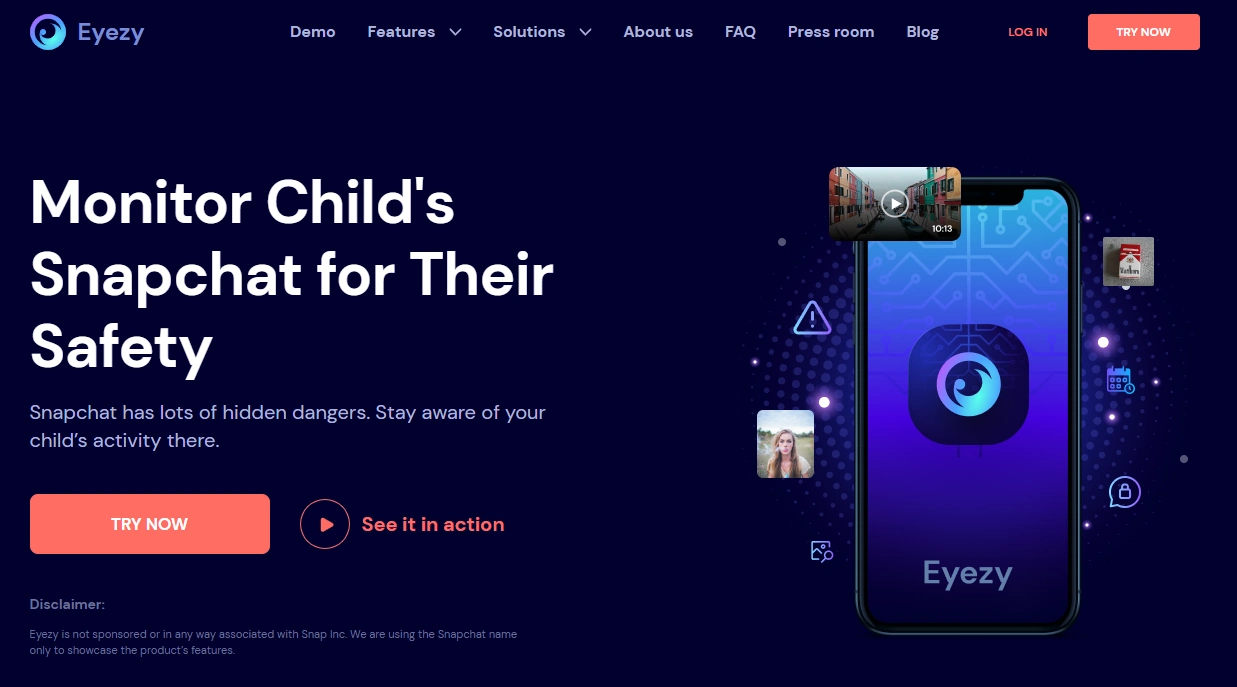
What’s to like: dashboard-first experience, practical for busy parents.
What’s not to like: Snapchat visibility still varies by device + setup method.
PROS: parent-friendly overview, good for patterns.
CONS: may be “too much” if you only need Screen Time + rules.
Check Eyezy Snapchat
uMobix Snapchat Monitoring (quick review)
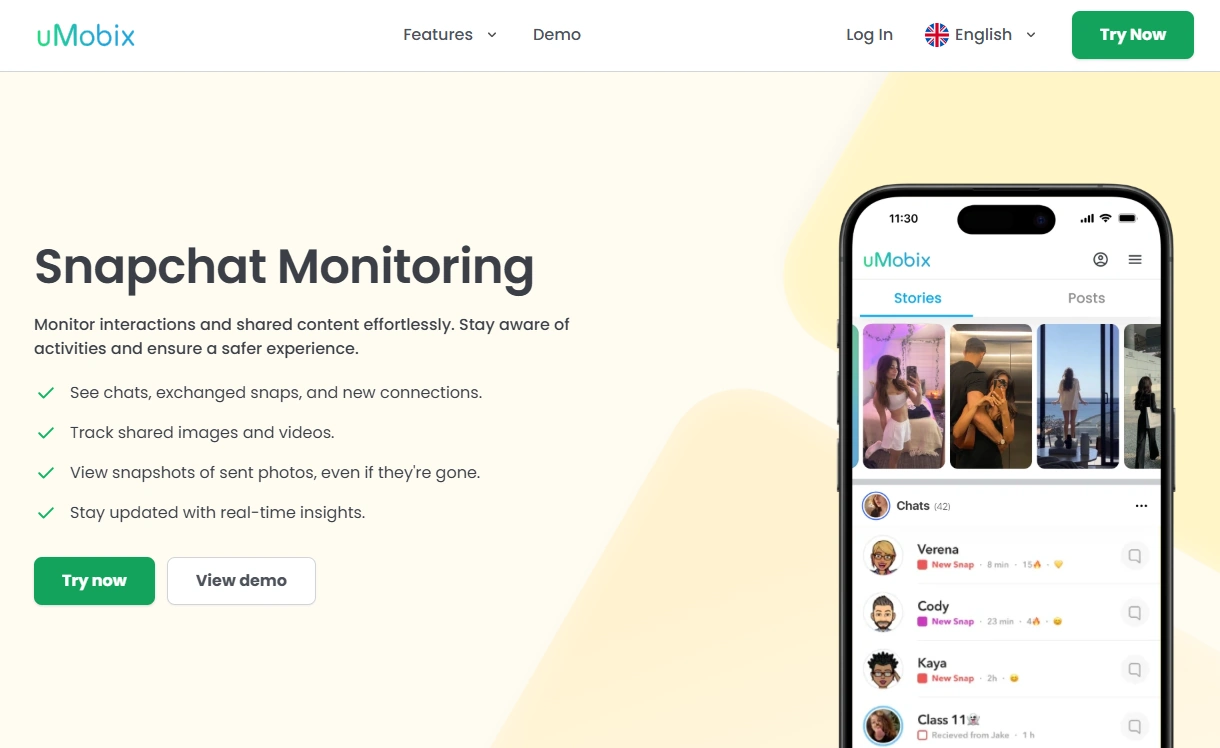
What’s to like: can be a strong option for Snapchat-heavy Android households.
What’s not to like: cross-platform expectations can differ; verify on your device.
PROS: practical Snapchat focus, often best on Android.
CONS: not a substitute for rules, schedules, and check-ins.
Check uMobix Snapchat
FAQ
Can mSpy monitor Snapchat messages?
It can be possible, but results vary by device (Android vs iPhone), OS version, and setup method. Always verify what you’re actually seeing in your dashboard after setup.
Is Snapchat monitoring legal for parents?
Rules depend on your location and whether you own/manage the device. Start here: Legal Phone Tracking: What’s Allowed and What’s Not.
What’s the least invasive way to keep my child safe on Snapchat?
Start with screen-time boundaries, install approvals, and predictable check-ins. Monitor patterns before reading private content.
Why is Snapchat monitoring harder than other apps?
Snapchat is designed around disappearing content (snaps and stories). That makes “perfect visibility” unreliable across devices—so you should treat any tool as setup-dependent and verify on your exact phone.
What should I do if I suspect grooming or sextortion?
Prioritize safety: keep evidence, block/report accounts, and seek local professional help if needed. Time-limited escalation plus supportive conversations usually works better than endless surveillance.