

People often search “how to monitor someone’s Telegram” when what they really want is one of these:
- Check a child’s Telegram activity on a device you manage
- Protect company data on company-owned phones
- Recover/export your own chats for compliance or backup
- Figure out if your Telegram account was accessed by someone else
This guide focuses on legal and ethical ways to monitor or access Telegram data. If your goal is to read another adult’s Telegram messages without their knowledge or permission, that is typically illegal and a fast way to get yourself into serious trouble.
Short on time? Start with mSpy for parents on a device you manage, compare uMobix for Android-heavy setups, and keep Spynger as a comparison option — only for phones you own/manage and with clear consent where required.
Quick jump: Legal checklist · Is it legal? · Safer alternatives (no “monitoring app”) · Parents: how to do it ethically · Companies: policies first · Which app is best? · Comparison table · Reviews · FAQ
Also read: Legal Phone Tracking: What’s Allowed and What’s Not · The Best Telegram Monitoring Apps for Android & iPhone · How to Monitor Kids’ Phones Without Invading Their Privacy
60-second “legal Telegram monitoring” checklist
- Ownership/control: monitor only devices/accounts you own or legitimately manage (e.g., your child’s phone, company-owned phones).
- Consent & notice: where required, get explicit permission or provide clear notice (especially for employees and BYOD).
- Purpose: define why you’re monitoring (safety, security, compliance) — not curiosity.
- Minimise: collect the least data needed (avoid content capture unless it’s truly necessary).
- Boundaries: limit to work hours (companies) or age-appropriate safety goals (parents).
- Retention: keep data for as short a time as possible; restrict access.
If you want the full legal baseline, start here: What’s Allowed and What’s Not.
Is it legal to “monitor” someone’s Telegram chats?
Usually legal:
- Monitoring a child’s device that you own/manage as a parent/guardian, with age-appropriate transparency
- Monitoring company-owned phones under a written workplace policy with clear employee notice
- Exporting or reviewing your own Telegram data and account sessions
Usually illegal / high risk:
- Monitoring another adult’s Telegram chats without permission
- “Hacking” Telegram, bypassing 2FA, stealing session tokens, or using malware
- Secret employee monitoring without notice (and especially collecting private content)
For a deeper explanation and examples, see: Legal Phone Tracking.
Safer alternatives (no “monitoring app” needed)
1) Export your own Telegram chats (backup / compliance)
If your goal is to save Telegram chats (for record-keeping, compliance, or migration), use Telegram’s official export tools on Desktop.
- Export all chats: Telegram Desktop → Settings → Advanced → Export Telegram Data
- Export a single chat: open the chat menu (⋮) → Export chat history (availability depends on Telegram Desktop version)
2) Check active sessions (if you suspect someone accessed your account)
Telegram lets you review where your account is logged in and terminate suspicious sessions. This is the right move if you’re worried about compromise.
3) Enable Two-Step Verification (2FA password)
Two-Step Verification adds a password on top of SMS/Telegram login codes, making account takeovers harder.
If your main goal is security rather than monitoring, start with these steps before anything else.
Parents: how to monitor Telegram ethically (without turning it into surveillance)
If you’re monitoring Telegram to keep a child safe, your best outcome comes from clear rules + transparency, not “secret monitoring.”
What to prioritise
- Risky contact patterns (unknown adults, sudden secrecy)
- Harassment, grooming red flags, or inappropriate content
- Time spent (especially late night) and balance with school/sleep
How to keep it ethical
- Tell your child what you monitor and why (age-appropriate)
- Only check content if there’s a safety concern (use “incident-based” access)
- Use the minimum data needed and keep family trust in mind
Want a privacy-first approach? Read this guide.
Companies: Telegram monitoring on work phones (policy first)
If Telegram is used on company phones (support teams, sales, field ops), monitoring should be framed as data protection and security — not “watching employees.”
Best-practice scope
- Company-owned devices only (BYOD is higher risk)
- Clear written notice: what is monitored, why, retention, who has access
- Minimise collection; prefer security posture and policy violations over message content
If you’re doing monitoring for leak prevention or compliance, use: How to Monitor Work Phones Ethically.
Which app is best for your situation?
1) You want a “most balanced” Telegram monitoring setup for a device you manage
Start with mSpy and read the deeper review: mSpy Telegram Tracking Review.
2) You’re focused on Android and want Telegram-specific options
Compare uMobix and see: uMobix Telegram Monitoring Review.
3) You want a third option to compare (fit/pricing)
Shortlist Spynger and check: Spynger Telegram Review.
For a full roundup: Best Telegram Monitoring Apps (Roundup).
Best Telegram monitoring tools (for owned/managed devices)
| App | Best for | Platforms | Key highlights | Refund or Trial |
|---|---|---|---|---|
| mSpy | All-round Telegram monitoring for a device you manage | Android, iPhone | Best fit for parents who want a structured dashboard + clear setup flow | Varies by plan (check official site) |
| uMobix | Telegram monitoring on Android-focused setups | Android (Telegram Tracker offer) | Good option if your use case is primarily Android and you want Telegram-specific pages | Varies by plan (check official site) |
| Spynger | Comparison option (fit/pricing) for owned devices | Android, iPhone | Useful if you’re shortlisting 2–3 options before committing | Varies by plan (check official site) |
Want the broader comparison? See the full Telegram roundup.
Reviews
mSpy — Telegram Tracking
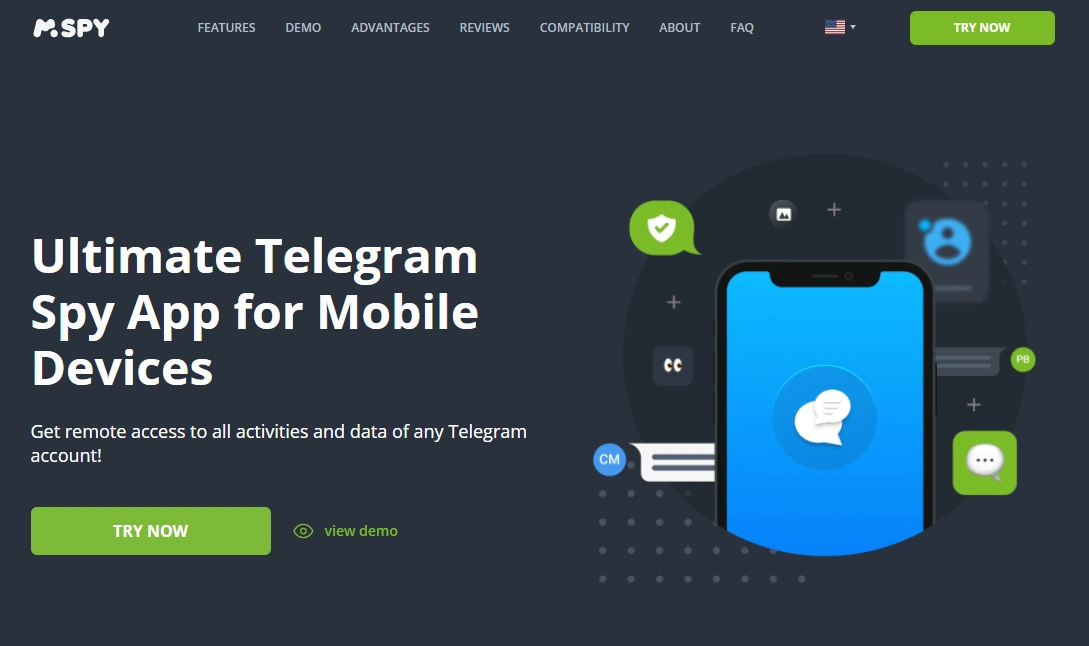
Description: mSpy is a popular choice for parents who need a clear dashboard and a structured setup. For Telegram, it’s best used on a device you own or actively manage as part of a safety plan (not secret surveillance).
Product highlights:
- Telegram-focused landing page + setup flow
- Works across Android and iPhone (capabilities can vary by platform)
- Best when paired with transparency and “incident-based” content checks
What’s to like
- Good all-round option if you’re building a parent monitoring routine
- Strong fit when you want one tool for multiple apps (not Telegram-only)
What’s not to like
- Like all monitoring tools, it can be overused—set boundaries up front
- iPhone monitoring can be more restrictive than Android
PROS
- Balanced choice for parents
- Clear Telegram positioning
- Good “starter” option for managed devices
CONS
- Needs ethical rules to avoid trust damage
- Platform limitations may apply
Next read: mSpy Telegram Tracking Review.
uMobix — Telegram Tracker
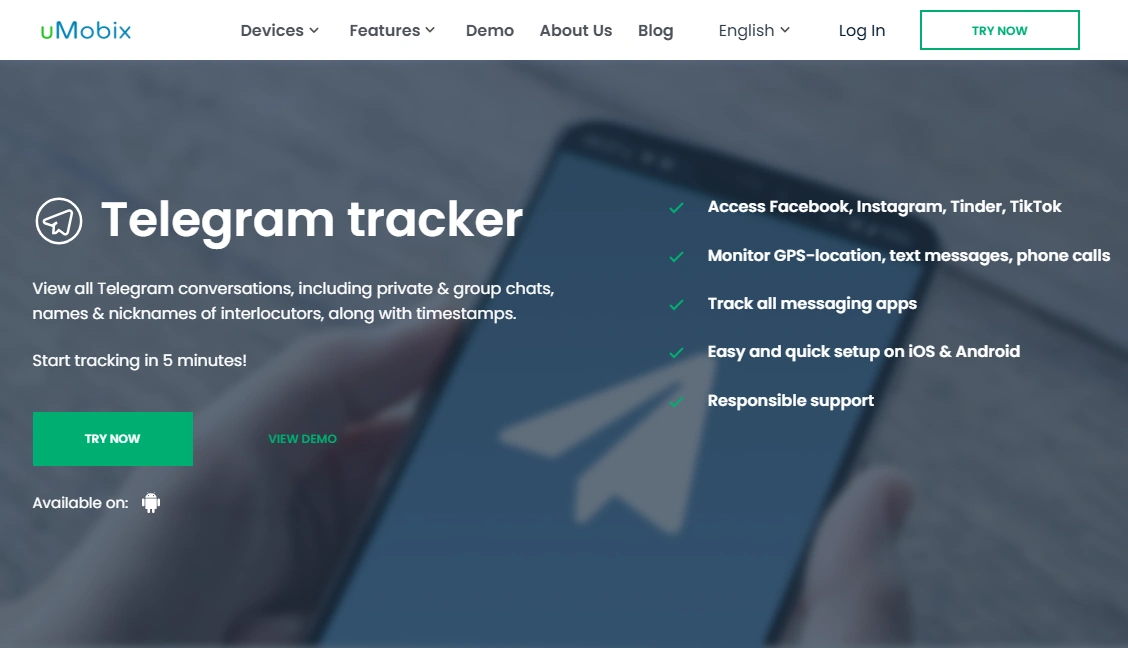
Description: uMobix is a strong contender if your environment is mostly Android and you want Telegram-focused options. Use it only on a device you own/manage, with clear family or workplace rules.
Product highlights:
- Telegram tracker positioning (Android)
- Useful if you’re comparing Telegram monitoring options side-by-side
- Best practice: minimise, limit access, and keep retention short
What’s to like
- Good fit for Android-first households
- Easy to shortlist against mSpy and Spynger
What’s not to like
- Not the right tool if your goal is “secret monitoring” (don’t do that)
- Over-collection is still a risk without boundaries
PROS
- Android-first Telegram angle
- Strong comparison candidate
CONS
- Requires clear ethical scope
- May not fit iPhone-only families
Next read: uMobix Telegram Monitoring Review.
Spynger — Telegram
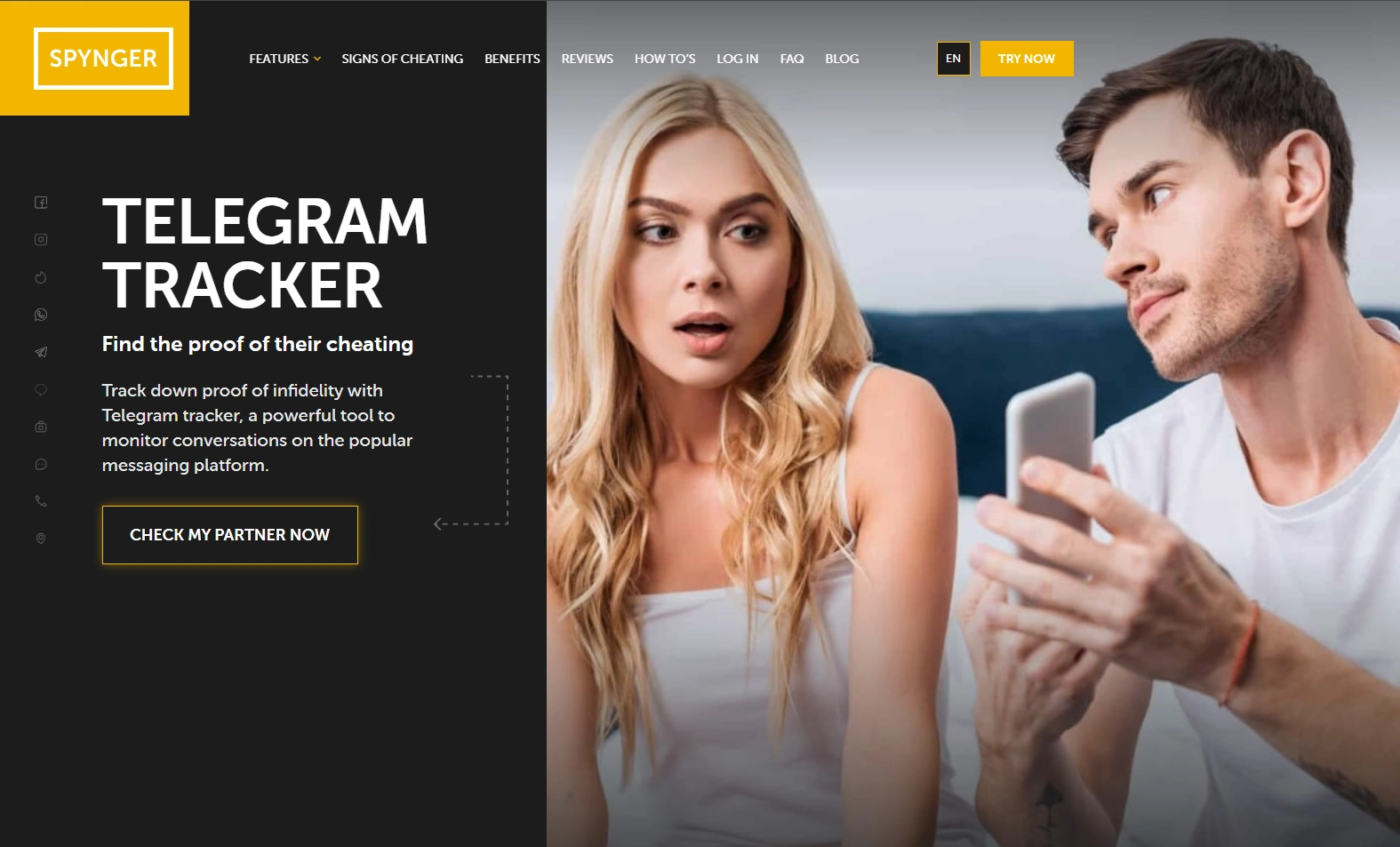
Description: Spynger is useful as a third option to compare—especially if you’re evaluating fit and pricing. As always, keep it to owned/managed devices and avoid content capture unless there is a clear safety/compliance reason.
Product highlights:
- Telegram-focused landing page
- Good shortlist candidate alongside mSpy and uMobix
- Best when used with “incident-based” deep checks rather than constant monitoring
What’s to like
- Easy comparison pick
- Useful if you want to validate alternatives before buying
What’s not to like
- Not a replacement for Telegram account security (sessions + 2FA)
- Still risky if used as broad surveillance
PROS
- Solid third option
- Telegram-specific page makes comparison easier
CONS
- Needs strong boundaries to stay ethical
- BYOD/partner monitoring is a legal minefield
Next read: Spynger Telegram Review.
FAQ
Can I legally read someone else’s Telegram messages?
In most situations, no—reading another adult’s private Telegram chats without permission is illegal or highly risky. Legal monitoring usually requires that you own/manage the device (e.g., your child’s phone) or have a workplace policy for company-owned devices.
What’s the safest legal option if I just need the chat history?
Use Telegram Desktop’s official export feature to export your own chats for backup or compliance purposes.
How do I know if my Telegram account was accessed by someone else?
Check your active sessions/devices in Telegram and terminate anything suspicious. Then enable Two-Step Verification and review your account security settings.
Which monitoring app is best for parents?
If you’re monitoring a device you manage, mSpy is a strong all-round starting point. For Android-focused setups, compare uMobix. Use Spynger as a third option to compare fit and pricing.
How can I keep Telegram monitoring ethical at home?
Be transparent (age-appropriate), minimise data collection, and check content only when there’s a safety concern. This guide helps: Monitor Kids’ Phones Without Invading Privacy.
1 Comment