

People search “how to monitor Snapchat messages” for safety reasons (kids, bullying, grooming risks, explicit content), or for relationship suspicion.
This guide focuses on legal, parent-safe monitoring on devices you own/manage (most commonly a child’s phone) — not hacking or covert access to another adult’s private account.
Fast answer: If Snapchat is your #1 concern on a managed phone, compare uMobix, mSpy, Eyezy, and Spynger. Results vary by device/OS and how Snapchat is used.
Quick jump: Checklist · What’s actually possible · Snapchat Family Center · Tool comparison · Reviews · Setup tips · Scams to avoid · FAQ
60-second checklist (so you don’t waste time)
- Confirm the device: Android typically offers more flexibility than iPhone.
- Define your goal: safety signals (contacts, risky groups, time spent) vs reading message content.
- Use the least invasive option first: Family Center + rules + screen time automation.
- If you use a monitoring tool: choose one reputable app and set it up properly on the managed device.
- Avoid “instant Snapchat hacker” sites: they’re usually scams or malware traps.
What’s actually possible on Snapchat (and what’s not)
Snapchat is designed around temporary content. Depending on settings, chats and snaps can disappear after viewing or after a time window, which makes “read everything later” expectations unreliable.
Realistic monitoring goals for parents:
- Who they communicate with (the social graph / recent contacts)
- Usage patterns (late-night use, spikes, risky routines)
- Safety conversations: rules about strangers, adding friends, sending images
- Evidence prevention: reduce risk before it happens (limits + boundaries)
If your parenting approach is “safety without turning into surveillance,” read: How to Monitor Kids’ Phones Without Invading Their Privacy.
Legal baseline: Legal Phone Tracking: What’s Allowed and What’s Not.
Start here: Snapchat Family Center (built-in parent insight)
Before paying for any third-party tool, consider Snapchat’s own parent features. Family Center is designed to give parents insight while still respecting teen privacy (it’s not meant to show full message content).
If you mainly want to prevent risky situations (not “read chats”), Family Center + clear rules + time limits is often the best foundation.
Also pair with automation: How to Limit Screen Time on Kids’ Phones Automatically.
Best Snapchat monitoring tools compared (Android & iPhone)
| App | Best for | Platforms | Strength | Link |
|---|---|---|---|---|
| uMobix | Snapchat-focused monitoring on managed devices | Android, iPhone | Often picked when Snapchat is the priority | Open uMobix |
| mSpy | Broader monitoring suite + Snapchat tracking offer | Android, iPhone | Good “all-in-one” safety stack option | Open mSpy |
| Eyezy | Parent-friendly dashboard + Snapchat visibility | Android, iPhone | Often chosen for “parent workflow” feel | Open Eyezy |
| Spynger | Snapchat monitoring option to compare cross-platform | Android, iPhone | Good comparison candidate if you’re testing fit | Open Spynger |
More curated picks: Top Snapchat Monitoring Apps for Parents.
Reviews: which Snapchat tool should you choose?
uMobix — Snapchat Monitoring
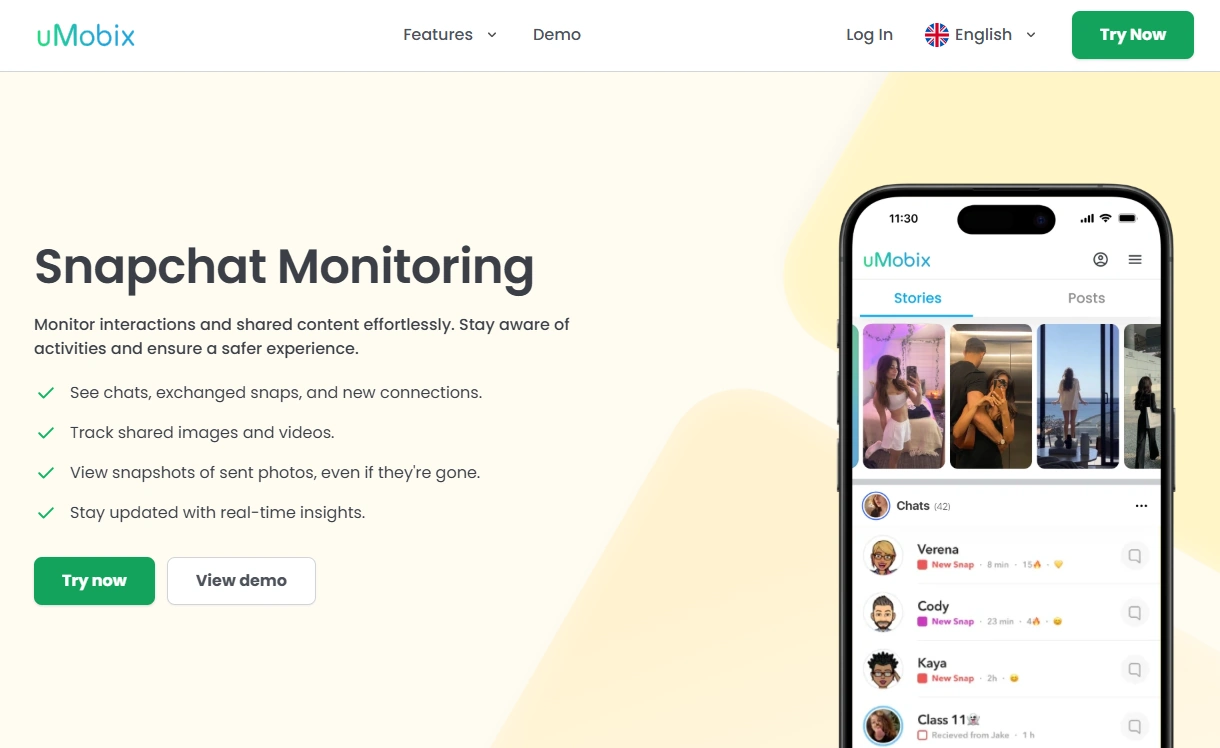
Description: uMobix is commonly chosen when Snapchat is the main concern and you want a Snapchat-first monitoring workflow on a managed device.
Product highlights:
- Snapchat-focused positioning
- Good for parents who want a single tool for Snapchat monitoring
- Works best when permissions/setup are done properly
What’s to like
- Strong choice when Snapchat is the priority
- Often simpler than stacking multiple partial solutions
What’s not to like
- Snapchat’s disappearing content can limit “history” expectations
- Results vary depending on device/OS restrictions
PROS
- Snapchat-first approach
- Good fit for “monitoring + parenting rules” combo
CONS
- Not a substitute for trust + household boundaries
- Setup quality matters a lot
mSpy — Snapchat Tracking (Offer 159)
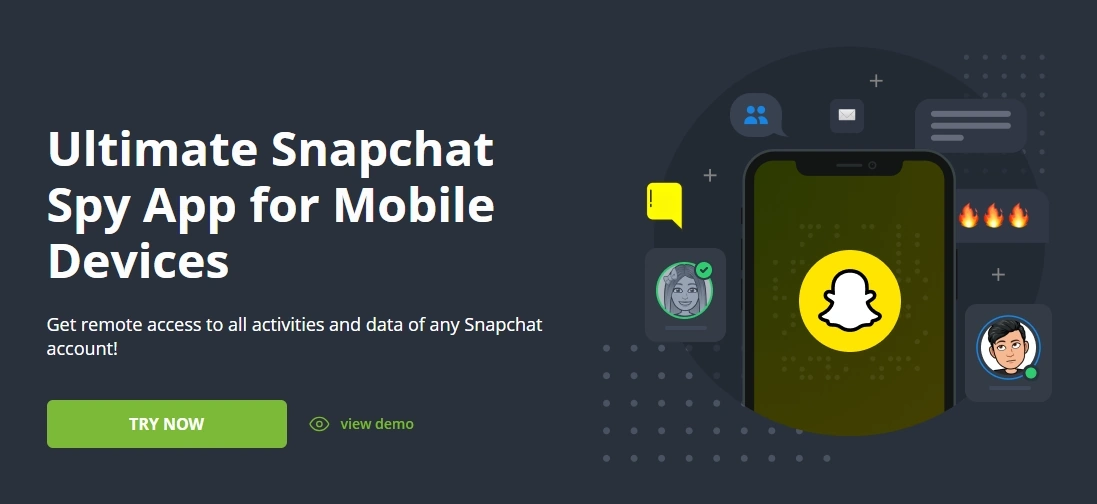
Description: mSpy is a long-running monitoring suite often picked by parents who want broader coverage beyond Snapchat (location, app usage patterns, web activity) while still having Snapchat-focused options.
Product highlights:
- All-in-one suite mindset (features vary by platform)
- Good if you want more than Snapchat-only monitoring
- Works best paired with clear rules and time limits
What’s to like
- Great “one tool for multiple safety angles” option
- Strong choice if you’re building a full parental control stack
What’s not to like
- If you only care about Snapchat, a Snapchat-first tool may feel simpler
- Device restrictions (especially iPhone) can reduce visibility
PROS
- Broader suite value
- Good for long-term safety routines
CONS
- May be “more than needed” for Snapchat-only use
- Requires careful setup
Want the practical walkthrough? How to Use mSpy for Snapchat Monitoring Step-by-Step
Eyezy — Snapchat
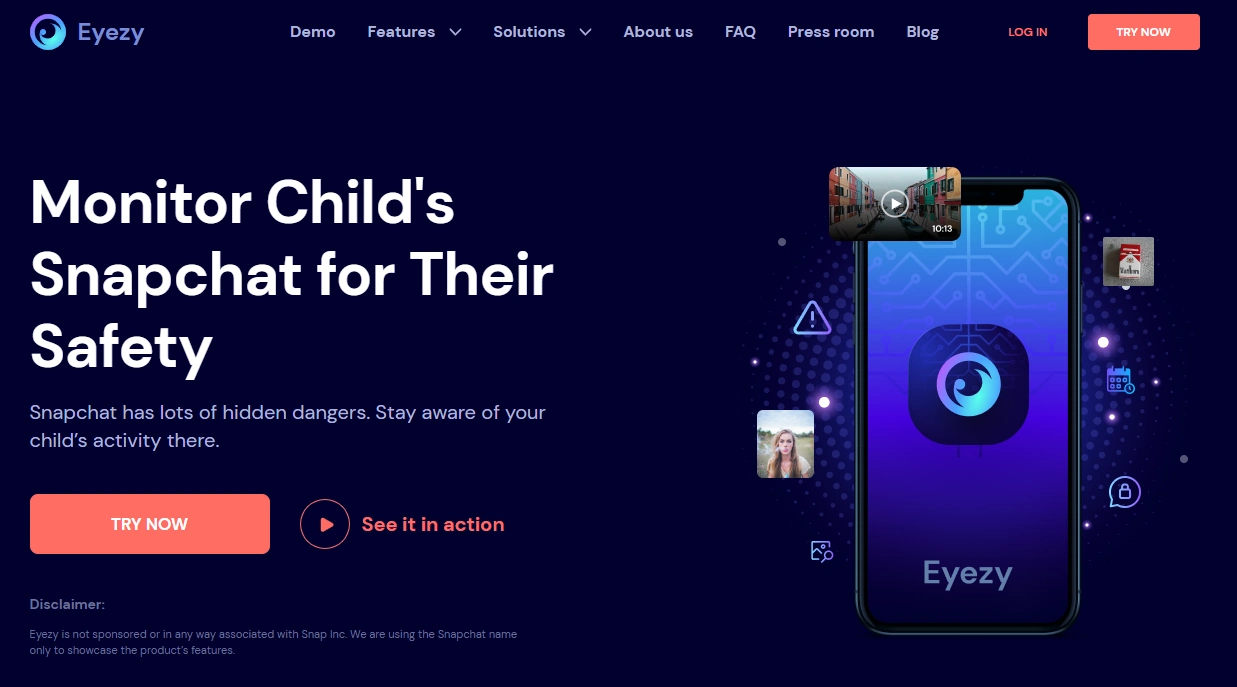
Description: Eyezy is often chosen by parents who want a simpler dashboard feel and a practical mix of monitoring + controls.
Product highlights:
- Parent-friendly workflow
- Good option when you want “rules + visibility” together
- Snapchat visibility varies by device and setup
What’s to like
- Nice fit for parents who prefer a guided dashboard approach
- Works well as part of a broader family safety setup
What’s not to like
- Not a “read everything forever” guarantee (Snapchat is temporary by design)
- Still requires proper permissions on the managed phone
PROS
- Parent-friendly UX positioning
- Good for broader safety routines
CONS
- Results can vary across Android vs iPhone
- Doesn’t replace Family Center / built-in safety controls
Spynger — Snapchat
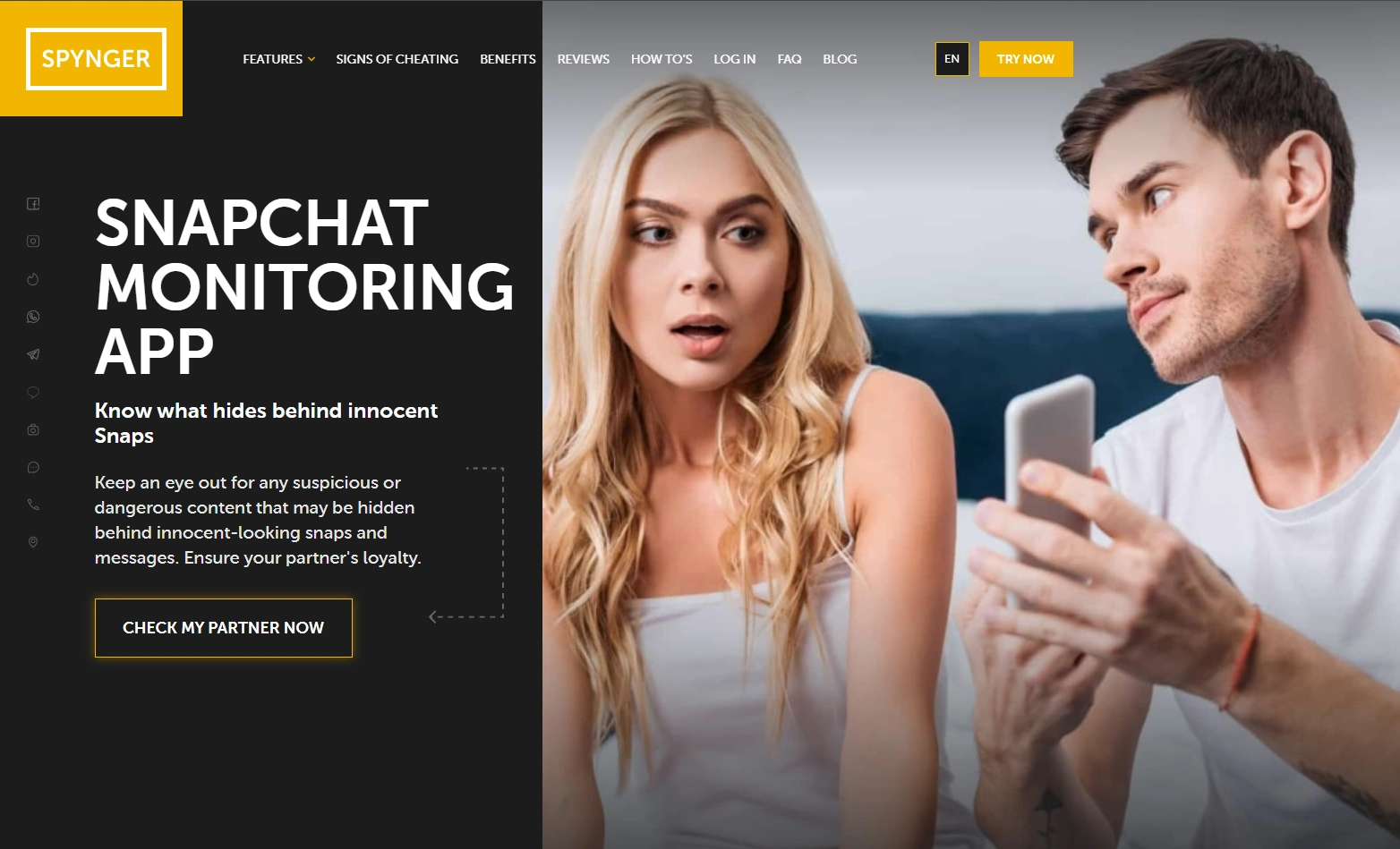
Description: Spynger is a solid comparison option if you’re evaluating which tool fits your device mix and your monitoring goals.
Product highlights:
- Cross-platform option (Android + iPhone)
- Useful when Snapchat is part of a wider safety concern
- Best used on devices you manage with clear rules
What’s to like
- Good “compare and decide” candidate
- Can fit multi-platform households
What’s not to like
- Device/OS restrictions still apply
- Snapchat’s temporary design can limit chat-history expectations
PROS
- Cross-platform
- Useful as a comparison pick
CONS
- Setup quality matters
- Not a replacement for parenting boundaries
Setup tips (safe + responsible)
The most common reason people say “it doesn’t work” is incomplete setup on the managed device (permissions, OS limitations, and inconsistent usage expectations).
- Android: follow a safe setup flow here: How to Set Up an Android Monitoring App Safely and Legally
- iPhone: follow the iPhone-safe version here: How to Set Up an iPhone Monitoring App Safely and Legally
If your goal is fewer risky situations (not constant monitoring), pair your setup with automation: How to Limit Screen Time on Kids’ Phones Automatically.
Scams to avoid (very common for “Snapchat spy” searches)
- “Instant Snapchat hacker” pages that ask for a username and payment
- Fake dashboards that show a “loading chats…” animation
- APK downloads claiming “Snapchat viewer” or “Snapchat password grabber”
- Anything promising access without device management or consent
Rule of thumb: if it sounds like it bypasses Snapchat security “easily,” it’s usually a scam or illegal guidance.
FAQ
Can I monitor Snapchat messages without someone’s phone?
Not in a legitimate way for another person’s account. For parents, the realistic path is managed-device monitoring plus built-in safety features like Family Center.
Does Snapchat Family Center show message content?
Family Center is designed to give parents insight into who their teen is communicating with while respecting teen privacy. It’s not meant to show full chat content.
Why is Snapchat monitoring less reliable than other apps?
Snapchat is built around temporary content, and settings can remove chats/snaps after viewing or after a time window. That affects how much “history” any tool can realistically show.
Which tool is best if Snapchat is my main concern?
If Snapchat is the priority, start by comparing uMobix and mSpy. If you want a parent-friendly dashboard style, add Eyezy to your shortlist.
What’s the most privacy-friendly approach for teens?
Use transparency, clear household rules, and the least invasive controls that still keep them safe. Start here: How to Monitor Kids’ Phones Without Invading Their Privacy.