

People search “how to see deleted messages on WhatsApp or Instagram” for all kinds of reasons: a kid hiding something, a misunderstanding in a relationship, or simply “I deleted it by accident.”
Here’s the reality: in most cases, you cannot magically recover deleted/unsent messages unless there’s a backup, a notification preview captured it, or the message still exists on another device/account.
Consent-first: I won’t provide instructions for hacking, covert access, or secretly reading another adult’s messages. This guide focuses on legal recovery options for your own account or a device you own/manage (e.g., a child’s phone). Read: Legal Phone Tracking: What’s Allowed and What’s Not.
Quick jump: WhatsApp: what’s possible · Instagram: what’s possible · Do this first (checklist) · Legal ways to recover (step-by-step) · Parent-safe options (devices you manage) · FAQ
WhatsApp: can you see deleted messages?
WhatsApp has two common “deleted message” situations:
- You deleted a message in your own chat (or cleared the chat)
- Someone used “Delete for everyone” (the message disappears for both sides)
Most realistic recovery path: restore from a backup that still contains the message (if such a backup exists). If the message was deleted before your last backup ran, that backup likely won’t include it.
Instagram: can you see “unsent” (deleted) DM messages?
On Instagram, “Unsend” removes the message from the chat. In general, if a message was unsent, it’s usually not recoverable inside the app.
Also important: Instagram’s Help Center notes that when you export your Instagram information, the file won’t include messages that you’ve unsent. So “Download your information” is not a guaranteed recovery trick for unsent DMs. (It can still help in other cases, like having a copy of your data for records.)
If your real goal is child safety with minimal privacy invasion, read: How to Monitor Kids’ Phones Without Invading Their Privacy.
Do this first (it saves time and avoids scams)
- Confirm what happened: was it deleted on your phone, or “deleted for everyone / unsent”?
- Check backups BEFORE reinstalling anything: a bad restore can lose newer messages.
- Check notification previews: some devices keep notification history that may show message snippets.
- Ask the other person: in many cases, the simplest (and healthiest) recovery is just requesting a screenshot or clarification.
- Avoid “instant deleted messages viewer” websites: most are scams, or they rely on illegal/covert access.
Legal ways to see deleted WhatsApp or Instagram messages
Method 1 (WhatsApp): restore chats from a backup (only if a backup exists)
This is the most legitimate way WhatsApp supports for recovering chat history: restoring from an existing backup.
Before you restore
- Check the backup date. If the message was deleted before that backup, it won’t return.
- Understand the trade-off: restoring a backup can roll your chat history back to that point.
If you’re comfortable proceeding, follow WhatsApp’s official “Back up or restore your chats” instructions for your device.
Method 2 (Android): check Notification History (may show message previews)
If WhatsApp or Instagram showed the message in a notification, Android devices that support Notification History may keep a log of recently dismissed notifications — sometimes including a snippet of the message.
What to expect
- Best case: you see a preview/snippet of the deleted message.
- Worst case: nothing shows (notifications were off, privacy settings hide content, or your phone doesn’t support history).
Go to your phone’s notification settings and look for Notification history.
Method 3 (Instagram): download your information (useful, but not for unsent DMs)
Instagram lets you request a copy of your data. This can help with record-keeping or checking certain account history, but it is not a reliable way to recover messages that were unsent.
Still, if your goal is “get a copy of what Instagram has stored for my account,” it’s worth doing.
Method 4: check other devices / other participant’s copy
If you used WhatsApp Web/Desktop, an old device, or another logged-in session, sometimes the message may still be visible there (depending on sync timing and the platform). Likewise, the other person may still have the content (or a screenshot) even if it’s no longer visible to you.
This is often the most realistic option for relationship situations: ask directly and set a boundary rather than trying to “recover” behind someone’s back.
Parent-safe option: prevent “deleted message surprises” on devices you manage
If the real issue is a child deleting messages after the fact, “recovery” is usually the wrong strategy. A better strategy is:
- use transparent family rules
- use screen-time and safety monitoring
- and focus on patterns + risk signals, not reading every private chat
Here are monitoring tools that are commonly used for WhatsApp/Instagram visibility on managed devices (what they capture depends on the phone, OS restrictions, permissions, and how the app syncs). Always use them legally and openly when possible.
| Tool | Best for | Link | ||
|---|---|---|---|---|
| Eyezy | Parents who want dashboard-style monitoring on devices they manage | Often supported (varies by device) | Often supported (varies by device) | Eyezy WhatsApp · Eyezy Instagram |
| mSpy | Families who want a long-established monitoring suite (managed devices) | Often supported (varies by device) | Often supported (varies by device) | mSpy WhatsApp · mSpy Instagram |
| uMobix | Android-first monitoring workflows (best when your household is mostly Android) | Often supported (varies by device) | Often supported (varies by device) | uMobix WhatsApp · uMobix Instagram |
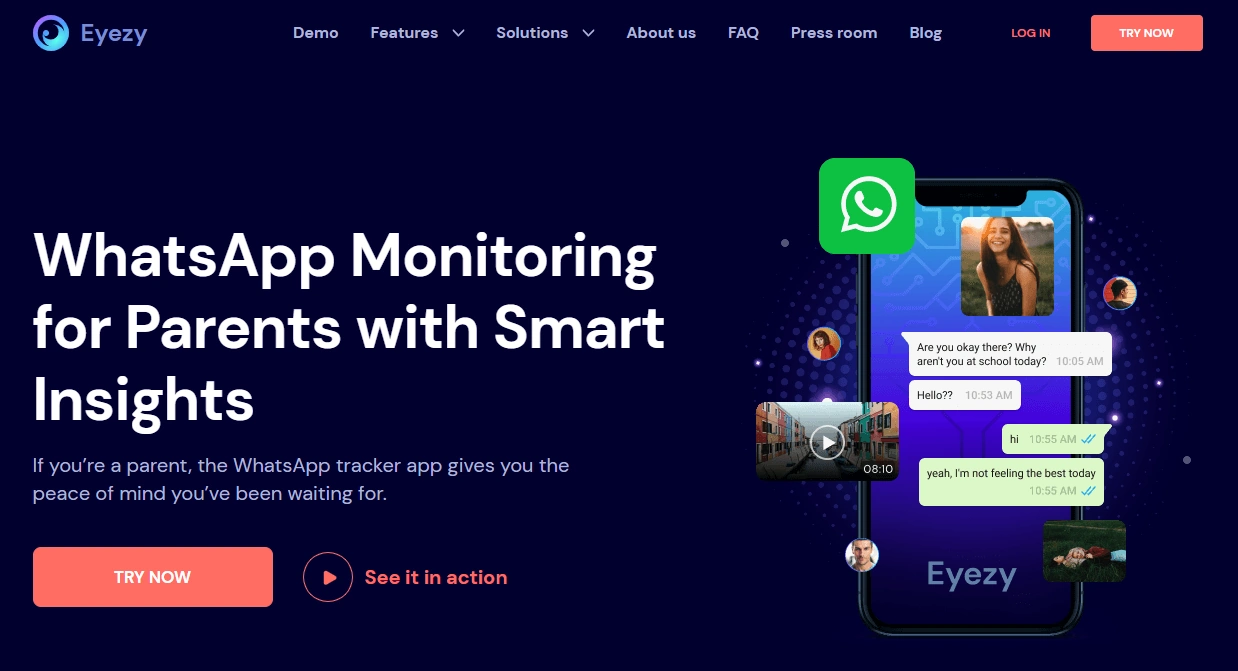
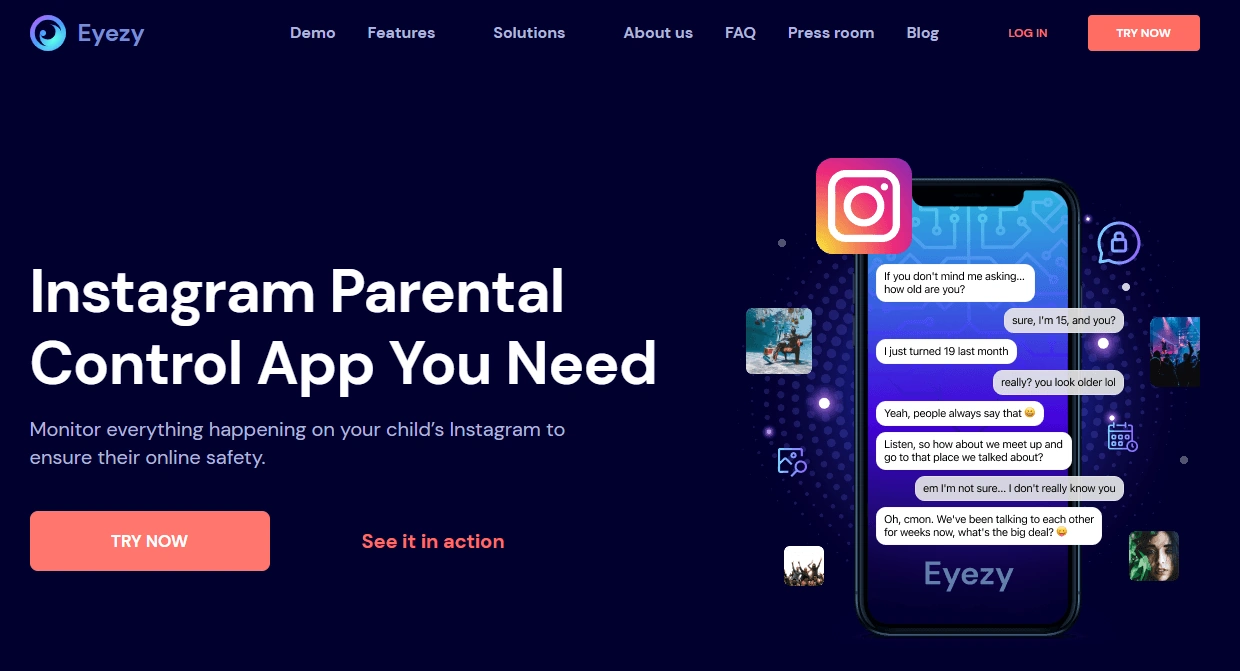
Eyezy (WhatsApp + Instagram)
What’s to like
- Simple “dashboard-first” flow for parents
- Useful for monitoring patterns (who/when/how often)
What’s not to like
- Results vary by device and setup method
- Not a “deleted message recovery” tool after the fact
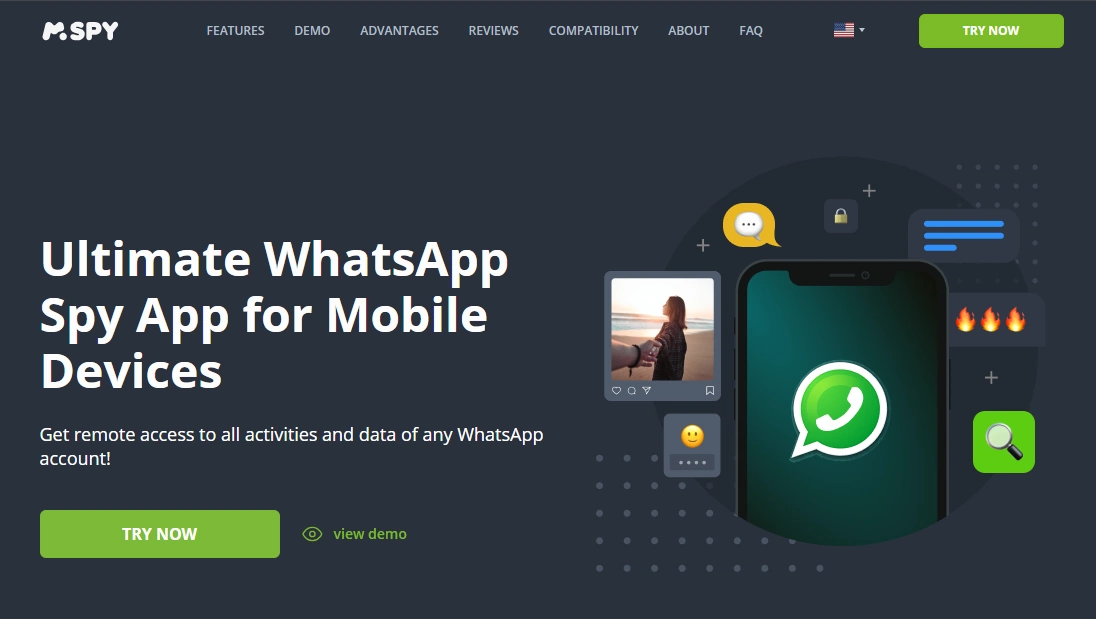
mSpy (WhatsApp + Instagram)
What’s to like
- Long-established monitoring suite (managed devices)
- Useful for safety-focused monitoring workflows
What’s not to like
- Not a guaranteed “recover deleted messages” button
- Setup/outcomes vary by OS and device restrictions

For deeper context, read: mSpy Instagram Tracking Review (DMs, Stories & Activity Logs).
If you’re comparing WhatsApp-focused options, see: Best WhatsApp Monitoring Apps (Android & iPhone).
FAQ
Can I recover WhatsApp messages deleted for everyone?
Sometimes — but usually only if you have a backup that still contains the message. If the deletion happened before your last backup, the message likely won’t return.
Can I see Instagram messages someone unsent?
In most cases, no. Unsent messages are generally not recoverable in the app, and Instagram notes that exports don’t include messages that you’ve unsent.
Does Android Notification History show deleted WhatsApp messages?
It can show notification previews that were displayed at the time (depending on device support and your notification privacy settings). It’s not guaranteed.
Are “deleted messages viewer” websites real?
Most are scams or rely on illegal/covert access. Stick to backups, official tools, and consent-based approaches.
What’s the best option for parents?
Use transparency-first rules, screen-time controls, and safety monitoring on devices you manage. Focus on patterns and risk signals rather than trying to “recover” deleted messages after the fact.
2 Comments