

Keystroke logs can be useful for parental control—but they’re also sensitive by nature. The safest way to use a keylogger feature is to treat it like medical data: access only when needed, protect it, and use it only on devices you own/manage (or with clear consent).
This guide shows how to read logged keystrokes with uMobix in a responsible, practical way: where to find the logs, how to interpret them (app + timestamp), and how to avoid the common “I’m seeing weird entries / missing chunks” confusion.
If you’re still comparing tools, start here: best keylogger apps for Android and iPhone.
Short on time? Quick verdict
- uMobix keylogger is most practical on Android: it’s where you’re most likely to get meaningful “typed text” visibility.
- Read logs for patterns, not “gotcha” moments: timestamps + app context matter more than single lines of text.
- Stay on the legal side: only on devices you own/manage (e.g., a child’s phone). If unsure, read what’s allowed and what’s not.
Quick jump: 60-sec checklist · Verdict · Comparison · How to read logs · Interpretation tips · Best for your situation · Common issues · Reviews · Legal notes · FAQ
60-second decision checklist
- Do you have a legal basis? Only monitor a device you own/manage (or with explicit consent).
- Is it Android? uMobix keylogger is primarily an Android-strength feature. If you need iPhone-first options, see best iPhone keylogger apps.
- What’s your goal? Safety and behavior patterns (apps + timing) usually matter more than single messages.
- Can you secure access? Use a strong password, protect your dashboard login, and avoid sharing screenshots.
- Will you review responsibly? Plan a short, consistent review routine instead of constant monitoring.
Verdict: when uMobix keylogger is the right tool
Use uMobix keylogger if you manage a child’s Android phone and want a typed-text signal to support broader parental control (screen time rules, risky app detection, and safety conversations).
Choose alternatives if you’re iPhone-first or you need a broader “keylogger apps” comparison. Start with the full keylogger roundup or check best Android keylogger apps if Android is your priority.
uMobix vs alternatives (for keylogger-style monitoring)
If you’re deciding between tools, here’s the practical comparison. (For a deeper Android keylogger list, see best Android keylogger apps.)
| App | Best on | Best for | Daily-use reality |
|---|---|---|---|
| uMobix | Android | Parents who want readable keystroke logs + timestamps | Works best when the phone allows stable background activity |
| mSpy | Android (iPhone varies) | People who want a popular keylogger-first option | Android tends to be more consistent than iPhone on modern iOS |
| Eyezy | Android (iPhone limited) | All-in-one monitoring with keylogger as one signal | Good Android daily use when set up correctly |
How to read logged keystrokes in uMobix (safe workflow)
The goal is to get useful context (what + where + when), not to obsess over every line. A simple, safe review routine looks like this:
Step 1: Log in and open the Keylogger/Keystrokes section
- Sign in to your uMobix dashboard.
- Open the Keylogger (keystrokes) area.
- If you don’t see keystrokes yet, give the device time to sync and confirm setup is complete.
Step 2: Start with timestamps, not text
- Look at time ranges (school hours, late night, etc.).
- Compare keystrokes with the app context (where the text was typed).
- Use this to answer: “Is there a pattern that suggests risk or a conversation we should have?”
Step 3: Filter your review to reduce false conclusions
- Don’t overinterpret fragments: keylogs can include partial words, autocorrect changes, and copied text.
- Spot repeat signals: repeated risky searches/terms over days matter more than one weird line.
- Keep a minimal log: if you must note something, write down the pattern and the timestamp, not the full text.
Step 4: Secure the data you just accessed
- Don’t share screenshots by chat.
- Use a strong password + protected device for your dashboard access.
- Access only when necessary (schedule-based reviews work best for parents).
What really matters when interpreting keystrokes
Keystrokes are noisy. Here’s how to interpret them like a parent—not like a detective:
- Autocorrect & suggestions: typed text may appear with corrections, repeats, or partial edits.
- Copied/pasted text: sometimes logs include pasted content that didn’t originate as “typing.”
- Secure fields: password boxes and some secure inputs may be missing or masked.
- App boundaries: some apps behave differently; don’t assume identical coverage everywhere.
Best for your situation
- “I want to check risky searches / online safety”: review keystrokes by time blocks and watch for repeated patterns over days.
- “I’m worried about bullying or grooming”: use keystrokes as a signal, then move to a conversation and safety plan. Constant surveillance usually backfires.
- “I’m missing data”: it’s usually a setup/background issue—see the troubleshooting section below.
- “I’m not sure about legality”: read legal phone monitoring: what’s allowed and what’s not.
Common issues & fixes (without shady advice)
Issue: “Keystrokes are missing chunks”
- Most common cause on Android: battery optimization or background limits pausing the service.
- Fix: complete a stability-focused setup and verify permissions. A practical guide is here: Android setup guide (stability-focused).
Issue: “Logs appear late (not real-time)”
- Causes: weak connectivity, power-saving mode, sync timing, or device inactivity.
- Fix: test on stable Wi-Fi and over a full day (sleep + low battery included) before judging reliability.
Issue: “I don’t see anything on iPhone”
- Reality: modern iOS limits classic keylogging in many apps.
- Fix: if iPhone is your main scenario, compare iOS options and follow a safety-first setup: iPhone monitoring setup guide and best iPhone keylogger apps.
Reviews
uMobix Keylogger
Description
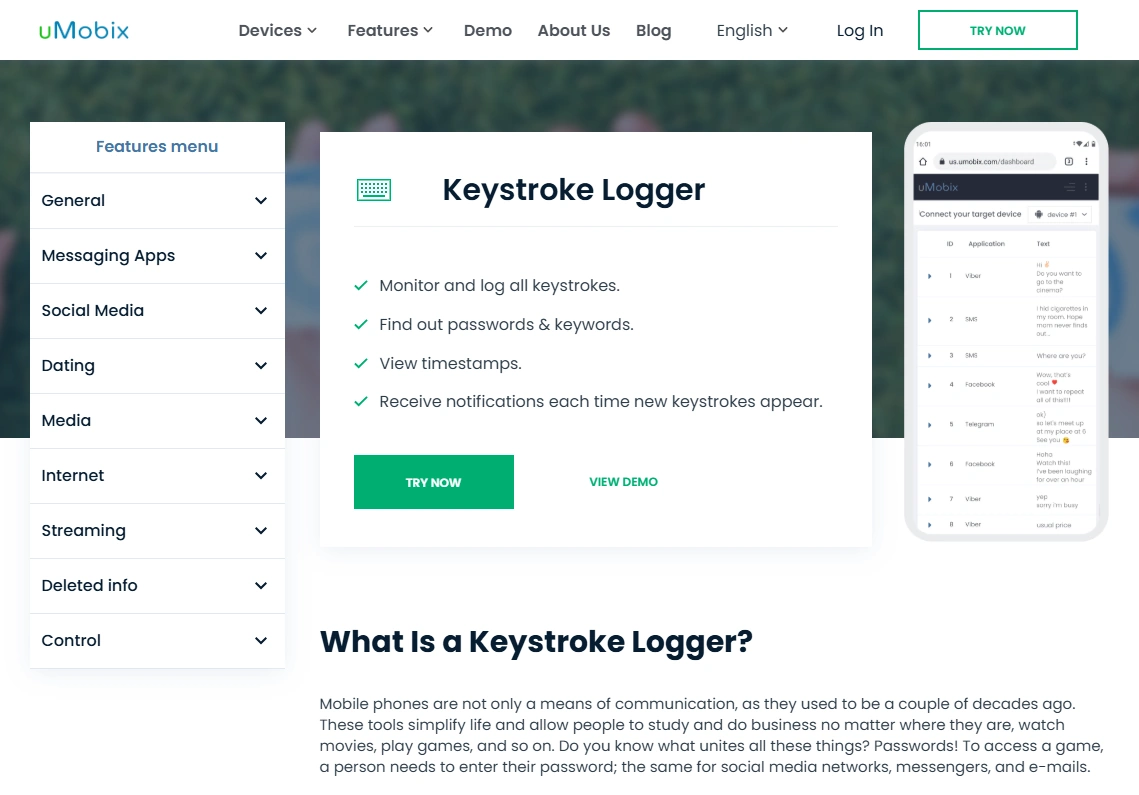
uMobix keylogger is designed for Android-centric monitoring. The most practical way to use it is to read logs with context (app + timestamp), then act responsibly: better rules, safer habits, and real conversations.
If you want the full platform overview, read: uMobix for Android review + setup guide and the dedicated uMobix keylogger review.
Product highlights
- Android-focused keylogger feature
- Dashboard-based viewing of keystroke history
- Most useful for patterns (time + app context) rather than single lines
What’s to like
- Practical Android-first keylogger approach
- Good for responsible parental control when used selectively
- Clear value when combined with broader monitoring rules
What’s not to like
- Android background/battery limits can reduce continuity if not configured
- Secure fields and some inputs may be missing or partial
PROS
- Strong Android use case
- Readable logs when sync is stable
- Useful as a safety signal
CONS
- Not meant for iPhone-first “classic keylogging” expectations
- Setup quality affects results
Check uMobix plans: official website.
mSpy (alternative)
Description
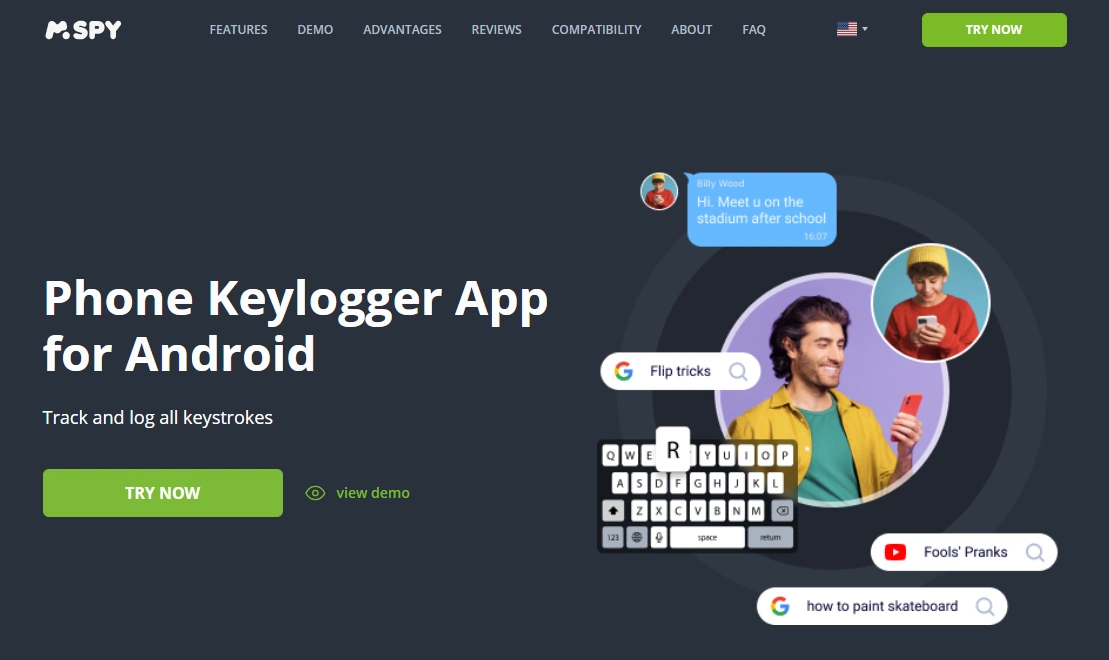
mSpy is a well-known alternative for Android keylogger comparisons. It’s often considered when you want a popular “keylogger-first” option with lots of existing guides.
Product highlights
- Strong Android keylogger positioning
- Useful comparison choice vs uMobix
- Most practical when treated as one signal (not a full surveillance solution)
What’s to like
- Solid Android option to compare
- Good if you want a widely-used tool
What’s not to like
- Background/battery limits can still cause gaps
- iPhone “keylogger” expectations can be limited on modern iOS
PROS
- Strong Android comparison pick
- Easy to find usage guidance
CONS
- Not “everything typed everywhere”
- Setup-sensitive
Check mSpy: Android keylogger page.
Eyezy (alternative)
Description
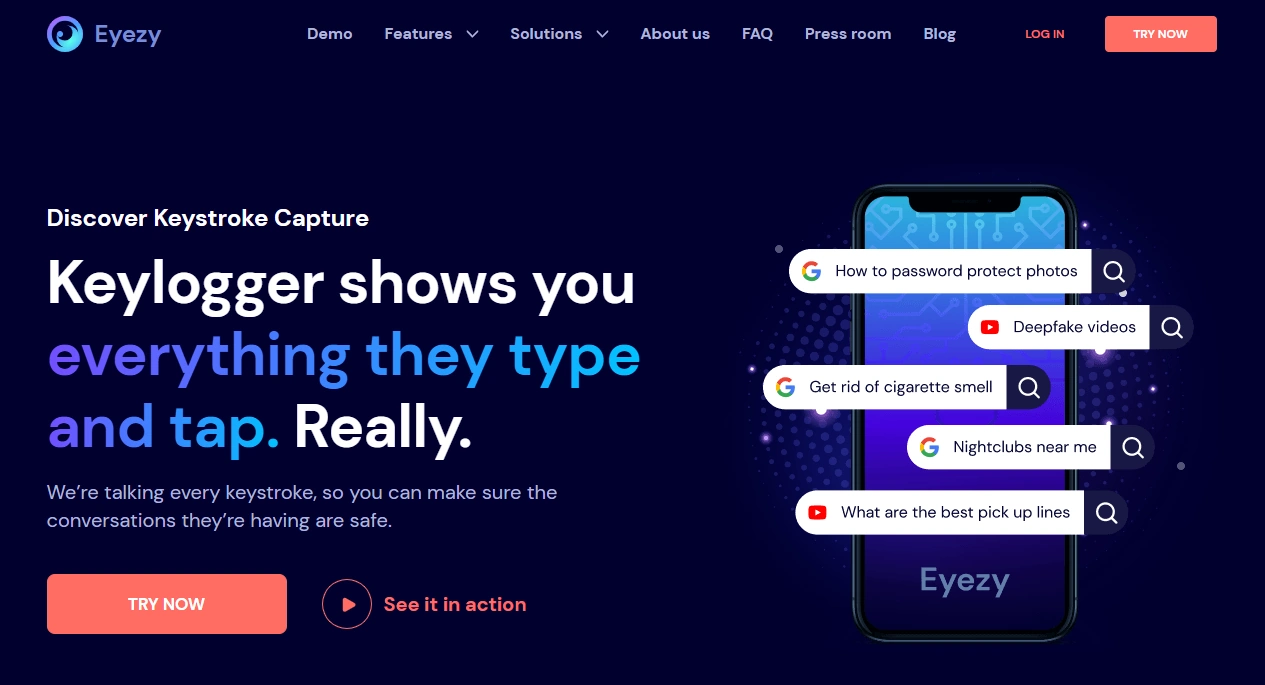
Eyezy is typically chosen when you want an all-in-one monitoring suite and you don’t want to rely on keystrokes alone. It’s usually most practical on Android, with more conservative expectations on iPhone.
Product highlights
- All-in-one monitoring + keylogger-style feature
- Good Android daily-use potential when configured properly
- Useful if you prefer multiple safety signals beyond keystrokes
What’s to like
- Broader monitoring approach (not just keylogs)
- Good comparison option if you want “more than keylogger”
What’s not to like
- iPhone keylogging expectations can be limited on modern iOS
- Background restrictions can reduce continuity on Android if misconfigured
PROS
- All-in-one approach
- Strong Android use case
CONS
- Not ideal if you only want iPhone keystrokes
- Setup-sensitive
Check Eyezy: official website.
Legal notes
Use keylogger features only on devices you own, devices you manage (for example, a minor child’s phone under your care), or when you have clear consent from the device user. Laws vary by country and situation, and using monitoring tools on someone else’s device without permission can be illegal.
For a practical overview, read: legal phone tracking: what’s allowed and what’s not.
FAQ
Can I use uMobix to read keystrokes legally?
Generally, it’s safest and most defensible when you monitor a device you own/manage (for example, a child’s phone) or when you have explicit consent. Laws vary, so check your local rules if unsure.
Where do I find the keylogger logs in uMobix?
In your uMobix dashboard, open the Keylogger/Keystrokes section. Always review keystrokes with timestamps and app context to avoid misinterpretation.
Why do keystrokes look messy or incomplete?
Keystrokes can include partial words, edits, autocorrect changes, or copied/pasted text. Some secure input fields (like password boxes) may be missing or masked.
Why are there missing chunks of logs?
On Android, the most common cause is battery optimization or background limits pausing the monitoring service. A stability-focused setup usually improves continuity.
Does uMobix keylogger work on iPhone?
uMobix keylogger is primarily an Android-focused feature. If your scenario is iPhone-first, compare iOS options and follow an iPhone-safe setup approach.
What’s the safest way to use keystroke logs as a parent?
Check periodically (not constantly), look for patterns over time, and use what you learn to improve rules and have conversations. Protect access to your dashboard and avoid sharing sensitive screenshots.