

Let’s be blunt: “monitor Snapchat without getting caught” is usually a bad framing. If you’re a parent, your goal shouldn’t be stealth—it should be safe, legal device management that helps you protect your child.
This guide shows how to monitor Snapchat activity with Eyezy in a responsible way: what’s realistic on Android vs iPhone, what setup steps actually improve reliability, and what you should stop expecting because Snapchat is designed to make content disappear.
Important: only monitor a device you own or legally manage (typically your child’s phone). If you’re unsure where the line is, read: Legal phone tracking: what’s allowed and what’s not.
Short on time? Quick verdict
- Best starting point: Eyezy — Snapchat
- If you want a Snapchat-first alternative: mSpy — Snapchat Tracking
- If your household is Android-heavy: uMobix — Snapchat Tracker
- If you want the Eyezy feature overview first: Eyezy Snapchat review (Social Spotlight)
Quick jump: 60-second checklist · Verdict · Comparison table · What really matters · Best for your situation · Step-by-step setup · Common issues · Reviews · Legal notes · FAQ
60-second decision checklist
- Do you legally manage this phone? If not, stop: what’s allowed and what’s not.
- Android or iPhone? Android is usually more flexible; iPhone is more restricted and setup-dependent.
- Are you okay with Snapchat’s “disappearing content” reality? Expect patterns and safety signals—not a perfect archive.
- Do you need Snapchat-only monitoring? If yes, compare: mSpy Snapchat Tracking.
- Do you need multi-app oversight? Eyezy is usually best when Snapchat isn’t the only app.
- Want safe setup checklists? Android setup / iPhone setup.
Verdict
Eyezy is a strong choice for monitoring Snapchat activity when you want broader social-app oversight (Snapchat plus other apps) and your monitoring goal is safety: unknown contacts, risky patterns, and late-night usage spikes.
If your goal is strictly Snapchat-first monitoring, compare with mSpy Snapchat Tracking. If you’re Android-heavy and want a strong Android-focused comparison option, consider uMobix Snapchat Tracker.
Get Eyezy for Snapchat | Compare mSpy Snapchat
Comparison table
If you’re choosing a tool specifically for Snapchat activity monitoring, here’s the practical shortlist.
| Option | Best for | Reality check | CTA |
|---|---|---|---|
| Eyezy — Snapchat | Multi-app social monitoring (good “family safety” fit) | Best for patterns and safety signals; Snapchat isn’t a perfect archive | Check |
| mSpy — Snapchat Tracking | Snapchat-first monitoring | Often the clearest “start here” option if Snapchat is the only focus | Compare |
| uMobix — Snapchat Tracker | Android-focused option | Often more realistic for deeper Android-side oversight | See |
| Spynger — Snapchat | Extra shortlist pick | Useful for comparisons; avoid “instant hack” expectations | Compare |
What really matters on Snapchat (so you don’t waste time)
1) “Monitor Snapchat” usually means “monitor risk patterns”
Because Snaps disappear, parents get the best results by focusing on:
- new/unknown contacts and fast-changing friend networks
- late-night spikes or “secret windows” of usage
- pressure tactics (requests for photos, secrecy demands, manipulation)
- app-hopping (moving chats to other apps)
If you want the deeper explanation, see: How to monitor someone’s Snapchat messages.
2) Android vs iPhone is a bigger deal than most people think
- Android: more flexible—but you must configure background/battery settings for reliability.
- iPhone: more restricted and setup-dependent. If you’re iPhone-only, also see: best iPhone monitoring apps without jailbreak.
3) Eyezy is best when Snapchat isn’t the only app
Eyezy’s “Social Spotlight” style positioning tends to work best when your child switches between multiple social apps. If you want a feature overview first: Eyezy Snapchat review.
Best for your situation
Best for parents who want a broader safety plan (not just Snapchat)
Start with Eyezy — Snapchat and treat it as part of your overall social-app safety plan.
Best if you only care about Snapchat
Compare Eyezy to mSpy Snapchat Monitoring.
Best if your household is Android-heavy and you want deeper Android-side options
Compare against uMobix Snapchat Tracker.
Best if you want roundups before deciding
- Top Snapchat monitoring apps for parents
- Best Snapchat monitoring apps for Android
- Best Snapchat monitoring apps for iPhone
Step-by-step: monitor Snapchat activity with Eyezy (responsibly)
Step 1: set the rule (avoid “stealth” and build trust)
Before you install anything, write the rule in one sentence. Example: “We monitor for unknown contacts and unsafe requests so we can keep you safe.”
This protects your relationship and keeps monitoring ethical.
Step 2: pick the platform path (Android vs iPhone)
- Android path: use the safe Android checklist: Android monitoring setup guide.
- iPhone path: use the safe iPhone checklist: iPhone monitoring setup guide.
Step 3: configure reliability (the part people skip)
Android: ensure Eyezy can run in the background. The most common reason parents think “it doesn’t work” is that battery optimization kills it.
iPhone: keep expectations realistic, follow the iPhone setup guide, and don’t stack multiple monitoring apps on the same phone.
Step 4: verify what you can actually monitor
Test the monitoring output for a few days and compare it to what your child’s daily patterns look like (school hours, evenings, weekends). Your goal is consistency and risk visibility—not “every Snap saved forever.”
Common issues (and fixes)
“It’s not updating”
On Android, check battery optimization/background limits. On iPhone, re-check setup path and accept platform limits. Use: Android setup / iPhone setup.
“Snapchat stuff is missing”
That’s common because Snapchat is designed to disappear. Focus on patterns and safety signals. If you want a Snapchat-first option to compare, use: mSpy Snapchat Monitoring.
“My child will just switch apps”
That’s exactly why Eyezy can be a good fit—because it’s often used as a broader social monitoring approach rather than a Snapchat-only tool.
Reviews
Eyezy — Snapchat
Description
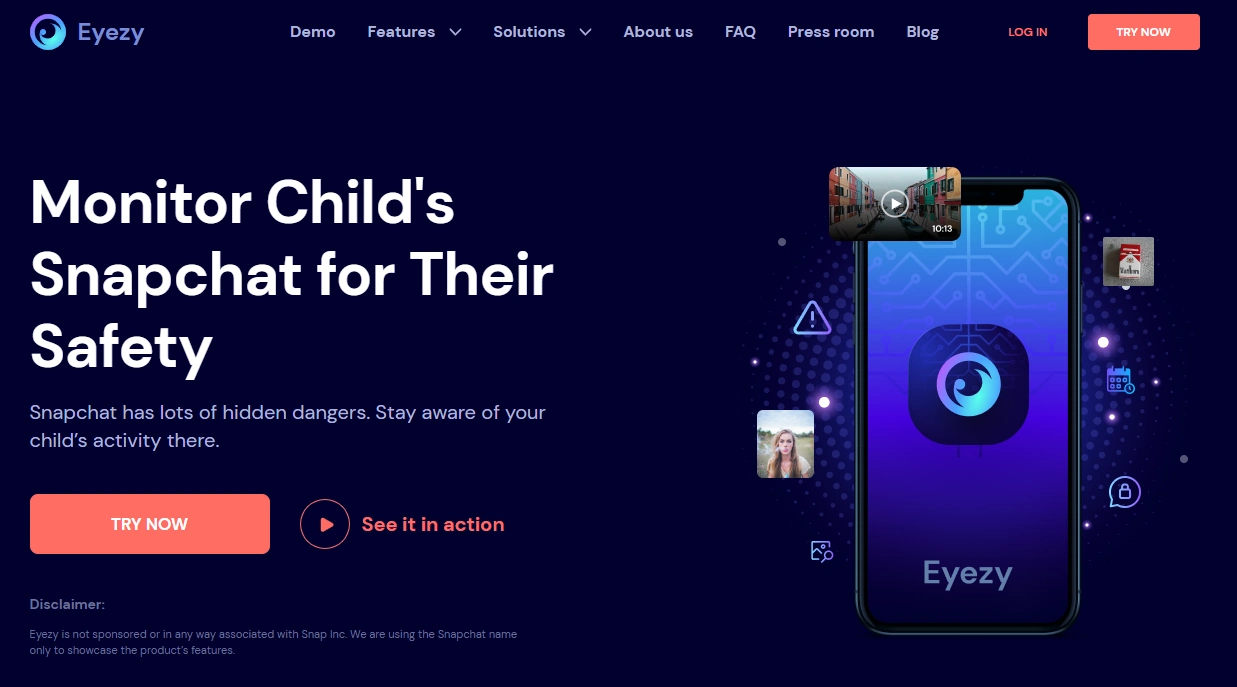
Eyezy Snapchat is positioned for Snapchat monitoring as part of a broader social-app safety plan. It’s best for parents who want ongoing oversight and risk-signal monitoring across apps.
Product highlights
- Strong fit for multi-app “Social Spotlight” style monitoring
- Best for parenting oversight and safety boundaries
- Platform matters: Android is typically more flexible than iPhone
What’s to like
- Better long-term fit when Snapchat isn’t isolated
- Good for pattern-based parenting (signals, not perfect archives)
What’s not to like
- May be overkill if you only care about Snapchat
- Snapchat’s disappearing design limits “capture everything” expectations
PROS
- Best for multi-app situations
- Strong parent-safety fit
CONS
- Requires correct setup to stay reliable
- iPhone is more restricted and setup-dependent
mSpy — Snapchat Monitoring
Description
mSpy Snapchat Monitoring is often the clearest Snapchat-first alternative if you want to compare against Eyezy’s broader social monitoring approach.
Product highlights
- Snapchat-first positioning
- Good baseline for comparisons
- Best used for risk signals and patterns
What’s to like
- Clear “Snapchat-only” intent
- Simple to compare vs Eyezy
What’s not to like
- Disappearing content limits expectations
- iPhone monitoring is more restricted than Android
PROS
- Often the best Snapchat-first alternative
- Easy shortlist decision
CONS
- Not a replacement for family boundaries
Legal & ethical notes
We don’t support hacking, covert surveillance, or monitoring adults without consent. Use monitoring only on devices you own or legally manage (such as a child’s phone) and follow local laws.
Read: Legal phone monitoring: what’s allowed and what’s not. Parent-focused summary: Legal phone monitoring for parents.
FAQ
Can I monitor Snapchat activity with Eyezy without my child knowing?
If you’re a parent, the safest approach is transparency: explain what you monitor and why. We don’t support covert surveillance. Monitoring should be used only on devices you own or legally manage and within applicable laws.
Does Eyezy capture every Snap and message?
No tool can guarantee a perfect archive because Snapchat is designed to disappear. The realistic goal is monitoring patterns and safety signals.
Is Eyezy better on Android or iPhone?
Android is usually more flexible. iPhone is more restricted and setup-dependent. Use: Android setup guide / iPhone setup guide.
What’s the best alternative to Eyezy for Snapchat?
If you want a Snapchat-first alternative, compare mSpy Snapchat Monitoring. If you’re Android-heavy and want an Android-focused comparison, consider uMobix Snapchat Tracker.
Is using Eyezy legal?
It depends on your location and whether you have legal authority over the device. Generally, parents monitoring a child’s device they manage is the lawful scenario—but you should confirm based on your jurisdiction. Start with: what’s allowed and what’s not.