

Losing a phone is stressful. Having it stolen is worse. The good news: there are reliable, legal ways to recover a device — and there are also a lot of scams pretending to help.
Consent-first rule: Only track a phone you own or manage (for example, your child’s device or a company-owned device with proper notice). If you’re unsure what’s allowed, read: Legal Phone Tracking: What’s Allowed and What’s Not.
Quick jump: What’s realistic (and what isn’t) · First steps (do these first) · Option A: mSpy (GPS tracking) · Option B: Scannero (phone-number based request) · If it’s stolen: safest next steps · FAQ
What’s realistic when a phone is lost or stolen?
Here’s the honest truth:
- If the phone is lost, built-in tools (Find My / Google) are usually the fastest way to locate and secure it.
- If the phone is stolen, recovery often depends on whether location services were already enabled and the phone is still online.
- “Track any phone by number instantly” is usually a scam unless the person agrees to share (consent-based request).
If your main goal is family safety (not surveillance), this pairs well with: How to Monitor Kids’ Phones Without Invading Their Privacy.
First steps (do these before any “tracking app”)
Whether you’ll use mSpy, Scannero, or neither — these steps come first:
1) Secure your accounts
- Change your Apple ID / Google account password (and enable 2FA if not already).
- If you had banking apps or password managers, treat this as a security incident.
2) Use official device recovery tools
- iPhone: Find My can locate, play a sound, mark as lost, and sometimes show last known location.
- Android: Google’s Find My Device can locate, secure, and erase (depending on the situation).
3) Decide your goal: recover or protect?
- If there’s sensitive data, your top priority might be locking/erasing, not chasing the device.
- If it’s a child’s device and you’re trying to retrieve it safely, focus on location + authorities, not confrontation.
Lost/stolen phone recovery checklist (safe + practical)
- Don’t confront: If you suspect theft, don’t try to “recover it yourself.” Use authorities.
- Lock accounts fast: change passwords, enable 2FA, notify your carrier if needed.
- Use official tracking first: Find My / Find My Device is usually the most reliable.
- If you use a tool: use it only on phones you own/manage (child / company device), and only for recovery/safety.
- Minimize risk: if you get a location, share it with police/security — don’t walk into unknown situations.
Option A: Track a lost phone using mSpy (GPS Tracking)
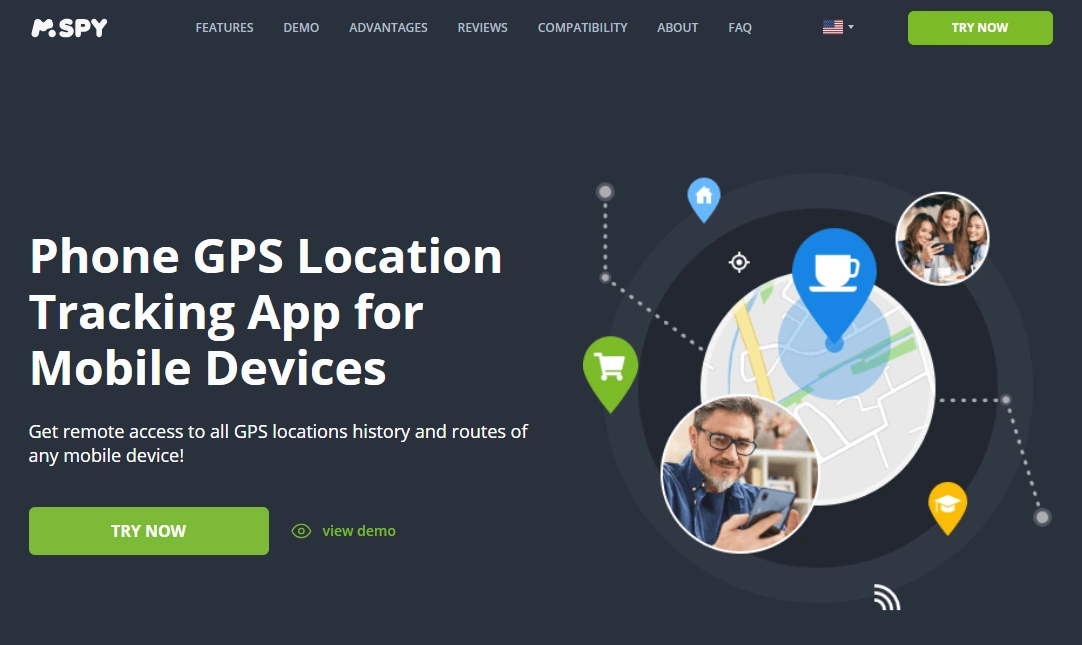
mSpy can help if it was set up on a phone you manage (for example, your child’s phone) and you’re using it to locate that device. It’s not a magic “stolen phone hunter,” but it can add an extra layer of GPS visibility depending on the setup and device.
Official mSpy GPS offer:
How to use mSpy for recovery (responsibly)
- Log into your mSpy dashboard (use the same account used during setup).
- Open the Location / GPS section and look for the latest timestamp.
- If the phone appears online, capture:
- the location pin / address (or approximate area)
- time of last update
- If it’s stolen: don’t go there. Provide the location to authorities/security.
What mSpy is good for (in this scenario)
- Finding a child’s misplaced phone (home/school/friend’s place)
- Confirming “last known area” if the device is still reporting location
- Extra context alongside official tools
What mSpy is NOT for
- Secretly tracking another adult’s personal phone
- Confronting a thief or trying to recover a device yourself
- Replacing official lost-mode / account security steps
If you’re comparing location tools overall, see: Best GPS Tracker Apps for Families.
Option B: Track a lost phone using Scannero (phone-number based request)
Scannero is best when you only have a phone number and the situation allows a permission-based request. That makes it useful for family coordination and recovery attempts where the other person can confirm the request.
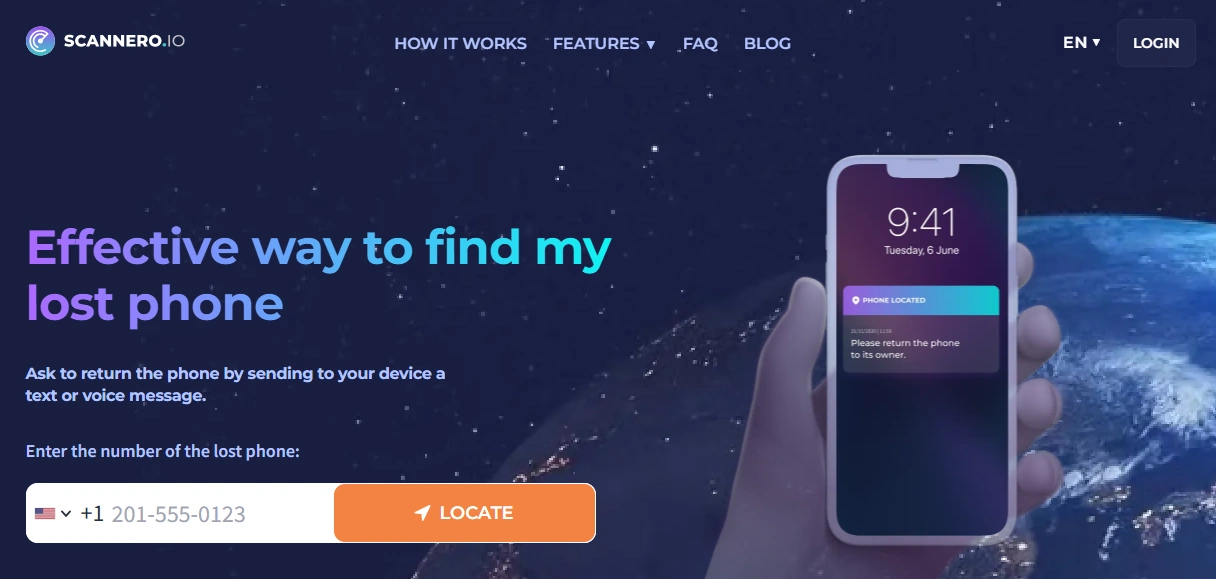
Scannero Lost Phone
Open Scannero Lost Phone
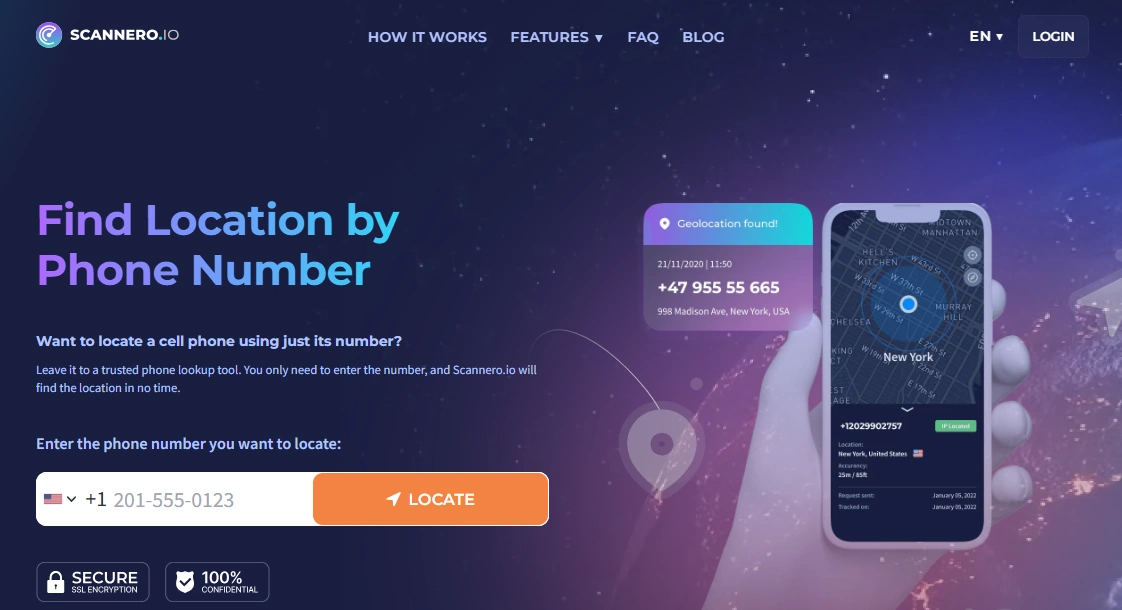
Scannero Search Phone Number
Open Search Phone Number
When Scannero works best
- You’re trying to locate a family member’s device and they can confirm the request.
- You’re coordinating a meetup/pickup and need a quick consent-based share.
- You’re recovering a device that’s “lost” (not stolen), and the legitimate user is reachable.
When Scannero won’t help much
- If the phone is stolen and the thief won’t cooperate.
- If you’re trying to track someone “silently.” (That’s not what this is for.)
For the full walkthrough, read: How to Track a Phone Number with Scannero (Full Tutorial).
mSpy vs Scannero: which one should you use?
| Your situation | Best option | Why | What to do next |
|---|---|---|---|
| You manage the device (child/company) and need GPS visibility | mSpy GPS Tracking | Works from your dashboard when set up correctly | Check last update time, then share location with authorities if theft suspected |
| You only have a phone number and need consent-based sharing | Scannero Lost Phone | Permission-based request model | Use if the legitimate user can respond; don’t rely on it for theft cases |
| You suspect theft and want the safest outcome | Official tools + police/carrier | Locks data and reduces risk | Mark device as lost, lock/erase if needed, file a report |
If you want to compare multiple monitoring tools in one place, see: Parental Control & Phone Monitoring Apps Comparison Table.
If it’s stolen: safest next steps (please don’t “DIY recover”)
If your phone was stolen, treat it like a security + safety issue, not a treasure hunt.
Do this instead
- Contact your carrier and report the device as stolen (they can help protect the SIM/account).
- File a police report (especially for insurance and lawful recovery attempts).
- Use lost mode and consider erasing the phone if sensitive data is at risk.
- If you have location data (from official tools or a dashboard), share it with authorities rather than confronting anyone.
Watch out for scams
- Sites that claim “instant GPS by number” with no consent
- Fake “map loading” screens that demand payment
- Tools that promise “undetectable tracking” for adults
FAQ
Can I track a stolen phone with only the phone number?
Usually not in a reliable, legal way. Accurate tracking typically requires official account-based tools (Find My / Google) or a consent-based request model.
Does mSpy work if it wasn’t already installed?
For recovery use cases, mSpy is most realistic when it was already set up on a device you manage. If the phone is already missing, your best starting point is official lost-device tools and account security.
Is Scannero useful if the phone is stolen?
Scannero is best for consent-based requests. If a phone is stolen, the person holding it is unlikely to cooperate, so official tools and authorities are the safer route.
What’s the safest way to recover a stolen phone?
Lock accounts, use official lost mode, contact your carrier, and file a police report. If you have location info, share it with authorities — don’t attempt recovery alone.
Is it legal to track a phone for recovery?
It depends on ownership, consent, and local laws. A safe baseline: track only devices you own/manage (like your child’s phone). Read: Legal Phone Tracking: What’s Allowed and What’s Not.