

Keyloggers sound simple: install, then read what was typed. In real life, accuracy depends on the phone, the OS version, the apps being used, and how the monitoring is set up.
In this Eyezy keylogger review, I’ll break down what “daily-use accurate” actually means, what typically gets captured well, what commonly gets missed, and how to set expectations for Android vs iPhone.
If you’re still comparing options, you can also check our broader roundup of the best keylogger apps for Android and iPhone.
Short on time? Quick verdict
- Best overall “daily typing” coverage: Eyezy is strongest when used on Android with proper permissions.
- If you need more consistent iPhone coverage: consider iPhone-oriented alternatives and expect limits on modern iOS.
- If you want a dedicated comparison: see best Android keylogger apps and best iPhone keylogger apps.
Quick jump: 60-sec checklist · Verdict · Comparison table · What affects accuracy · Best for your situation · Reviews · Legal notes · FAQ
60-second decision checklist
- Device type: If it’s Android, keylogging is usually more practical. If it’s iPhone, expect more limitations on modern iOS.
- Your goal: Do you need “what was typed” for safety/parental control, or would screen time + app monitoring be enough?
- Reliability needs: If you need near real-time logs, prioritize apps known for fast sync and stable background behavior.
- Setup access: Can you access the device you own/manage to complete setup properly?
- Ethics & legality: Only use monitoring on phones you own/manage (or with clear consent). If that’s not the case, stop here.
Verdict: who Eyezy keylogger is best for
Pick Eyezy if you’re monitoring a device you own/manage (for example, a child’s phone) and you want a practical “daily-use” keylogger experience on Android with supporting monitoring features.
Pick an alternative if your primary target is iPhone and you expect “full keylogging” on every app—modern iOS often restricts what third-party monitoring tools can capture directly. In that case, consider iPhone-focused options and use a broader monitoring approach (screen time, app activity, backups where appropriate).
Eyezy vs alternatives (keylogger accuracy & daily use)
If you’re shopping specifically for keylogging, here’s the practical comparison. For a deeper dive into competitors, you can also read the dedicated reviews for mSpy keylogger and uMobix keylogger.
| App | Best on | Daily-use accuracy (typical) | Speed | Best for |
|---|---|---|---|---|
| Eyezy | Android (strongest), iPhone (limited) | Good when setup is correct; misses happen when OS kills background tasks | Usually fast, but can lag during low-power modes | Parents who need typed-text visibility + broader monitoring |
| mSpy | Android | Strong for “classic” Android keylogging setups | Fast with stable permissions | Android users who want a focused keylogger approach |
| uMobix | Android | Good if the phone keeps the service alive; depends on OEM battery rules | Often near real-time; may delay if background restricted | Android monitoring with emphasis on quick logs |
| Moniterro | iPhone (more iOS-oriented positioning) | Varies by iOS method; treat “full keylogging” claims cautiously | Depends on sync method | People comparing iPhone-friendly approaches |
What really affects keylogger accuracy (daily use)
When people say a keylogger is “inaccurate,” it’s usually one of these real-world issues:
- Battery optimization / background limits: Many Android phones aggressively stop background services. When that happens, logging can pause and you’ll see gaps.
- Permissions not fully granted: If accessibility/usage permissions aren’t correctly enabled, keystrokes may be partial or missing.
- Keyboard/app differences: Some keyboards and apps behave differently (especially secure input fields). This can reduce what’s captured.
- Connectivity/sync delays: Logs might exist on-device but take time to show in the dashboard if the phone is offline or restricted.
Android vs iPhone: what to expect
Android: This is where keylogger-style monitoring is usually most practical. If you want the “closest to real-time typed text” experience, Android tends to be the better bet.
iPhone: Modern iOS has tighter controls. Many “keylogger” features rely on indirect signals or synced data rather than capturing every keystroke in every app. If iPhone is your main target, consider reading our Eyezy for iPhone review and comparing iOS options in best iPhone keylogger apps.
Best for your situation
- “I need typed text for safety on my kid’s Android phone”: Eyezy is a strong starting point—just do the setup carefully and keep background permissions stable.
- “I mainly want to understand what apps they use + reduce risks”: A broader parental-control approach may be better than relying on keylogs alone.
- “It’s an iPhone and I expect 100% keystrokes everywhere”: Reset expectations. Compare iOS-friendly approaches and consider alternatives.
- “I’m still choosing the right tool”: Start with the best keylogger apps roundup and narrow down by device type.
Setup tips (practical, not hype)
For the best daily-use accuracy, your setup matters more than the marketing claims.
- Do a real-world test: Type in a few apps you care about (messages, browser, social apps) and verify logs over the next hour/day.
- Prevent “sleeping apps” issues on Android: If the phone has aggressive battery rules, keylogging gaps are common. Adjust settings so the monitoring service isn’t restricted.
- Be patient with sync: Some logs appear with delay when connectivity is poor or the device is in power-saving mode.
- Use a safe install process on devices you own/manage: If you need a walkthrough, see how to install a monitoring app on Android (focused on stable setup and avoiding common mistakes).
Reviews (Eyezy + best alternatives)
Eyezy
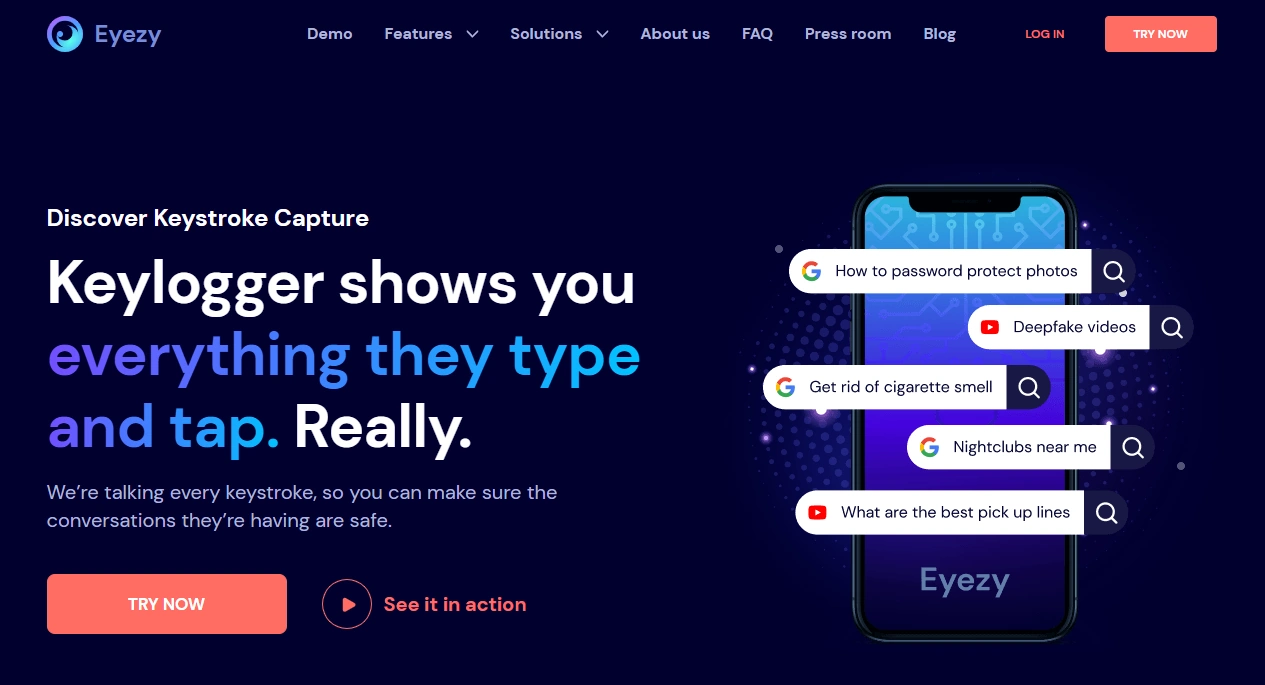
Description
Eyezy is an all-in-one monitoring app that includes a keylogger-style feature alongside broader parental-control monitoring. In daily use, the biggest factor is platform: Android setups tend to deliver more consistent “typed text” visibility than iPhone setups.
If you want the complete platform picture, also see: Eyezy for Android setup + review and Eyezy for iPhone setup + review.
Product highlights
- Keylogger-style logging aimed at everyday typing visibility
- Broader monitoring suite (helpful when keylogs have gaps)
- Dashboard view that makes it easier to review patterns
What’s to like
- Good “daily-use” performance on Android when configured correctly
- Works best as part of a broader monitoring strategy (not just keylogs)
- Solid choice if you want one tool instead of juggling multiple apps
What’s not to like
- iPhone expectations need to be realistic on modern iOS
- Accuracy can drop if Android background/battery settings restrict the service
- Secure fields and some apps may never provide full visibility
PROS
- Strong Android experience
- Broad feature set beyond keylogging
- Easy-to-review dashboard
CONS
- iOS limitations can disappoint if you expect “everything, everywhere”
- Background restrictions can create gaps
- Not a replacement for healthy device rules and communication
Ready to try Eyezy? Check the latest plans on the official website.
mSpy (alternative)
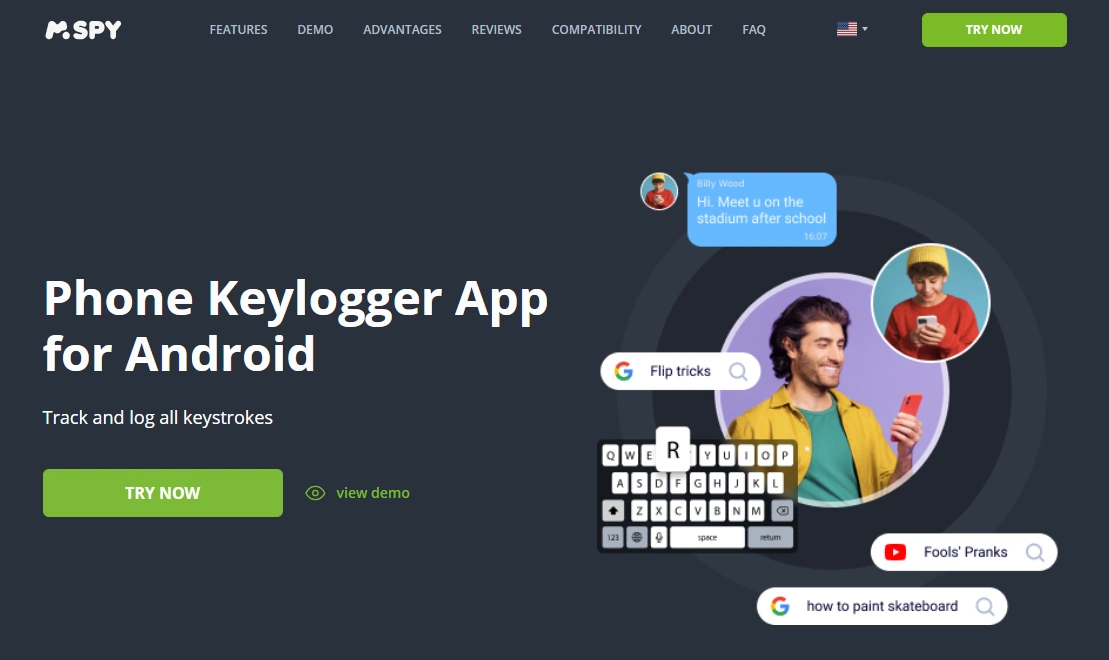
Description
mSpy is a long-running monitoring app with a dedicated Android keylogger angle. If your goal is Android keylogging first, it’s often compared directly against Eyezy.
Product highlights
- Android-oriented keylogger offer
- Works well when permissions and background settings are stable
- Good for users who want a more “keylogger-first” mindset
What’s to like
- Strong candidate for Android keylogging
- Clear positioning for typed-text visibility
- Lots of existing guidance available (see our mSpy keylogger review)
What’s not to like
- Android OEM battery rules can still cause gaps
- Not ideal if you primarily need iPhone coverage
PROS
- Android-friendly keylogger option
- Good documentation ecosystem
- Practical for daily use when configured properly
CONS
- Less compelling for iPhone-only scenarios
- Depends heavily on correct setup
Want to compare? See mSpy’s keylogger page: official website.
uMobix (alternative)
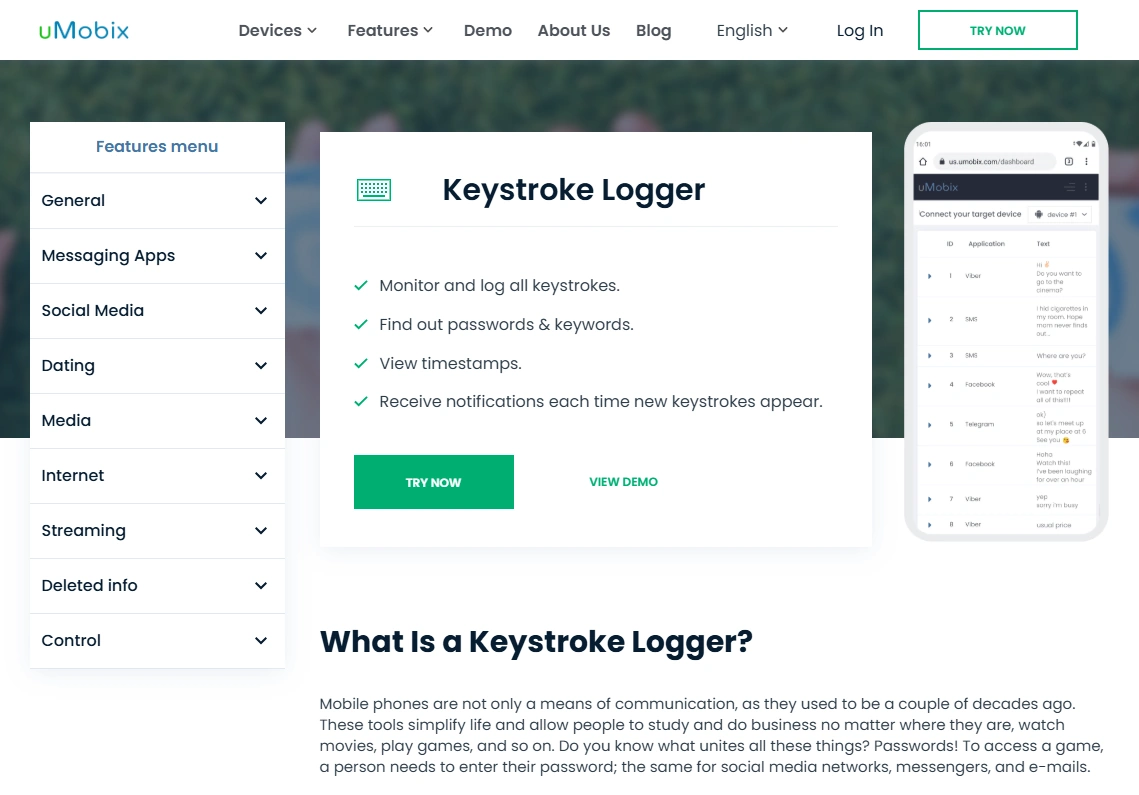
Description
uMobix is another Android-focused monitoring option with keylogging capability. It’s often chosen by users who care about quick updates and a “fast dashboard” feel.
Product highlights
- Android keylogger offer
- Often quick log visibility when background is not restricted
- Good competitor to compare against Eyezy on Android
What’s to like
- Solid Android keylogging contender
- Good for people who value speed (when setup is stable)
- Dedicated deep dive: uMobix keylogger review
What’s not to like
- Battery optimization on some Android phones can reduce reliability
- Not the best match for iPhone-first scenarios
PROS
- Android-focused keylogger
- Often quick updates
- Simple to compare vs Eyezy
CONS
- Depends on background permissions
- Not ideal for iOS-only needs
Check uMobix: official website.
Moniterro (iPhone-oriented alternative)
Description
Moniterro is often evaluated by people who are iPhone-first. For iOS scenarios, focus less on “perfect keylogging” and more on what data can be reliably synced and reviewed.
Product highlights
- iPhone-oriented positioning
- Useful for comparing iOS approaches when Eyezy iPhone limits are a concern
- Pairs well with an iOS monitoring checklist approach
What’s to like
- Helpful comparison point for iPhone users
- Good to evaluate alongside iOS-focused lists
What’s not to like
- iOS constraints still apply—be skeptical of “100% keylogging” expectations
- Performance depends on the method used for iPhone data visibility
PROS
- iPhone-friendly angle
- Worth comparing for iOS scenarios
CONS
- “Keylogger” on iPhone is rarely as direct as on Android
- Results vary more across devices and iOS versions
See Moniterro: official website.
Legal notes (read this)
Use monitoring tools only on devices you own, devices you manage (for example, a minor child’s phone under your care), or when you have clear consent from the device user. Laws vary by country and situation, and using keyloggers secretly on someone else’s device can be illegal.
If you’re unsure, start with an ethics-first approach and choose monitoring that matches your real responsibility (parent/guardian or device owner). For broader guidance on responsible monitoring and app choices, see our keylogger comparison roundup.
FAQ
Does Eyezy have a real keylogger on Android?
Eyezy includes keylogger-style logging features, and Android is typically where typed-text visibility is most practical—assuming permissions and background settings are configured correctly.
Does Eyezy keylogger work on iPhone?
Expect limitations on modern iOS. Many iPhone “keylogger” features are not the same as direct Android-style keylogging. If iPhone is your main target, compare iOS options and set realistic expectations.
How fast do keystrokes show up in the dashboard?
It varies. With stable background behavior and connectivity, logs can appear quickly. Power-saving modes, poor signal, or background restrictions can create delays.
Why are some keystrokes missing?
The most common causes are battery optimization stopping background services, incomplete permissions, secure input fields, and app/keyboard differences.
Will it capture passwords?
Some tools may log text that looks like passwords, but many apps use secure fields specifically to prevent this. Also, you should never rely on keylogging for account access—use monitoring responsibly.
What can I do to improve accuracy?
On Android, ensure permissions are enabled and the monitoring service isn’t restricted by battery optimization. Then test across the apps you care about and verify sync consistency over a full day.
Is using a keylogger legal for parents?
It depends on your country and context. Generally, monitoring a device you own/manage for your child can be lawful, but secretly monitoring other adults (or devices you don’t own) can be illegal. When in doubt, get legal advice for your jurisdiction.
Should I use Eyezy or an alternative?
If you’re on Android and want an all-in-one monitoring suite, Eyezy is a solid option. If you want Android keylogging alternatives, compare mSpy and uMobix. For iPhone-first scenarios, compare iOS-friendly approaches.