

If you’ve seen Eyezy advertised with “Invisible Mode” (sometimes called Invisible Shield), you’re not alone. It’s one of the most talked-about features because it’s all about reducing visibility of the monitoring app on the device.
Important: Use monitoring tools only on devices you own or manage (for example, your child’s phone). Secretly monitoring another adult’s personal device without consent is usually illegal. Read: Legal Phone Tracking: What’s Allowed and What’s Not.
Quick jump: What Invisible Mode actually is · What it does (and doesn’t do) · How to use it responsibly · Alternatives to “stealth” (anti-tampering) · Which option is best for your situation? · FAQ
Short on time? Start here
If you want Eyezy’s “Invisible Mode” feature, start from the official page below (and follow the dashboard’s guided setup for your device type):
Eyezy Invisible Mode (official) · Eyezy Invisible Shield (official)
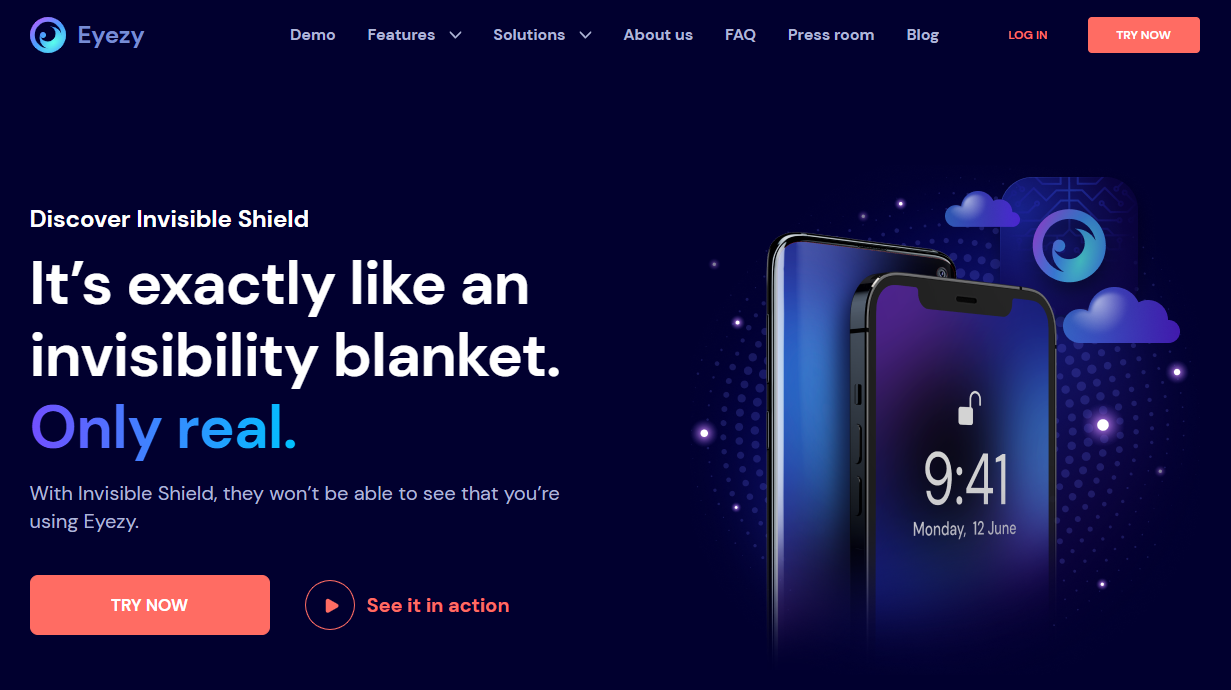
What is Eyezy Invisible Mode?
Eyezy Invisible Mode is Eyezy’s marketing name for a “low-visibility” setup—meaning the app is intended to run quietly in the background and avoid drawing attention on the monitored device.
On Eyezy pages, you’ll also see the term Invisible Shield. In practice, these labels usually point to the same idea: making the monitoring component less obvious to the person using the phone.
If you want a full Android performance breakdown, see: Eyezy for Android: Complete Review & Setup Guide. For iPhone reliability and expectations, see: Eyezy for iPhone Review: Performance, iCloud Sync & Reliability.
What Invisible Mode does (and doesn’t do)
| Claim / expectation | Reality (what to expect) | Why it matters |
|---|---|---|
| “The app is invisible.” | It can be less visible, but no app is “magic.” Device settings, OS updates, and user behavior can still reveal clues. | Avoid over-promising to yourself. Always verify what’s actually happening on your device. |
| “Kids can’t disable it.” | Stealth is not the same as protection. Anti-tampering usually depends on permissions and good device rules. | For families, strong rules + OS controls often work better than hiding. |
| “It works the same on iPhone and Android.” | Android and iPhone setups can differ significantly. Always follow the official flow and check your dashboard results. | It prevents frustration and helps you choose the right approach from the start. |
If your goal is safety without crossing privacy lines, read: How to Monitor Kids’ Phones Without Invading Their Privacy.
Family-friendly checklist before using “Invisible Mode”
- Be clear on the purpose: anti-tampering and safety visibility (not “catching” someone).
- Use it only on devices you manage: child’s phone, company-owned device with proper notice, or your own device.
- Set household rules first: screen time, bedtime, and app installs reduce risk without needing secrecy.
- Prefer patterns over content: who/when/how often matters more than reading every message.
- Plan the “step-down”: use deeper monitoring only for a limited period and then reduce once the risk passes.
How to use Eyezy Invisible Mode responsibly
I’m not going to provide “how to hide monitoring from someone” instructions. What I can do is show the responsible, parent-friendly way to use Eyezy’s Invisible Mode feature on a device you manage:
Step 1: Start from the official Eyezy Invisible Mode page
Use the official link so you’re always following the current setup flow: Eyezy Invisible Mode.
Step 2: Follow the dashboard’s guided setup (Android vs iPhone)
Eyezy’s setup steps can differ by platform and OS version. Use these internal guides for safe, realistic expectations:
- How to Set Up an Android Monitoring App Safely and Legally
- How to Set Up an iPhone Monitoring App Safely and Legally
Step 3: Treat “Invisible” as “anti-tamper support,” not as a goal
For most families, the best use of Invisible Mode is preventing casual tampering (like a kid uninstalling a monitoring app immediately). Combine it with clear rules and device restrictions for the best outcome.
Step 4: Verify the result in your dashboard (don’t assume)
After setup, confirm that:
- Data is syncing consistently (no long gaps).
- Battery optimization isn’t stopping background activity (common on Android).
- Your expectations match reality on your device type (especially on iPhone).
If you’re still deciding whether Eyezy is a fit, compare it to alternatives: Parental Control & Phone Monitoring Apps Comparison Table.
Alternatives to “stealth”: how to prevent tampering without hiding
If your child is old enough to notice and question monitoring, “stealth” often backfires. A better approach is using transparent controls plus OS-level restrictions:
- Use built-in iPhone parental controls: How to Set Up Parental Controls on iPhone
- Use predictable screen time automation: How to Limit Screen Time on Kids’ Phones Automatically
- Use a transparency framework: How to Monitor Kids’ Phones Without Invading Their Privacy
When you need “anti-tamper,” aim for permissions + rules instead of secrecy. It’s safer, calmer, and more sustainable.
Which option is best for your situation?
Here’s a practical comparison if your goal is “harder to tamper with” monitoring (not covert monitoring):
| App | Best for | Platforms | Key highlights | Refund or Trial |
|---|---|---|---|---|
| Eyezy | Parents who want “less visible” monitoring + a guided dashboard flow | Android, iPhone | Marketed as Invisible Mode / Invisible Shield, designed to reduce visibility and discourage casual tampering | Check the current policy on the official page |
| uMobix | Android-first monitoring where you want straightforward setup + common features | Android (offer), iPhone (varies by setup) | Strong Android focus, good for families who mainly need the basics + consistency | Check the current policy on the official page |
| mSpy | Android-focused monitoring where you want a long-established toolset | Android | Broad monitoring ecosystem; best when your household is mostly Android | Check the current policy on the official page |
| Bark | Families who prefer an alerts-first, less invasive approach | Android, iPhone | More “parental control” style positioning (often easier to keep trust) | Check the current policy on the official page |
Eyezy (recommended if you specifically want Invisible Mode)
What’s to like
- Clear “Invisible Mode / Invisible Shield” positioning for reduced visibility
- Good fit if your main concern is kids uninstalling or disabling monitoring quickly
What’s not to like
- No software is truly “undetectable” in every scenario
- Stealth can hurt trust if used without clear family rules and boundaries
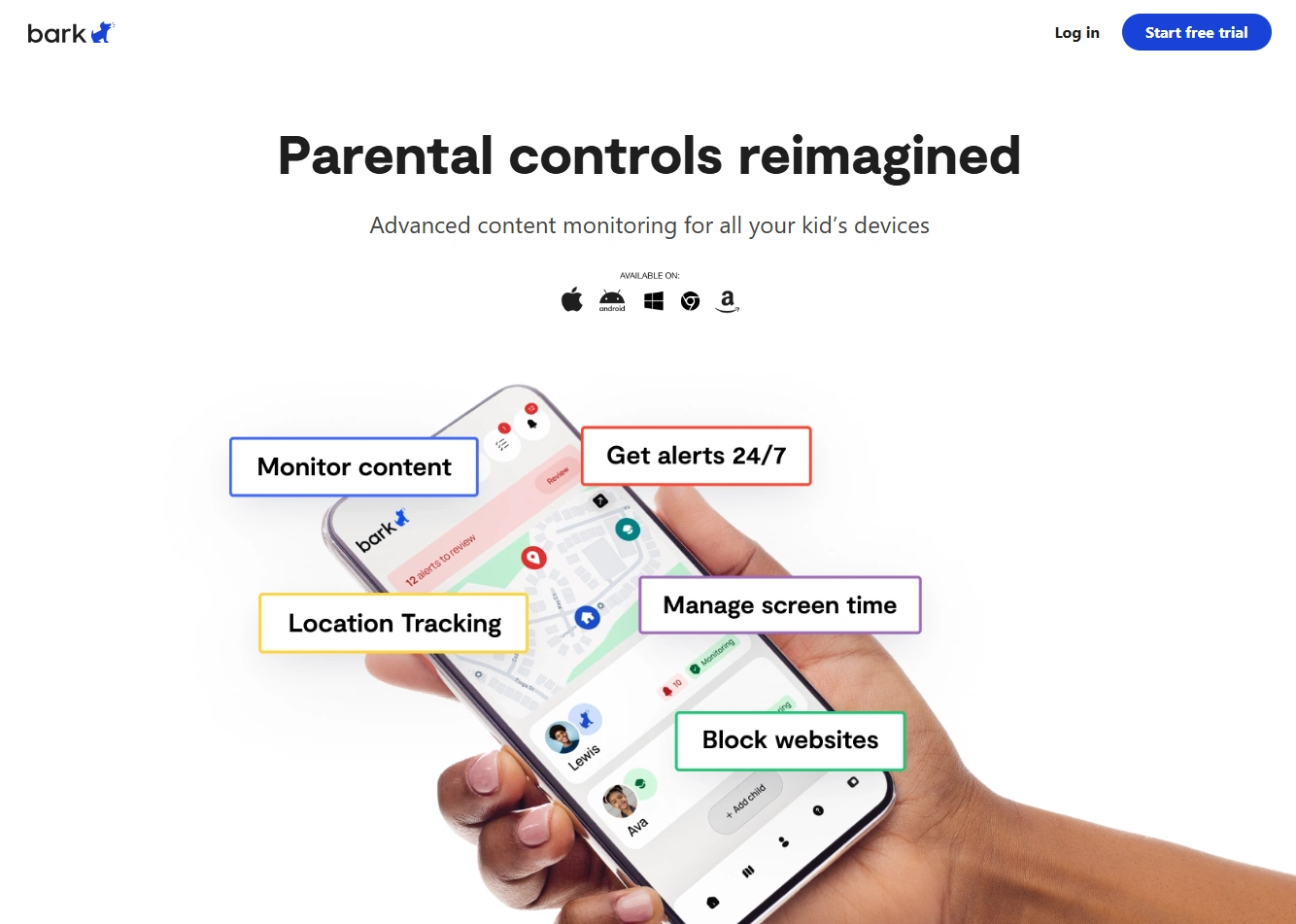
Bark (recommended if you want trust + transparency)
What’s to like
- Better alignment with a “trust-first” household setup
- Often easier to explain to kids without creating a secret-monitoring dynamic
What’s not to like
- Not designed for stealth-style use cases
- May not match expectations if you want deep device-level visibility
Is Eyezy Invisible Mode legal?
It can be legal when used on a device you own or manage (for example, an underage child’s phone). Secretly installing monitoring on another adult’s personal phone without consent is usually illegal and can lead to serious consequences.
Read the full breakdown here: Legal Phone Tracking: What’s Allowed and What’s Not.
FAQ
Is Eyezy really “invisible” on a phone?
Eyezy is marketed as low-visibility (Invisible Mode / Invisible Shield), but no app is guaranteed to be undetectable in every scenario. OS updates, settings, and a tech-savvy user can still find clues.
Can Eyezy Invisible Mode be used for parental monitoring?
It can be used responsibly on devices you manage (like a child’s phone), ideally as an anti-tampering layer—combined with clear family rules and privacy boundaries.
Does Eyezy Invisible Mode work the same on Android and iPhone?
Not always. Android and iPhone setups can behave differently depending on OS limitations and the setup method. Follow the official dashboard flow and verify results after installation.
What’s a safer alternative to “stealth” monitoring?
Use transparent parental controls and screen-time automation first. Start here: How to Set Up Parental Controls on iPhone and How to Limit Screen Time on Kids’ Phones Automatically.
Is it legal to use Invisible Mode to monitor a partner?
In most places, secretly monitoring another adult without consent is illegal. Use monitoring only on devices you own/manage and follow local law: Legal Phone Tracking: What’s Allowed and What’s Not.
3 Comments