

Instagram is where a lot of “normal” teen life happens — and also where risks show up first: strangers in DMs, fake accounts, grooming attempts, harassment, explicit content, and private group dynamics.
This Eyezy Instagram review is written for parents who want practical clarity: what Eyezy’s Social Spotlight can realistically help you monitor, what Instagram features still create blind spots, and how to keep the setup stable on Android vs iPhone.
Legal note: Use monitoring only when you’re legally authorized (typically your minor child’s device, or a device you own/manage with explicit permission). Start here: Legal phone monitoring: what’s allowed and what’s not.
Short on time? Quick verdict
- Eyezy is best if you want a parent-friendly dashboard and “high-signal” Instagram insights (contacts, patterns, risky behavior).
- Not a magic hack: if your teen deletes messages fast, uses Vanish Mode, or switches accounts/devices, any tool can miss things.
- Top alternatives to compare: mSpy (Instagram Monitoring), uMobix (Instagram Monitoring), Spynger (Instagram).
Quick jump: 60-second checklist · Verdict · Comparison table · What really matters (Instagram reality) · Best for your situation · Setup tips & common issues · Reviews · Legal notes · FAQ
60-second decision checklist
- Are you authorized? Parent/guardian monitoring a minor’s phone (or explicit permission + device management rights).
- What’s the risk you’re trying to catch? Unknown DMs, grooming/scams, bullying, explicit content, risky groups, late-night spirals.
- Do you need “everything” or “signals”? Most parents need who + when + patterns more than perfect transcripts.
- Android or iPhone? Android is usually easier to keep stable; iPhone monitoring is more setup-dependent.
- Account switching? If your teen switches Instagram accounts or uses Instagram on another device, monitoring becomes incomplete.
- Parent plan: If you find something serious, prioritize safety/support and take action fast (block/report, talk calmly, involve school/guardians if needed).
Verdict: is Eyezy good for Instagram monitoring?
Yes — if you want a clean, parent-friendly dashboard and you’re mainly trying to spot risk signals: suspicious contacts, changing behavior patterns, and conversations that need a real-world intervention.
Eyezy is less ideal if your situation is “high-bypass”: frequent account switching, heavy use of disappearing content, or Instagram activity happening mostly on another device (tablet/laptop/second phone). In those cases, compare Eyezy against more “monitoring-first” options and focus on family rules.
Try Eyezy Instagram uMobix vs Eyezy comparison
Comparison table: Eyezy vs the Instagram monitoring alternatives parents actually compare
| Tool | Best for | Instagram angle | Biggest weak spot | CTA |
|---|---|---|---|---|
| Eyezy | Parent-friendly dashboard + high-signal insights | Social Spotlight approach on Instagram | Setup-dependent on iPhone; bypass behavior reduces completeness | Eyezy Instagram |
| mSpy | More “monitoring-first” Instagram option | Instagram Monitoring offer | Still limited by deleting/disappearing content | mSpy Instagram |
| uMobix | “Monitoring feel” + activity patterns | Instagram Monitoring offer | Needs stable device access; bypass behavior still matters | uMobix Instagram |
| Spynger | Simple baseline alternative | Instagram-focused offer | Best with realistic expectations + stable access | Spynger Instagram |
What really matters on Instagram (real-life parent view)
1) The biggest risk is usually DMs (not public posts)
Public posts are visible. DMs aren’t. When parents discover a problem, it’s often hidden in message requests, fake accounts, or private chats that started “innocently.” If your main concern is DMs and story replies, compare Eyezy with:
2) Disappearing content creates blind spots (for any tool)
Instagram has plenty of “hard to track” behavior: Vanish Mode, unsend/delete, disappearing media, close friends stories, and rapid account switching. If you’re specifically trying to understand deleted/disappearing conversations, read: How to see deleted messages on WhatsApp or Instagram.
3) Android vs iPhone: stability is different
- Android: most issues are permissions, battery optimization, or the OS killing background access.
- iPhone: monitoring is more setup-dependent; updates and account/access changes can break things.
Use safe setup guides (internal):
4) What parents should look for (high-signal “red flags”)
- new unknown accounts showing up repeatedly in DMs
- older “mentor-like” strangers or pushy flirty language
- requests to move off Instagram (“Snap/Telegram/WhatsApp now”)
- secrecy language (“don’t tell your parents”)
- late-night messaging spikes + mood changes
Best for your situation
- You want the easiest parent dashboard for Instagram: Eyezy is a strong pick.
- You want a more monitoring-first Instagram option: compare with mSpy Instagram monitoring.
- You want a stronger “monitoring feel” and activity patterns: compare with uMobix Instagram monitoring.
- You want a simple baseline alternative to compare UI/pricing: Spynger Instagram review.
- You want a bigger shortlist first: best Instagram monitoring apps for Android & iPhone.
Setup tips & common issues (so Eyezy doesn’t “randomly stop”)
Tip 1: Decide your “line” before you install
Monitoring works best when it’s a safety plan, not a secret weapon. If possible, set expectations: “We monitor for safety. You get privacy, but not secrecy with strangers.” This prevents the most common bypass behaviors.
Tip 2: Test Instagram signals on day 1
Send a harmless test DM, open story replies, and check the dashboard. Don’t assume it works because the install wizard finished.
Tip 3: Watch for the 3 classic breakpoints
- OS updates (permissions/access can reset)
- Instagram updates (behavior changes, app restrictions)
- Account changes (new login, 2FA changes, switching accounts)
Tip 4: If your teen uses multiple devices, set rules
If Instagram is used on another phone/tablet, monitoring one device gives only part of the picture. A rule that works: “Instagram stays on the family-managed phone only.”
Reviews
Eyezy — Instagram (Social Spotlight on Instagram)
Description
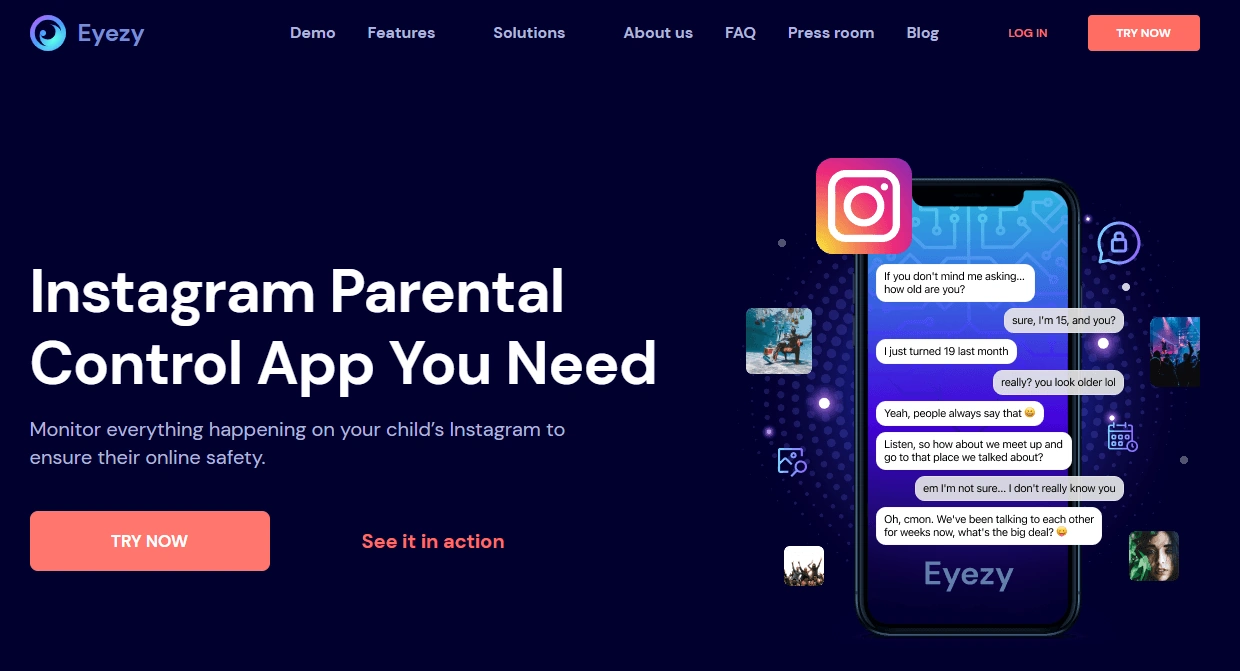
Eyezy is best for parents who want a more guided dashboard experience for Instagram monitoring. Social Spotlight is most useful when you’re trying to spot risky contacts and patterns (not “hack” every disappearing message).
Product highlights
- Parent-friendly dashboard and “high-signal” insights
- Best for spotting risky DMs, suspicious contacts, and behavior changes
- Works best with stable device access and quick post-update checks
What’s to like
- Easy for non-technical parents to use day-to-day
- Great for turning worry into evidence-based conversations
- Fits “safety first” parenting better than most monitoring tools
What’s not to like
- Setup can be more dependent on platform (especially iPhone)
- Deleting/vanish mode/account switching can create gaps (like any tool)
PROS
- Best parent-friendly Instagram monitoring experience in this comparison
- Strong for risk signals and pattern spotting
CONS
- Not a guaranteed view into disappearing content
- Requires occasional maintenance after updates
mSpy — Instagram Monitoring (monitoring-first alternative)
Description
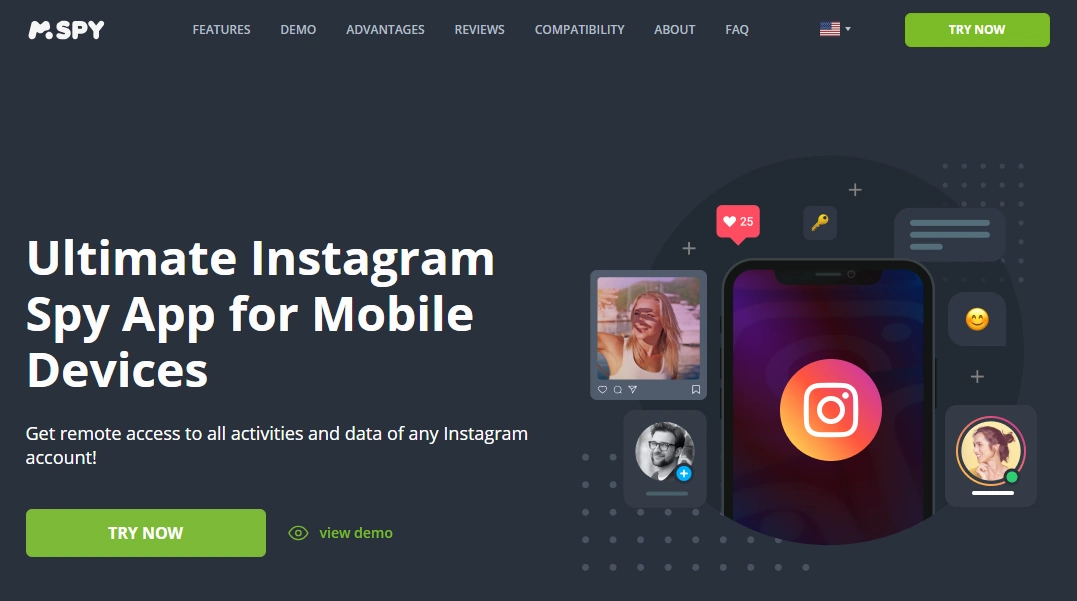
mSpy is the most common alternative parents compare against Eyezy when they want a more “monitoring-first” Instagram option. It’s a strong choice if DMs and activity logs are your primary concern.
Product highlights
- Instagram Monitoring offer for Android & iPhone
- Good for monitoring DMs/stories/activity patterns where supported
- Best when access stays stable and you do post-update checks
What’s to like
- Strong comparison option if Eyezy feels too “overview-first”
- Good for parents who want more monitoring-focused positioning
What’s not to like
- Still limited by deleting/disappearing content and account switching
- iPhone setup can be more sensitive to updates/access changes
PROS
- Best monitoring-first alternative in many Instagram scenarios
- Good for pattern-based safety oversight
CONS
- Not “set and forget” after major updates
- Doesn’t replace boundaries and safe phone rules
Compare mSpy Instagram Monitoring
uMobix — Instagram Monitoring (monitoring-feel alternative)
Description
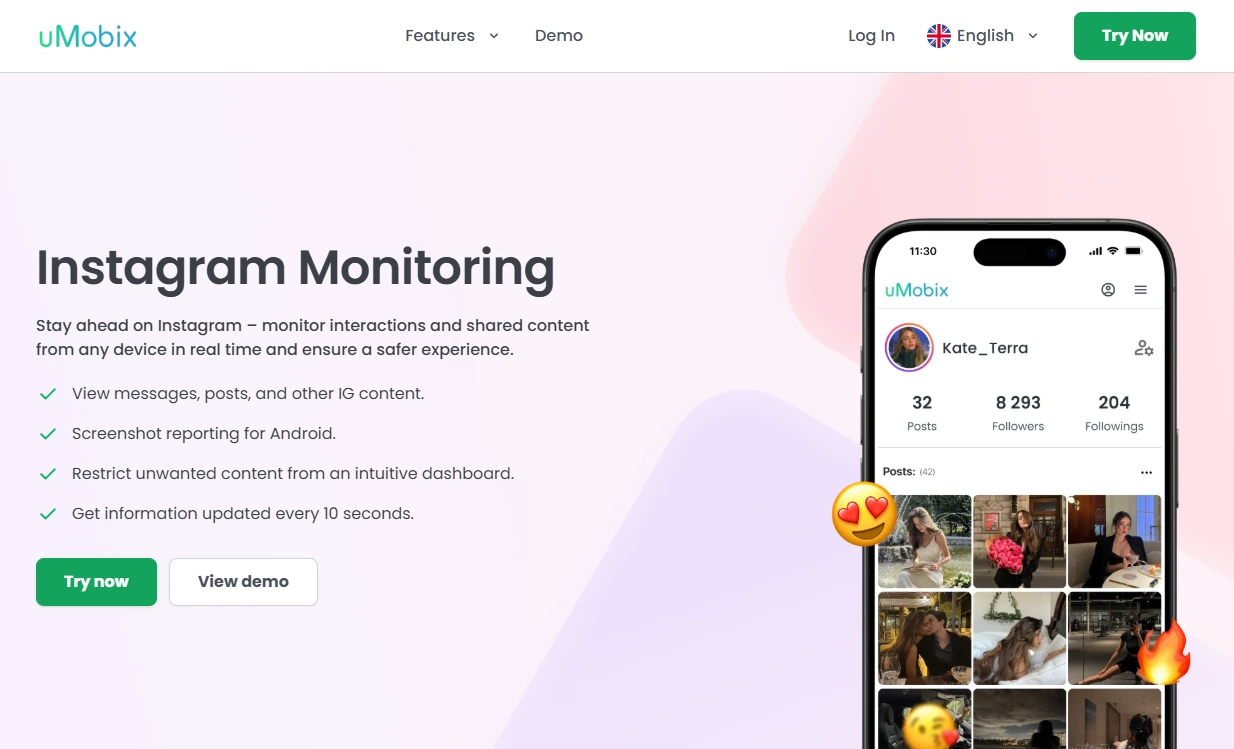
uMobix is a strong comparison choice if you want a more “monitoring feel” and you’re monitoring behavior changes over time (late-night activity spikes, repeat conversations, risky contacts).
Product highlights
- Instagram Monitoring offer for Android & iPhone
- Good for ongoing oversight and “what changed lately?” patterns
- Best when device access stays stable
What’s to like
- Great for pattern-based parent oversight
- Useful if you want a stronger “activity monitoring” vibe
What’s not to like
- Still limited by bypass behaviors (deleting, vanish, account switching)
- May require maintenance after updates
PROS
- Strong alternative to compare against Eyezy and mSpy
- Good for ongoing monitoring patterns
CONS
- Not a guaranteed view into disappearing content
- Works best alongside family rules and boundaries
Check uMobix Instagram Monitoring
Spynger — Instagram (simple baseline alternative)
Description
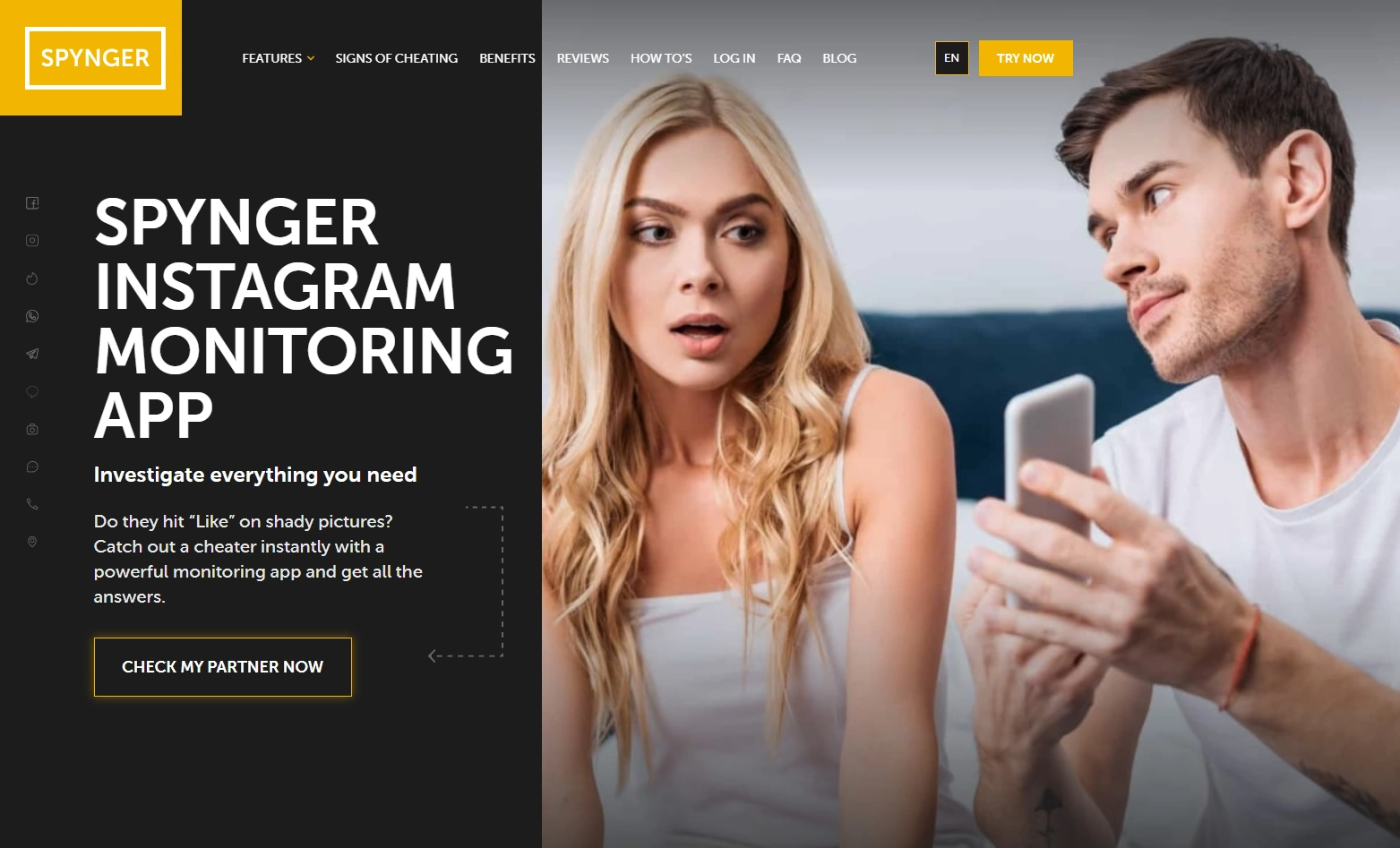
Spynger is best treated as a simple baseline Instagram option to compare against bigger suites. It can be a fit if you want a straightforward alternative and your expectations are realistic.
Product highlights
- Instagram-focused offer for Android & iPhone
- Good “compare and decide” option vs other suites
- Best used only for legal, authorized monitoring
What’s to like
- Simple baseline choice if you don’t want a complex suite decision
- Useful to compare pricing/UI and decide between bigger tools
What’s not to like
- Not a magic solution for deleting/disappearing content
- Completeness drops if the teen switches accounts/devices
PROS
- Easy baseline alternative to compare
- Works best with stable access and realistic expectations
CONS
- Not “perfect logs forever”
- Works best alongside boundaries
Legal notes
Use Instagram monitoring only when you’re legally authorized (typically as a parent/guardian supervising a minor’s device, or with explicit permission on a device you own/manage). Monitoring other adults without consent may be illegal and harmful.
FAQ
Can Eyezy monitor Instagram DMs?
Eyezy can help parents monitor Instagram activity via Social Spotlight, especially for high-signal insights like contacts and patterns. Results depend on platform (Android vs iPhone) and setup stability.
Can Eyezy see deleted Instagram messages?
Deleted/unsent and disappearing content can create blind spots for any tool. If this is your primary concern, focus on prevention (rules + time windows) and read: how to see deleted messages on WhatsApp or Instagram.
Is Eyezy better on Android or iPhone?
Android is usually easier to keep stable (permissions + battery settings). iPhone monitoring tends to be more setup-dependent, so use the safe setup workflow: iPhone setup guide.
What’s the best alternative to Eyezy for Instagram monitoring?
If you want a more monitoring-first Instagram option, compare Eyezy with mSpy Instagram Monitoring. If you want a stronger “monitoring feel,” compare with uMobix. Spynger is a simple baseline alternative.
Can teens bypass Instagram monitoring?
Yes. Common bypass methods include deleting/unsending messages, using Vanish Mode, switching accounts, and using Instagram on another device. Tools work best alongside clear family rules and calm, safety-first communication.
Is it legal to monitor Instagram on my child’s phone?
It can be legal when you’re a parent/guardian supervising a minor’s device, but laws vary by location. Avoid monitoring adults without consent and review the legal guidance: what’s allowed and what’s not.