

If you’re a non-tech parent, you don’t want a complicated dashboard or a “spy fantasy.” You want two things: less risk and less drama.
Eyezy is often marketed as an all-in-one monitoring tool, and one feature gets attention from families in particular: Social Spotlight (a “quick view” into social activity).
This review is written for real parents: what Social Spotlight can help with, what it can’t do on modern phones, and when you should choose a safer, simpler parental control approach instead.
Short on time? Quick verdict
- Best for: parents who want a single dashboard and are willing to follow setup steps (especially on Android).
- Most useful outcome: spotting patterns early (risky contacts, suspicious social behavior) so you can intervene calmly.
- Not ideal for: parents who only want prevention (screen time limits + safe browsing) with minimal invasiveness.
Quick jump: Decision checklist · Verdict · Comparison table · What really matters · Best for your situation · Setup tips · Reviews · Legal notes · FAQ
60-second decision checklist
- Kid or teen? Younger kids usually need prevention (limits). Teens usually need accountability + agreed boundaries.
- Android or iPhone? Android monitoring is typically more consistent; iPhone is more constrained and method-dependent.
- What’s your real goal? If it’s mostly screen time + safe browsing, consider a simpler parental control tool first.
- Do you manage the device legally? Only monitor devices you own/manage as a parent/guardian.
- Need a safe plan for iPhone? Use: safe & legal iPhone setup guide.
- Not sure which app fits your constraints? Read: how to choose the right iPhone monitoring app.
Verdict: is Eyezy a good choice for non-tech parents?
Eyezy can work for non-tech parents if you want a “single dashboard” approach and you’re okay following setup steps carefully (and keeping expectations realistic on iPhone).
If your main goal is simply reduce risks with fewer arguments (limits, safe browsing, age-appropriate guardrails), you may prefer a safety-first parental control style app and keep monitoring lighter.
Try Eyezy Social Spotlight View Eyezy official offer
Comparison table: Eyezy vs safer, simpler family options
| Option | Best for | What it feels like | Trade-off |
|---|---|---|---|
| Eyezy | Parents who want a monitoring dashboard (patterns + accountability) | “One place to look” for signals (Social Spotlight can help) | Setup discipline required; iPhone limitations can reduce consistency |
| Bark | Families who want safety-first alerts + healthier boundaries | More “parenting tool” than “monitoring tool” | May feel less detailed if you want maximum monitoring depth |
| Parentaler | Non-tech parents focused on web filtering + simple controls | Practical guardrails (high ROI for reducing exposure) | Not a full “see everything” dashboard |
Helpful reads: top phone monitoring apps · safest parental controls for under 13 · best iPhone apps without jailbreak
What really matters for non-tech parents (Android vs iPhone + reliability)
1) The “family outcome” you want is fewer emergencies, fewer secrets
Non-tech parents win when the system is simple: clear rules, consistent consequences, and tools that help you notice red flags early. A tool is successful if it reduces “surprises,” not if it shows you every detail 24/7.
2) Android vs iPhone changes everything
On Android, deeper monitoring can be more consistent. On iPhone, monitoring is more constrained and depends on the setup method. If you’re on iPhone, choose based on your constraints first (Apple ID, device access, realistic expectations): choose the right iPhone app.
3) “Reliability” is mostly setup discipline
Most failures come from missing permissions, unstable settings, and kids changing device settings over time. The parents who get results do three boring things: they set rules, they keep access legit, and they keep the setup stable.
4) Social Spotlight is helpful when you use it like a smoke alarm
Social Spotlight is most useful as a signal: “Something changed.” When it points to a pattern, you talk. When it points to nothing, you move on. Obsessing over every data point creates conflict and workarounds.
Best for your situation
Best if you suspect a real problem and need clarity fast
If you’re dealing with risky contacts, repeated lying, or “something feels off,” Eyezy can help you spot patterns earlier and respond with boundaries and support.
Best if you want a safety-first approach with fewer trust fights
If your priority is safer behavior, not deep monitoring, a safety-first parental control app is often easier to maintain in the long run.
Best if the biggest issue is websites, links, and autoplay videos
For many families, web filtering is the highest ROI fix. It reduces exposure and arguments without needing “deep monitoring.”
Setup tips & common issues (non-tech parent friendly)
- Write 5 rules first: bedtime, school nights, purchases, social rules, and “come to us if something feels unsafe.”
- Keep expectations realistic on iPhone: iOS is stricter; stability matters more than features.
- Do one weekly review: patterns beat micromanagement (less conflict, fewer workarounds).
- Don’t use monitoring as punishment: it increases secrecy. Use it as a safety tool + conversation starter.
- Use a safe setup process: setup safely & legally.
Reviews
Eyezy
Description
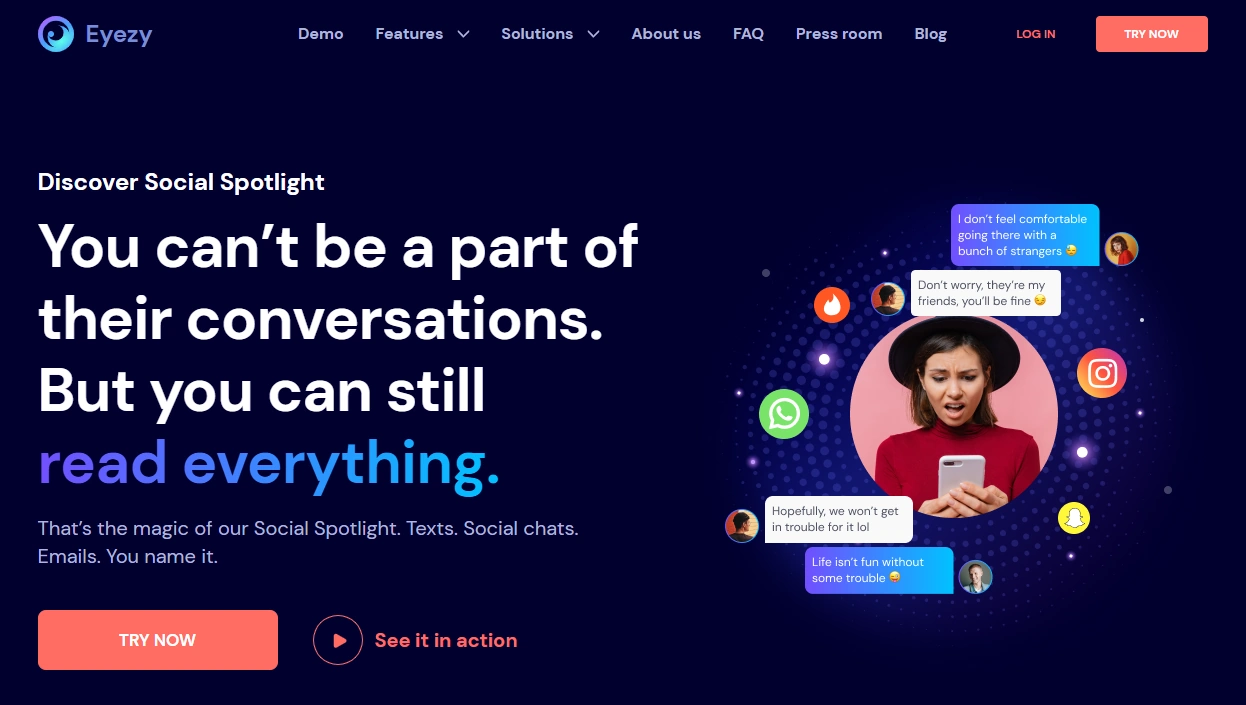
Eyezy is a monitoring-focused tool that aims to give parents a single dashboard view of a child’s activity. For non-tech parents, the biggest appeal is reducing guesswork — especially with features like Social Spotlight that highlight social signals without requiring you to dig through everything manually.
Product highlights
- Social Spotlight for quick social activity signals
- Dashboard-style oversight for parents managing a child device
- Works best when setup is stable and rules are clear
- Android tends to be more consistent than iPhone
What’s to like
- Single place to check when you need clarity
- Helpful for spotting patterns early (risk changes, new contacts, suspicious behavior)
- Can support accountability when paired with transparent rules
What’s not to like
- iPhone monitoring can be constrained and method-dependent
- Can create conflict if used secretly or obsessively
- Not necessary for many younger kids where prevention-only tools work fine
PROS
- Good “clarity tool” for parents who feel blind
- Social Spotlight can simplify what you check
- Useful for tech-savvy kids/teens when boundaries keep getting pushed
CONS
- Setup discipline required for reliability
- iOS limitations can reduce consistency
- Too heavy for families that only need screen time limits
Get Eyezy Social Spotlight View Eyezy offer

Bark

Description
Bark is a safety-first parental control option designed to help families reduce risk without turning parenting into constant surveillance. For non-tech parents, the advantage is simplicity: clear boundaries + alerts that highlight potential issues.
Product highlights
- Safety-first approach for families
- Designed to support boundaries, not micromanagement
- Good fit for younger kids and “low drama” household rules
What’s to like
- Easier to explain to kids/teens as a safety tool
- Often reduces “parenting by guessing” without feeling invasive
- Better long-term maintainability for many families
What’s not to like
- May feel less detailed if you want maximum monitoring depth
- Still requires family rules to work well
PROS
- Strong for safety-first families
- Lower chance of trust blow-ups compared to heavy monitoring
- Good “default choice” when you’re unsure
CONS
- Not the best fit if you want a deep monitoring dashboard
- You still need to stay involved as a parent
Parentaler

Description
Parentaler is a parental control option that can work well for non-tech parents when your focus is straightforward guardrails. In many households, filtering and basic controls solve more problems than “deep monitoring” ever does.
Product highlights
- Practical web filtering options (iPhone/Android)
- Simple guardrails that reduce exposure to risky content
- Good “first step” if you want fewer arguments and fewer surprises
What’s to like
- High ROI when the biggest risk is browsing, links, and videos
- Works well alongside clear household screen-time rules
- Usually easier than maintaining a heavy monitoring routine
What’s not to like
- Not a “see everything” dashboard
- Still needs consistent rules and follow-through
PROS
- Strong for web filtering and basic guardrails
- Good fit for non-tech parents
- Often reduces exposure and conflict quickly
CONS
- Less helpful if you specifically want deep social monitoring
- Not a replacement for parenting conversations
Web filtering (iPhone) Web filtering (Android)
Legal notes
Use monitoring tools only on devices and accounts you own or are authorized to manage (typically your child’s device as a parent/guardian). Avoid covert monitoring of other adults without consent. For practical boundaries, read: Legal phone tracking: what’s allowed and what’s not.
FAQ
Is Eyezy good for non-tech savvy parents?
It can be if you want a single dashboard and you’re willing to follow setup steps carefully. The best results come from stable setup and using the tool to spot patterns, not micromanage daily life.
What is Eyezy Social Spotlight?
Social Spotlight is designed to highlight social activity signals more quickly. In real life, it’s most useful as a “smoke alarm” for changes and red flags, not as a reason to constantly check everything.
Does Eyezy work better on Android or iPhone?
Android monitoring is typically more consistent. iPhone monitoring is more constrained and method-dependent, so your results depend heavily on setup and iOS limitations.
What’s the best alternative if I want fewer trust issues?
A safety-first parental control approach like Bark is often easier to maintain, especially with younger kids and families prioritizing healthier boundaries over deep monitoring.
What’s the best “quick win” for most families?
Web filtering + clear screen time rules. It reduces exposure and arguments fast without needing deep monitoring. Parentaler’s web filtering is a common starting point for non-tech parents.
Is Eyezy legal for parents to use?
Parents/guardians can generally monitor a child’s device they own/manage, but laws vary by location. Avoid monitoring other adults without consent and follow legal guidance.