

Eyezy is often chosen by parents who want a clean dashboard and a practical monitoring toolkit on Android. But in real life, the deciding factors aren’t marketing claims — they’re performance, battery impact, and reliability on modern Android phones.
This 2026 review explains what to expect, how to test Eyezy properly on your device, and when you might be better off with an alternative.
For the bigger shortlist first, see: Top Android Monitoring Apps. For the legal side (must-read): Legal Phone Tracking: What’s Allowed and What’s Not.
Quick verdict
- Best for: parents who want a clean dashboard and consistent day-to-day monitoring (when set up correctly)
- Watch out for: Android battery optimization and background restrictions (they affect reliability the most)
- Not ideal for: families who only need screen time + simple rules (a lighter parental-control style app may be enough)
If you want the full setup walkthrough, read: Eyezy for Android: Complete Review, Setup and Guide.
What “performance” and “reliability” really mean on modern Android
On newer Android phones, “performance” isn’t about speed — it’s about whether the monitoring stays stable in the background without breaking after a restart, update, or overnight idle time.
Most issues come from:
- Battery optimization: Android may restrict background syncing unless you configure the device correctly.
- Permission stability: some permissions can be toggled off by system updates or security features.
- Dashboard freshness: data may arrive with delays if background activity is restricted.
Want a clear explanation of what features actually mean (and what’s realistic)? Read: Monitoring App Features Explained: What You Can (and Can’t) Monitor.
How to test Eyezy properly (real-world testing checklist)
Test 1: Setup & stability (first 30 minutes)
- Complete onboarding without errors or broken steps.
- Confirm required permissions are enabled and remain enabled after locking/unlocking the phone.
- Check the phone stays usable (no major lag, overheating, or random crashes).
Test 2: Data freshness (first 2–6 hours)
- Trigger normal activity: open apps, browse, move location, send messages/calls (as relevant to your use case).
- Check how quickly the dashboard updates and whether updates stop during idle time.
- Restart the phone once and verify reporting continues normally afterward.
Test 3: Battery impact & overnight reliability (24 hours)
- Compare battery usage vs a “normal day” baseline (same apps, similar use).
- Leave the phone idle overnight and verify the dashboard still updates next morning.
- Check whether Android flags the app for “high battery usage” or background restrictions.
Tip: Most reliability problems show up during idle/overnight periods — not while you’re actively using the phone.
Eyezy vs alternatives (quick comparison)
| App | Best for | Platforms | Why pick it |
|---|---|---|---|
| Eyezy | Clean dashboard + practical day-to-day monitoring | Android | Great usability if your device allows stable background operation |
| mSpy | All-round monitoring with broad coverage | Android + iPhone | Often the “balanced” pick if you want one main dashboard |
| uMobix | Social-heavy Android use cases (situational) | Android | Shortlist when messaging/social apps are the main concern |
| Parentaler | Simple rules + routines | Android + iPhone | Better fit if you mainly want limits, not deeper monitoring |
For the full head-to-head breakdown, see: mSpy vs uMobix vs Eyezy — The Ultimate Showdown.
Eyezy for Android (Performance, Battery & Reliability Review)
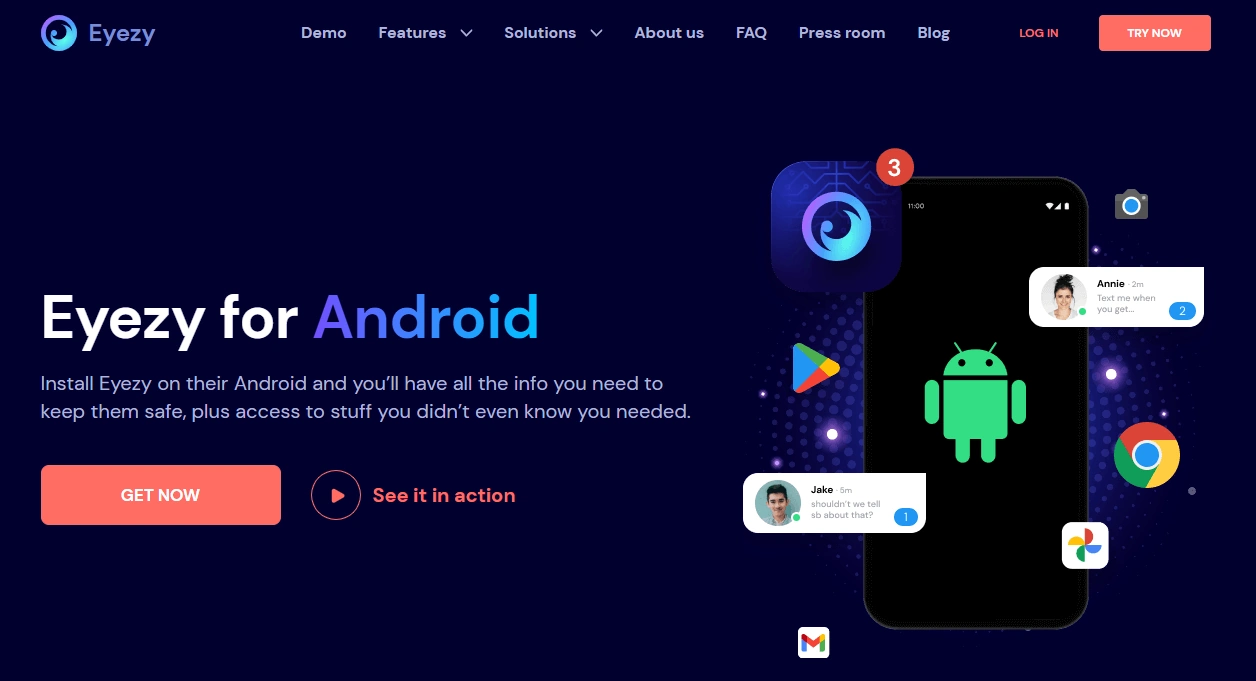
Description
Eyezy is a parent-friendly Android monitoring option that prioritizes a clean dashboard and practical daily visibility. The biggest “real-world” factor is whether your Android phone model keeps the required permissions stable and allows background syncing without aggressive battery restrictions.
If you want the full setup flow (recommended), read: Eyezy for Android: Complete Review, Setup and Guide.
Product Highlights
- Clean, parent-friendly dashboard (easy daily review)
- Android-focused monitoring workflow (device dependent)
- Works best when Android background restrictions are configured properly
- Good fit for parents who want clarity over complexity
Performance (what to expect)
- Dashboard speed: typically fine — most delays are background-related, not “app speed.”
- Phone responsiveness: should remain normal on modern devices if configured correctly.
- Data freshness: depends heavily on whether Android lets it run reliably in the background.
Battery impact (realistic expectations)
Any monitoring app can increase battery usage because it relies on background activity and periodic syncing. The impact varies by device and how frequently data syncs. If battery becomes a problem, simplify your monitoring goals (track fewer things) and prioritize reliability over “every possible feature.”
Reliability (the deal-breaker)
Reliability is mostly about whether reporting continues after:
- overnight idle time
- a phone restart
- an Android security update
- Android battery optimization changes
What’s to like
- Very approachable dashboard for non-technical parents
- Strong “daily check-in” monitoring experience
- Good balance when you want practical visibility (not a power-user tool)
What’s not to like
- Reliability can vary across Android brands and OS builds
- Background restrictions can cause delayed or inconsistent data updates
- Not the best fit if you only need simple screen-time rules
PROS
- Clean, parent-friendly UI
- Good day-to-day monitoring experience when configured correctly
- Strong shortlist pick for parents who want clarity and simplicity
CONS
- Device-dependent reliability (Android battery optimization is the #1 risk)
- Some features may behave differently across phone models
- May be more than you need if your goal is only limits and routines
Ready to try Eyezy? Check the latest plans on the official website.
Who should choose Eyezy for Android?
- Parents who want a clean dashboard and consistent daily check-ins
- Families willing to do a proper setup (permissions + background stability)
- Situations where “reliability over extremes” is the goal
Who should skip Eyezy?
- If you only want screen time + basic rules (start with a simpler parental-control approach)
- If your phone model is extremely aggressive with background restrictions and you can’t keep permissions stable
- If your primary concern is social-heavy monitoring — compare with uMobix first
If your goal is parenting and long-term trust (not micromanagement), this framework helps: How to Choose the Right Monitoring App for Your Family.
Legal & privacy note
Monitoring rules vary by country, device ownership, and consent. In general, it’s safest to use monitoring tools only on a device you own or manage (for example, your child’s phone under your care) and to follow local privacy laws.
Read this first: Legal Phone Tracking: What’s Allowed and What’s Not.
FAQ
Does Eyezy drain battery on Android?
It can increase battery usage because it relies on background activity and periodic syncing. The impact varies by device model and Android background restrictions. A 24-hour test is the best way to judge your exact phone.
Why is Eyezy reliability different on different Android phones?
Android brands handle background activity differently (battery optimization, permission controls, and process limits). That’s why the same setup can behave differently on a Pixel vs Samsung vs other Android builds.
How can I test Eyezy reliability quickly?
Do a structured test: set it up, verify data freshness for a few hours, then restart the phone and check it again after overnight idle time. Most reliability issues show up during idle periods.
Is Eyezy better than mSpy or uMobix on Android?
Eyezy is often chosen for its clean dashboard and daily usability. mSpy is usually a stronger all-round option, while uMobix is often shortlisted when social/messaging apps are the main concern. Compare them here: mSpy vs uMobix vs Eyezy.
Is Eyezy legal for parents to use?
Legality depends on where you live and who owns/manages the device. In general, parents/guardians should monitor only devices they own or manage, and follow local privacy laws. Read: Legal Phone Tracking.